
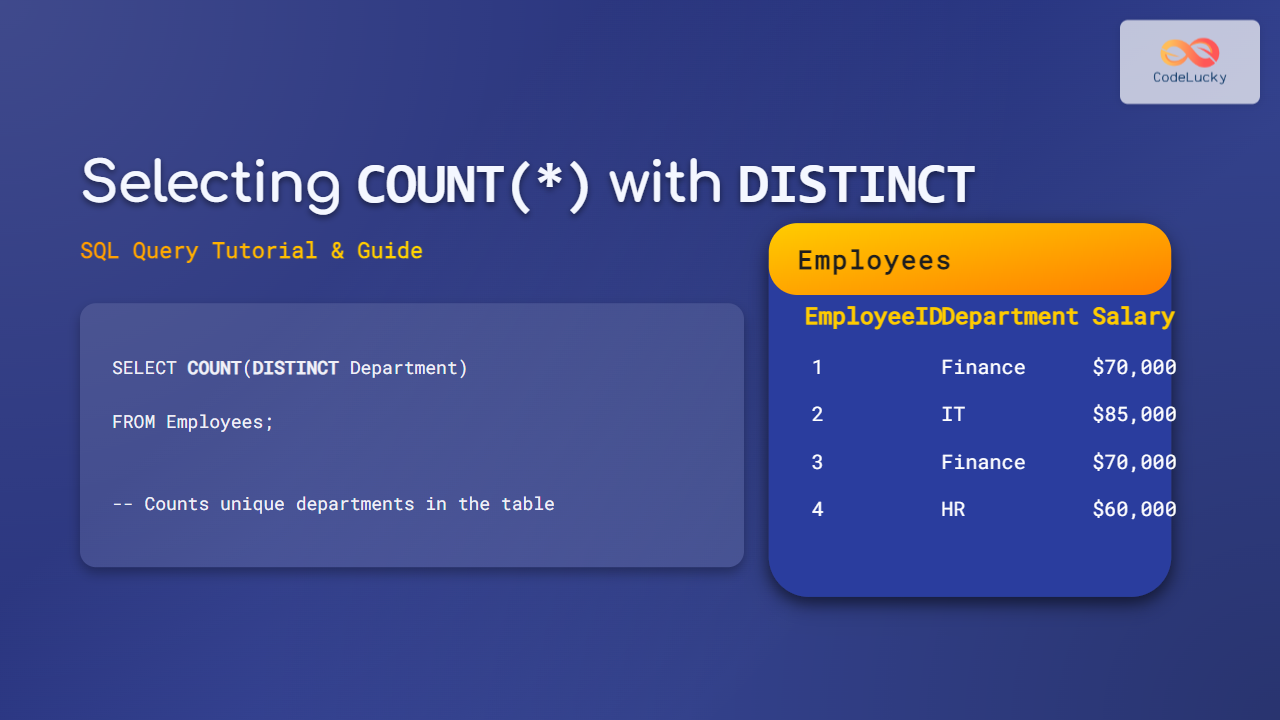
When working with databases, counting rows accurately is a common task, but it can get tricky when you want to count unique records rather than just raw rows. This comprehensive tutorial on Selecting COUNT(*) with DISTINCT in SQL will help you understand the nuances, syntax, and practical use of these functions combined to get precise results.
Understanding COUNT() and DISTINCT in SQL
The COUNT() function in SQL is used to count the number of rows returned by a query. However, sometimes you need to count distinct or unique values within a column or a set of columns, which is where DISTINCT comes in.
COUNT(*) counts all rows, COUNT(column_name) counts non-null values in that column, and COUNT(DISTINCT column_name) counts unique non-null values in that column.
Syntax of COUNT(*) with DISTINCT
Using DISTINCT inside the COUNT() function counts unique values of a column or a combination of columns.
SELECT COUNT(DISTINCT column_name) FROM table_name;You can also count distinct combinations of multiple columns by specifying them inside DISTINCT():
SELECT COUNT(DISTINCT column1, column2) FROM table_name;Note: Counting distinct on multiple columns works differently across SQL databases. Some databases require concatenation or other techniques instead.
Practical Examples with Visual Outputs
Let’s consider a sample Employees table:
| EmployeeID | Department | Salary |
|---|---|---|
| 1 | Finance | 70000 |
| 2 | IT | 85000 |
| 3 | Finance | 70000 |
| 4 | HR | 60000 |
| 5 | IT | 85000 |
| 6 | Marketing | 50000 |
Example 1: Counting all employees
SELECT COUNT(*) AS TotalEmployees FROM Employees;Output:
| TotalEmployees |
|---|
| 6 |
Example 2: Counting distinct departments
SELECT COUNT(DISTINCT Department) AS UniqueDepartments FROM Employees;Output:
| UniqueDepartments |
|---|
| 4 |
Example 3: Counting distinct salary values
SELECT COUNT(DISTINCT Salary) AS UniqueSalaries FROM Employees;Output:
| UniqueSalaries |
|---|
| 4 |
Example 4: Counting distinct combinations of Department and Salary
SELECT COUNT(DISTINCT Department || '-' || Salary) AS UniqueDeptSalaryCombos FROM Employees;Note: The concatenation operator varies by SQL database. For example, in MySQL use CONCAT(), in PostgreSQL use ||.
Output:
| UniqueDeptSalaryCombos |
|---|
| 5 |
Important Notes and Best Practices
- NULL values: COUNT(DISTINCT) ignores NULLs, so they are not counted.
- Multiple columns: Some databases don’t support
COUNT(DISTINCT col1, col2)syntax directly. Instead, use concatenation or subqueries. - Performance: COUNT(DISTINCT) can be slower on large datasets because of distinct value computations.
- Alternative Approaches: Use GROUP BY and COUNT for more complex uniqueness analysis.
Interactive SQL Query Simulation
Try modifying and running these queries interactively in your favorite SQL environment to see how COUNT and DISTINCT behave in different scenarios.
-- Counting unique departments
SELECT COUNT(DISTINCT Department) FROM Employees;

-- Counting unique salary and department combos (concatenation for your DBMS)
SELECT COUNT(DISTINCT Department || '-' || Salary) FROM Employees;
Summary
Using COUNT(*) with DISTINCT in SQL allows granular counting of unique values or unique value combinations in your tables, enhancing query precision and reporting accuracy. Always consider the SQL dialect and data characteristics for best results.
This tutorial provided detailed explanations, code examples, visual outputs, and diagrams to clarify this essential SQL concept.





