
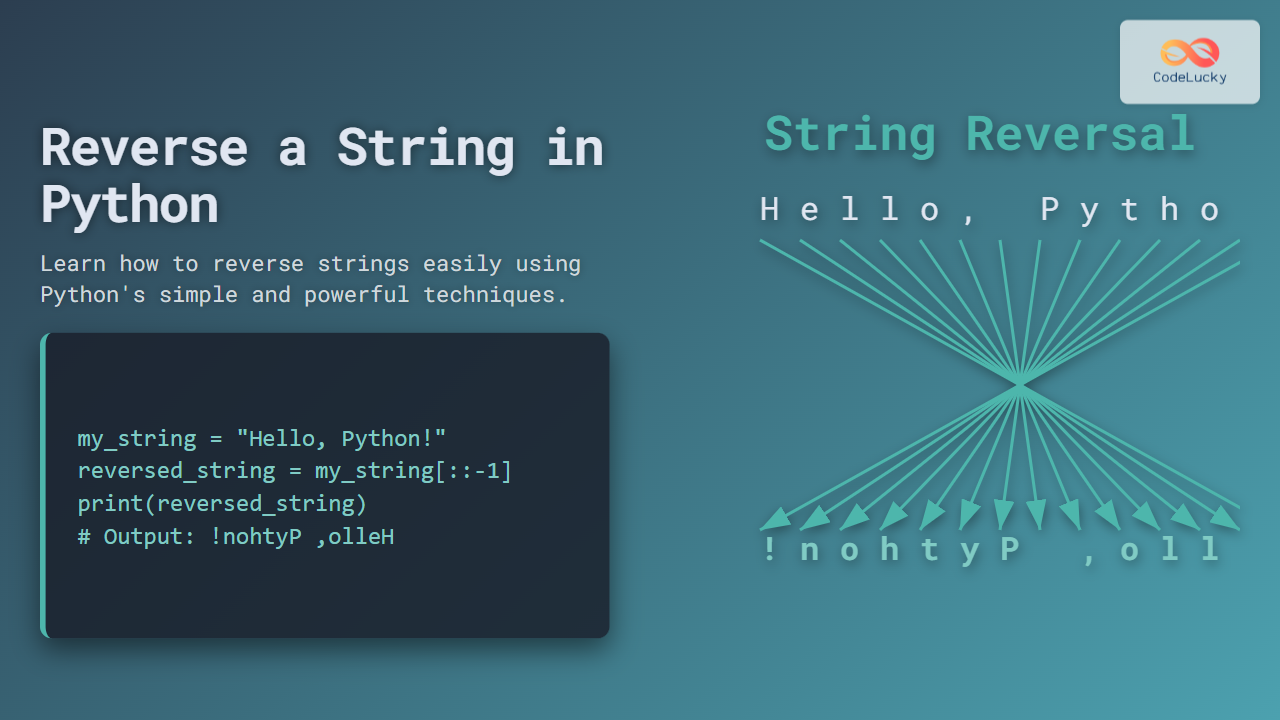
Introduction to String Reversal in Python
Reversing a string is a common programming task that is often asked in coding interviews, tutorials, and daily Python development. Python offers several straightforward ways to reverse a string efficiently. This article will dive into various methods to reverse a string in Python, ranging from simple slicing to using loops and built-in functions, with clear examples and visual explanations to help beginners and seasoned programmers alike.
Why Reverse a String?
Reversing strings can help in:
- Checking palindromes
- Data encoding and decoding
- Manipulating text data
- Algorithm challenges and interview questions
Method 1: Using String Slicing
Python’s string slicing is the most Pythonic and concise way to reverse a string. The syntax for slicing uses the start:stop:step format.
Example:
my_string = "Python"
reversed_string = my_string[::-1]
print(reversed_string)  # Output: nohtyP
How this works:
The step -1 tells Python to start from the end towards the beginning, effectively reversing the string.
Method 2: Using the reversed() Function
The built-in reversed() function returns an iterator that accesses the characters in the string in reverse order.
To convert the iterator into a string, use the join() method.
Example:
my_string = "Python"
reversed_string = ''.join(reversed(my_string))
print(reversed_string)  # Output: nohtyP
Visual explanation with Mermaid:
Method 3: Using a Loop to Reverse a String
This method demonstrates a manual string reversal by building a new string character by character from the end.
Example:
my_string = "Python"
reversed_string = ""
for char in my_string:
    reversed_string = char + reversed_string
print(reversed_string)  # Output: nohtyP
How it works:
Each new character is added before the current reversed string, effectively pushing the string backward.
Method 4: Using Recursion
Recursion can also reverse strings by calling the function repeatedly until the string is empty.
Example:
def reverse_string(s):
    if len(s) == 0:
        return s
    else:
        return reverse_string(s[1:]) + s[0]

result = reverse_string("Python")
print(result)  # Output: nohtyP
Visualizing recursion:
Method 5: Using Stack Data Structure (List)
A stack follows Last In First Out (LIFO) principle, making it a handy way to reverse a string.
Example:
my_string = "Python"
stack = list(my_string)
reversed_string = ""

while stack:
    reversed_string += stack.pop()

print(reversed_string)  # Output: nohtyP
Summary Table of Methods
| Method | Complexity | Description | Example Code Snippet |
|---|---|---|---|
| String Slicing | O(n) | Shortest, simplest syntax | my_string[::-1] |
| reversed() Function | O(n) | Uses built-in iterator and join | ''.join(reversed(my_string)) |
| Loop | O(n²) due to string concatenation complexity in some implementations | Manual string construction | For loop adding chars |
| Recursion | O(n²) | Conceptually illustrative but less efficient | Recursive function calls |
| Stack | O(n) | Uses list as a stack to pop characters | Pop from list until empty |
Interactive Python Example
Try running this snippet in a Python environment or an online Python interpreter to see string reversal live:
def interactive_reverse():
    s = input("Enter a string to reverse: ")
    print("Reversed:", s[::-1])

interactive_reverse()
Conclusion
Reversing a string in Python is straightforward with many options available from the shorthand slicing technique to more illustrative methods like recursion and stacks. For most practical purposes, slicing or reversed() with join() are recommended due to their simplicity and speed. Experimenting with all these methods will deepen understanding of Python strings and help tackle related programming challenges.
Mastering these approaches also improves fundamental Python skills like iteration, recursion, and data structure usage, essential for any programmer’s toolkit.





