The Quick Sort algorithm is one of the most popular and efficient sorting algorithms used across computer science. It is a divide-and-conquer algorithm that sorts elements by recursively partitioning arrays around a pivot element. Its efficiency, simplicity, and in-place sorting capability make it a top choice even in large-scale software systems.
This article provides a deep dive into Quick Sort, including its working mechanism, step-by-step breakdown, Python implementations, visual diagrams, and analysis of its complexity. If you’re looking to fully understand Quick Sort, this is your ultimate guide.
What is Quick Sort?
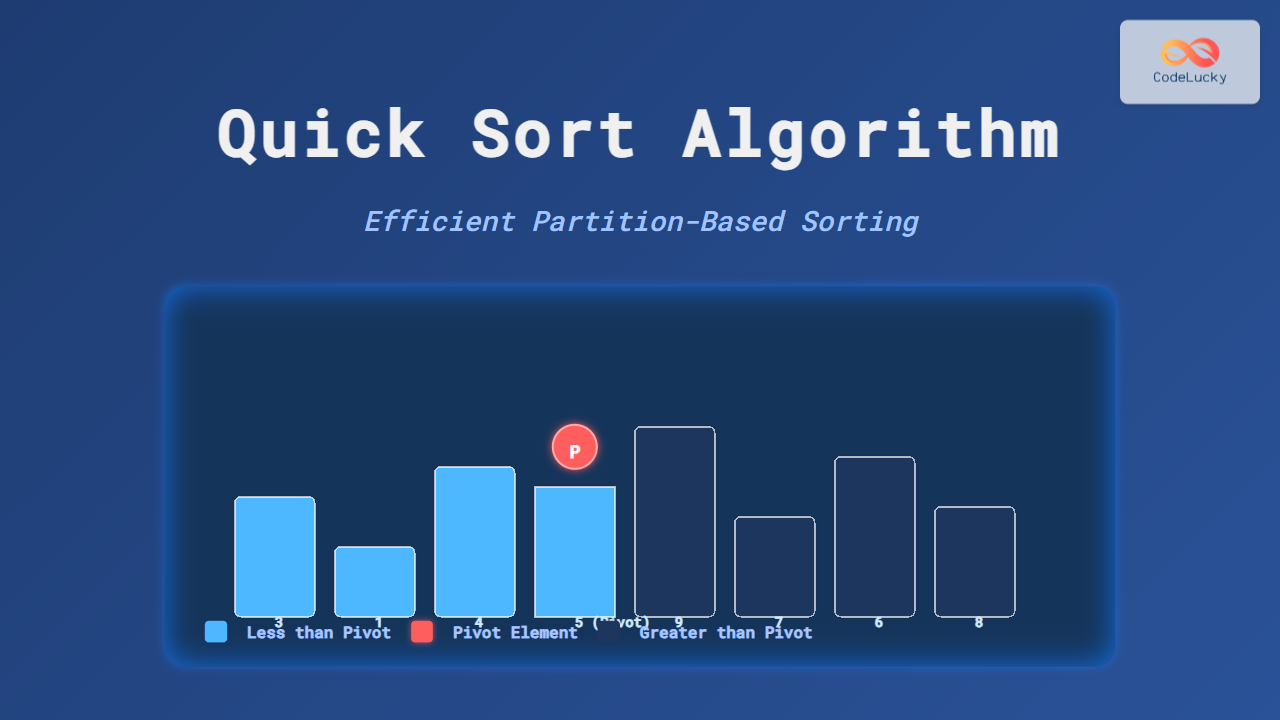
Quick Sort works by selecting a pivot element and rearranging the array such that:
- All elements less than the pivot go to its left.
- All elements greater than the pivot go to its right.
After partitioning, the algorithm recursively applies the same logic to the left and right subarrays until the whole array is sorted.

Step-by-Step Example of Quick Sort
Consider the array: [9, 3, 7, 1, 5]
- Choose the pivot (e.g.,
5). - Partition into:
[3, 1]<5and[9, 7]>5. - Recursively sort
[3, 1]→ sorted result[1, 3]. - Recursively sort
[9, 7]→ sorted result[7, 9]. - Combine:
[1, 3] + [5] + [7, 9]→[1, 3, 5, 7, 9].

Python Implementation of Quick Sort
def quick_sort(arr):
    if len(arr) <= 1:
        return arr
    pivot = arr[len(arr) // 2]  # choose middle as pivot
    left = [x for x in arr if x < pivot]
    middle = [x for x in arr if x == pivot]
    right = [x for x in arr if x > pivot]
    return quick_sort(left) + middle + quick_sort(right)

data = [9, 3, 7, 1, 5]
print("Original:", data)
print("Sorted:", quick_sort(data))
Output:
Original: [9, 3, 7, 1, 5]
Sorted: [1, 3, 5, 7, 9]
Quick Sort In-Place Partitioning
The above implementation creates multiple sub-arrays, which uses more memory. To truly harness Quick Sort’s power, we implement in-place partitioning where the array is rearranged without using additional storage.
def partition(arr, low, high):
    pivot = arr[high]
    i = low - 1
    for j in range(low, high):
        if arr[j] <= pivot:
            i += 1
            arr[i], arr[j] = arr[j], arr[i]
    arr[i + 1], arr[high] = arr[high], arr[i + 1]
    return i + 1

def quick_sort_inplace(arr, low, high):
    if low < high:
        pi = partition(arr, low, high)
        quick_sort_inplace(arr, low, pi - 1)
        quick_sort_inplace(arr, pi + 1, high)

data = [9, 3, 7, 1, 5]
quick_sort_inplace(data, 0, len(data) - 1)
print("Sorted:", data)
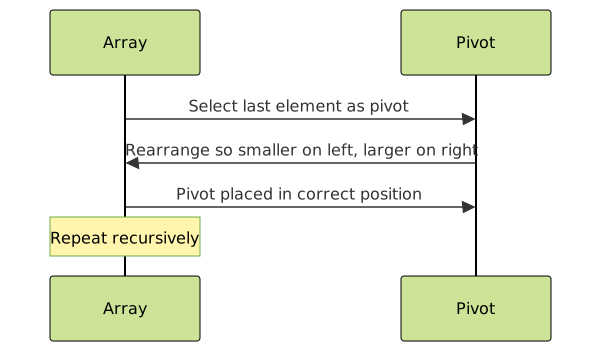
Visualizing Partitioning in Quick Sort
Partitioning is the heart of Quick Sort. Let’s visualize how the pivot divides the list into two halves:
Performance Analysis
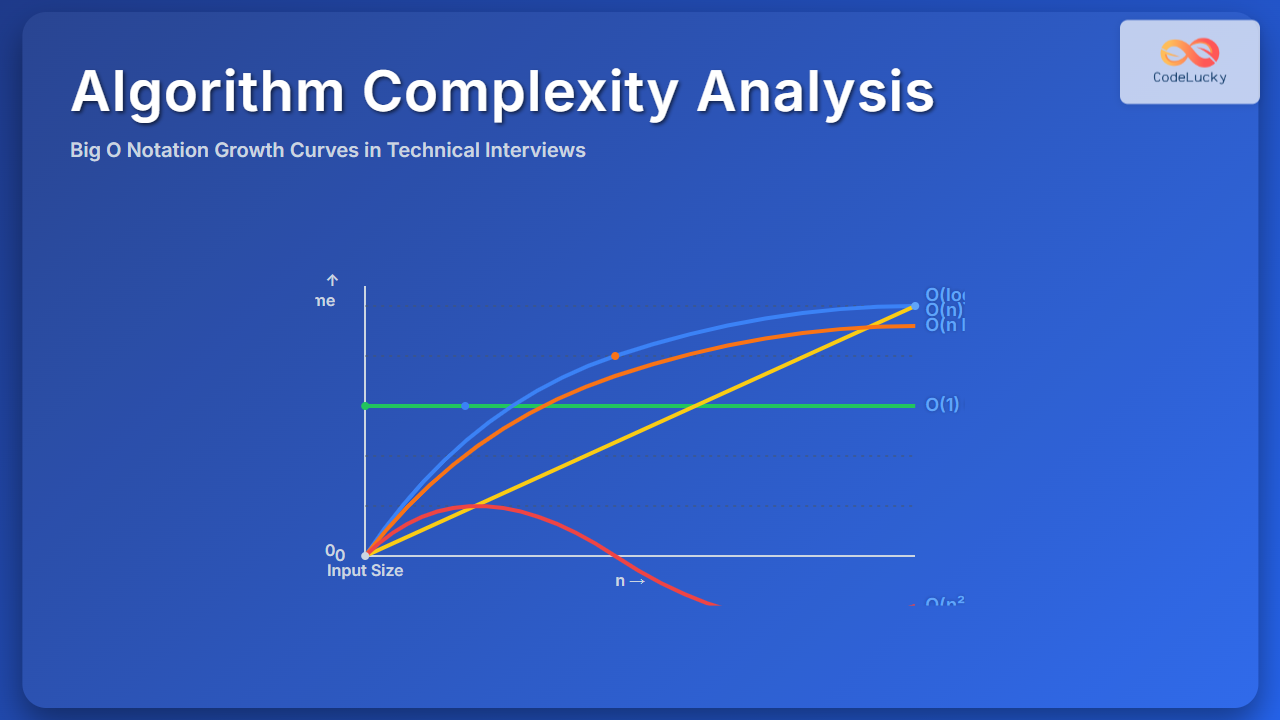
The runtime efficiency of Quick Sort depends on the selection of pivot:
- Best Case: O(n log n) → pivot always divides array evenly.
- Average Case: O(n log n) → typical performance with random pivots.
- Worst Case: O(n²) → pivot always smallest or largest, producing unbalanced partitions.
Space Complexity: O(log n) (due to recursive stack frames in in-place implementation).
Advantages of Quick Sort
- Very fast for large datasets.
- In-place version requires minimal extra memory.
- Divide-and-conquer nature makes it elegant and efficient.
Limitations of Quick Sort
- Worst-case performance is O(n²).
- Not stable (may change order of equal elements).
- Recursive nature can lead to stack overflow in very deep recursion.
Interactive Example
You can try running this example in Python and observe step-by-step partitioning by printing values in each recursive call:
def quick_sort_debug(arr, depth=0):
    indent = "  " * depth
    if len(arr) <= 1:
        print(f"{indent}Returning {arr}")
        return arr
    pivot = arr[len(arr)//2]
    left = [x for x in arr if x < pivot]
    middle = [x for x in arr if x == pivot]
    right = [x for x in arr if x > pivot]
    print(f"{indent}Pivot {pivot} -> Left {left}, Middle {middle}, Right {right}")
    return quick_sort_debug(left, depth+1) + middle + quick_sort_debug(right, depth+1)

print(quick_sort_debug([9, 3, 7, 1, 5]))
Conclusion
The Quick Sort algorithm remains one of the most efficient sorting algorithms due to its divide-and-conquer approach and ability to perform in-place sorting. While care must be taken with pivot selection, its O(n log n) average-case complexity makes it the default choice in many programming libraries and real-world applications.
If you’re building systems requiring fast and efficient sorting, understanding Quick Sort is essential. Experiment with different pivot strategies and visualize partitioning to gain intuitive mastery over this algorithm.