
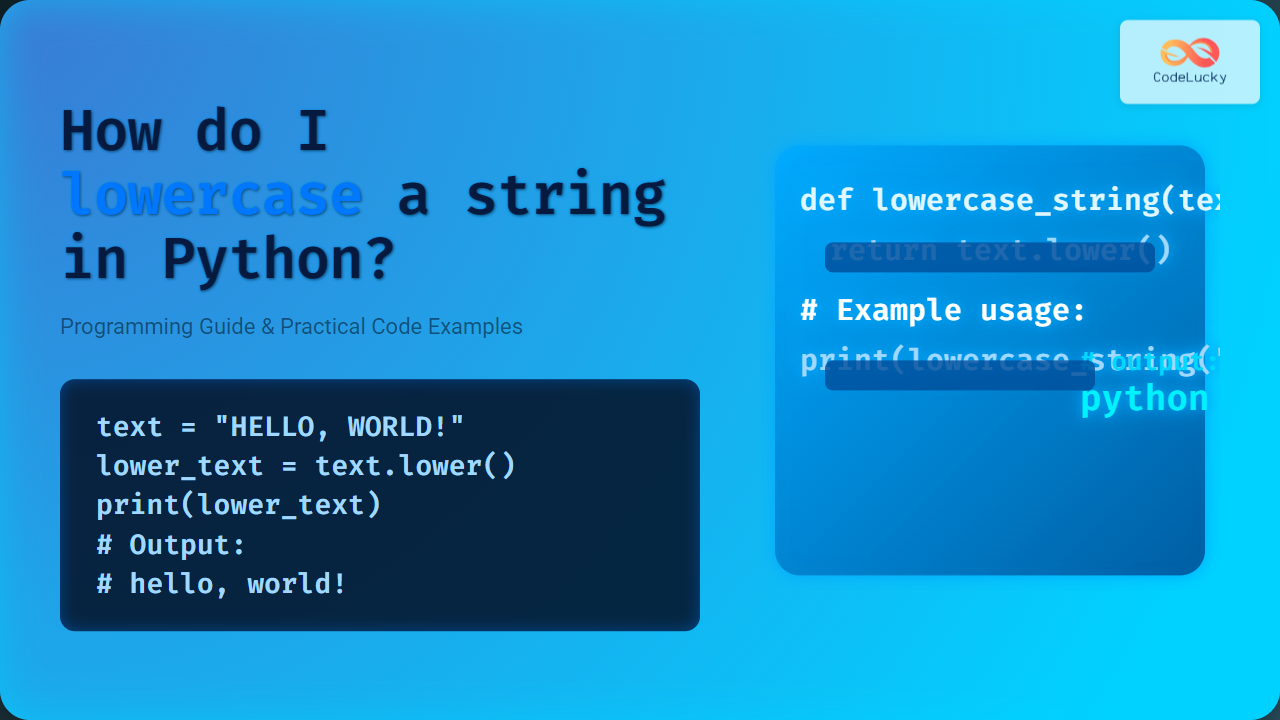
When working with text data in Python, converting strings to lowercase is a common and essential task. Whether you’re standardizing user input, performing case-insensitive comparisons, or preparing data for analysis, knowing how to efficiently lowercase a string in Python is fundamental. This detailed guide covers everything about how to lowercase a string in Python, including practical code examples, output visuals, and useful tips for beginners and pros alike.
What Does Lowercasing a String Mean?
Lowercasing a string means transforming all the uppercase alphabetic characters (A-Z) in the string into their lowercase counterparts (a-z). For example, converting "Hello World" to "hello world". This is especially useful in programming scenarios where case uniformity is required.
How to Lowercase a String in Python
Python provides a built-in string method called lower(), which returns a new string with all uppercase letters converted to lowercase.
Syntax
string.lower()Here, string is any valid Python string. The method does not alter the original string but returns a new one.
Simple Example
text = "HELLO, CodeLucky!"
lower_text = text.lower()
print(lower_text)
Output:
hello, codelucky!
Detailed Examples
Example 1: Lowercase a User Input
user_input = "Python Is AWESOME"
print("Before lowercase:", user_input)
print("After lowercase:", user_input.lower())
Output:
Before lowercase: Python Is AWESOME
After lowercase: python is awesome
Example 2: Lowercase for Case-Insensitive Comparison
input1 = "DataScience"
input2 = "datascience"

if input1.lower() == input2.lower():
    print("Both inputs are equal ignoring case.")
else:
    print("Inputs are different.")
Output:
Both inputs are equal ignoring case.
Why Use lower() Method?
- Standardization: Useful in data preprocessing to treat uppercase and lowercase letters uniformly.
- Case-Insensitive Matches: Allows comparison without worrying about case differences.
- Simplicity: Easy and concise built-in function available in standard Python.
Common Pitfalls and Considerations
- The
lower()method only affects alphabetic characters; numbers, symbols, and whitespace remain unchanged. - It does not modify the original string since strings in Python are immutable. Always assign or use the returned value.
- Unicode and locale-specific characters are handled according to Python’s Unicode standard, which works correctly for most common languages.
Interactive Example in Python
Try this small interactive snippet in any Python environment or Jupyter notebook:
def to_lowercase():
    s = input("Enter a string to lowercase: ")
    print("Lowercase version:", s.lower())

to_lowercase()
Visual Workflow: How lower() Works Internally
Alternative Methods
While lower() is the recommended and simplest method, here are a few alternatives:
- Using
casefold(): More aggressive thanlower(), helpful for certain Unicode text case conversions. - Mapping characters manually: Using
str.translate()with a conversion table, but usually overkill.
Example: Using casefold()
text = "Straße"
print(text.lower())    # Output: straße
print(text.casefold()) # Output: strasse
Summary
To lowercase a string in Python effectively, use the built-in lower() method which is straightforward, efficient, and handles standard ASCII and Unicode alphabets well. For most purposes, this method will cover string lowercase needs, whether for data normalization, case-insensitive checks, or UI formatting.
Understanding these concepts and examples helps write clean, bug-free code when dealing with strings in Python.





