
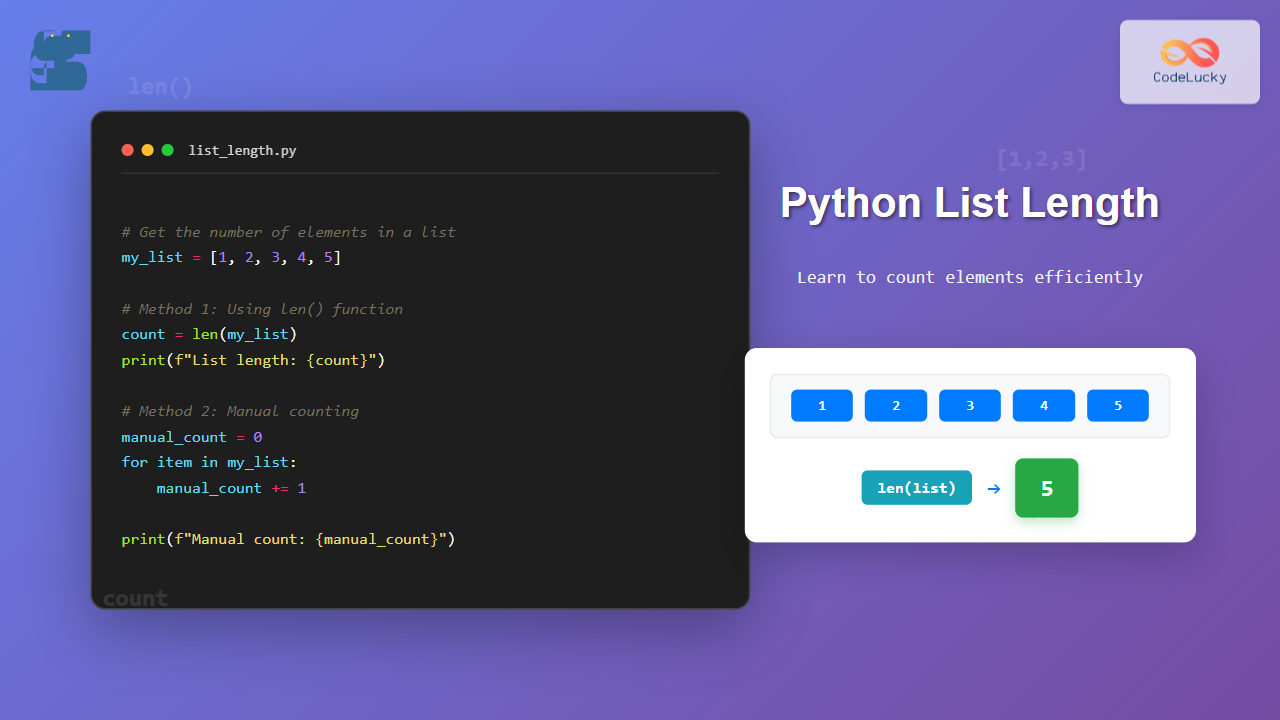
Getting the number of elements in a Python list is one of the most fundamental operations you’ll perform as a Python developer. Whether you’re a beginner learning the basics or an experienced programmer looking for efficient methods, this comprehensive guide covers everything you need to know about counting list elements.
The Primary Method: Using len() Function
The most common and efficient way to get the number of elements in a Python list is using the built-in len() function. This method works with any sequence type in Python and has O(1) time complexity, making it extremely fast regardless of list size.
Basic Syntax and Example
# Creating sample lists
numbers = [1, 2, 3, 4, 5]
fruits = ['apple', 'banana', 'orange', 'grape']
empty_list = []
mixed_list = [1, 'hello', 3.14, True, [1, 2, 3]]

# Getting the length using len()
print(f"Numbers list length: {len(numbers)}")
print(f"Fruits list length: {len(fruits)}")
print(f"Empty list length: {len(empty_list)}")
print(f"Mixed list length: {len(mixed_list)}")
Output:
Numbers list length: 5
Fruits list length: 4
Empty list length: 0
Mixed list length: 5
Alternative Methods to Count List Elements
While len() is the preferred method, there are several alternative approaches that can be useful in specific scenarios or for educational purposes.
Method 1: Using a For Loop Counter
This manual counting approach helps understand how length calculation works internally and can be useful when you need to count elements based on specific conditions.
def count_elements_manual(lst):
    """Count elements using a manual counter"""
    count = 0
    for item in lst:
        count += 1
    return count

# Example usage
sample_list = ['a', 'b', 'c', 'd', 'e']
manual_count = count_elements_manual(sample_list)
print(f"Manual count: {manual_count}")
print(f"Using len(): {len(sample_list)}")
Output:
Manual count: 5
Using len(): 5
Method 2: Using sum() with Generator Expression
This method uses a generator expression with sum() to count elements. It’s more of a programming exercise than a practical solution.
def count_with_sum(lst):
    """Count elements using sum() and generator expression"""
    return sum(1 for _ in lst)

# Example usage
colors = ['red', 'green', 'blue', 'yellow']
sum_count = count_with_sum(colors)
print(f"Count using sum(): {sum_count}")
Output:
Count using sum(): 4
Method 3: Using reduce() from functools
The reduce() function can also be used for counting, though it’s overkill for this simple task.
from functools import reduce

def count_with_reduce(lst):
    """Count elements using reduce()"""
    if not lst:
        return 0
    return reduce(lambda acc, x: acc + 1, lst, 0)

# Example usage
animals = ['cat', 'dog', 'bird', 'fish']
reduce_count = count_with_reduce(animals)
print(f"Count using reduce(): {reduce_count}")
Output:
Count using reduce(): 4
Performance Comparison of Different Methods
Understanding the performance implications of different counting methods is crucial for writing efficient code, especially when dealing with large datasets.
Benchmarking Example
import time
from functools import reduce

def benchmark_methods():
    """Compare performance of different counting methods"""
    # Create a large list for testing
    large_list = list(range(100000))

    methods = {
        'len()': lambda lst: len(lst),
        'manual_loop': lambda lst: sum(1 for _ in lst),
        'reduce()': lambda lst: reduce(lambda acc, x: acc + 1, lst, 0)
    }

    results = {}

    for name, method in methods.items():
        start_time = time.time()
        result = method(large_list)
        end_time = time.time()
        results[name] = {
            'time': end_time - start_time,
            'result': result
        }

    return results

# Run benchmark
benchmark_results = benchmark_methods()
for method, data in benchmark_results.items():
    print(f"{method}: {data['result']} elements in {data['time']:.6f} seconds")
Counting Elements with Conditions
Sometimes you need to count elements that meet specific criteria rather than counting all elements in a list.
Counting Elements Based on Conditions
# Sample data
scores = [85, 92, 78, 96, 88, 73, 91, 82]
names = ['Alice', 'Bob', 'Charlie', 'Diana', 'Eve']

# Count elements meeting specific conditions
high_scores = len([score for score in scores if score >= 90])
long_names = len([name for name in names if len(name) > 4])

print(f"Scores 90 and above: {high_scores}")
print(f"Names longer than 4 characters: {long_names}")

# Using sum() for conditional counting
even_numbers = [2, 4, 6, 8, 10, 1, 3, 5, 7, 9]
even_count = sum(1 for num in even_numbers if num % 2 == 0)
print(f"Even numbers count: {even_count}")
Output:
Scores 90 and above: 3
Names longer than 4 characters: 3
Even numbers count: 5
Working with Nested Lists
When dealing with nested lists, understanding how to count elements at different levels becomes important.
Counting at Different Levels
def count_nested_elements(nested_list):
    """Count elements at different levels of a nested list"""
    outer_count = len(nested_list)
    inner_counts = [len(sublist) if isinstance(sublist, list) else 1
                   for sublist in nested_list]
    total_elements = sum(inner_counts)

    return {
        'outer_level': outer_count,
        'inner_counts': inner_counts,
        'total_elements': total_elements
    }

# Example with nested lists
matrix = [
    [1, 2, 3],
    [4, 5],
    [6, 7, 8, 9],
    [10]
]

results = count_nested_elements(matrix)
print(f"Outer level count: {results['outer_level']}")
print(f"Inner level counts: {results['inner_counts']}")
print(f"Total elements: {results['total_elements']}")

# Count elements recursively for deeply nested structures
def count_recursive(lst):
    """Recursively count all elements in deeply nested lists"""
    count = 0
    for item in lst:
        if isinstance(item, list):
            count += count_recursive(item)
        else:
            count += 1
    return count

deep_nested = [[1, 2], [3, [4, 5]], [[6, [7, 8]], 9]]
recursive_count = count_recursive(deep_nested)
print(f"Recursive count: {recursive_count}")
Output:
Outer level count: 4
Inner level counts: [3, 2, 4, 1]
Total elements: 10
Recursive count: 9
Common Use Cases and Practical Examples
Validating List Lengths
def validate_list_requirements(data_list, min_length=1, max_length=100):
    """Validate if a list meets length requirements"""
    length = len(data_list)

    if length < min_length:
        return False, f"List too short: {length} < {min_length}"
    elif length > max_length:
        return False, f"List too long: {length} > {max_length}"
    else:
        return True, f"List length valid: {length}"

# Example usage
test_cases = [
    [],
    [1, 2, 3],
    list(range(150))
]

for i, test_list in enumerate(test_cases, 1):
    is_valid, message = validate_list_requirements(test_list)
    print(f"Test case {i}: {message}")
Dynamic List Processing
def process_list_dynamically(data):
    """Process list differently based on its length"""
    length = len(data)

    if length == 0:
        return "Empty list - nothing to process"
    elif length == 1:
        return f"Single element: {data[0]}"
    elif length <= 5:
        return f"Small list ({length} elements): {data}"
    else:
        return f"Large list ({length} elements): showing first 3 and last 3: {data[:3]} ... {data[-3:]}"

# Example usage
test_lists = [
    [],
    [42],
    [1, 2, 3, 4],
    list(range(1, 21))
]

for lst in test_lists:
    result = process_list_dynamically(lst)
    print(result)
Output:
Empty list - nothing to process
Single element: 42
Small list (4 elements): [1, 2, 3, 4]
Large list (20 elements): showing first 3 and last 3: [1, 2, 3] ... [18, 19, 20]
Error Handling and Edge Cases
When working with list lengths, it’s important to handle potential errors and edge cases properly.

Safe Length Calculation Function
def safe_list_length(obj):
    """Safely calculate list length with error handling"""
    try:
        if obj is None:
            return 0, "Input is None"

        if not hasattr(obj, '__len__'):
            return None, f"Object of type {type(obj).__name__} has no length"

        length = len(obj)
        return length, "Success"

    except Exception as e:
        return None, f"Error calculating length: {str(e)}"

# Test different inputs
test_inputs = [
    [1, 2, 3, 4, 5],          # Normal list
    [],                        # Empty list
    "hello",                   # String (has length)
    42,                        # Integer (no length)
    None,                      # None value
    {'a': 1, 'b': 2}          # Dictionary (has length)
]

for input_val in test_inputs:
    length, message = safe_list_length(input_val)
    print(f"Input: {input_val} -> Length: {length}, Message: {message}")
Memory Efficiency Considerations
Understanding memory usage when counting elements is important for large-scale applications.
Memory-Efficient Counting for Large Datasets
import sys

def memory_efficient_count(iterable):
    """Count elements without storing them all in memory"""
    count = 0
    for _ in iterable:
        count += 1
    return count

# Compare memory usage
def compare_memory_usage():
    """Compare memory usage of different approaches"""

    # Method 1: Create full list then count
    def method1(n):
        full_list = list(range(n))
        return len(full_list)

    # Method 2: Count without storing all elements
    def method2(n):
        return memory_efficient_count(range(n))

    n = 1000000

    print(f"Method 1 (store then count): {method1(n)} elements")
    print(f"Method 2 (count directly): {method2(n)} elements")

    # Memory usage comparison would show Method 2 uses less memory
    print("Method 2 is more memory efficient for large datasets")

compare_memory_usage()
Best Practices and Tips
Performance Tips:
- Always use
len()for simple list length calculations – it’s optimized and fastest - Avoid manual loops unless you need conditional counting
- Cache length values if you’re accessing them multiple times in loops
- Use generator expressions for memory-efficient conditional counting
Code Quality Tips:
- Handle edge cases like empty lists and None values
- Use descriptive variable names when storing length values
- Add type hints for better code documentation
- Write unit tests for functions that depend on list lengths
Production-Ready Example
from typing import List, Union, Any

def get_list_stats(data: List[Any]) -> dict:
    """
    Get comprehensive statistics about a list including length.

    Args:
        data: The list to analyze

    Returns:
        Dictionary containing list statistics
    """
    if not isinstance(data, list):
        raise TypeError(f"Expected list, got {type(data).__name__}")

    length = len(data)

    stats = {
        'length': length,
        'is_empty': length == 0,
        'has_duplicates': length != len(set(data)) if data else False,
        'memory_size_bytes': sys.getsizeof(data)
    }

    if length > 0:
        stats.update({
            'first_element': data[0],
            'last_element': data[-1],
            'unique_count': len(set(data))
        })

    return stats

# Example usage
sample_data = [1, 2, 3, 2, 4, 5, 1]
statistics = get_list_stats(sample_data)

print("List Statistics:")
for key, value in statistics.items():
    print(f"  {key}: {value}")
Output:
List Statistics:
  length: 7
  is_empty: False
  has_duplicates: True
  memory_size_bytes: 120
  first_element: 1
  last_element: 1
  unique_count: 5
Conclusion
Getting the number of elements in a Python list is a fundamental skill that every Python developer should master. While the len() function is the standard and most efficient method, understanding alternative approaches and their use cases will make you a more versatile programmer.
Remember that len() provides O(1) time complexity, making it the best choice for simple counting operations. Use alternative methods like conditional counting with generator expressions when you need to count elements based on specific criteria.
By following the best practices and handling edge cases properly, you can write robust, efficient code that handles list length operations reliably in any Python application.





