
Accessing command line arguments in Python is a fundamental skill for creating flexible and interactive scripts. This article dives deep into how Python programs receive inputs from the command line, explaining the built-in modules and techniques to handle arguments efficiently. It is designed to help beginners and intermediate programmers master command line argument usage in Python with detailed examples, visualizations, and practical tips.
What Are Command Line Arguments in Python?
Command line arguments are the inputs provided to a Python script when it is executed from a terminal or command prompt. These arguments enable users to pass data or options dynamically to the program without modifying the code. For instance, executing python script.py arg1 arg2 passes two arguments (arg1 and arg2) to script.py.
Why Use Command Line Arguments?
- Flexibility: Modify program behavior without changing code.
- Automation: Enable scripts to work with varied inputs in batch jobs.
- User Interaction: Allow users to specify parameters easily.
- Integration: Facilitate integration in shell pipelines and other scripts.
Accessing Command Line Arguments using sys.argv
The simplest way to access command line arguments in Python is through the sys module, specifically the sys.argv list.
How sys.argv works:
sys.argvis a list in Python that contains the command line arguments passed to the script.- The first element
sys.argv[0]is always the script name (or path to the script). - Subsequent elements
sys.argv[1],sys.argv[2], etc., are the arguments passed by the user.
Example: Simple Argument Access
import sys

print("Script name:", sys.argv[0])
print("Number of arguments:", len(sys.argv) - 1)
print("Arguments:", sys.argv[1:])
Terminal run and output:
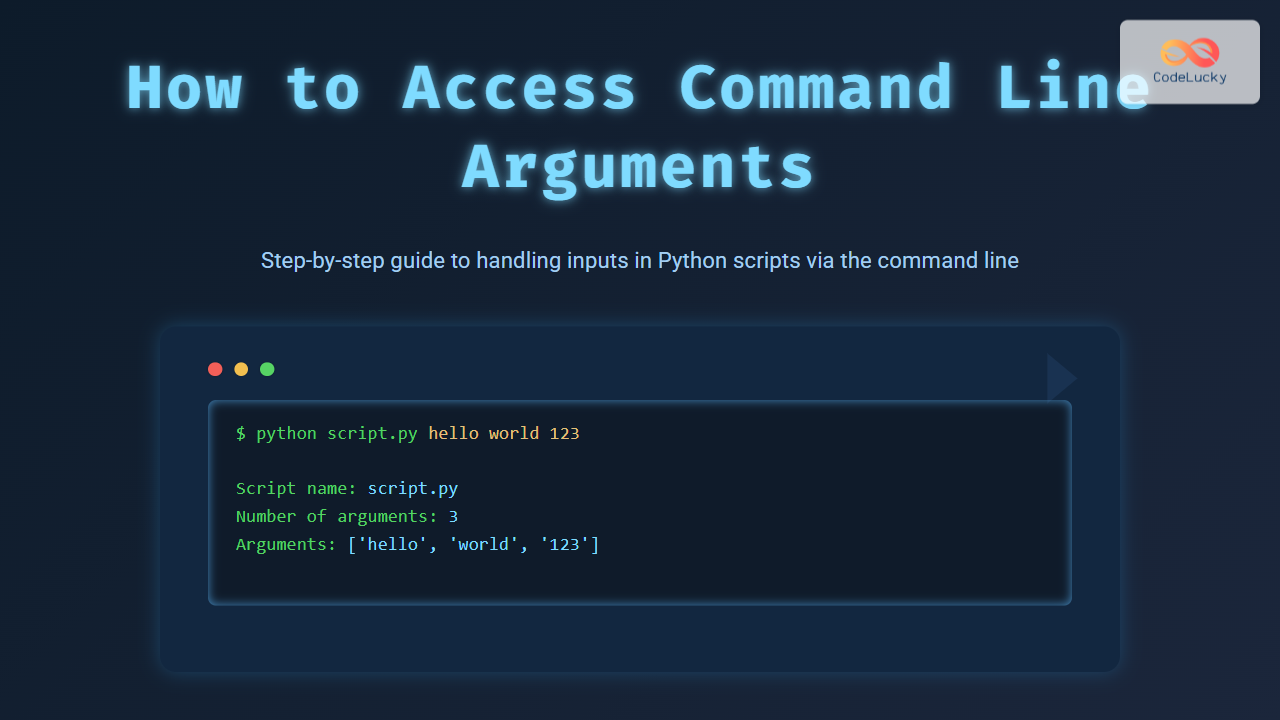
$ python script.py hello world 123
Script name: script.py
Number of arguments: 3
Arguments: ['hello', 'world', '123']
Parsing Command Line Arguments with argparse Module
For more complex argument handling including options, flags, and type checks, Python provides the argparse module. It allows descriptive argument parsing with built-in help message generation.
Basic argparse Usage
import argparse

parser = argparse.ArgumentParser(description='Process some integers.')
parser.add_argument('integers', metavar='N', type=int, nargs='+',
                    help='an integer for the accumulator')
parser.add_argument('--sum', dest='accumulate', action='store_const',
                    const=sum, default=max,
                    help='sum the integers (default: find the max)')

args = parser.parse_args()
print(args.accumulate(args.integers))
Run:
$ python script.py 1 2 3 4
4

$ python script.py 1 2 3 4 --sum
10
Tips for Using Command Line Arguments in Python
- Validate Input: Always validate and sanitize command line input to avoid runtime errors.
- Use Descriptive Names: For optional arguments, provide clear and descriptive flags, e.g.,
--verbose. - Help Messages: Use the built-in help features of
argparseto guide the user. - Default Values: Set defaults for optional arguments to keep scripts robust and user-friendly.
Interactive Example: Experiment with Your Command Line Arguments
The following code snippet can be run in a local environment. Save it as interactive_args.py and run with varied inputs to see changes dynamically.
import sys

def print_args():
    if len(sys.argv) > 1:
        for i, arg in enumerate(sys.argv[1:], start=1):
            print(f"Argument {i}: {arg}")
    else:
        print("No arguments provided.")

if __name__ == "__main__":
    print_args()
Try executing:
python interactive_args.py apple banana "hello world"Summary
Accessing command line arguments in Python is straightforward using the sys.argv list for simple scenarios and the argparse module for advanced parsing needs. Proper use of these tools elevates a script’s flexibility, usability, and professionalism. Experiment with the provided examples to gain hands-on experience and create robust Python CLI programs.





