
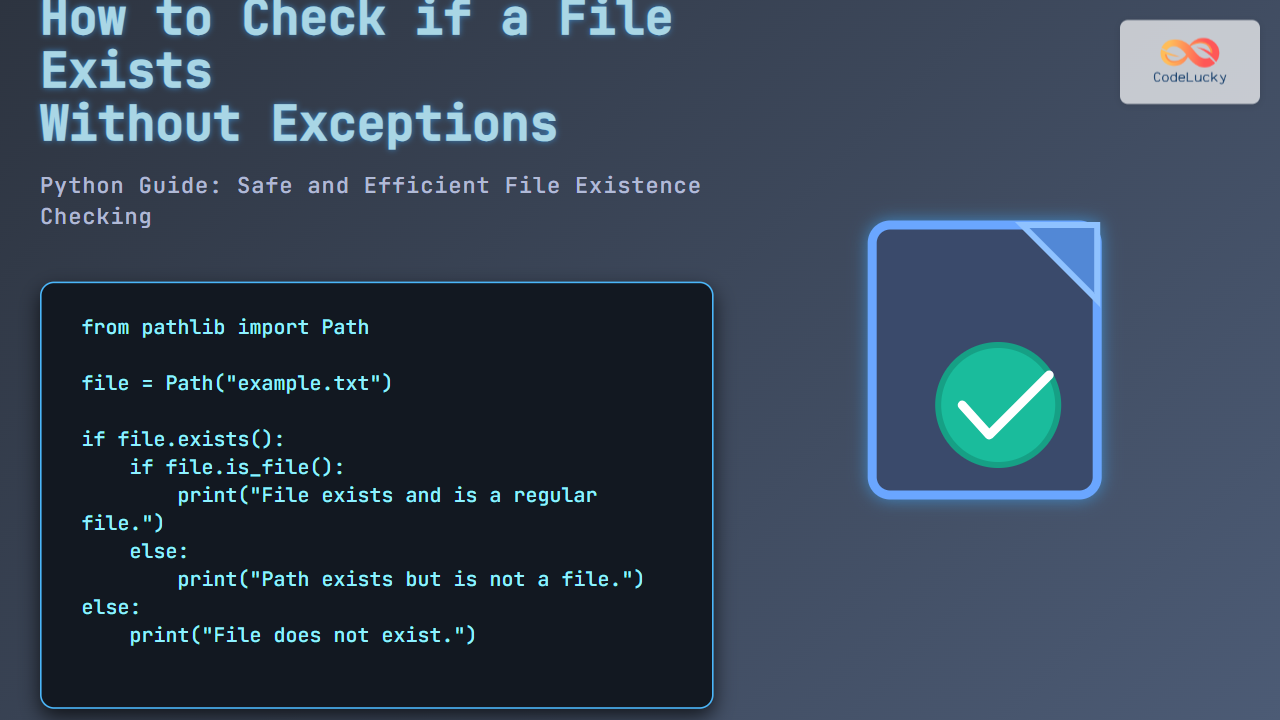
Checking whether a file exists in Python is a common task for developers, especially when working with file input/output or automating scripts. Doing this without raising exceptions improves code efficiency and user experience by avoiding costly try-except blocks or unexpected crashes.
This comprehensive guide explores multiple methods to check file existence in Python, focusing on best practices and showing clear code examples with their output. Visual diagrams further clarify workflows and decision points. By the end, you will confidently perform file existence checks safely and effectively in your Python projects.
Why Check File Existence Safely?
Directly attempting to open a file without checking first can cause exceptions if the file does not exist. Using exception handling is often recommended, but sometimes it introduces overhead or clutter in simple existence checks—especially in automation scripts or complex systems.
By checking file existence explicitly, programs can:
- React conditionally without exceptions
- Avoid unnecessary error handling code
- Improve readability and predictability
Core Methods to Check if a File Exists in Python
Below are three common methods to check file existence without directly causing exceptions, along with example codes and their outputs.
1. Using os.path.exists()
This is a classical method from the os.path module that returns True if a filesystem path exists, covering both files and directories.
import os

file_path = "example.txt"
if os.path.exists(file_path):
    print(f"File '{file_path}' exists.")
else:
    print(f"File '{file_path}' does not exist.")
Output if file exists:
File 'example.txt' exists.Output if file does not exist:
File 'example.txt' does not exist.Note: os.path.exists() returns True for both files and directories, so if you want to ensure it’s a file, combine with os.path.isfile().
2. Using os.path.isfile()
This method explicitly checks whether the specified path is a file (not a directory or other file system entity).
import os

file_path = "example.txt"
if os.path.isfile(file_path):
    print(f"File '{file_path}' exists and is a regular file.")
else:
    print(f"File '{file_path}' does not exist or is not a regular file.")
This ensures you only proceed if it is a file.
3. Using pathlib.Path.exists() and pathlib.Path.is_file()
pathlib is a modern, object-oriented module introduced in Python 3.4, often preferred for its readability.
from pathlib import Path

file = Path("example.txt")

if file.exists():
    print(f"'{file}' exists.")
else:
    print(f"'{file}' does not exist.")

if file.is_file():
    print(f"'{file}' is a regular file.")
else:
    print(f"'{file}' is not a regular file or does not exist.")
This method is clean, expressive, and the recommended approach for new Python code.

When to Avoid Exceptions?
Exceptions are Pythonic and useful, but sometimes you want a simple existence check without try-except blocks, for cases like:
- Pre-check before reading to avoid errors.
- Conditional logic depending on file presence.
- Scripts with minimal error infrastructure.
Example: Interactive Check with User Input
This practical example asks the user for a filename and reports existence status without exceptions:
from pathlib import Path

filename = input("Enter filename to check: ")
file = Path(filename)

if file.exists():
    if file.is_file():
        print(f"'{filename}' exists and is a file.")
    else:
        print(f"'{filename}' exists but is not a file.")
else:
    print(f"'{filename}' does not exist.")
Summary Table of Methods
| Method | Description | Returns True If | Recommended For |
|---|---|---|---|
| os.path.exists() | Checks if path (file or dir) exists | File or directory exists | Broad check when type not important |
| os.path.isfile() | Checks if path is a regular file | Path is an existing regular file | When sure to look only for files |
| pathlib.Path.exists() | Object-oriented existence check | Path exists (file or dir) | Modern Python, readability |
| pathlib.Path.is_file() | Checks if path is a regular file | Path is an existing regular file | File-specific modern check |

Best Practices
- Prefer
pathlibin modern Python code for clarity. - Use
is_file()if you want to verify it’s a regular file, not a directory. - When integrating with code that handles exceptions, choose your approach consistently.
- Avoid race conditions by careful order of existence check and file operations if running in parallel or multi-threaded environments.
Conclusion
Checking whether a file exists in Python without exceptions is straightforward using built-in modules os.path and pathlib. This guide demonstrated clear methods with examples and visual decision flows to choose the correct approach for your situation. Using these techniques, code can be safer, cleaner, and more efficient, especially during file validation steps.





