Understanding Patch Management
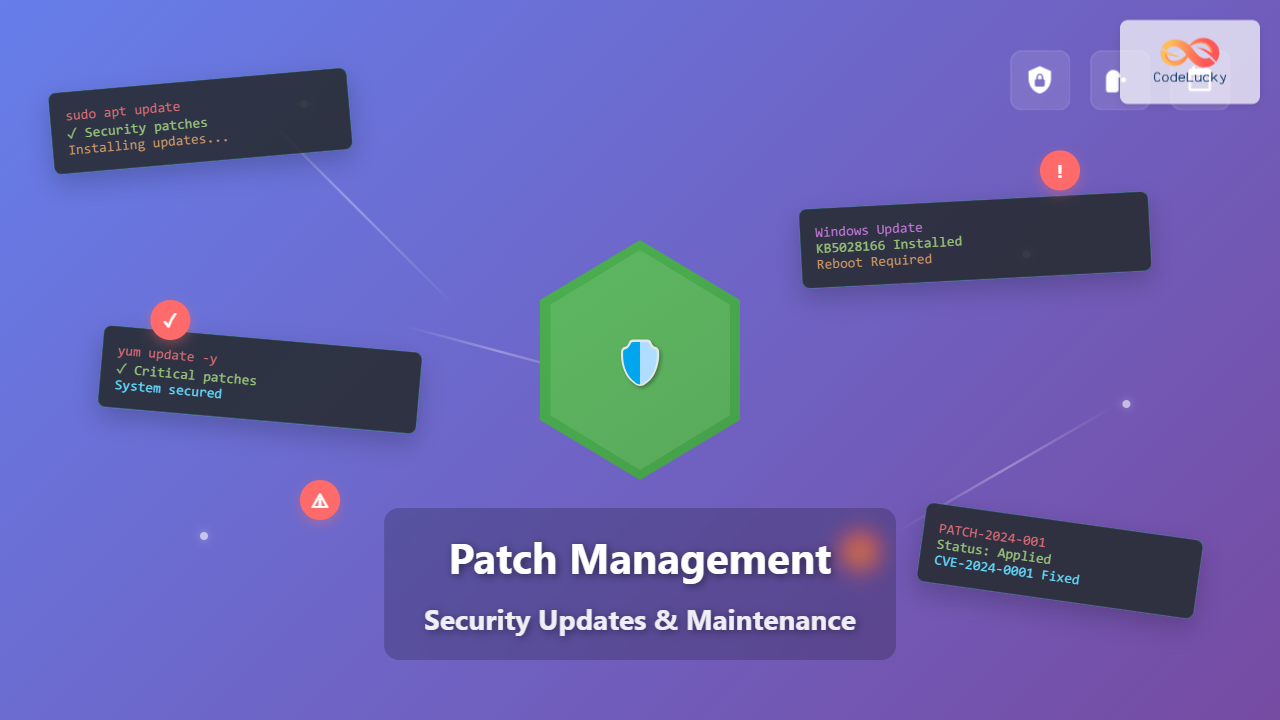
Patch management is a critical system administration process that involves acquiring, testing, and installing code changes (patches) to software applications and operating systems. These updates address security vulnerabilities, fix bugs, improve performance, and add new features to maintain system integrity and security.
In today’s threat landscape, organizations face an average of 15,000+ new vulnerabilities annually, making effective patch management essential for cybersecurity. A single unpatched vulnerability can lead to data breaches, system compromises, and significant financial losses.

Types of Patches and Updates
Security Patches
Security patches address identified vulnerabilities that could be exploited by attackers. These patches receive the highest priority and often require immediate deployment.
# Example: Critical security update on Ubuntu
sudo apt update
sudo apt upgrade -y
sudo apt install unattended-upgrades
Bug Fixes
Bug fix patches resolve software defects that cause applications or systems to malfunction, crash, or behave unexpectedly.
Feature Updates
Feature updates introduce new functionality or improve existing capabilities without necessarily addressing security concerns.
Performance Updates
These patches optimize system performance, reduce resource consumption, or improve application responsiveness.
Patch Management Lifecycle

1. Inventory and Asset Management
Maintain a comprehensive inventory of all systems, applications, and software versions across your environment.
# PowerShell script to inventory Windows systems
Get-WmiObject -Class Win32_OperatingSystem |
Select-Object Caption, Version, BuildNumber,
InstallDate, LastBootUpTime | Format-Table -AutoSize
2. Vulnerability Assessment
Regular vulnerability scanning identifies systems requiring patches and prioritizes updates based on severity levels.
# Nmap vulnerability scan example
nmap --script vuln 192.168.1.0/24
3. Risk-Based Prioritization
Implement a scoring system based on:
- CVSS (Common Vulnerability Scoring System) ratings
- Asset criticality and business impact
- Exposure level and attack surface
- Exploit availability and active threats
4. Testing and Validation
Deploy patches in isolated testing environments before production implementation.
# Docker testing environment configuration
version: '3.8'
services:
  test-server:
    image: ubuntu:20.04
    volumes:
      - ./patches:/patches
    command: /patches/test-script.sh
Automated Patch Management Solutions

Windows Server Update Services (WSUS)
WSUS provides centralized patch management for Windows environments, allowing administrators to approve, schedule, and deploy updates across multiple systems.
# Configure automatic updates via Group Policy
Set-ItemProperty -Path "HKLM:\SOFTWARE\Policies\Microsoft\Windows\WindowsUpdate\AU"
-Name "NoAutoUpdate" -Value 0
Set-ItemProperty -Path "HKLM:\SOFTWARE\Policies\Microsoft\Windows\WindowsUpdate\AU"
-Name "AUOptions" -Value 4
Linux Package Management
Linux distributions use various package managers for automated updates:
# Ubuntu/Debian - Unattended upgrades configuration
echo 'APT::Periodic::Update-Package-Lists "1";' >> /etc/apt/apt.conf.d/20auto-upgrades
echo 'APT::Periodic::Unattended-Upgrade "1";' >> /etc/apt/apt.conf.d/20auto-upgrades

# CentOS/RHEL - Automatic updates with yum-cron
yum install yum-cron -y
systemctl enable yum-cron
systemctl start yum-cron
Third-Party Patch Management Tools
- Microsoft System Center Configuration Manager (SCCM)
- Red Hat Satellite
- Tanium Patch
- Qualys VMDR
- Rapid7 InsightVM
Enterprise Patch Management Strategy
Patch Groups and Deployment Rings
Organize systems into deployment rings for phased rollouts:

Maintenance Windows
Schedule regular maintenance windows for patch deployment:
# Cron job for automated patching during maintenance window
# Run system updates every Tuesday at 2:00 AM
0 2 * * 2 /usr/bin/apt update && /usr/bin/apt upgrade -y >> /var/log/patch.log 2>&1
Rollback Procedures
Implement comprehensive rollback strategies for failed patch deployments:
# Create system snapshot before patching
sudo lvmcreate --size 10G --snapshot --name pre-patch-snapshot /dev/vg0/root

# Rollback procedure if patches cause issues
sudo lvconvert --merge /dev/vg0/pre-patch-snapshot
sudo reboot
Security Patch Management Best Practices
Critical Patch Timeline
- Critical vulnerabilities: 72 hours or less
- High-severity patches: 7-14 days
- Medium-severity patches: 30 days
- Low-severity patches: 60-90 days
Zero-Day Response
Develop procedures for emergency patch deployment when zero-day exploits are discovered:
# Emergency patch deployment script
#!/bin/bash
PATCH_URL=$1
BACKUP_DIR="/backup/$(date +%Y%m%d_%H%M%S)"

# Create backup
mkdir -p $BACKUP_DIR
cp -r /etc $BACKUP_DIR/
cp -r /var/www $BACKUP_DIR/

# Download and apply emergency patch
wget $PATCH_URL -O /tmp/emergency_patch.sh
chmod +x /tmp/emergency_patch.sh
/tmp/emergency_patch.sh

# Restart services
systemctl restart apache2
systemctl restart mysql
Compliance and Documentation
Maintain detailed records for regulatory compliance:
{
  "patch_id": "KB5028166",
  "deployment_date": "2023-08-28",
  "systems_affected": 150,
  "success_rate": "98.7%",
  "rollback_required": false,
  "compliance_frameworks": ["SOX", "PCI-DSS", "HIPAA"],
  "approved_by": "[email protected]"
}
Monitoring and Reporting
Patch Compliance Metrics
- Patch Coverage: Percentage of systems with current patches
- Mean Time to Patch (MTTP): Average time from release to deployment
- Vulnerability Exposure: Number of unpatched critical vulnerabilities
- Deployment Success Rate: Percentage of successful patch installations
Automated Reporting
# Python script for patch compliance reporting
import subprocess
import json
from datetime import datetime

def generate_patch_report():
    report = {
        "timestamp": datetime.now().isoformat(),
        "total_systems": 0,
        "patched_systems": 0,
        "pending_patches": [],
        "failed_deployments": []
    }

    # Check system patch status
    result = subprocess.run(['wmic', 'qfe', 'list'],
                          capture_output=True, text=True)

    # Process results and populate report
    # ... reporting logic ...

    return json.dumps(report, indent=2)
Common Challenges and Solutions
Application Compatibility
Challenge: Patches may break legacy applications or cause compatibility issues.
Solution: Implement comprehensive testing procedures and maintain application dependency maps.
Downtime Management
Challenge: Critical systems require patches but cannot afford extended downtime.
Solution: Implement high availability architectures and rolling update strategies.
# Rolling update for load-balanced web servers
for server in web01 web02 web03; do
    echo "Updating $server"
    ssh $server "systemctl stop apache2"
    ssh $server "apt update && apt upgrade -y"
    ssh $server "systemctl start apache2"
    sleep 30  # Wait for service to stabilize
done
Resource Constraints
Challenge: Limited IT resources for testing and deployment.
Solution: Prioritize patches based on risk assessment and automate routine updates.
Emerging Trends in Patch Management

Container and Microservices Patching
Modern containerized applications require specialized patching strategies:
# Multi-stage Docker build for security updates
FROM node:16-alpine AS base
RUN apk update && apk upgrade --no-cache

FROM base AS dependencies
COPY package*.json ./
RUN npm ci --only=production

FROM base AS final
COPY --from=dependencies /app/node_modules ./node_modules
COPY . .
EXPOSE 3000
CMD ["npm", "start"]
Infrastructure as Code (IaC) Integration
Integrate patch management with infrastructure automation:
# Ansible playbook for automated patching
---
- hosts: all
  become: yes
  tasks:
    - name: Update package cache
      apt:
        update_cache: yes

    - name: Upgrade all packages
      apt:
        upgrade: dist

    - name: Reboot if required
      reboot:
        when: ansible_facts['pkg_mgr'] == 'apt'
Conclusion
Effective patch management is fundamental to maintaining secure, stable IT environments. Organizations must balance security requirements with operational needs, implementing automated solutions while maintaining oversight and control. Success depends on establishing clear policies, leveraging appropriate tools, and maintaining comprehensive documentation.
As threat landscapes evolve and infrastructure becomes more complex, patch management strategies must adapt to address cloud environments, containerized applications, and emerging technologies. Regular assessment and continuous improvement of patch management processes ensure organizations remain protected against evolving cyber threats while maintaining operational efficiency.
The key to successful patch management lies in treating it as an ongoing process rather than a periodic task, integrating security considerations into every aspect of system administration and development operations.