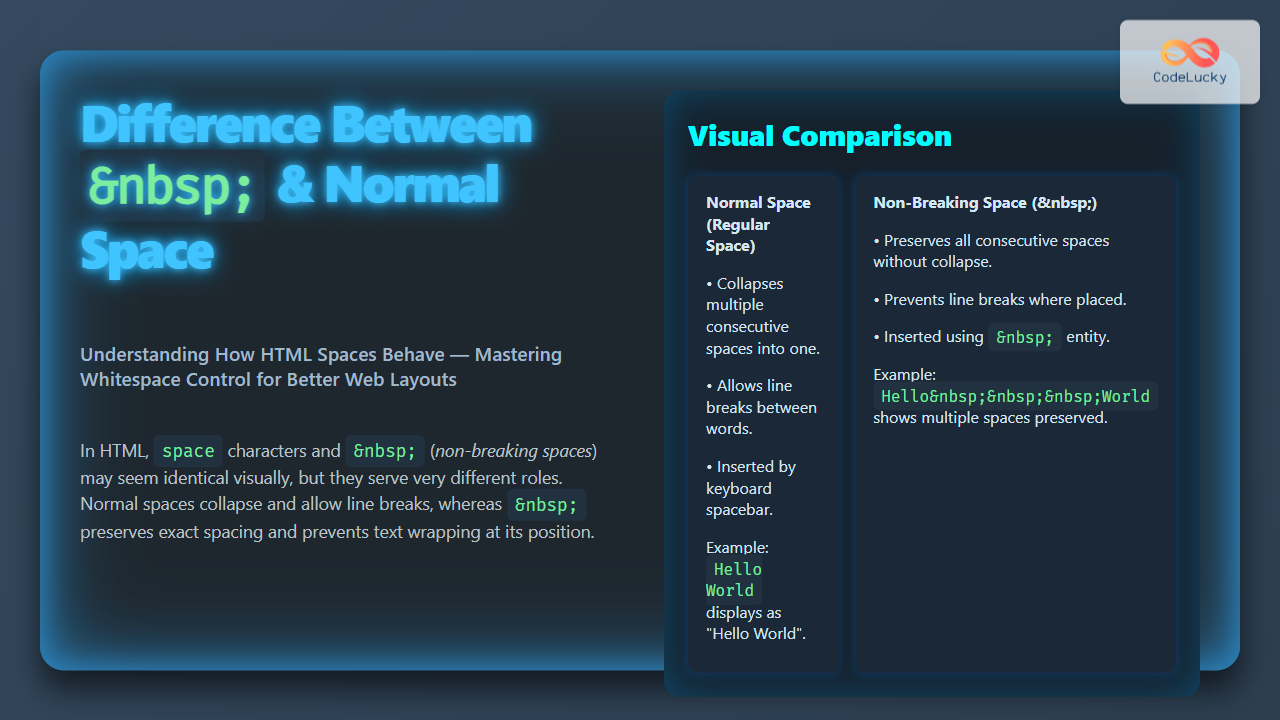
In HTML programming, understanding how spaces behave is essential for precise content formatting. Two common ways spaces appear are the regular space (typed via keyboard) and the or non-breaking space entity. Although they may look similar visually, they serve very different purposes in webpages. In this article, we will explore the difference between and a normal space in HTML, along with practical examples and visual explanations to help you master their uses.
What Is a Normal Space in HTML?
The normal space is the space character you create when you press the spacebar on your keyboard. In HTML code, it can be written literally as . Browsers treat multiple consecutive normal spaces as a single space when rendering text on a page. This behavior is part of the default white space collapsing rules in HTML.
Example:
<p>This is a test.</p>Displayed output:
This is a test.
Appears as:
This is a test.
The browser collapses all those multiple spaces down to a single space in visual output.
What Is in HTML?
stands for non-breaking space. It is an HTML character entity that renders a space character that will not break into a new line or be collapsed with adjacent spaces. It is used when you want to keep two words or characters together without allowing the browser to break them with a line wrap.
Example:
<p>Hello, world!</p>Displayed output:
Hello, world!
The non-breaking space ensures “Hello,” and “world!” stay together on the same line, preventing undesirable line breaks.
Key Differences Between and Normal Space
| Aspect | Normal Space | (Non-breaking Space) |
|---|---|---|
| Rendering | Collapsed if multiple spaces appear consecutively | Displayed exactly, multiple do not collapse |
| Line Breaks | Allowed between words with normal space | Prevents line breaks at that space |
| Use Case | General spacing between words and elements | Maintain spacing without line break; fixed width spacing |
| Typed | Keyboard spacebar (space character) | Typed as or |
Visualizing the Difference
Practical Examples with Visual Output
Example 1: Multiple Normal Spaces
<p>Hello world!</p>Output:
Hello world!
Reality: Appears as “Hello world!” with a single space.
Example 2: Multiple Spaces
<p>Hello world!</p>Output:
Hello world!
Reality: All three non-breaking spaces are visible as wider spacing.
Example 3: Preventing Line Breaks
<p>Price: $100 USD</p>This prevents “100” and “USD” from breaking into different lines.
Interactive Example: Line Break Behavior
Try resizing your browser window to see how the normal space allows line breaks but the does not.
<div style="width: 300px; border: 1px solid #ccc; padding: 10px;">
  This is normal space test: Hello     world!<br>
  This is non-breaking space test: Hello   world!
</div>
Why Use Instead of Normal Space?
- To keep words or symbols together on the same line, especially for things like dates, phone numbers, or measurements.
- To add extra spacing without the risk of browsers collapsing spaces.
- To help layout text visually when precise spacing is required inside inline elements.
Common Use Cases
- Between numbers and units:
100 km, keeps “100” and “km” together. - In navigation menus or inline buttons where space matters.
- Preventing awkward breaks in names, email addresses, or URLs.
- Creating visual indentation or spacing in textual content.
Mermaid Diagram: When To Use Each Space

Summary
While a normal space in HTML provides the standard way to separate words, it is subject to browser white-space collapsing and permits line breaks. The non-breaking space ( ) is a special space entity that preserves spacing exactly as coded and prevents line breaks at that position. Knowing when and how to use each lets you control text layout effectively, essential for polished and readable web content.
Use normal spaces for general text and for precise spacing or when preventing line breaks is necessary. Mastering these will greatly improve your HTML formatting skills.