The NOT operator in MySQL is a powerful tool that allows you to negate conditions in your queries, retrieving data that doesn’t match certain criteria. It’s the rebel of the SQL world, helping you find what’s not there. 💡 Did you know that the concept of negation is fundamental in both mathematics and computer science, dating back to ancient logic?
Why Use the NOT Operator?
NOT is essential for:
- Excluding data: Filtering out records that don’t meet a specific criteria.
- Complex queries: Creating nuanced conditions when combined with other operators.
- Data validation: Identifying records that fail to meet required conditions.
🎯 Fun Fact: While NOT might seem simple, it plays a crucial role in creating highly efficient and accurate data retrievals!
Basic Syntax of the NOT Operator
The NOT operator is used within the WHERE clause to negate a condition. It’s generally placed before the condition you want to negate:
SELECT column1, column2
FROM table_name
WHERE NOT condition;
Let’s start with a simple example. Consider our customers table:
| customer_id | first_name | last_name | city | |
|---|---|---|---|---|
| 1 | Raj | Patel | [email protected] | Mumbai |
| 2 | Priya | Sharma | [email protected] | Delhi |
| 3 | Amit | Verma | [email protected] | Bangalore |
| 4 | Neha | Singh | [email protected] | Chennai |
| 5 | Sunil | Kumar | [email protected] | Mumbai |
To find all customers who are not in Mumbai:
SELECT *
FROM customers
WHERE NOT city = 'Mumbai';
Output:
| customer_id | first_name | last_name | city | |
|---|---|---|---|---|
| 2 | Priya | Sharma | [email protected] | Delhi |
| 3 | Amit | Verma | [email protected] | Bangalore |
| 4 | Neha | Singh | [email protected] | Chennai |
Using NOT with Other Operators
NOT becomes even more powerful when combined with other operators like AND, OR, IN, LIKE, and comparison operators:
NOT with AND
Find customers who are not from Mumbai and not named ‘Priya’:
SELECT *
FROM customers
WHERE NOT city = 'Mumbai'
AND NOT first_name = 'Priya';
Output:
| customer_id | first_name | last_name | city | |
|---|---|---|---|---|
| 3 | Amit | Verma | [email protected] | Bangalore |
| 4 | Neha | Singh | [email protected] | Chennai |
NOT with OR
Find customers who are not from Mumbai or not named ‘Priya’:
SELECT *
FROM customers
WHERE NOT city = 'Mumbai'
OR NOT first_name = 'Priya';
Output:
| customer_id | first_name | last_name | city | |
|---|---|---|---|---|
| 2 | Priya | Sharma | [email protected] | Delhi |
| 3 | Amit | Verma | [email protected] | Bangalore |
| 4 | Neha | Singh | [email protected] | Chennai |
NOT with IN
Find orders that are not in order IDs 1 and 3:
SELECT *
FROM orders
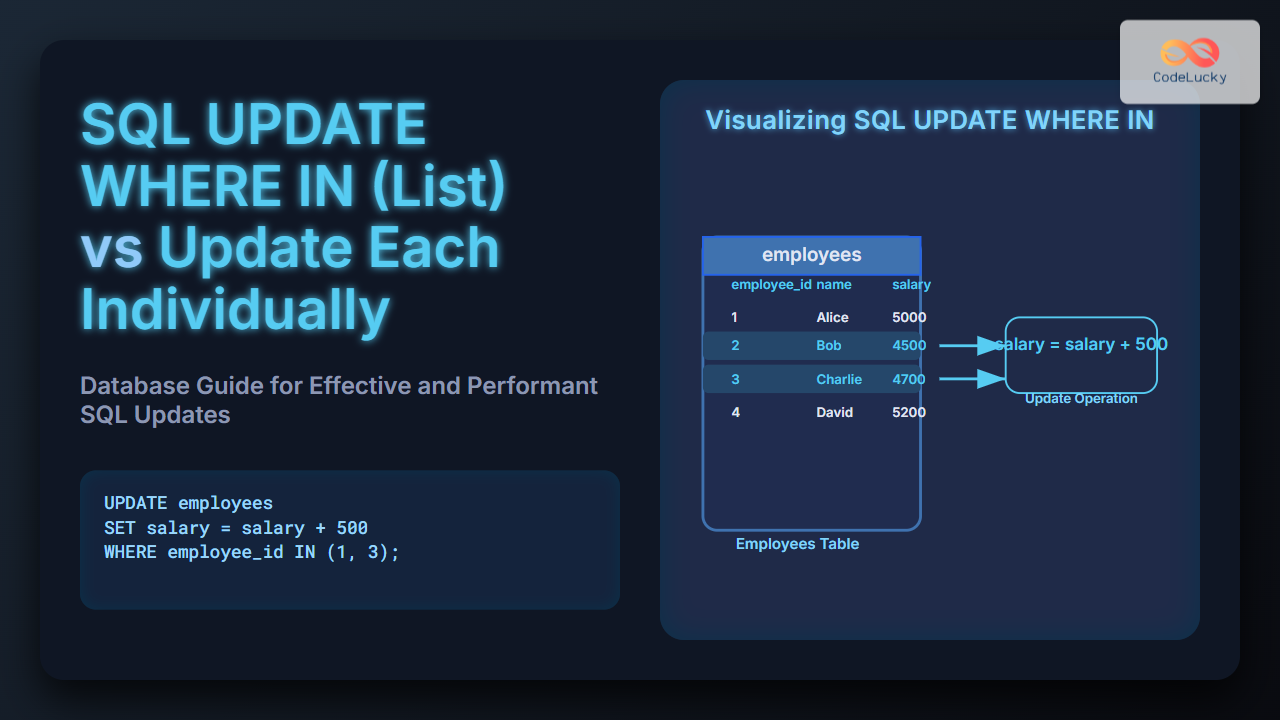
WHERE NOT order_id IN (1, 3);
Output (assuming an orders table):
| order_id | total_amount | order_date |
|———-|————–|————|
| 2 | 299.99 | 2023-06-16 |
NOT with LIKE
Find customers whose first name doesn’t start with ‘R’:
SELECT *
FROM customers
WHERE NOT first_name LIKE 'R%';
Output:
| customer_id | first_name | last_name | city | |
|---|---|---|---|---|
| 2 | Priya | Sharma | [email protected] | Delhi |
| 3 | Amit | Verma | [email protected] | Bangalore |
| 4 | Neha | Singh | [email protected] | Chennai |
| 5 | Sunil | Kumar | [email protected] | Mumbai |
Impact on Index Usage and Optimization
When used properly, NOT can improve your query performance. However, it’s essential to be aware of its potential impact on index usage:
Index Usage:
- Negative Queries: Negating indexed columns with
NOT(or!=,<>,NOT IN,NOT LIKE) often leads to full table scans, which can be slow on large tables. - Positive Queries: It’s better to structure your query to use positive conditions when possible. For example, instead of
NOT city = 'Mumbai', usecity != 'Mumbai'which may allow indexes to be used.
Optimization Tips:
- Rewrite When Possible: If possible, rewrite your query using positive conditions or alternative approaches.
- Test Your Queries: Check the execution plan of your query using
EXPLAINto see if indexes are being used. - Combine with Indexed Columns: If
NOTis unavoidable, try to combine it with indexed columns to minimize the scan.

🌟 Pro Tip: Understanding the execution plan is crucial for optimizing your queries. Use EXPLAIN before your SELECT statements to analyze how MySQL executes them.
Alternative Approaches to NOT
In some cases, you can achieve the same result without using NOT:
Using != or <>:
!= (not equal to) and <> (not equal to) can sometimes be used as alternatives for negating an equality. Instead of NOT city = 'Mumbai', you can use city != 'Mumbai' or city <> 'Mumbai'.
SELECT *
FROM customers
WHERE city <> 'Mumbai';
Output:
| customer_id | first_name | last_name | city | |
|---|---|---|---|---|
| 2 | Priya | Sharma | [email protected] | Delhi |
| 3 | Amit | Verma | [email protected] | Bangalore |
| 4 | Neha | Singh | [email protected] | Chennai |
Using NOT EXISTS or LEFT JOIN:
For more complex scenarios, especially with subqueries, consider using NOT EXISTS or LEFT JOIN with IS NULL for negation. This helps in situations where you need to check for records not present in a related table.
Common Pitfalls
Avoid these common mistakes when using NOT:
- Double Negation: Be careful not to create double negatives, which can make your queries harder to understand.
- Overuse of
NOT: Try to minimize its usage where positive conditions or alternative approaches are more efficient. - Performance Issues: Be mindful of its impact on performance. Always check with
EXPLAINto see if your queries are using indexes effectively.
Real-World Examples to Practice
- Find products not on sale:
SELECT * FROM products WHERE NOT is_on_sale = 1; - Get users who have not made any order:
SELECT * FROM users WHERE NOT user_id IN (SELECT user_id FROM orders); - Identify articles that are not in a particular category:
SELECT *
FROM articles
WHERE NOT category_id = 5;
Key Takeaways
In this guide, you learned:
- The basics of the
NOToperator and its syntax. - How to use
NOTwith other operators. - The impact of
NOTon index usage. - Optimization strategies when using
NOT. - Alternative approaches to negation.
What’s Next?
Now that you’ve learned about NOT, you’re ready for the next level! Let’s explore the world of MySQL ORDER BY to understand how to sort data effectively. After that, you’ll delve into handling null values, mastering the LIKE operator for pattern matching, and the IN operator for inclusion checks!
Keep exploring, practicing, and optimizing your queries. The NOT operator, when used judiciously, will be a powerful weapon in your SQL arsenal! 🚀
Related Posts

MySQL Comparison Operators: Deep Dive into Comparisons
Comparison operators are the workhorses of any SQL database. They allow you to filter, sort, and make decisions based on...

MySQL AND Operator: Combining Conditions Effectively
The AND operator in MySQL is a fundamental tool for refining your search criteria. It allows you to combine multiple...

MySQL IN Operator: Handling Lists and Subqueries
The IN operator in MySQL is a powerful tool for checking if a value matches any value within a list...
MySQL Not Null: Ensuring Data Integrity and Preventing Errors
In the realm of databases, maintaining data integrity is paramount. One of the most effective tools for achieving this in...

MySQL OR Operator: Combining Conditions Effectively
The OR operator in MySQL allows you to combine multiple conditions in your queries, retrieving rows that satisfy at least...
MySQL Null Values: Handling Missing Data
In the world of databases, not all data is perfect. Sometimes, information is missing, and that's where NULL values come...

SQL ANY and ALL Operators: Subquery Comparison
SQL's ANY and ALL operators are powerful tools that allow you to compare a value to a set of values...

MySQL Like Operator: Mastering Pattern Matching in SQL
The LIKE operator in MySQL is your go-to tool for performing pattern matching within your data. When you need to...

MySQL Operators: A Comprehensive Guide
MySQL operators are the workhorses of SQL queries, allowing you to manipulate data, compare values, and make logical decisions. Whether...

MySQL Logical Operators: Mastering Boolean Logic in SQL
Logical operators are the gatekeepers of your SQL queries! They allow you to combine multiple conditions, creating sophisticated filters to...

MySQL Where Clause: Mastering Data Filtering
The WHERE clause is the gatekeeper of your MySQL queries, allowing you to retrieve only the data that meets specific...

MySQL IF Function: Conditional Logic in Queries
The MySQL IF function is a powerful tool that brings conditional logic directly into your SQL queries. It allows you...