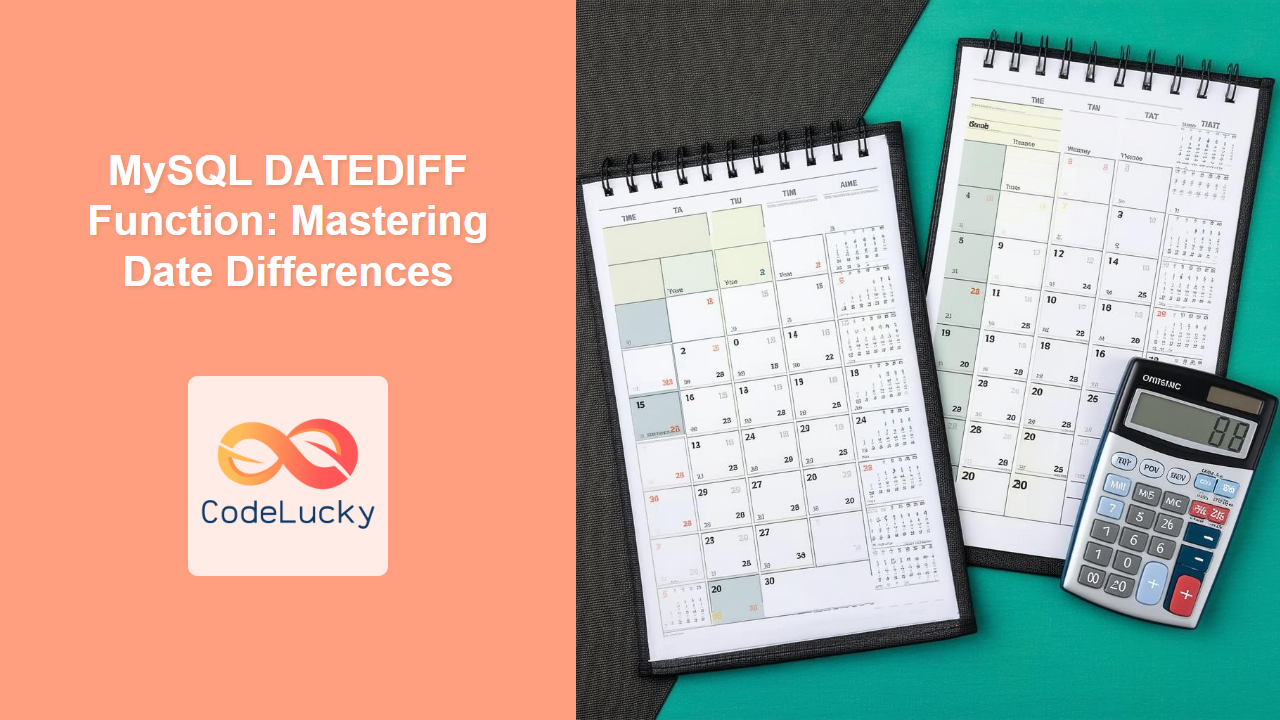
The DATEDIFF function in MySQL is your go-to tool for calculating the difference between two dates. Whether you’re tracking project timelines, calculating customer tenure, or analyzing event durations, understanding DATEDIFF is essential for any serious database work. Did you know? 💡 Date and time calculations were among the earliest applications of computers in the mid-20th century, a testament to their fundamental importance!
Why Use the DATEDIFF Function?
Before jumping into code, let’s consider why calculating date differences is so crucial:
🌟 Key Benefits:
- Measure time spans between important events
- Analyze trends over time periods
- Calculate project durations, billing cycles, and more
- Identify time-based patterns and insights
🎯 Fun Fact: The DATEDIFF function helps us measure time, which is one of humanity’s oldest quests for understanding the universe, predating even the invention of writing!
Basic Syntax of DATEDIFF
The syntax of the DATEDIFF function is clear and easy to remember:
DATEDIFF(date1, date2)
💡 Did You Know? The core logic of subtracting dates is simple, but MySQL’s optimized implementation ensures these calculations are performed with speed and precision, even on large datasets!
Let’s break it down:
date1: The first date, from which the second date will be subtracted.date2: The second date, which is subtracted from the first date.
The function returns the difference between date1 and date2 in days.
Example of DATEDIFF
Let’s look at a simple example:
SELECT DATEDIFF('2023-07-20', '2023-07-10');
Output:
| DATEDIFF(‘2023-07-20’, ‘2023-07-10’) |
|---|
| 10 |
This query calculates that there are 10 days between July 10th and July 20th, 2023.
Using DATEDIFF with Table Data
Now let’s apply this function to real data. Imagine you have a table called projects with columns like start_date and end_date.
Sample Data:
| project_id | project_name | start_date | end_date |
|————|————–|————|————|
| 1 | Alpha Project| 2023-06-01 | 2023-06-15 |
| 2 | Beta Project | 2023-06-10 | 2023-07-20 |
| 3 | Gamma Project| 2023-07-01 | 2023-07-05 |
Here’s how you calculate the duration of each project using DATEDIFF:
SELECT
    project_name,
    start_date,
    end_date,
    DATEDIFF(end_date, start_date) AS duration_days
FROM projects;
Output:
| project_name | start_date | end_date | duration_days |
|————–|————|————|—————|
| Alpha Project| 2023-06-01 | 2023-06-15 | 14 |
| Beta Project | 2023-06-10 | 2023-07-20 | 40 |
| Gamma Project| 2023-07-01 | 2023-07-05 | 4 |
Negative Differences
What happens if date2 is greater than date1? The DATEDIFF function will return a negative value. This is important to keep in mind when analyzing date ranges, as it can indicate timelines going backwards or inverted event orders.
SELECT DATEDIFF('2023-07-10', '2023-07-20');
Output:
| DATEDIFF(‘2023-07-10’, ‘2023-07-20’) |
|————————————-|
| -10 |
Common Use Cases
The DATEDIFF function has a wide range of applications:
- Calculating Age:
 SELECT
     first_name,
     last_name,
     birth_date,
     DATEDIFF(CURDATE(), birth_date) / 365 AS age
 FROM employees;
Sample Data:
| employee_id | first_name | last_name | birth_date |
|————-|————|———–|————|
| 1 | John | Doe | 1990-05-15 |
| 2 | Jane | Smith | 1985-12-20 |
Output:
| first_name | last_name | birth_date | age |
|————|———–|————|———–|
| John | Doe | 1990-05-15 | 33.432 |
| Jane | Smith | 1985-12-20 | 37.780 |
- Analyzing Time to Completion:
SELECT
    task_name,
    start_date,
    completion_date,
    DATEDIFF(completion_date, start_date) AS days_to_completion
 FROM tasks;
Sample Data:
| task_id | task_name | start_date | completion_date |
|———|———–|————|—————–|
| 1 | Design | 2023-06-01 | 2023-06-10 |
| 2 | Develop | 2023-06-11 | 2023-06-25 |
Output:
| task_name | start_date | completion_date | days_to_completion |
|———–|————|—————–|——————–|
| Design | 2023-06-01 | 2023-06-10 | 9 |
| Develop | 2023-06-11 | 2023-06-25 | 14 |
- Customer Tenure:
SELECT
    first_name,
    join_date,
    DATEDIFF(CURDATE(), join_date) AS days_as_customer
FROM customers;
Sample Data:
| customer_id | first_name | last_name | join_date |
|————-|————|———–|————|
| 1 | Raj | Patel | 2022-08-15 |
| 2 | Priya | Sharma | 2023-01-20 |
Output:
| first_name | join_date | days_as_customer |
|————|————|——————|
| Raj | 2022-08-15 | 324 |
| Priya | 2023-01-20 | 159 |
Best Practices
🎯 Follow these tips for optimal use:
- Ensure the dates are in the correct format (
YYYY-MM-DD) or can be converted by MySQL automatically. - Be mindful of the order of the dates; subtracting in reverse will give negative results.
- Use aliases (
AS) to make your query outputs clear. - When calculating ages, consider that dividing by 365 gives an approximate age.
Common Pitfalls
Avoid these common mistakes:
- Incorrect Date Formats: Inconsistent date formats can lead to unexpected results.
- Reversed Dates: Accidentally subtracting the future from the past results in negative values.
- Forgetting to Alias: Not using aliases makes query output harder to understand, especially with complex formulas.

Key Takeaways
In this tutorial, you’ve learned:
- The basic syntax of the
DATEDIFFfunction - How to use
DATEDIFFto calculate date differences in days - How to apply
DATEDIFFto real-world scenarios - How to avoid common mistakes
- Best practices for using the function efficiently
Next Steps
Now that you know how to use DATEDIFF, you’re ready to learn more about date manipulation in MySQL. Consider diving into these next topics:
ADDDATEandSUBDATEfor adding or subtracting date intervals- More complex date calculations
- MySQL string functions and how they can be combined with date functions
CONCATfunction for date and string combination.
You’ve now gained a solid foundation in date arithmetic. Keep exploring, experimenting, and always challenge yourself to find new ways to use SQL in your projects! 🚀
💡 Final Fun Fact: The DATEDIFF function is a cornerstone of many time-series analyses and business intelligence systems. Mastering this function opens the doors to deeper data insights!
Related Posts

MySQL Date Functions: Master Date Manipulation
Date and time are crucial aspects of almost every database application. Whether you are scheduling events, tracking user activity, or...

MySQL SUBDATE Function: Subtracting Dates Made Easy
The SUBDATE function in MySQL is a powerful tool for subtracting a time interval from a given date. Just like...

MySQL CURTIME Function: Get the Current Time
The CURTIME() function in MySQL is your go-to tool for getting the current time. Whether you're logging user activity, tracking...

MySQL ADDDATE Function: Mastering Date Manipulation
The ADDDATE function in MySQL is your go-to tool for manipulating dates by adding specific intervals. Whether you're calculating deadlines,...

MySQL CURDATE Function: Get Today’s Date
The CURDATE() function in MySQL is your go-to tool for quickly retrieving the current date. Whether you're logging transactions, creating...

MySQL DATE_FORMAT Function: Mastering Date Output
The DATE_FORMAT function in MySQL is your go-to tool for displaying dates and times in the precise format you need....

MySQL NOW Function: Get Current Timestamp with Precision
The NOW() function in MySQL is your go-to tool for capturing the current date and time. It's essential for tracking...
Excel DATEDIF Function: Complete Guide to Date Difference Calculations
The DATEDIF function in Microsoft Excel is a powerful yet often overlooked tool for calculating the difference between two dates....

SQL Date Functions: Working with Time Data
In the world of databases, handling date and time data is a crucial skill for any SQL developer. Whether you're...

PHP Date and Time: Working with Temporal Data
In the world of web development, handling dates and times is a crucial skill. PHP offers a robust set of...

MySQL BETWEEN Operator: Range Queries Made Easy
The BETWEEN operator in MySQL is a powerful tool for querying data within a specified range. Whether you're analyzing sales...
Excel DAYS Function: Complete Guide to Calculate Date Differences
The Excel DAYS function is a powerful date calculation tool that determines the number of days between two dates. Whether...