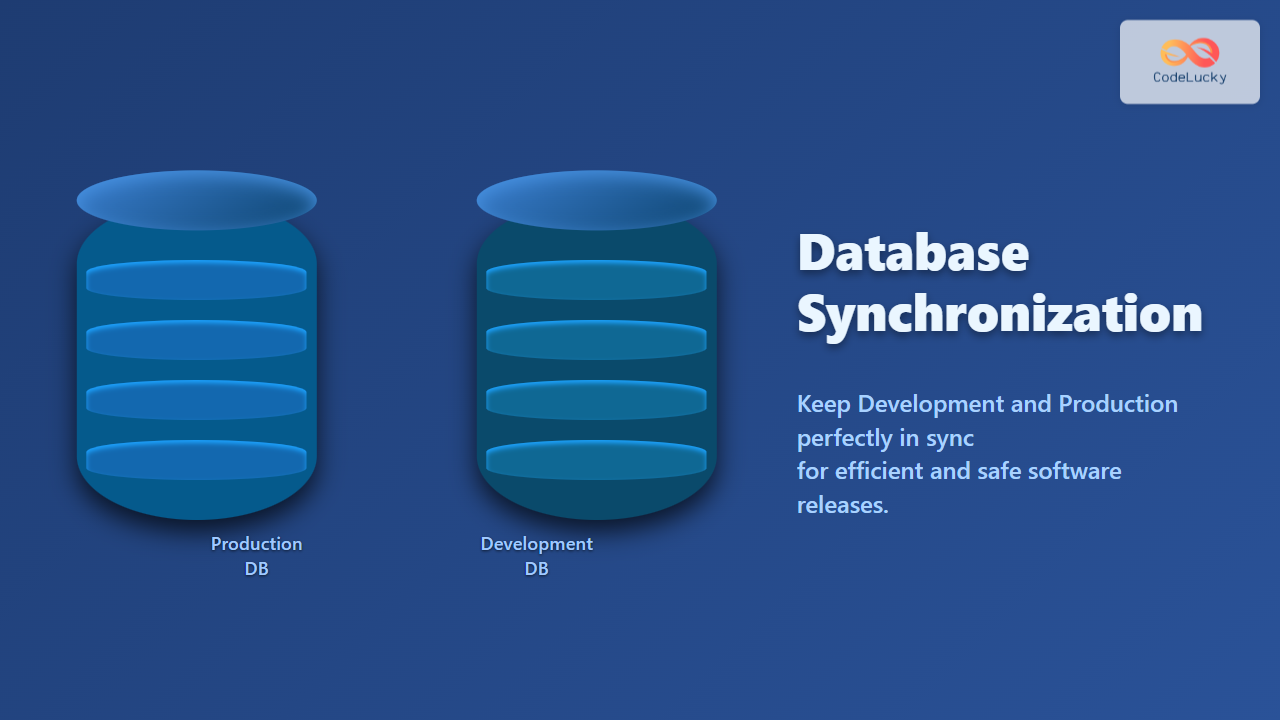
The ALTER TABLE statement in MySQL is your go-to command for evolving your database schema. Just like renovating a house, you can use ALTER TABLE to add new features, remove unnecessary elements, or modify existing structures without having to tear everything down and start from scratch! 💡 Fun Fact: ALTER TABLE is one of the most versatile commands in SQL, allowing you to perform a wide range of structural changes.
Why Learn ALTER TABLE?
Before we get into syntax and examples, let’s understand the importance of the ALTER TABLE statement:
🌟 Key Benefits:
- Adaptability: Modify tables to meet changing application requirements.
- Flexibility: Add, remove, or modify columns as your data evolves.
- Efficiency: Enhance database performance by adding indexes.
- Integrity: Enforce data integrity with constraints.
- Non-Destructive: Most alterations can be made without losing existing data.
🎯 Fun Fact: In a large-scale application, you might use ALTER TABLE hundreds or even thousands of times throughout its lifetime to refine and adapt the database to its evolving needs!
Basic ALTER TABLE Syntax
The basic structure of an ALTER TABLE statement is as follows:
ALTER TABLE table_name
  action;
Here, table_name is the name of the table you want to modify and action is the specific change you want to make. Let’s start with some common actions.
Adding a New Column
Adding a new column is like adding a new room to your house. You specify the column name, data type, and any constraints:
ALTER TABLE customers
ADD COLUMN phone_number VARCHAR(20);
This adds a phone_number column to the customers table.
Output (no output displayed by MySQL, table schema is updated behind the scenes)
| customer_id | first_name | last_name | city | phone_number | |
|---|---|---|---|---|---|
| 1 | Raj | Patel | [email protected] | Mumbai | NULL |
| 2 | Priya | Sharma | [email protected] | Delhi | NULL |
| 3 | Amit | Verma | [email protected] | Bangalore | NULL |
🔍 Pro Tip: It’s best practice to add columns with NOT NULL constraints and default values when possible to avoid dealing with NULL values.
Removing a Column
If you find a room in your house is unnecessary, you can remove it! Likewise, to remove an unneeded column:
ALTER TABLE customers
DROP COLUMN phone_number;
Output (no output displayed by MySQL, table schema is updated behind the scenes)
| customer_id | first_name | last_name | city | |
|---|---|---|---|---|
| 1 | Raj | Patel | [email protected] | Mumbai |
| 2 | Priya | Sharma | [email protected] | Delhi |
| 3 | Amit | Verma | [email protected] | Bangalore |
🌈 Interesting Fact: While DROP COLUMN can remove a column, it can have significant consequences if the column is heavily relied on, so exercise caution and always back up your data first!
Modifying a Column’s Data Type
Sometimes, you need to change the type of data a column stores. For instance, you might decide to store product prices with decimal accuracy instead of just integers:
ALTER TABLE orders
MODIFY COLUMN total_amount DECIMAL(10, 2);
This changes the data type of the total_amount column from a number to a DECIMAL value with a precision of 10 and 2 decimal places.
Output (no output displayed by MySQL, table schema is updated behind the scenes)
| order_id | total_amount | order_date |
|———-|————–|————|
| 1 | 150.00 | 2023-06-15 |
| 2 | 299.99 | 2023-06-16 |
🎯 Fun Fact: Modifying column data types can cause data loss if you reduce the size or change to an incompatible data type. Test these alterations in a development environment first.
Renaming a Column
Need a different name for your column? Use CHANGE COLUMN:
ALTER TABLE customers
CHANGE COLUMN first_name customer_first_name VARCHAR(50);
This renames the first_name column to customer_first_name.
Output (no output displayed by MySQL, table schema is updated behind the scenes)
| customer_id | customer_first_name | last_name | city | |
|---|---|---|---|---|
| 1 | Raj | Patel | [email protected] | Mumbai |
| 2 | Priya | Sharma | [email protected] | Delhi |
| 3 | Amit | Verma | [email protected] | Bangalore |
Adding Indexes for Performance
Indexes are like the index in a book – they make it faster to find specific information. Use ALTER TABLE to add them to your tables:
ALTER TABLE customers
ADD INDEX idx_city (city);
This creates an index named idx_city on the city column.
Output (no output displayed by MySQL, index is added in the table schema)
🚀 Pro Tip: When adding indexes, think about the columns you use most frequently in your WHERE clauses to get the biggest performance boost.
Adding Constraints to Enforce Data Integrity
Constraints enforce rules on your data to maintain its integrity. You can add constraints using ALTER TABLE:
Adding a Primary Key Constraint
ALTER TABLE customers
ADD PRIMARY KEY (customer_id);
This adds a primary key constraint to the customer_id column, requiring all values to be unique and not null.
Output (no output displayed by MySQL, constraint is added in the table schema)
Adding a Foreign Key Constraint
ALTER TABLE orders
ADD CONSTRAINT fk_customer_id
FOREIGN KEY (customer_id) REFERENCES customers(customer_id);
This adds a foreign key constraint to the orders table, referencing the customer_id column in the customers table.
Output (no output displayed by MySQL, constraint is added in the table schema)
Adding a Unique Key Constraint
ALTER TABLE customers
ADD UNIQUE (email);
This adds a unique key constraint to the email column, ensuring that each customer has a unique email address.
Output (no output displayed by MySQL, constraint is added in the table schema)

Real-World Examples
Let’s see some practical use cases:
- Adding a new tracking column to an orders table:
ALTER TABLE orders ADD COLUMN tracking_number VARCHAR(50); - Adjusting email column length:
ALTER TABLE customers MODIFY COLUMN email VARCHAR(100); - Adding an index on the order date:
ALTER TABLE orders ADD INDEX idx_order_date (order_date); - Adding a check constraint on total amount:
ALTER TABLE orders
ADD CONSTRAINT ck_total_amount CHECK (total_amount > 0);
Best Practices for Production Databases
🎯 When using ALTER TABLE on production databases, always follow these best practices:
- Backups: Always back up your data before making structural changes.
- Testing: Test changes thoroughly in a non-production environment.
- Low Traffic: Make changes during low-traffic periods to minimize disruptions.
- Lock Time: Understand that some
ALTER TABLEoperations can lock the table, potentially affecting performance. - Incremental Changes: Break down large changes into smaller, manageable steps.
- Online Operations: MySQL version 5.6+ support online schema changes to minimize downtime.
Key Takeaways
In this article, you’ve learned:
- ✨ How to use
ALTER TABLEfor various modifications. - ➕ How to add, remove, or modify columns.
- 🔑 How to add indexes for improved performance.
- 🔒 How to add constraints for data integrity.
- ⚠️ Best practices for
ALTER TABLEin production environments.
What’s Next?
Now that you’ve mastered ALTER TABLE, you’re ready to explore the intricacies of MySQL data types and constraints in the upcoming articles:
Keep practicing and always make a backup. Happy database modifying!
💡 Final Fact: Properly using ALTER TABLE commands can significantly improve the performance and structure of your database, ensuring it is robust and efficient for years to come!
Related Posts

SQL ALTER TABLE Statement: Modifying Table Structure
In the ever-evolving world of database management, the ability to modify existing table structures is crucial. Enter the SQL ALTER...
MySQL Update Statement: Modifying Your Data Safely & Efficiently
The UPDATE statement is your primary tool for modifying existing data in a MySQL database. Whether you need to correct...
MySQL Table Creation: Design Principles, Column Types, and Best Practices
Creating tables is the heart of building any relational database. Just like having a well-organized filing system in your office,...

MySQL Functions: Mastering Data Manipulation and Transformation
MySQL functions are the workhorses of data manipulation and transformation. They enable you to perform calculations, modify strings, manipulate dates,...

PHP MySQL Create Table: Defining Database Structure
In the world of web development, databases play a crucial role in storing and managing data. When working with PHP...

PHP MySQL Update Data: Modifying Existing Records
In the world of database management, updating existing records is a crucial operation. As a PHP developer, you'll often find...

MySQL IF Function: Conditional Logic in Queries
The MySQL IF function is a powerful tool that brings conditional logic directly into your SQL queries. It allows you...

MySQL Information Schema: Unlocking Database Metadata
The MySQL Information Schema is a treasure trove of metadata about your MySQL server, databases, tables, and other objects. It's...

MySQL RDBMS Fundamentals: Tables, Relationships, and More
Welcome to the world of relational databases! Before diving deep into MySQL commands, it's crucial to understand the fundamental concepts...

SQL UPDATE Statement: Modifying Existing Records
In the world of databases, data is constantly evolving. Whether it's updating customer information, adjusting inventory levels, or modifying employee...

SQL CREATE TABLE Statement: Defining New Tables
In the world of relational databases, the CREATE TABLE statement is your gateway to structuring and organizing data. This powerful...
MySQL Upgrade: Planning, Execution, and Verification
Upgrading your MySQL database is a critical task that requires careful planning and execution. While it may seem daunting, a...