
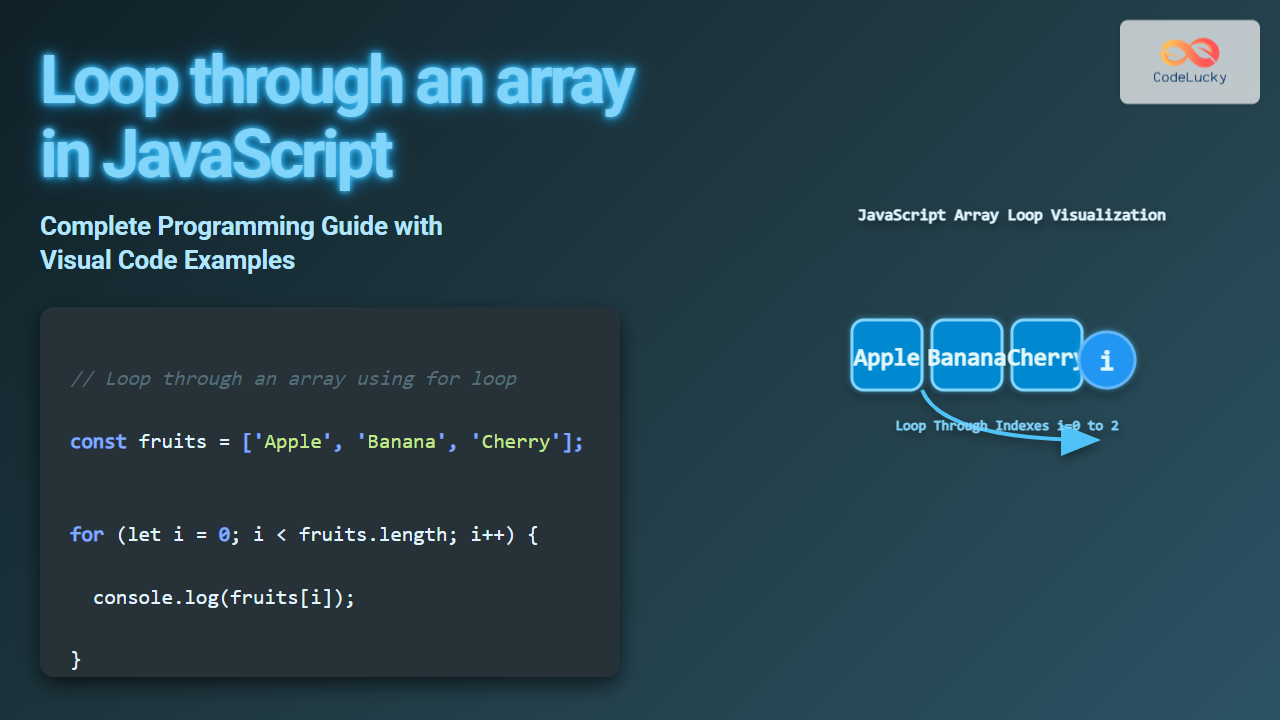
Looping through arrays is a fundamental concept in JavaScript programming that every developer needs to master. This comprehensive guide covers all the common ways to iterate over arrays with detailed explanations, examples, visual diagrams, and interactive code snippets to help you build a deep understanding.
Why Loop Through Arrays?
Arrays are one of the most commonly used data structures in JavaScript, holding multiple values under a single variable. Looping through arrays allows you to access, manipulate, or analyze each element efficiently, which is essential in tasks ranging from simple data display to complex data manipulation.
Common Methods to Loop Through Arrays in JavaScript
JavaScript provides multiple approaches to loop through arrays. Below are the most popular and widely used techniques.
1. The Classic for Loop
The for loop is the most traditional and flexible way to iterate over arrays. It uses an index variable to access each element by its position.
const fruits = ['Apple', 'Banana', 'Cherry'];

for (let i = 0; i < fruits.length; i++) {
  console.log(fruits[i]);
}
// Output:
// Apple
// Banana
// Cherry
2. The for...of Loop
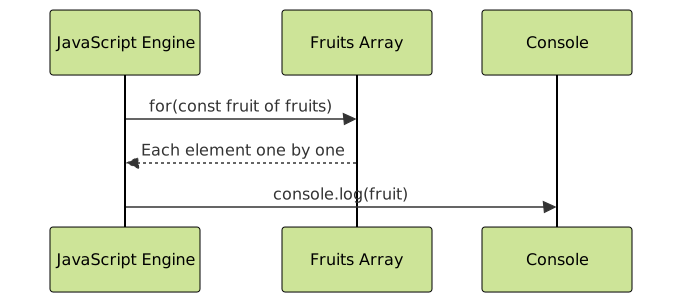
Introduced in ES6, for...of loop provides a clean, readable syntax to iterate directly over array elements without managing an index variable.
const fruits = ['Apple', 'Banana', 'Cherry'];

for (const fruit of fruits) {
  console.log(fruit);
}
// Output:
// Apple
// Banana
// Cherry
3. The forEach() Method
The forEach() method executes a provided callback function once for each array element. It’s concise and widely preferred for callback-based iteration.
const fruits = ['Apple', 'Banana', 'Cherry'];

fruits.forEach((fruit, index) => {
  console.log(`${index}: ${fruit}`);
});
// Output:
// 0: Apple
// 1: Banana
// 2: Cherry
4. The map() Method (Returns a New Array)
While map() is mainly used for creating a new transformed array, it effectively loops through all elements and can be used when a new array based on the original is needed.
const fruits = ['Apple', 'Banana', 'Cherry'];

const upperFruits = fruits.map(fruit => fruit.toUpperCase());
console.log(upperFruits);
// Output:
// ['APPLE', 'BANANA', 'CHERRY']
5. Using while and do...while Loops
Though less common for array iteration, while and do...while loops can be used where condition-based iteration is necessary.
const fruits = ['Apple', 'Banana', 'Cherry'];
let i = 0;

while (i < fruits.length) {
  console.log(fruits[i]);
  i++;
}
// Output same as classic for loop
Interactive Example: Looping Through an Array
Try this live example to see how different loops iterate over an array.
const fruits = ['Apple', 'Banana', 'Cherry'];

// Using for...of loop
for (const fruit of fruits) {
  console.log(fruit);
}
Performance Considerations
For most purposes, modern JavaScript engines optimize array iteration methods efficiently. The classic for loop can be slightly faster in performance-critical scenarios, but for...of and forEach() provide more readable and maintainable syntax.
Summary Chart of Array Looping Methods
| Method | Description | Key Features | Return Value |
|---|---|---|---|
| for loop | Traditional loop with index control | Highly flexible, familiar syntax | Undefined |
| for…of | Iterates directly over values | Cleaner syntax, ES6+ | Undefined |
| forEach() | Callback for each element | Functional style, no break | Undefined |
| map() | Transforms each element | Returns new array, functional | New array |
| while / do…while | Condition-based loops | Flexible, less common for arrays | Undefined |
Understanding Loop Control with Arrays
You can control loop execution using break and continue statements within loops, but note forEach() does not support break or continue.

Tips for SEO-Friendly JavaScript Code
- Avoid inline JavaScript-generated content if SEO depends on content visibility; server-side rendering is preferred.
- Use semantic HTML when displaying arrays or data iterated from JavaScript.
- Clearly comment all loops for readability and maintainability.
Conclusion
Looping through arrays efficiently is critical in JavaScript development. This guide covered all popular techniques with examples, diagrams, and practical tips, enabling developers of all skill levels to master JavaScript array iteration confidently.





