
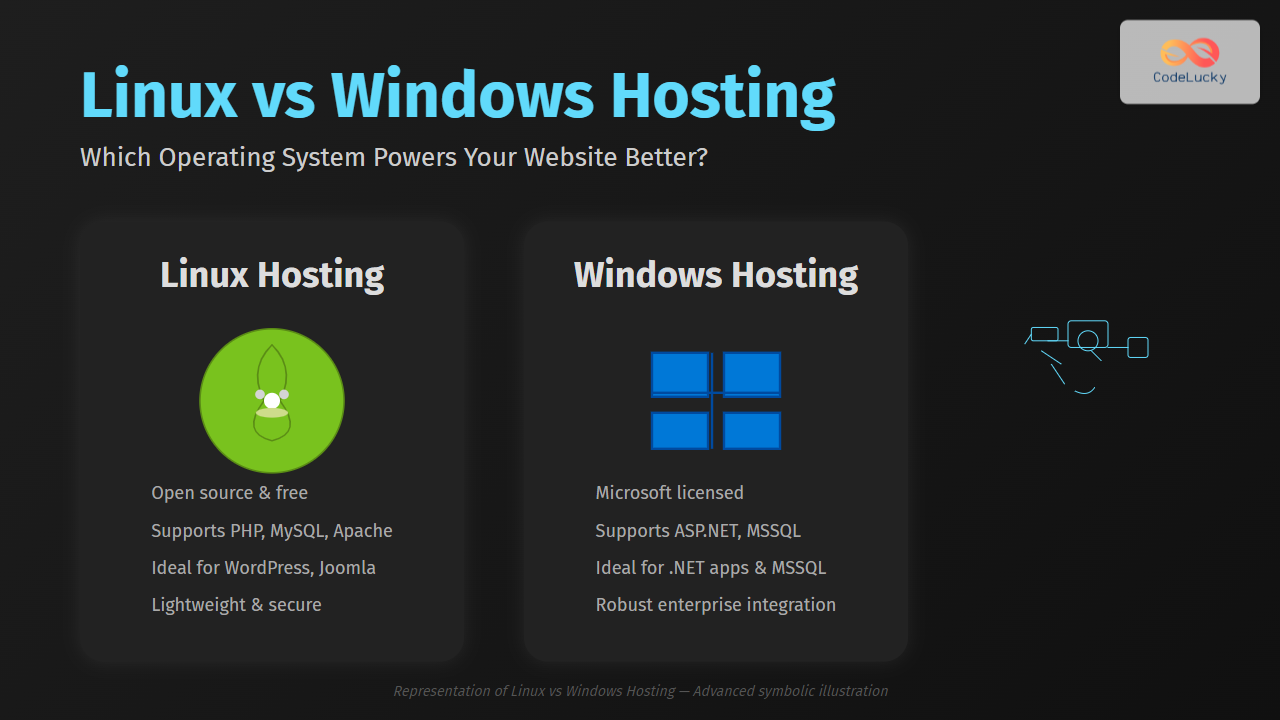
Choosing the right hosting operating system is vital for your website’s performance, security, and compatibility. The two dominant options in web hosting are Linux hosting and Windows hosting. Each comes with unique advantages, supported technologies, and environments tailored for different needs. This article dives deep into the differences between Linux vs Windows hosting, helping you understand which operating system will power your website most effectively.
What is Web Hosting OS?
Web hosting OS refers to the operating system installed on the server that hosts your website or web application. It directly controls server operations, software compatibility, and performance aspects. The choice between Linux and Windows hosting affects the software stacks you can run, security layers, and overall control over your hosting environment.
Key Differences: Linux Hosting vs Windows Hosting
| Feature | Linux Hosting | Windows Hosting |
|---|---|---|
| Operating System | Linux (Ubuntu, CentOS, Debian, etc.) | Microsoft Windows Server |
| Supported Technologies | PHP, Python, Perl, Ruby, MySQL, Apache, etc. | ASP.NET, MSSQL, Visual Basic, Microsoft SQL Server, IIS |
| Cost | Generally Free / Open Source | Licensing Fees Incurred |
| Control Panel Options | cPanel, Plesk, Webmin | Plesk, WebsitePanel |
| Security | Strong community-driven security, frequent updates | Good security, but frequent patches needed due to popularity |
| Performance | Lightweight, efficient resource usage | Generally heavier, can integrate well with Windows apps |
| Ideal For | Open source apps like WordPress, Joomla, Drupal | Microsoft technologies and applications like ASP.NET apps |
| Support | Community & commercial support | Official Microsoft support & vendor ecosystem |
Detailed Comparison of Hosting Environment
1. Software & Language Compatibility
Linux hosting supports popular scripting languages such as PHP, Python, and Perl, which power many popular content management systems (CMS) like WordPress and Joomla. It also seamlessly integrates with MySQL databases, Apache or NGINX web servers.
Windows hosting caters primarily to applications built on Microsoft frameworks such as ASP.NET, .NET Core, and frameworks using languages like C# and Visual Basic. It supports Microsoft SQL Server and IIS web server.

2. Cost Differences
Linux hosting usually incurs lower costs since Linux is open source and free to use. Many Linux control panels like cPanel have affordable licensing fees.
Windows hosting entails additional licensing costs because Windows Server and Microsoft technologies require paid licenses. This factor can make Windows hosting more expensive, especially on large scale setups.
3. Security Considerations
Linux’s long-standing reputation for security is supported by its open-source model, allowing rapid patching and updates. Its permission and user management system makes it harder for unauthorized access to occur.
Windows hosting also provides robust security but faces more frequent attacks due to its popularity, requiring vigilant updates and patches. The integrated Windows Defender and firewall help counter threats.
Use Cases for Linux vs Windows Hosting
When to Choose Linux Hosting?
- Running open-source CMS like WordPress, Drupal, Joomla.
- Developers using PHP, Python, or Perl.
- Cost-conscious projects requiring scalable performance.
- Web applications relying on MySQL or MariaDB databases.
When to Choose Windows Hosting?
- Developing web applications using ASP.NET or .NET Core.
- Needing Microsoft SQL Server or Access databases.
- Integrating with other Microsoft services and enterprise solutions.
- Running legacy Windows-based applications on the web.

Example: Deploying a Simple PHP Website
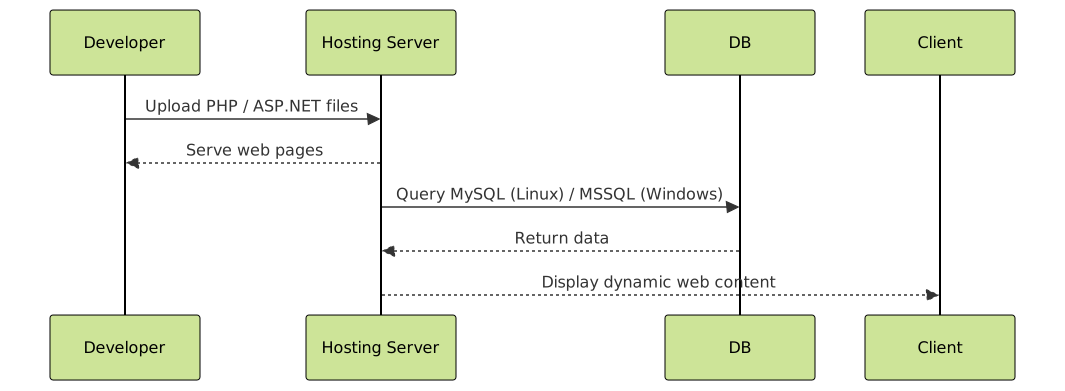
Consider a basic PHP website that needs Apache web server and MySQL database.
index.php
<?php
echo "Welcome to PHP site hosted on Linux!";
?>
On Linux hosting, the LAMP stack (Linux, Apache, MySQL, PHP) is pre-configured on many providers. Deploying such a PHP script just needs uploading the files and configuring the database connection.
Expected output in browser:
Welcome to PHP site hosted on Linux!
Example: ASP.NET Core Web Application
For an ASP.NET Core web app, Windows hosting with IIS web server is recommended:
HomeController.cs
public IActionResult Index()
{
    return Content("Welcome to ASP.NET Core site hosted on Windows!");
}
This requires deploying the compiled ASP.NET Core app to a Windows server with IIS configured.
Expected output in browser:
Welcome to ASP.NET Core site hosted on Windows!
Summary: Making the Right Choice
Linux hosting offers cost-effective, stable, and secure environments for a vast majority of web projects based on open-source technologies. It supports virtually all popular CMS and scripting languages.
Windows hosting excels when projects rely on Microsoft technologies, requiring specific Windows-only services or integrations, though it does come with higher licensing costs.
Understanding your project’s technical stack and budget will guide the choice of the operating system to host your website effectively.





