
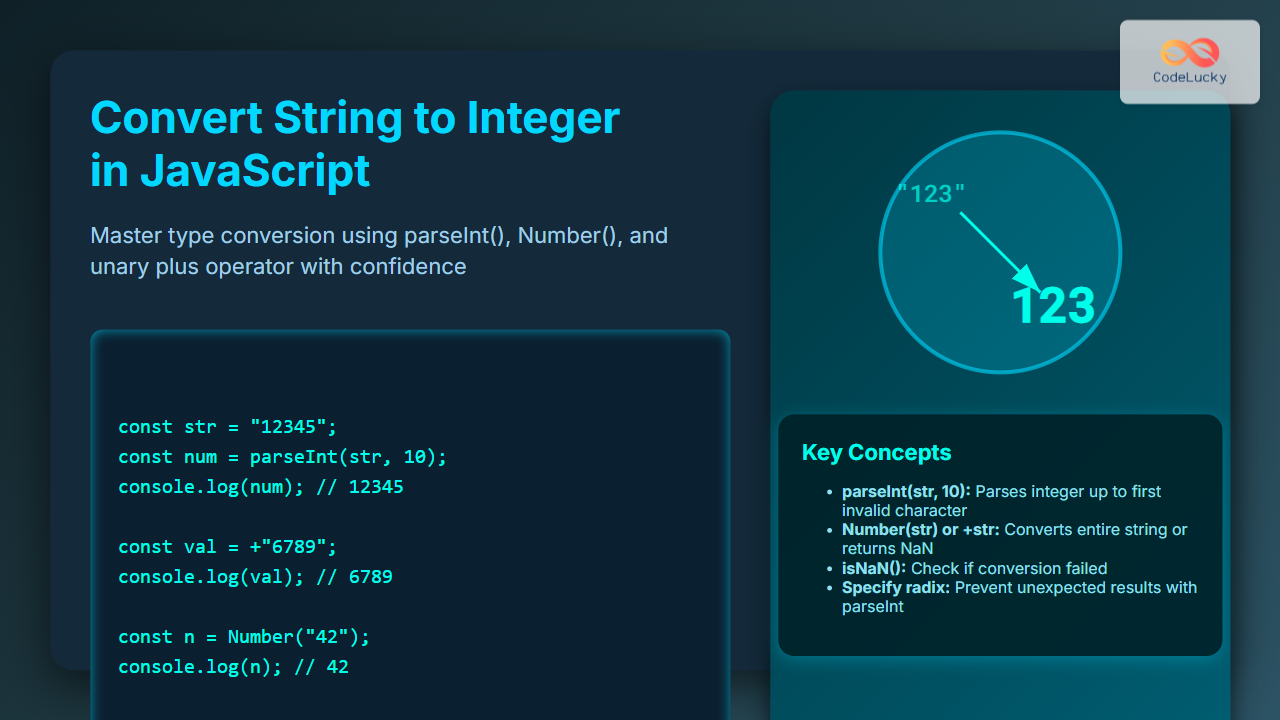
Converting a string to an integer in JavaScript is a common task that every web developer encounters. Handling type conversions correctly ensures that your applications behave as expected, especially when dealing with user inputs or external data sources. This article provides an in-depth, SEO-friendly guide on how to convert strings to integers in JavaScript, complete with practical examples, clear outputs, and useful visual explanations.
Why Convert Strings to Integers in JavaScript?
JavaScript is a dynamically typed language, which means variables can hold any type of data. Sometimes, numeric values come as strings (e.g., input fields or APIs). To perform arithmetic operations or comparisons correctly, these strings need to be converted to integers.

Common Methods to Convert String to Integer
JavaScript provides several built-in ways to convert strings into integers. Let’s explore each popular method with examples.
1. Using parseInt()
The parseInt() function parses a string and returns an integer of the specified radix (base).
const str = "123";
const num = parseInt(str, 10); // radix 10 for decimal
console.log(num); // Output: 123
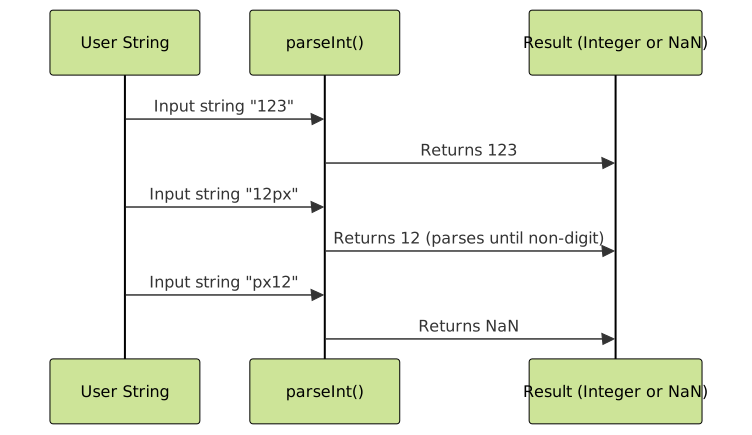
Note: If the string does not start with a numeric value, parseInt returns NaN. Also, specifying the radix is recommended to avoid unexpected results.
Visualizing parseInt() Behavior
2. Using the Unary Plus Operator
The unary plus operator (+) is a quick way to convert a string to a number. It attempts to convert the whole string into a number, returning NaN if it can’t.
const str = "456";
const num = +str;
console.log(num); // Output: 456
This method converts both integer and floating-point strings. It does not parse partial numbers like parseInt().
3. Using Number() Constructor
Number() is a function that converts the entire string value into a number (integer or float). It behaves similarly to the unary plus operator.
const str = "789";
const num = Number(str);
console.log(num); // Output: 789
4. Using Math.floor() or Math.ceil() with Number()
If you want to ensure conversion yields an integer and also want to round floating-point strings, combine Number() with rounding functions.
const str = "98.7";
const num = Math.floor(Number(str)); // 98
const num2 = Math.ceil(Number(str));  // 99
console.log(num, num2);
Handling Non-Numeric Strings
When conversion fails, the result is NaN (Not-a-Number). It’s important to check for this case to avoid bugs.
const str = "abc";
const num = parseInt(str, 10);

if (isNaN(num)) {
    console.log("Conversion failed: not a number");
} else {
    console.log("Number is", num);
}
Summary Table of Methods
| Method | Behavior | Example Input | Output | Notes |
|---|---|---|---|---|
parseInt() |
Parses until non-digit character | “123abc” | 123 | Returns NaN if no leading digit |
Unary Plus + |
Converts whole string or returns NaN | “123” | 123 | Fastest, no radix |
Number() |
Converts entire string | “123.45” | 123.45 | Supports floats |
Math.floor(Number()) |
Converts and rounds down | “123.99” | 123 | Good for rounding floats |
Interactive Example: Test Your String Conversion
Try entering a string below to see how JavaScript converts it to a number using different methods:
Best Practices for Conversion
- Always specify the radix (usually 10) with
parseInt()to avoid unexpected results. - Use type-checking functions like
isNaN()to validate conversion results. - Choose
parseInt()for parsing integers out of strings with mixed content. - Use unary plus or
Number()when expecting an exact numeric string without surrounding characters.
Summary
Converting strings to integers in JavaScript is straightforward but choosing the right method depends on the situation. parseInt() offers flexibility in parsing numbers with extra characters, while the unary plus and Number() provide concise conversions for clean numeric strings. Always validate the conversion to handle edge cases and ensure reliable code.
Mastering these techniques improves data handling and makes JavaScript programming more robust.





