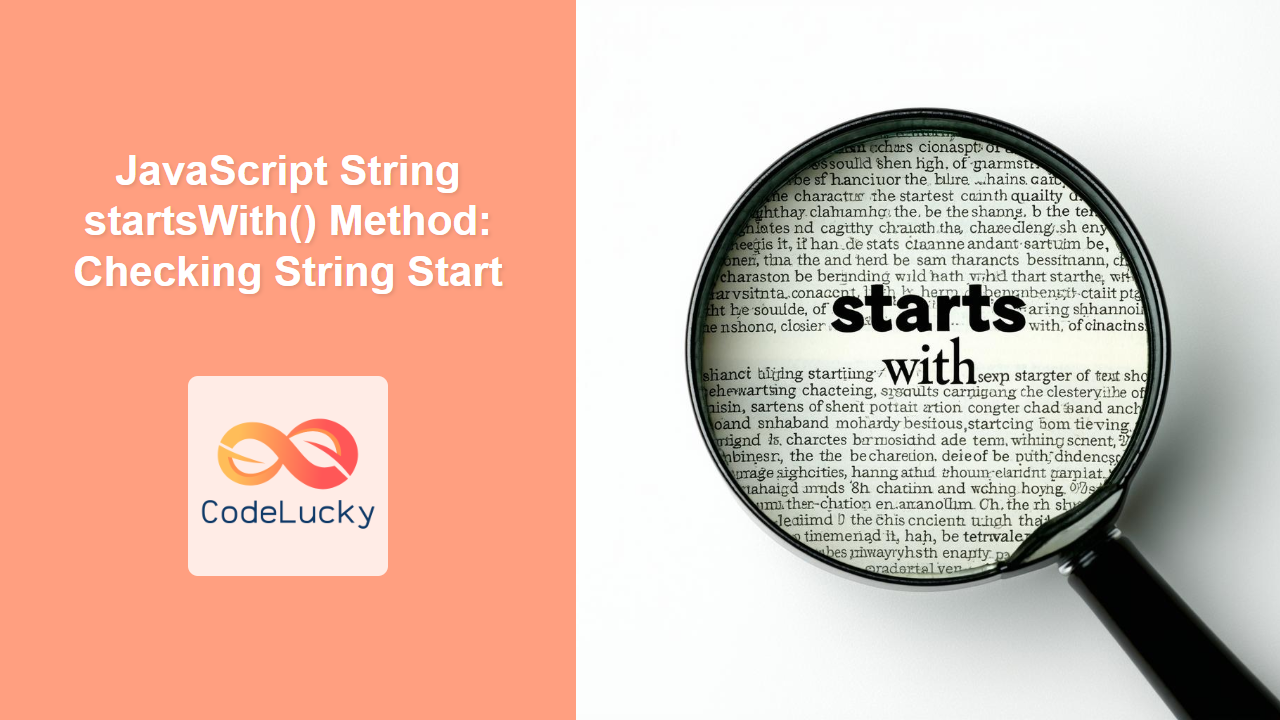
JavaScript String startsWith() Method: Checking String Start
The startsWith() method in JavaScript is a powerful tool for determining whether a string begins with a specific substring. Introduced in ECMAScript 6 (ES6), it provides a straightforward and efficient way to perform this check. This article offers a comprehensive guide to using the startsWith() method, complete with syntax, examples, and best practices.
What is the startsWith() Method?
The startsWith() method checks if a string starts with the characters of a specified string, returning true if it does and false otherwise. This method is case-sensitive.
Syntax
The syntax for the startsWith() method is as follows:
string.startsWith(searchString, position);
Where:
searchString: The string to search for at the beginning of the string.position(optional): The position in the string at which to begin searching forsearchString. Default value is0.
Parameters
| Parameter | Type | Description | Optional |
|---|---|---|---|
| `searchString` | String | The sequence of characters to search for at the beginning of the string. | No |
| `position` | Number | The index within the string to start searching for `searchString`. | Yes |
Return Value
The startsWith() method returns:
true: If the string starts with the specifiedsearchString.false: If the string does not start with the specifiedsearchString.
Examples
Let’s explore several examples of how to use the startsWith() method in JavaScript.
Basic Usage
The most basic use case involves checking if a string starts with a particular substring:
const str1 = "Hello, world!";
const startsWithHello = str1.startsWith("Hello");
console.log(startsWithHello); // Output: true

const startsWithGoodbye = str1.startsWith("Goodbye");
console.log(startsWithGoodbye); // Output: false
Using the position Parameter
The optional position parameter allows you to specify where in the string to begin the search:
const str2 = "Hello, world!";
const startsWithWorld = str2.startsWith("world", 7);
console.log(startsWithWorld); // Output: true

const startsWithHelloAgain = str2.startsWith("Hello", 1);
console.log(startsWithHelloAgain); // Output: false
Case Sensitivity
The startsWith() method is case-sensitive, so the case of the searchString must match the beginning of the string for the method to return true:
const str3 = "Hello, world!";
const startsWithLowercaseHello = str3.startsWith("hello");
console.log(startsWithLowercaseHello); // Output: false

const startsWithUppercaseHello = str3.startsWith("Hello");
console.log(startsWithUppercaseHello); // Output: true
Checking Empty Strings
When checking against an empty string, the startsWith() method will always return true, as an empty string can be considered the start of any string:
const str4 = "Hello, world!";
const startsWithEmpty = str4.startsWith("");
console.log(startsWithEmpty); // Output: true
Using with Variables
You can also use variables for the searchString and position parameters:
const str5 = "Hello, world!";
const search = "Hello";
const pos = 0;

const startsWithVariable = str5.startsWith(search, pos);
console.log(startsWithVariable); // Output: true
Real-World Use Case: File Type Validation
A practical application of startsWith() is to validate file types based on their names:
function isValidFile(filename, allowedExtensions) {
  return allowedExtensions.some((ext) => filename.startsWith(ext));
}

const filename1 = "image.png";
const filename2 = "document.pdf";
const allowed = [".jpg", ".png", ".gif"];

console.log(isValidFile(filename1, allowed)); // Output: true
console.log(isValidFile(filename2, allowed)); // Output: false
In this example, the isValidFile function checks if a filename starts with any of the allowed file extensions. This can be useful for client-side validation before uploading files.
Use Case Example: Checking String Start with multiple options
<script>
function checkStart(str, startOptions) {
  return startOptions.some((option) => str.startsWith(option));
}

const myString = "Hello, world!";
const startOptions1 = ["Hello", "Hi", "Hey"];
const startOptions2 = ["Goodbye", "See you"];

console.log(checkStart(myString, startOptions1)); // Output: true
console.log(checkStart(myString, startOptions2)); // Output: false
</script>
In this example:
- Function Definition:
checkStart(str, startOptions)is defined to take a stringstrand an array of possible starting stringsstartOptions. - Using
some(): Thesome()method is used onstartOptionsto check if at least one of the options satisfies the condition. - Checking with
startsWith(): For eachoptioninstartOptions,str.startsWith(option)checks ifstrstarts with that option. - Example Usage:
myStringis “Hello, world!”.startOptions1contains “Hello”, “Hi”, and “Hey”. SincemyStringstarts with “Hello”, the function returnstrue.startOptions2contains “Goodbye” and “See you”. SincemyStringdoes not start with either of these, the function returnsfalse.
Browser Support
The startsWith() method is supported in all modern browsers:
- Chrome
- Firefox
- Safari
- Edge
- Opera
For older browsers that do not support startsWith(), you can use a polyfill to add this functionality.
Polyfill for Older Browsers
A polyfill is a piece of code (usually JavaScript) that provides the functionality that you, as a developer, expect the browser to provide natively. Polyfills allow you to use modern JavaScript features in older browsers that do not natively support them.
Here’s a polyfill for the startsWith() method:
if (!String.prototype.startsWith) {
  String.prototype.startsWith = function (search, pos) {
    return (
      this.substring(!pos || pos < 0 ? 0 : +pos, search.length) === search
    );
  };
}
This polyfill checks if the startsWith method is already defined on the String.prototype. If it’s not, the polyfill adds the startsWith method to the String.prototype. This custom implementation uses the substring method to extract a portion of the string and compares it with the search string.
How to Use:
- Include the Polyfill: Add the above code snippet to your JavaScript file or include it in a
<script>tag in your HTML file, before any code that usesstartsWith(). - Use
startsWith(): You can now use thestartsWith()method in your code, and it will work even in older browsers that do not natively support it.
Conclusion
The startsWith() method in JavaScript is a simple yet powerful way to check if a string begins with a specific substring. Its ease of use and widespread browser support make it an essential tool for any JavaScript developer working with string manipulation and validation. By understanding its syntax, parameters, and use cases, you can effectively leverage this method in your projects. 🚀
Related Posts
JavaScript String endsWith() Method: Checking String End
JavaScript String endsWith() Method: Checking String End The endsWith() method in JavaScript is a powerful tool for string manipulation. It...
Python String startswith() Method: Checking String Start
The startswith() method in Python is a handy tool for determining if a string begins with a specific prefix. It's...
JavaScript String substring() Method: Extracting Substrings
JavaScript String substring() Method: Extracting Substrings The substring() method in JavaScript is a powerful tool for extracting a portion of...
JavaScript String includes() Method: Checking String Inclusion
JavaScript String includes() Method: Checking String Inclusion The includes() method in JavaScript is a powerful tool for determining if a...
JavaScript String lastIndexOf() Method: Finding Substring Last Index
JavaScript String lastIndexOf() Method: Finding Substring Last Index The lastIndexOf() method in JavaScript is a powerful tool for working with...
JavaScript String search() Method: Searching String Pattern
JavaScript String search() Method: Searching for String Patterns The search() method in JavaScript is used to find the first match...
JavaScript String match() Method: Matching String Pattern
JavaScript String match() Method: Matching String Patterns The JavaScript match() method is a fundamental tool for string manipulation, allowing you...
JavaScript RegExp ^: Matching Start of String
JavaScript RegExp ^: Matching the Start of a String In JavaScript regular expressions, the ^ anchor is used to assert...
JavaScript String indexOf() Method: Finding Substring Index
JavaScript String indexOf() Method: Finding Substring Index The JavaScript indexOf() method is a fundamental tool for working with strings. It...
JavaScript String substr() Method: Extracting Substring
JavaScript String substr() Method: Extracting Substrings The JavaScript substr() method is a powerful tool for extracting a portion of a...
JavaScript RegExp toString() Method: String Representation
JavaScript RegExp toString() Method: String Representation The toString() method in JavaScript's RegExp object is used to obtain a string representation...
JavaScript RegExp test() Method: Testing Regular Expressions
JavaScript RegExp test() Method: Testing Regular Expressions The test() method in JavaScript's RegExp object is a fundamental tool for determining...