JavaScript Set size Property: Get the Size of a Set
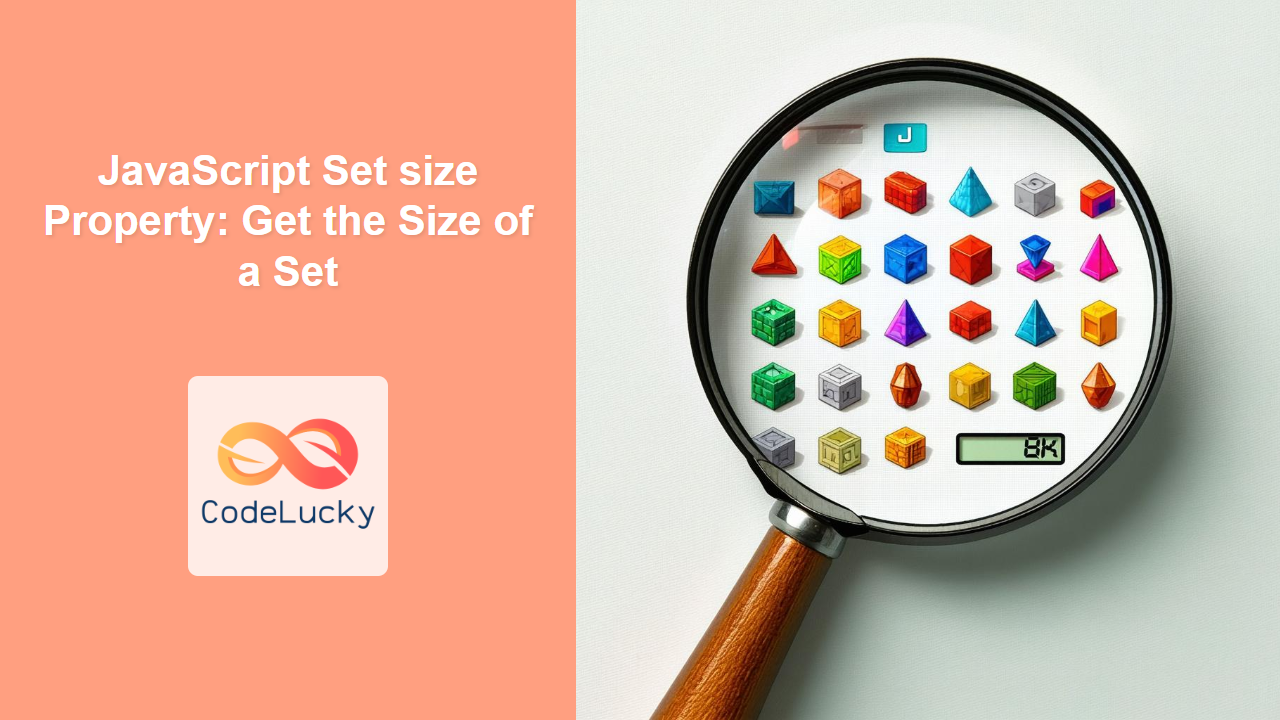
The size property in JavaScript’s Set object is a read-only property that returns the number of (unique) elements currently stored in the Set. It’s a simple yet powerful way to determine the cardinality of your Set data structure. This article will guide you through understanding and effectively using the size property with practical examples.
What is the size Property?
The size property provides a quick and efficient way to find out how many unique elements are in a Set. Unlike arrays, where you use the length property, Set objects use size to reflect the number of elements they contain.
Syntax
The syntax for accessing the size property of a Set object is straightforward:
let mySet = new Set();
let setSize = mySet.size;
Here, setSize will hold the number of elements in mySet.
Key Characteristics
- Read-Only: The
sizeproperty is read-only, meaning you cannot directly modify the number of elements in aSetby assigning a new value tosize. You can only change thesizeby adding or removing elements. - Returns an Integer: The property always returns a non-negative integer representing the number of elements in the
Set. - Dynamic: The
sizeproperty dynamically reflects the current number of elements. Adding or deleting elements immediately updates thesize.
Examples
Let’s explore some examples to illustrate how to use the size property effectively.
Basic Usage
First, let’s create a Set and check its size:
let mySet1 = new Set();
console.log(mySet1.size); // Output: 0

mySet1.add(1);
console.log(mySet1.size); // Output: 1

mySet1.add(2);
mySet1.add(3);
console.log(mySet1.size); // Output: 3
This example demonstrates how the size property reflects the number of elements added to the Set.
Using size with Duplicate Elements
The Set object only stores unique values. Let’s see how the size property behaves when we try to add duplicate elements:
let mySet2 = new Set();
mySet2.add(1);
mySet2.add(2);
mySet2.add(1); // Adding a duplicate element

console.log(mySet2.size); // Output: 2 (duplicates are ignored)
Even though we tried to add 1 twice, the size property correctly reports 2 because Set only stores unique values.
Using size after Deleting Elements
Let’s see how the size property updates after deleting elements from the Set:
let mySet3 = new Set();
mySet3.add(1);
mySet3.add(2);
mySet3.add(3);

console.log(mySet3.size); // Output: 3

mySet3.delete(2);
console.log(mySet3.size); // Output: 2

mySet3.clear();
console.log(mySet3.size); // Output: 0
This example shows that deleting elements reduces the size accordingly, and using clear() resets the size to 0.
Using size with Different Data Types
The Set object can store elements of different data types. Let’s examine how the size property works in such cases:
let mySet4 = new Set();
mySet4.add(1);
mySet4.add("hello");
mySet4.add({ name: "John" });
mySet4.add(true);

console.log(mySet4.size); // Output: 4
The size property correctly accounts for elements of different data types stored in the Set.
Real-World Use Case: Counting Unique Visitors
Consider a scenario where you want to count the number of unique visitors to a website. You can use a Set to store the unique visitor IDs and then use the size property to get the count.
let visitorIds = ["user123", "user456", "user123", "user789"];
let uniqueVisitors = new Set(visitorIds);

console.log("Number of unique visitors:", uniqueVisitors.size); // Output: 3
This example efficiently counts the number of unique visitors, ignoring duplicate entries.
Practical Example: Counting Unique Words in a Text
Here’s an example of how to use the Set size property to count the number of unique words in a given text. This is a common task in natural language processing and data analysis.
<p id="textElement">
  The quick brown fox jumps over the lazy dog. The dog barks loudly.
</p>
<button id="countButton">Count Unique Words</button>
<p id="resultParagraph"></p>

<script>
  const textElement = document.getElementById("textElement");
  const countButton = document.getElementById("countButton");
  const resultParagraph = document.getElementById("resultParagraph");

  countButton.addEventListener("click", function () {
    const text = textElement.textContent;
    const words = text.toLowerCase().split(/\s+/); // Split by spaces and convert to lowercase
    const uniqueWords = new Set(words);

    resultParagraph.textContent =
      "Number of unique words: " + uniqueWords.size;
  });
</script>
In this example, we split the text into words, convert them to lowercase to ensure case-insensitive counting, and then use a Set to store the unique words. The size property gives us the number of unique words, which we display in the result paragraph.
Browser Support
The Set object and its size property are supported in all modern browsers:
- Chrome
- Edge
- Firefox
- Safari
- Opera
Conclusion
The size property of the JavaScript Set object is a simple yet powerful tool for determining the number of unique elements in a Set. It is read-only, dynamic, and provides a quick way to access the cardinality of your Set. By understanding and utilizing the size property, you can efficiently manage and analyze unique data in your JavaScript applications. 👏
Related Posts

JavaScript Set Object: Working with Sets
JavaScript Set Object: Working with Sets The JavaScript Set object is a powerful and versatile data structure introduced in ECMAScript...

JavaScript Map size Property: Map Size
JavaScript Map size Property: Determining Map Size The JavaScript Map object is a powerful data structure for storing key-value pairs,...

JavaScript Array length Property: Array Length
JavaScript Array length Property: A Comprehensive Guide The JavaScript Array length property is a fundamental attribute that provides the number...

JavaScript Set Methods: Operations for Manipulating Sets
JavaScript Sets are powerful data structures that allow you to store unique values of any type. Introduced in ES6, Sets...

JavaScript Set keys() Method: Getting Set Keys
JavaScript Set keys() Method: Getting Set Keys The JavaScript Set object is a powerful data structure for storing unique values...

JavaScript Set Constructor: Creating Set Objects
JavaScript Set Constructor: Creating Set Objects In JavaScript, the Set object is a powerful tool for storing unique values of...

JavaScript Storage length Property: Storage Length
JavaScript Storage length Property: Comprehensive Guide The JavaScript Storage.length property provides a way to determine the number of data items...

JavaScript Set values() Method: Getting Set Values
JavaScript Set values() Method: Getting Set Values The values() method in JavaScript is a fundamental part of the Set object,...

JavaScript Set add() Method: Adding Element to Set
JavaScript Set add() Method: A Comprehensive Guide The add() method in JavaScript's Set object is a fundamental operation for adding...

JavaScript Sets: Managing Collections of Unique Values
JavaScript Sets are a powerful and versatile data structure introduced in ECMAScript 2015 (ES6). They provide an efficient way to...

JavaScript Set forEach() Method: Iterating Set Elements
JavaScript Set forEach() Method: Iterating Set Elements The forEach() method in JavaScript's Set object provides a way to iterate over...

JavaScript Set has() Method: Checking Set Element
JavaScript Set has() Method: Checking Set Element The has() method in JavaScript's Set object is a crucial tool for determining...