
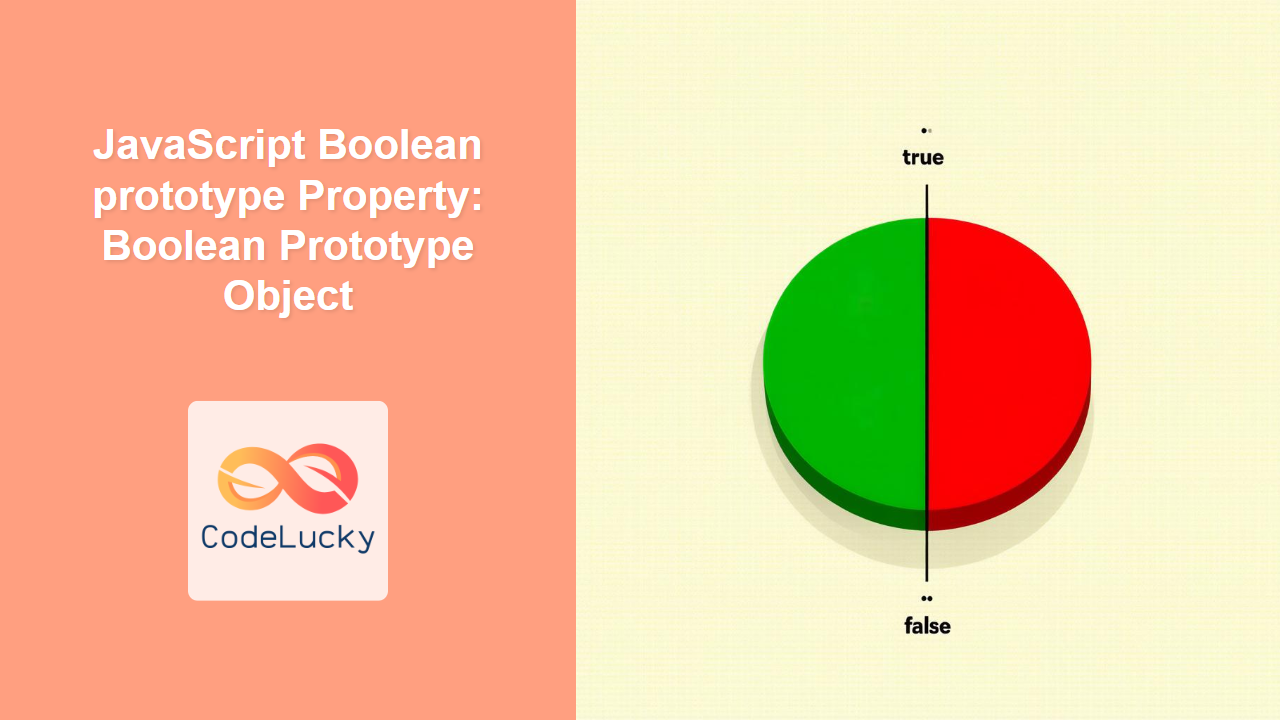
Understanding the JavaScript Boolean prototype Property
In JavaScript, every object has a prototype. The Boolean prototype property is an object that serves as the prototype for all Boolean objects. It allows you to add properties and methods to Boolean objects, making them available to all instances of Boolean. This article provides a deep dive into the Boolean.prototype property, explaining its significance, usage, and practical examples.
What is the Boolean prototype?
The Boolean.prototype is an object that is automatically created when JavaScript is initialized. It contains properties and methods that are inherited by all Boolean objects. By modifying Boolean.prototype, you can add new functionality to all Boolean instances in your code.
The key aspects of the Boolean.prototype are:
- Inheritance: All
Booleanobjects inherit properties and methods fromBoolean.prototype. - Extensibility: You can add new properties and methods to
Boolean.prototypeto extend the functionality of allBooleanobjects. - Centralized Modification: Changes to
Boolean.prototypeare reflected in allBooleaninstances.
Purpose of the Boolean prototype Property
The primary purpose of the Boolean.prototype property is to provide a mechanism for extending and modifying the behavior of Boolean objects in JavaScript. This includes:
- Adding custom methods to perform specific operations on Boolean values.
- Extending built-in functionality to suit specific application needs.
- Creating more expressive and readable code by encapsulating Boolean logic into reusable methods.
Syntax of the Boolean prototype Property
The Boolean.prototype property is accessed directly from the Boolean constructor. Here’s the basic syntax:
Boolean.prototype.propertyName = value;
Where:
Boolean.prototypeis the prototype object for theBooleanconstructor.propertyNameis the name of the new property or method you want to add.valueis the value or function you want to assign to the new property or method.
Adding Custom Methods to Boolean.prototype
You can add custom methods to the Boolean.prototype to enhance the functionality of Boolean objects.
Example 1: Adding a Custom Method
Let’s add a method named invert to the Boolean.prototype that returns the opposite Boolean value.
Boolean.prototype.invert = function () {
  return !this.valueOf();
};

const bool1 = new Boolean(true);
const bool2 = new Boolean(false);

console.log(bool1.invert()); // Output: false
console.log(bool2.invert()); // Output: true
In this example, the invert method is added to the Boolean.prototype. It uses this.valueOf() to get the primitive Boolean value of the Boolean object and returns its negation.
Example 2: Checking if a Boolean is True
Let’s add a method named isTrue to the Boolean.prototype that checks if the Boolean value is true.
Boolean.prototype.isTrue = function () {
  return this.valueOf() === true;
};

const bool3 = new Boolean(true);
const bool4 = new Boolean(false);

console.log(bool3.isTrue()); // Output: true
console.log(bool4.isTrue()); // Output: false
In this example, the isTrue method checks if the primitive value of the Boolean object is true.
Example 3: Checking if a Boolean is False
Let’s add a method named isFalse to the Boolean.prototype that checks if the Boolean value is false.
Boolean.prototype.isFalse = function () {
  return this.valueOf() === false;
};

const bool5 = new Boolean(true);
const bool6 = new Boolean(false);

console.log(bool5.isFalse()); // Output: false
console.log(bool6.isFalse()); // Output: true
In this example, the isFalse method checks if the primitive value of the Boolean object is false.
Practical Use Cases
The Boolean.prototype property can be used in various practical scenarios to extend the functionality of Boolean objects.
Use Case 1: Adding Logging Methods
Let’s add methods to log the Boolean value to the console with custom messages.
Boolean.prototype.logIfTrue = function (message) {
  if (this.valueOf() === true) {
    console.log(message);
  }
};

Boolean.prototype.logIfFalse = function (message) {
  if (this.valueOf() === false) {
    console.log(message);
  }
};

const bool7 = new Boolean(true);
const bool8 = new Boolean(false);

bool7.logIfTrue("This value is true."); // Output: This value is true.
bool8.logIfFalse("This value is false."); // Output: This value is false.
In this example, logIfTrue logs a message if the Boolean value is true, and logIfFalse logs a message if the Boolean value is false.
Use Case 2: Simplifying Conditional Checks
Let’s add a method to simplify conditional checks by returning a specific value based on the Boolean value.
Boolean.prototype.getValue = function (trueValue, falseValue) {
  return this.valueOf() === true ? trueValue : falseValue;
};

const bool9 = new Boolean(true);
const bool10 = new Boolean(false);

console.log(bool9.getValue("Yes", "No")); // Output: Yes
console.log(bool10.getValue("Yes", "No")); // Output: No
In this example, getValue returns trueValue if the Boolean is true, and falseValue if the Boolean is false.
Extending Boolean Objects with Custom Properties
Although less common, you can also add custom properties to Boolean objects via the Boolean.prototype.
Example: Adding a Description Property
Let’s add a description property to the Boolean.prototype that provides a textual description of the Boolean value.
Boolean.prototype.description = function () {
  return this.valueOf() === true ? "True value" : "False value";
};

const bool11 = new Boolean(true);
const bool12 = new Boolean(false);

console.log(bool11.description()); // Output: True value
console.log(bool12.description()); // Output: False value
In this example, the description property returns a string describing the Boolean value.
Important Considerations
- Avoid Overriding Native Methods: Be cautious when adding methods to
Boolean.prototypeto avoid overriding existing native methods. - Use
valueOf(): Always usethis.valueOf()to access the primitive Boolean value when defining custom methods. - Understand Inheritance: Remember that changes to
Boolean.prototypeaffect allBooleanobjects, so use this feature judiciously. - Performance: Modifying prototypes can impact performance, especially in large applications. Test thoroughly.
Browser Support
The Boolean.prototype property is supported by all modern web browsers, ensuring consistent behavior across different platforms.
Conclusion
The Boolean.prototype property in JavaScript is a powerful tool for extending the functionality of Boolean objects. By adding custom methods and properties, you can create more expressive, readable, and maintainable code. This guide provides a comprehensive overview of how to use Boolean.prototype effectively, with practical examples and important considerations to help you make the most of this feature in your JavaScript projects.
Related Posts
JavaScript Object prototype Property: Understanding Object Inheritance
JavaScript Object prototype Property: Understanding Object Inheritance In JavaScript, nearly everything is an object. These objects inherit properties and methods...

JavaScript Array prototype Property: Array Prototype Object
JavaScript Array prototype Property: Understanding the Array Prototype Object In JavaScript, the Array.prototype property is a fundamental aspect of the...
JavaScript Math prototype Property: Math Prototype Object
Understanding the Math.prototype in JavaScript In JavaScript, almost everything is an object, and objects inherit properties and methods from their...
JavaScript String prototype Property: String Prototype Object
JavaScript String prototype Property: Mastering String Extensions In JavaScript, the String prototype property is a powerful tool that allows you...
JavaScript Object Prototypes: Understanding Inheritance and the Prototype Chain
JavaScript's prototype-based inheritance is a powerful and flexible feature that sets it apart from many other object-oriented programming languages. Understanding...
JavaScript Date prototype Property: Date Prototype Object
Understanding the JavaScript Date Prototype Property In JavaScript, the Date object is used to work with dates and times. Just...
JavaScript Boolean Object: Working with Booleans
Understanding the JavaScript Boolean Object: A Deep Dive In JavaScript, the Boolean object is a fundamental data type representing logical...

JavaScript Object constructor Property: Understanding Object Constructors
JavaScript Object constructor Property: Understanding Object Constructors In JavaScript, the constructor property is a fundamental aspect of object creation and...

JavaScript Boolean Constructor: Boolean Creation
JavaScript Boolean Constructor: Creating Boolean Objects In JavaScript, the Boolean constructor is used to create Boolean objects. While primitive boolean...
JavaScript Number prototype: Number Prototype Object
JavaScript Number Prototype: Understanding the Number Prototype Object In JavaScript, the Number prototype is a fundamental concept that extends the...
JavaScript Object.create() Method: Creating Objects
JavaScript Object.create() Method: Creating Objects with Prototypes The Object.create() method in JavaScript is a powerful tool for creating new objects...

JavaScript Object defineProperty() Method: Defining Object Property
JavaScript Object.defineProperty() Method: Defining Object Properties The Object.defineProperty() method is a fundamental tool in JavaScript for defining or modifying properties...





