
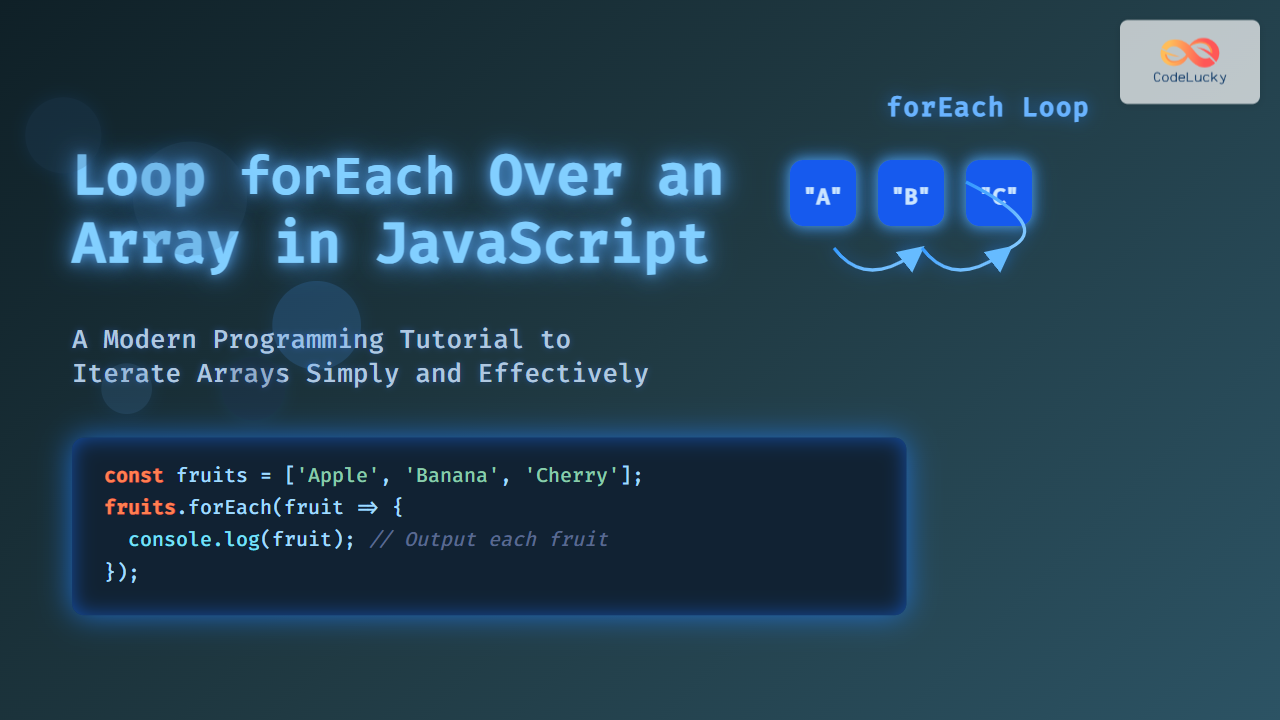
JavaScript is a powerful language used widely in web development, and understanding how to efficiently loop over arrays is a fundamental skill for any developer. One of the most popular and expressive ways to iterate through array elements is the forEach method.
What is the forEach Loop in JavaScript?
The forEach loop is an array method in JavaScript that executes a provided function once for each array element. It offers a succinct and readable way to perform operations on elements without explicitly managing loop counters or conditions.
Syntax
array.forEach(function(element, index, array) {
  // code to execute on each element
});
element: The current element in the array during iteration.index(optional): The index of the current element.array(optional): The array thatforEachis being called on.
Why Use forEach?
The forEach loop improves code clarity when you want to process elements in an array without needing to break out of the loop early, as it doesn’t support break or continue. It is perfect for side-effect operations like logging, DOM manipulations, or applying functions.
Basic Example of forEach
Here’s a simple example of looping over an array of fruits and logging each fruit to the console:
const fruits = ['Apple', 'Banana', 'Cherry'];

fruits.forEach(function(fruit) {
  console.log(fruit);
});
Output:
Apple
Banana
Cherry
Using Arrow Functions
With ES6 arrow functions, the syntax becomes even more compact:
fruits.forEach(fruit => console.log(fruit));
Accessing Index and Full Array
You can access the current element’s index or the entire array inside the callback function if needed. For example:
fruits.forEach((fruit, index, arr) => {
  console.log(`Index: ${index}, Fruit: ${fruit}`);
});
Output:
Index: 0, Fruit: Apple
Index: 1, Fruit: Banana
Index: 2, Fruit: Cherry
Interactive Example
Try the following interactive snippet yourself. It iterates over the array and displays each fruit on the web page:
When to Avoid Using forEach
- Breaking the loop: You cannot exit the
forEachloop early withbreakorreturn. - Asynchronous code:
forEachdoes not work well with async/await inside the callback. - For transformations, methods like
mapare preferable.
Visualizing How forEach Works

Practical Use Cases of forEach
- Logging or debugging array contents.
- Modifying DOM elements based on array data.
- Performing side-effect operations like sending data to an API.
Example: Modifying Array Elements Visually
This example dynamically creates a list on the page with each fruit:
Comparison with Other Loops
| Loop Type | Syntax Complexity | Support for break/continue |
Use Case |
|---|---|---|---|
forEach |
Simple, expressive | No | Side-effect operations on every element |
for loop |
More verbose | Yes | When loop control is needed |
for...of |
Simple | Yes | Iterating iterable objects with control |
map |
Simple | No | Transforming arrays into new arrays |
Example to Show Difference Between forEach and map
const numbers = [1, 2, 3, 4];

// forEach does not return a new array
let doubled = [];
numbers.forEach(num => {
  doubled.push(num * 2);
});
console.log(doubled); // [2, 4, 6, 8]

// map returns a new array
const doubledMap = numbers.map(num => num * 2);
console.log(doubledMap); // [2, 4, 6, 8]
Visual Flow of forEach and map Comparison

Summary
The JavaScript forEach method is a straightforward and expressive approach to iterate over array elements for side-effect actions like logging or DOM manipulation. While it doesn’t support early loop termination or return new arrays, its simplicity and readability make it a great tool in the JavaScript programmer’s toolkit.
By mastering forEach, developers can write cleaner, more maintainable code for array iteration tasks across frontend and backend JavaScript environments.





