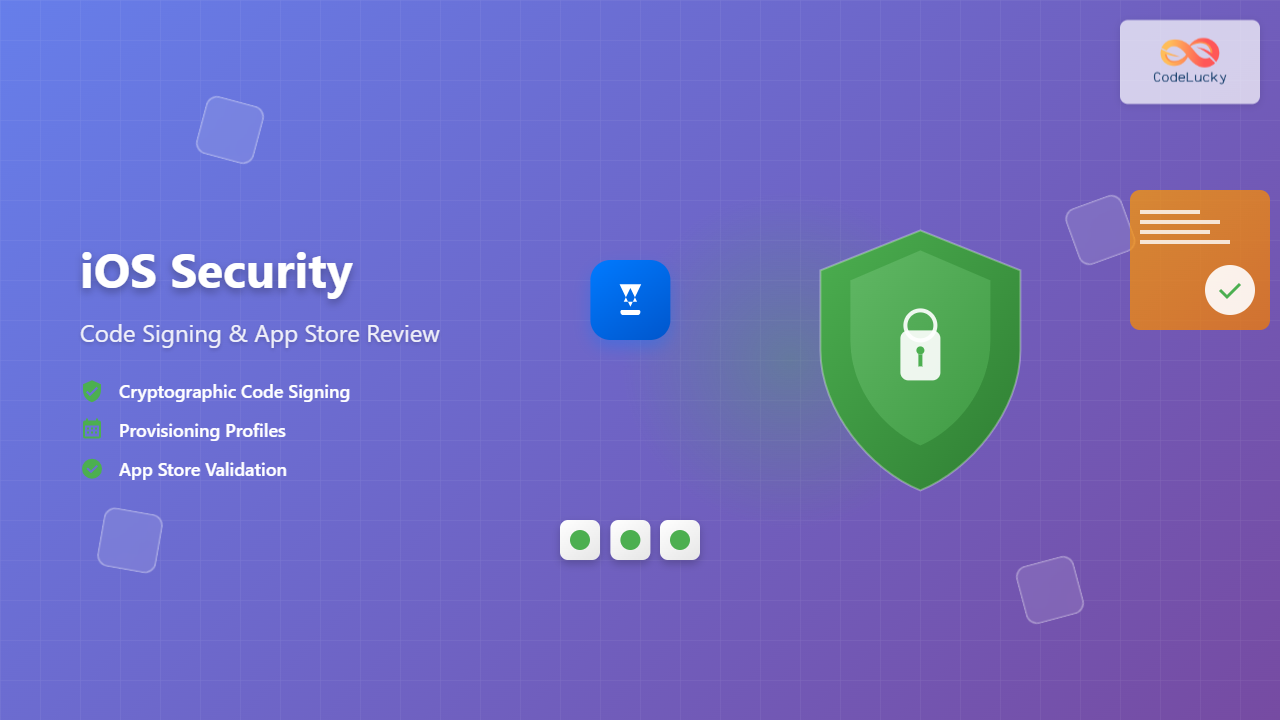
iOS security stands as one of the most robust mobile security frameworks in the industry, built on fundamental principles of code signing and rigorous App Store review processes. Understanding these security mechanisms is crucial for iOS developers who want to build secure, trustworthy applications that protect user data and maintain system integrity.
Understanding iOS Code Signing
Code signing is a cryptographic process that ensures the authenticity and integrity of iOS applications. When you sign your app, you’re essentially providing a digital fingerprint that verifies the code hasn’t been tampered with and confirms you’re the legitimate developer.

Types of Code Signing Certificates
Apple provides several types of certificates for different development and distribution scenarios:
- Development Certificate: Used for testing apps on registered devices during development
- Distribution Certificate: Required for App Store submissions and enterprise distribution
- Ad Hoc Certificate: Allows distribution to a limited number of registered devices without App Store submission
- Enterprise Certificate: Enables internal distribution within organizations
Certificate Generation Process
Creating a code signing certificate involves several steps:
- Generate a Certificate Signing Request (CSR) using Keychain Access
- Upload the CSR to Apple Developer Portal
- Download the generated certificate
- Install the certificate in your keychain
# Example: View installed certificates
security find-identity -v -p codesigning

# Output example:
1) 8A7B2C3D4E5F6789 "iPhone Developer: John Doe (ABC123XYZ)"
2) 9B8C7D6E5F4A3210 "iPhone Distribution: Company Name (DEF456UVW)"
Provisioning Profiles Deep Dive
Provisioning profiles act as the bridge between your code signing certificate, app identifier, and target devices. They define which devices can run your app and under what circumstances.

Types of Provisioning Profiles
| Profile Type | Purpose | Device Limit | Duration |
|---|---|---|---|
| Development | Testing during development | 100 devices | 1 year |
| Ad Hoc | Beta testing outside App Store | 100 devices | 1 year |
| App Store | App Store distribution | Unlimited | 1 year |
| Enterprise | Internal company distribution | Unlimited | 1 year |
Managing Provisioning Profiles
Xcode automatically manages provisioning profiles for most scenarios, but understanding manual management is crucial for complex setups:
# List installed provisioning profiles
ls ~/Library/MobileDevice/Provisioning\ Profiles/

# View profile details
security cms -D -i ~/Library/MobileDevice/Provisioning\ Profiles/profile.mobileprovision
App Store Review Process
The App Store Review process is Apple’s comprehensive evaluation system that ensures all submitted apps meet quality, security, and content standards before reaching users.

Review Timeline and Statistics
Apple typically reviews apps within 24-48 hours, with the following approximate breakdown:
- 50% of apps reviewed within 24 hours
- 90% of apps reviewed within 48 hours
- Complex apps may take up to 7 days
- Apps with violations may require multiple review cycles
Security Framework Components
Keychain Services
The iOS Keychain provides secure storage for sensitive data like passwords, certificates, and cryptographic keys:
import Security

// Store data in keychain
func storeInKeychain(key: String, data: Data) -> Bool {
    let query: [String: Any] = [
        kSecClass as String: kSecClassGenericPassword,
        kSecAttrAccount as String: key,
        kSecValueData as String: data,
        kSecAttrAccessible as String: kSecAttrAccessibleWhenUnlockedThisDeviceOnly
    ]

    let status = SecItemAdd(query as CFDictionary, nil)
    return status == errSecSuccess
}

// Retrieve data from keychain
func retrieveFromKeychain(key: String) -> Data? {
    let query: [String: Any] = [
        kSecClass as String: kSecClassGenericPassword,
        kSecAttrAccount as String: key,
        kSecReturnData as String: true,
        kSecMatchLimit as String: kSecMatchLimitOne
    ]

    var result: AnyObject?
    let status = SecItemCopyMatching(query as CFDictionary, &result)

    return status == errSecSuccess ? result as? Data : nil
}
App Transport Security (ATS)
ATS enforces secure network connections by requiring HTTPS and strong cryptographic standards:
<key>NSAppTransportSecurity</key>
<dict>
    <key>NSAllowsArbitraryLoads</key>
    <false/>
    <key>NSExceptionDomains</key>
    <dict>
        <key>trusted-domain.com</key>
        <dict>
            <key>NSExceptionMinimumTLSVersion</key>
            <string>TLSv1.2</string>
            <key>NSExceptionRequiresForwardSecrecy</key>
            <true/>
        </dict>
    </dict>
</dict>
Common Review Guidelines and Violations
Critical Review Areas
Privacy and Data Protection:
- Proper usage descriptions for sensitive permissions
- Data collection transparency
- User consent mechanisms
- Secure data transmission and storage
Content and Functionality:
- App completeness and functionality
- Appropriate content ratings
- No misleading information
- Compliance with intellectual property rights
Privacy Permission Examples
<key>NSCameraUsageDescription</key>
<string>This app uses the camera to capture photos for your profile.</string>

<key>NSLocationWhenInUseUsageDescription</key>
<string>Location access is required to show nearby restaurants.</string>

<key>NSContactsUsageDescription</key>
<string>Access to contacts enables easy sharing with friends.</string>
Advanced Security Implementation
Certificate Pinning
Implement certificate pinning to prevent man-in-the-middle attacks:
import Network

class SecureNetworkManager: NSObject, URLSessionDelegate {

    // Certificate pinning implementation
    func urlSession(_ session: URLSession,
                   didReceive challenge: URLAuthenticationChallenge,
                   completionHandler: @escaping (URLSession.AuthChallengeDisposition, URLCredential?) -> Void) {

        guard let serverTrust = challenge.protectionSpace.serverTrust,
              let certificate = SecTrustGetCertificateAtIndex(serverTrust, 0) else {
            completionHandler(.cancelAuthenticationChallenge, nil)
            return
        }

        let serverCertData = SecCertificateCopyData(certificate)
        let serverCertDataBytes = CFDataGetBytePtr(serverCertData)
        let serverCertDataLength = CFDataGetLength(serverCertData)

        // Compare with pinned certificate
        if let pinnedCertPath = Bundle.main.path(forResource: "pinned_cert", ofType: "cer"),
           let pinnedCertData = NSData(contentsOfFile: pinnedCertPath) {

            let pinnedCertBytes = pinnedCertData.bytes.assumingMemoryBound(to: UInt8.self)

            if serverCertDataLength == pinnedCertData.length &&
               memcmp(serverCertDataBytes, pinnedCertBytes, serverCertDataLength) == 0 {
                completionHandler(.useCredential, URLCredential(trust: serverTrust))
                return
            }
        }

        completionHandler(.cancelAuthenticationChallenge, nil)
    }
}
Runtime Application Self-Protection (RASP)
Implement basic anti-tampering and debugging detection:
import UIKit

class SecurityManager {

    // Detect if app is being debugged
    static func isDebuggerAttached() -> Bool {
        var info = kinfo_proc()
        var mib: [Int32] = [CTL_KERN, KERN_PROC, KERN_PROC_PID, getpid()]
        var size = MemoryLayout.stride

        let result = sysctl(&mib, u_int(mib.count), &info, &size, nil, 0)

        return (result == 0) && ((info.kp_proc.p_flag & P_TRACED) != 0)
    }

    // Check for jailbreak indicators
    static func isJailbroken() -> Bool {
        let jailbreakPaths = [
            "/Applications/Cydia.app",
            "/private/var/lib/apt/",
            "/private/var/lib/cydia",
            "/private/var/stash"
        ]

        for path in jailbreakPaths {
            if FileManager.default.fileExists(atPath: path) {
                return true
            }
        }

        return false
    }
}
Testing and Validation

Security Testing Checklist
Before submitting your app, ensure you’ve validated:
- Certificate Validity: Verify all certificates are current and properly configured
- Provisioning Profile: Confirm profile matches intended distribution method
- Permission Usage: Test all privacy permission flows
- Network Security: Validate HTTPS enforcement and certificate pinning
- Data Protection: Verify sensitive data encryption and secure storage
Automated Security Scanning
Integrate security scanning into your CI/CD pipeline:
#!/bin/bash
# Security validation script

echo "Starting security validation..."

# Check for hardcoded secrets
grep -r "api_key\|password\|secret" --include="*.swift" --exclude-dir="Pods" .

# Validate Info.plist permissions
plutil -lint Info.plist

# Check code signing
codesign -dv --verbose=4 YourApp.app

# Validate provisioning profile
security cms -D -i embedded.mobileprovision

echo "Security validation complete"
Best Practices for iOS Security
Development Phase
- Use Automatic Code Signing: Let Xcode handle certificate and profile management when possible
- Implement Certificate Rotation: Plan for certificate renewal well before expiration
- Secure Credential Storage: Never hardcode API keys or secrets in source code
- Enable App Transport Security: Use HTTPS for all network communications
Pre-Submission Phase
- Test on Real Devices: Validate functionality across different iOS versions
- Review Privacy Policies: Ensure compliance with data collection practices
- Validate Permissions: Test all permission requests and usage descriptions
- Performance Testing: Verify app performance under various conditions
Post-Submission Monitoring
- Monitor Review Status: Track submission progress through App Store Connect
- Prepare for Rejections: Have a response plan for common rejection scenarios
- Update Security Measures: Stay current with iOS security updates and guidelines
- Certificate Management: Maintain a certificate renewal schedule
Troubleshooting Common Issues
Code Signing Problems
Issue: “No valid signing identities found”
Solution:
# Clean and refresh certificates
rm -rf ~/Library/Developer/Xcode/DerivedData/*
security delete-keychain ios_distribution.keychain
# Re-download certificates from Apple Developer Portal
Issue: Provisioning profile doesn’t match certificate
Solution: Ensure the provisioning profile contains the correct certificate and App ID combination.
App Store Review Rejections
Common rejection reasons and solutions:
| Rejection Reason | Solution |
|---|---|
| Missing privacy usage descriptions | Add detailed NSUsageDescription entries in Info.plist |
| App crashes on launch | Test thoroughly on multiple device types and iOS versions |
| Incomplete app functionality | Ensure all advertised features work properly |
| Content policy violations | Review and modify content to comply with App Store guidelines |
iOS security through code signing and App Store review creates a robust ecosystem that protects both developers and users. By understanding these mechanisms and implementing best practices, you can build secure applications that successfully navigate the App Store review process while maintaining the highest security standards. Remember that iOS security is an ongoing process that requires continuous attention to Apple’s evolving guidelines and security requirements.