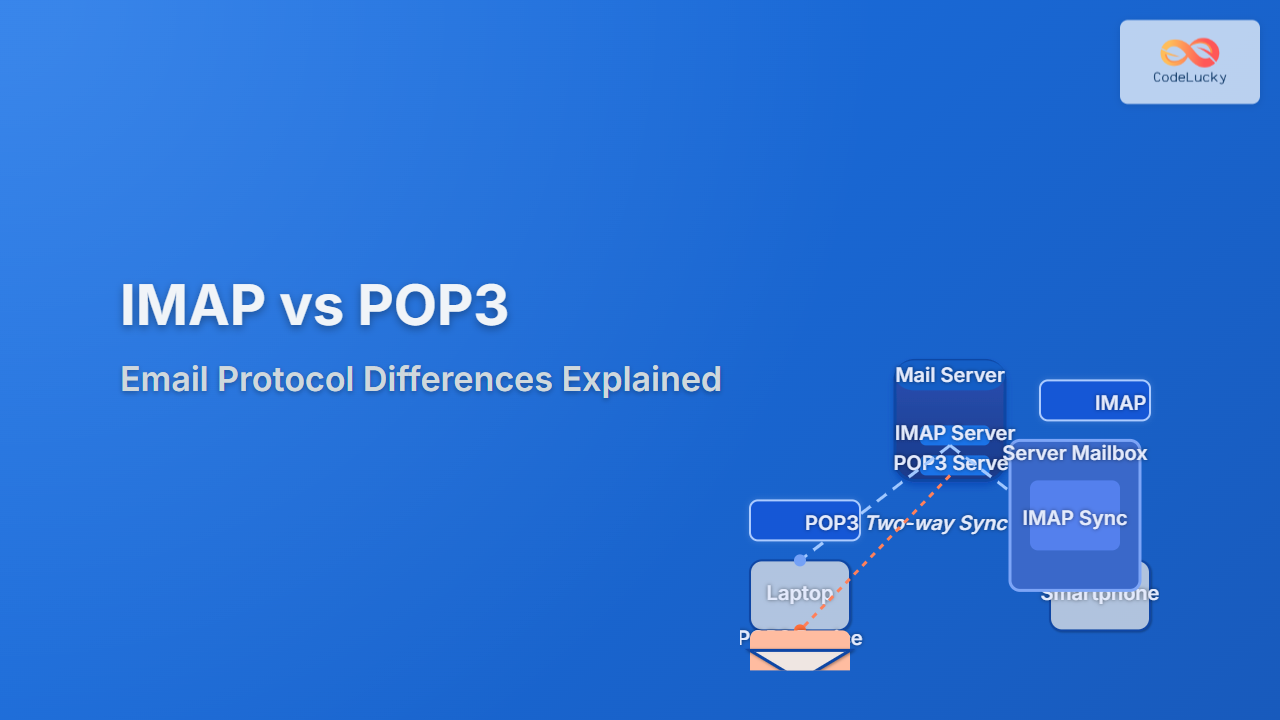
Email communication depends heavily on protocols that govern how messages are sent, received, and stored. Among these, IMAP (Internet Message Access Protocol) and POP3 (Post Office Protocol version 3) are the two most widely used email retrieval protocols. Understanding how IMAP and POP3 differ is crucial for configuring email clients correctly, optimizing workflow, and managing email efficiently.
What Are IMAP and POP3?
IMAP and POP3 are protocols used by email clients to retrieve messages from mail servers, but they operate differently regarding email storage and synchronization.
- POP3 downloads emails from the server to your local device and usually deletes them from the server afterward.
- IMAP synchronizes emails between the server and multiple devices, keeping messages on the server and reflecting changes across all devices.
Key Differences Between IMAP and POP3
| Feature | IMAP | POP3 |
|---|---|---|
| Mail Storage | Server-side, emails remain on the server | Local device, emails typically deleted from server |
| Synchronization | Two-way sync between server and multiple devices | No sync; downloads are one-way to one device |
| Access | Multiple devices can access the same mailbox | Usually single device access after download |
| Offline Access | Limited unless emails are explicitly downloaded | Full access to downloaded emails offline |
| Complexity | More complex, supports folders, flags, and partial downloads | Simple, downloads all emails at once |
How IMAP Works: Visualization

IMAP keeps your email synchronized across all devices, so when an email is read, deleted, or moved to a folder on one device, the change appears on all others.
How POP3 Works: Visualization

POP3 downloads all emails to the user’s device and typically removes them from the server, meaning the mail exists only on that device afterward.
Examples Demonstrating IMAP and POP3 Behavior
Example 1: IMAP Email Client Interaction
// Scenario: User reads an email from phone and deletes it
1. Phone client connects to IMAP server.
2. Retrieves email headers and message bodies on demand.
3. User marks email as read and then deletes it.
4. Client sends update to server – email deleted from mailbox.
5. Laptop, synced with server, no longer shows the deleted email.
Example 2: POP3 Email Client Interaction
// Scenario: User downloads emails through POP3 on Laptop
1. Laptop client connects to POP3 server.
2. Downloads all emails to local device.
3. Server deletes emails after download (typical setting).
4. Email exists on laptop only.
5. User accesses emails only on laptop, phone won’t have them.
When to Use IMAP vs POP3
- Use IMAP if you access your email from multiple devices (e.g., phone, tablet, PC) and need your mailbox synchronized.
- Use POP3 if you primarily use email on one device and prefer to keep emails stored locally without server dependency.
- IMAP is better suited for modern workflows where cloud storage and consistent access are key.
Security Considerations
Both IMAP and POP3 can be secured using SSL/TLS encryption to protect credentials and email data during transmission. Modern email providers typically enforce secure connections by default.
Summary Table of Advantages and Limitations
| Protocol | Advantages | Limitations |
|---|---|---|
| IMAP |
|
|
| POP3 |
|
|
Conclusion
Choosing between IMAP and POP3 hinges on how and where email is accessed. IMAP excels in multi-device environments with server-side management, while POP3 is geared toward single-device usage with local storage. Knowing these differences helps optimize email management, enhance productivity, and avoid confusion. Proper configuration with SSL/TLS ensures secure and reliable communication whatever the choice.