
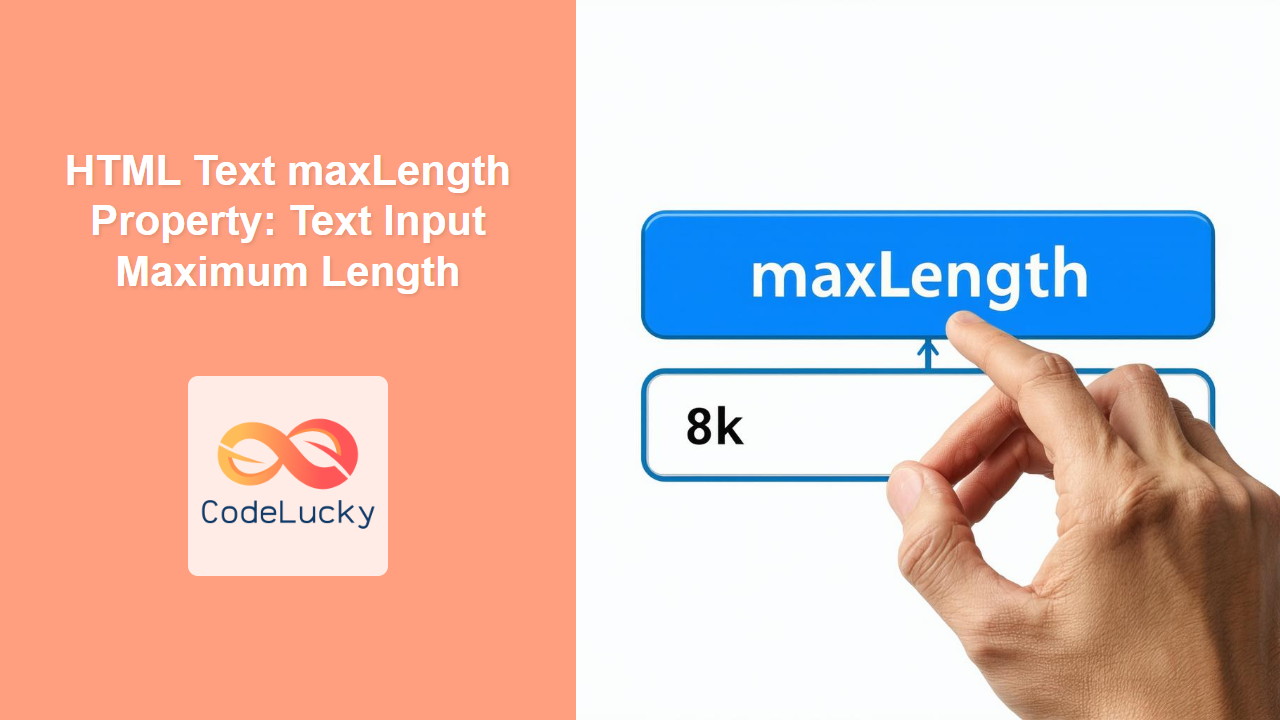
HTML maxLength Property: Limiting Text Input Length
The HTML maxLength property is a crucial attribute for <input type="text"> and <textarea> elements. It specifies the maximum number of characters (UTF-16 code units) that the user can enter into the input field. This property is essential for data validation, ensuring data integrity, and enhancing user experience by preventing excessively long inputs.
Purpose of the maxLength Property
The primary purposes of the maxLength property are to:
- Limit User Input: Restrict the number of characters a user can enter in a text field.
- Data Validation: Ensure that the input data conforms to predefined length constraints.
- Enhance User Experience: Provide real-time feedback and prevent frustration by stopping input at the limit.
- Data Integrity: Prevent storage or processing errors due to excessively long data strings.
Syntax
The maxLength property is set directly within the HTML tag of the <input> or <textarea> element:
<input type="text" id="myInput" maxLength="50">
<textarea id="myTextarea" maxLength="200"></textarea>
Attributes
| Attribute | Value | Description |
|---|---|---|
| `maxLength` | Positive Integer | Specifies the maximum number of characters (UTF-16 code units) allowed in the input field. A value of `-1` means that there is no limit. |
Note: The maxLength attribute only limits the number of characters the user can enter. It does not validate existing data or truncate content already present in the input field. ⚠️
Basic Example: Limiting Input Length
Here’s a basic example demonstrating the maxLength property in action:
<label for="nameInput">Name:</label>
<input type="text" id="nameInput" maxLength="20">
<p>Maximum 20 characters allowed.</p>
In this example, the <input> field will only allow a maximum of 20 characters to be entered.
JavaScript Interaction: Real-time Character Count
To enhance user experience, you can combine the maxLength property with JavaScript to display a real-time character count:
<label for="messageInput">Message:</label>
<textarea id="messageInput" maxLength="100"></textarea>
<p>Characters remaining: <span id="charCount">100</span></p>

<script>
  const messageInputElem = document.getElementById('messageInput');
  const charCountElem = document.getElementById('charCount');

  messageInputElem.addEventListener('input', function() {
    const maxLength = this.maxLength;
    const currentLength = this.value.length;
    const remainingChars = maxLength - currentLength;
    charCountElem.textContent = remainingChars;
  });
</script>
This code updates the charCount span in real-time, showing the user how many characters are left as they type.
Dynamic maxLength: Adjusting Limits with JavaScript
You can dynamically adjust the maxLength property using JavaScript based on certain conditions:
<label for="codeInput">Code:</label>
<input type="text" id="codeInput">
<button id="setLengthBtn">Set Length</button>

<script>
  const codeInputElem = document.getElementById('codeInput');
  const setLengthBtnElem = document.getElementById('setLengthBtn');

  setLengthBtnElem.addEventListener('click', function() {
    const newLength = prompt("Enter the new maximum length:");
    if (newLength !== null && !isNaN(newLength) && newLength > 0) {
      codeInputElem.maxLength = newLength;
      alert(`Maximum length set to ${newLength}`);
    } else {
      alert("Invalid input. Please enter a positive number.");
    }
  });
</script>
This example allows you to change the maxLength of the input field by entering a new value through a prompt.
Using maxLength with Forms
In a real-world scenario, the maxLength property is commonly used within HTML forms to ensure data conforms to database constraints or API requirements:
<form id="myForm">
  <label for="usernameInput">Username:</label>
  <input type="text" id="usernameInput" maxLength="15" required><br><br>

  <label for="emailInput">Email:</label>
  <input type="email" id="emailInput" maxLength="50" required><br><br>

  <input type="submit" value="Submit">
</form>
Here, maxLength ensures usernames and emails do not exceed specified limits, contributing to data integrity.
Example: Combining with other attributes and showing live remaining characters.
Here’s an advanced example combining several concepts: maxLength, placeholder, required, and a live character counter.
<form id="commentForm">
  <label for="commentInput">Comment:</label><br>
  <textarea
    id="commentInput"
    maxLength="140"
    placeholder="Enter your comment here (max 140 characters)"
    required
  ></textarea>
  <p>
    Characters remaining:
    <span id="commentCharCount">140</span>
  </p>
  <button type="submit">Submit Comment</button>
</form>

<script>
  const commentInputElem = document.getElementById('commentInput');
  const commentCharCountElem = document.getElementById('commentCharCount');

  commentInputElem.addEventListener('input', function() {
    const maxLength = this.maxLength;
    const currentLength = this.value.length;
    const remainingChars = maxLength - currentLength;
    commentCharCountElem.textContent = remainingChars;
  });
</script>
Best Practices and Tips
- HTML5 Validation: The
maxLengthattribute provides client-side validation. However, always validate data on the server-side as well for security and data integrity. - User Feedback: Provide real-time feedback to the user about character limits using JavaScript.
- Accessibility: Ensure that character limits are clearly communicated to users, including those using assistive technologies.
- Consider UTF-16: The
maxLengthattribute counts UTF-16 code units, which may differ from the visual character count for certain Unicode characters. - CSS Styling: You can style input fields with
maxLengthto visually indicate the limit or remaining characters.
Use Cases
- Social Media: Limiting the length of posts, tweets, or status updates.
- User Registration: Enforcing maximum lengths for usernames, passwords, or email addresses.
- Data Entry Forms: Restricting the number of characters for address fields, phone numbers, or other personal information.
- Search Bars: Setting a maximum length for search queries.
- Comments Sections: Limiting the length of comments or feedback.
Browser Support
The maxLength property is supported by all modern browsers.
Conclusion
The maxLength property is a straightforward yet powerful attribute for controlling text input length in HTML forms. By combining it with JavaScript for real-time feedback and adhering to best practices, you can significantly enhance data quality and user experience in your web applications.
Related Posts
HTML TextArea maxLength Property: Textarea Maximum Length
HTML TextArea maxLength Property: Setting the Maximum Length for Text Input The HTML <textarea> element is used to create multi-line...
HTML Search maxLength Property: Search Input Maximum Length
HTML Search maxLength Property: Limiting Input Length in Search Fields The maxLength property in HTML is used to specify the...
HTML URL maxLength Property: URL Input Maximum Length
HTML URL maxLength Property: Controlling URL Input Length The maxLength property in HTML is used with the <input type="url"> element...

HTML Password maxLength Property: Password Input Maximum Length
HTML Password maxLength Property: Limiting Password Input Length The maxLength attribute in HTML is used with the <input type="password"> element...

HTML Email maxLength Property: Email Input Maximum Length
HTML Email maxLength Property: Controlling Email Input Length The maxLength property in HTML is used to specify the maximum number...
HTML Text size Property: Text Input Size
HTML Text size Property: Text Input Size The HTML size attribute for text input fields specifies the visible width of...
HTML URL size Property: URL Input Size
HTML URL size Property: Controlling URL Input Size The HTML size property for the <input type="url"> element defines the visible...

HTML Number max Property: Number Input Maximum Value
HTML Number max Property: Number Input Maximum Value The HTML max property for the <input type="number"> element specifies the maximum...
HTML Range max Property: Range Input Maximum Value
HTML Range max Property: Range Input Maximum Value The max attribute for the HTML <input type="range"> element specifies the maximum...

HTML Password size Property: Password Input Size
HTML Password size Property: Controlling Password Input Size The size attribute for the <input type="password"> element in HTML allows you...
HTML Search size Property: Search Input Size
HTML Search size Property: Controlling Search Input Size The HTML size attribute, when applied to a <input type="search"> element, specifies...

HTML Email size Property: Email Input Size
HTML Email size Property: Controlling the Email Input Field Size The size attribute in HTML email inputs specifies the visible...





