What is the HTML <p> Tag?
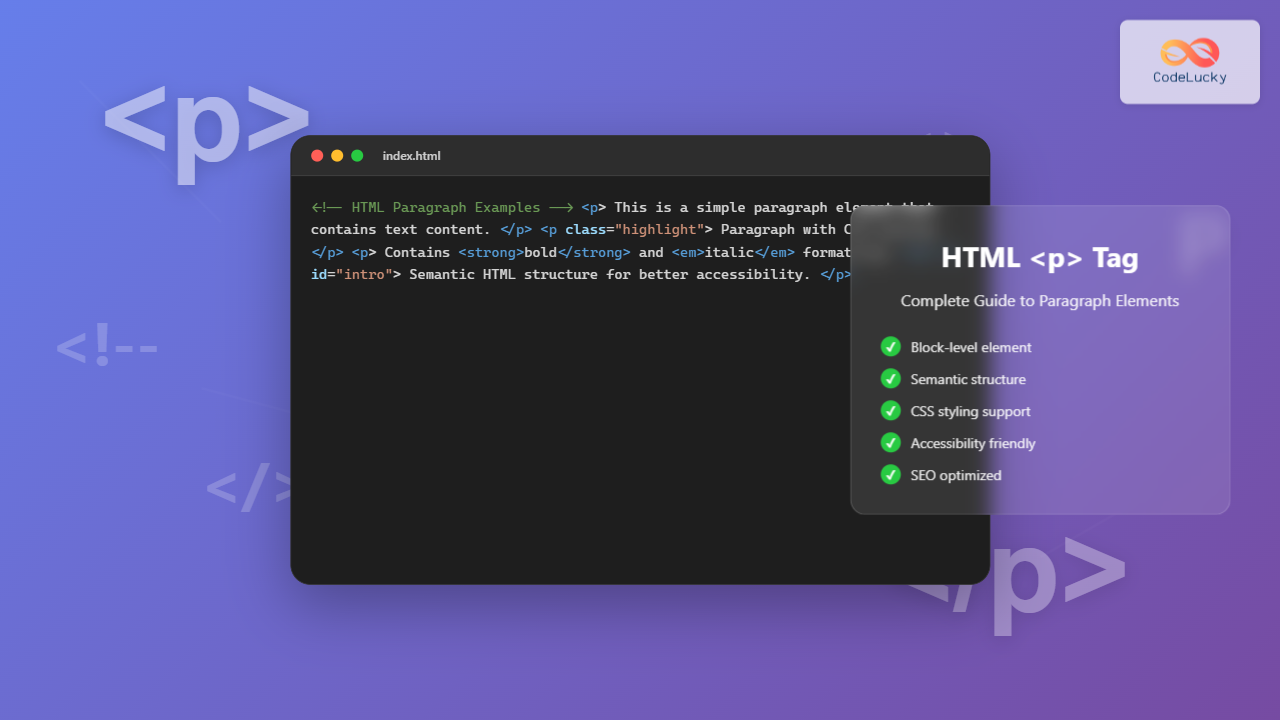
The <p> tag in HTML represents a paragraph – one of the most fundamental and frequently used elements in web development. It defines a block of text as a distinct paragraph, automatically adding spacing before and after the content to separate it from other elements.
The paragraph element is a block-level element, meaning it takes up the full width available and starts on a new line. This makes it perfect for structuring readable content on web pages.

Basic Syntax and Structure
The <p> tag follows a simple opening and closing structure:
<p>Your paragraph content goes here.</p>Simple Paragraph Example
<p>This is a simple paragraph. It contains regular text that will be displayed as a block element on the webpage.</p>Visual Output:
This is a simple paragraph. It contains regular text that will be displayed as a block element on the webpage.
Multiple Paragraphs Example
<p>This is the first paragraph. It discusses one main idea or topic.</p>
<p>This is the second paragraph. It introduces a new idea or continues the discussion from a different angle.</p>
<p>This is the third paragraph. It might conclude the discussion or present additional information.</p>
Visual Output:
This is the first paragraph. It discusses one main idea or topic.
This is the second paragraph. It introduces a new idea or continues the discussion from a different angle.
This is the third paragraph. It might conclude the discussion or present additional information.
Block-Level Behavior and Spacing
Understanding how the <p> tag behaves as a block-level element is crucial for proper HTML structure:

Default Spacing Demonstration
<p>Paragraph one with default spacing.</p>
<p>Paragraph two - notice the automatic spacing between paragraphs.</p>
<div>This is a div element for comparison.</div>
<p>Paragraph three after a div element.</p>
Visual Output:
Paragraph one with default spacing.
Paragraph two – notice the automatic spacing between paragraphs.
Paragraph three after a div element.
Common Attributes for <p> Tag
While the <p> tag works perfectly without attributes, several global attributes can enhance its functionality:
Class Attribute
<style>
.highlight { background-color: yellow; padding: 10px; }
.important { color: red; font-weight: bold; }
</style>

<p class="highlight">This paragraph has a highlighted background.</p>
<p class="important">This paragraph is styled as important text.</p>
Visual Output:
This paragraph has a highlighted background.
This paragraph is styled as important text.
ID Attribute
<p id="introduction">This paragraph can be targeted by CSS or JavaScript using its ID.</p>
<p id="conclusion">This paragraph has a different ID for specific targeting.</p>
Usage in CSS:
#introduction { font-size: 18px; }
#conclusion { border-left: 4px solid blue; padding-left: 10px; }
Style Attribute (Inline Styling)
<p style="color: blue; font-size: 16px;">This paragraph uses inline styling.</p>
<p style="text-align: center; background-color: #f0f0f0; padding: 15px;">Centered paragraph with background.</p>
Visual Output:
This paragraph uses inline styling.
Centered paragraph with background.
Nesting Elements Within Paragraphs
Paragraphs can contain various inline elements but cannot contain block-level elements. Here’s what you can and cannot include:

Valid Nested Elements Example
<p>This paragraph contains <strong>bold text</strong>, <em>italic text</em>,
   and a <a href="#">hyperlink</a>. It also includes <code>inline code</code>
   and a <span style="color: red;">colored span</span>.</p>
Visual Output:
This paragraph contains bold text, italic text, and a hyperlink. It also includes inline code and a colored span.
Invalid Nesting (What NOT to Do)
<!-- This is INVALID HTML -->
<p>
  This paragraph incorrectly contains:
  <div>A div element</div>
  <h3>A heading</h3>
  <ul><li>A list</li></ul>
</p>
⚠️ This will cause HTML validation errors and unpredictable rendering.
Accessibility and Semantic Usage
Proper use of the <p> tag enhances accessibility and SEO. Screen readers and other assistive technologies rely on semantic HTML structure:
Accessible Paragraph Structure
<article>
  <h2>Article Title</h2>
  <p>This is the opening paragraph that introduces the topic clearly and concisely.</p>
  <p>This paragraph continues the discussion with supporting details and examples.</p>
  <p>The concluding paragraph summarizes the key points discussed above.</p>
</article>
Language Attribute for International Content
<p lang="en">This paragraph is in English.</p>
<p lang="es">Este párrafo está en español.</p>
<p lang="fr">Ce paragraphe est en français.</p>
Visual Output:
This paragraph is in English.
Este párrafo está en español.
Ce paragraphe est en français.
CSS Styling for Paragraphs
The <p> tag can be extensively styled with CSS to create visually appealing and readable content:
Typography and Spacing
.styled-paragraph {
  font-family: 'Arial', sans-serif;
  font-size: 16px;
  line-height: 1.6;
  color: #333;
  margin-bottom: 20px;
  text-align: justify;
  padding: 15px;
  border-left: 4px solid #2196F3;
  background-color: #f8f9fa;
}
HTML Code:
<p class="styled-paragraph">This paragraph demonstrates advanced typography styling with custom fonts, line height, colors, and spacing to improve readability and visual appeal.</p>Visual Output:
This paragraph demonstrates advanced typography styling with custom fonts, line height, colors, and spacing to improve readability and visual appeal.
Responsive Paragraph Design
.responsive-paragraph {
  font-size: clamp(14px, 2.5vw, 18px);
  max-width: 65ch;
  margin: 0 auto 1.5em auto;
  padding: 1em;
}

@media (max-width: 768px) {
  .responsive-paragraph {
    padding: 0.5em;
    font-size: 14px;
  }
}
Common Mistakes and Best Practices

❌ Common Mistakes
<!-- WRONG -->
First line of content<br><br>
Second line with double breaks<br><br>
Third line continues this poor practice
2. Empty Paragraphs for Spacing:
<!-- WRONG -->
<p>Some content here.</p>
<p> </p>
<p> </p>
<p>More content with forced spacing.</p>
✅ Best Practices
<!-- CORRECT -->
<p>First paragraph containing one main idea or concept.</p>
<p>Second paragraph with a different idea, properly separated.</p>
<p>Third paragraph continuing the logical flow of content.</p>
2. CSS for Spacing:
<!-- CORRECT -->
<style>
.content p { margin-bottom: 1.5em; }
.special-spacing { margin-bottom: 3em; }
</style>

<div class="content">
  <p>Content with proper CSS spacing.</p>
  <p class="special-spacing">Paragraph with extra spacing when needed.</p>
  <p>Regular spacing continues here.</p>
</div>
Advanced Use Cases and Examples
Paragraph with Drop Cap Effect
.drop-cap::first-letter {
  font-size: 3em;
  font-weight: bold;
  float: left;
  line-height: 1;
  margin: 0 8px 0 0;
  color: #2196F3;
}
HTML Code:
<p class="drop-cap">Lorem ipsum dolor sit amet, consectetur adipiscing elit.
This paragraph demonstrates a drop cap effect where the first letter is significantly larger and styled differently from the rest of the text.</p>
Visual Output:
L
orem ipsum dolor sit amet, consectetur adipiscing elit. This paragraph demonstrates a drop cap effect where the first letter is significantly larger and styled differently from the rest of the text.
Interactive Paragraph Example
<p id="interactive-paragraph" onclick="toggleHighlight()">
  Click this paragraph to toggle highlighting! This demonstrates how paragraphs can be interactive using JavaScript.
</p>

<script>
function toggleHighlight() {
  const paragraph = document.getElementById('interactive-paragraph');
  paragraph.style.backgroundColor =
    paragraph.style.backgroundColor === 'yellow' ? 'transparent' : 'yellow';
}
</script>
Interactive Demo:
Click this paragraph to toggle highlighting! This demonstrates how paragraphs can be interactive using JavaScript.
SEO Benefits of Proper Paragraph Usage
Search engines favor well-structured content with proper paragraph usage. Here’s how the <p> tag contributes to SEO:
- Content Readability: Proper paragraph structure improves user experience and reduces bounce rate
- Semantic Clarity: Search engines better understand content hierarchy and context
- Featured Snippets: Well-structured paragraphs are more likely to be selected for featured snippets
- Mobile Optimization: Proper paragraph spacing enhances mobile reading experience
SEO-Optimized Paragraph Structure
<article>
  <h1>Main Topic: HTML Paragraph Elements</h1>

  <p>The opening paragraph should contain your primary keyword naturally and provide a clear overview of what the content covers.</p>

  <h2>Subtopic: Basic Usage</h2>
  <p>Each paragraph should focus on one main idea, contain relevant keywords naturally, and provide value to the reader without keyword stuffing.</p>

  <h2>Subtopic: Advanced Techniques</h2>
  <p>Advanced paragraphs can include related keywords and semantic variations while maintaining readability and user engagement.</p>
</article>
Browser Compatibility and Standards
The <p> tag enjoys universal browser support and has been part of HTML since its earliest versions:
- HTML 4.01: Full support with all attributes
- HTML5: Enhanced semantic meaning and accessibility features
- Modern Browsers: 100% compatibility across all major browsers
- Mobile Browsers: Complete support on all mobile platforms
Performance Considerations
While the <p> tag itself has minimal performance impact, proper usage contributes to overall page performance:
- DOM Efficiency: Proper semantic structure reduces DOM complexity
- CSS Optimization: Well-structured paragraphs enable efficient CSS selectors
- Accessibility Tools: Semantic paragraphs improve screen reader performance
- Mobile Performance: Clean paragraph structure enhances mobile rendering speed
Conclusion
The HTML <p> tag is fundamental to creating well-structured, readable, and accessible web content. By understanding its block-level behavior, proper nesting rules, and styling capabilities, you can create professional web pages that provide excellent user experience and strong SEO performance.
Remember these key points when using the <p> tag:
- Use paragraphs to separate distinct ideas or topics
- Avoid nesting block-level elements within paragraphs
- Leverage CSS for styling instead of multiple
<br>tags - Maintain proper semantic structure for accessibility
- Consider SEO implications when structuring paragraph content
With these guidelines and examples, you’re well-equipped to use the <p> tag effectively in your HTML projects, creating content that is both technically sound and user-friendly.