
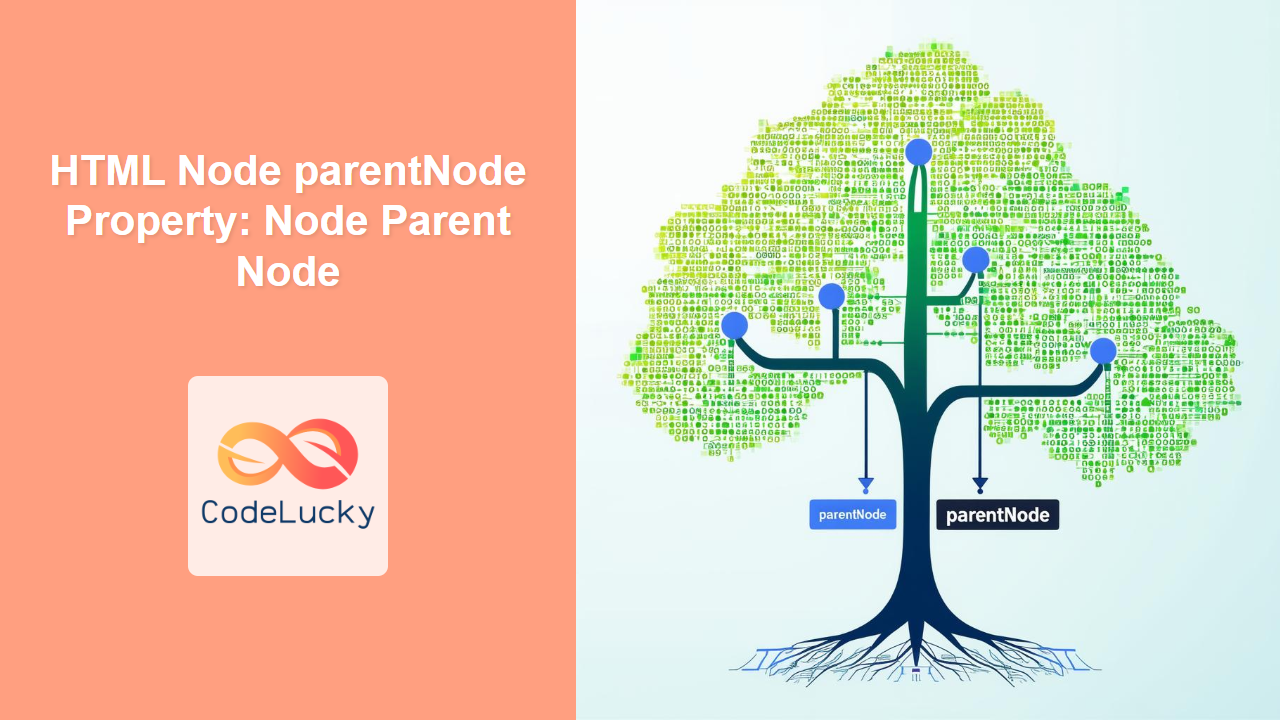
HTML Node parentNode Property: Understanding the Parent Node
The parentNode property is a read-only property of the HTML Node interface that returns the parent node of the specified node in the DOM (Document Object Model) tree. If the node has no parent, this property returns null. Understanding parentNode is crucial for navigating and manipulating the DOM effectively.
Definition and Purpose
The parentNode property provides a way to traverse the DOM tree upwards from a specific node. It allows you to access the element directly above the current node in the hierarchy, which is essential for tasks such as:
- Finding the container of an element.
- Modifying attributes or styles of the parent element.
- Deleting or manipulating the parent node.
- Checking the position of a node within the document structure.
Syntax
The syntax for accessing the parentNode property is straightforward:
let parent = node.parentNode;
Where node is the HTML node you want to find the parent of, and parent will be the parent node, or null if no parent exists.
Return Value
- Node: The parent node of the specified node.
- null: If the node has no parent. This can happen if the node is the root element of the document, or if the node is not yet attached to the DOM.
Practical Examples
Let’s explore some practical examples to illustrate how to use the parentNode property effectively.
Example 1: Basic Usage
In this example, we’ll find the parent node of a specific element and change its background color.
<div id="parentDiv">
  <p id="childParagraph">This is a child paragraph.</p>
</div>

<script>
  const parentDiv_basic = document.getElementById("parentDiv");
  const childParagraph_basic = document.getElementById("childParagraph");

  // Get the parent node of the paragraph
  const parentNode_basic = childParagraph_basic.parentNode;

  if (parentNode_basic) {
    parentNode_basic.style.backgroundColor = "lightgreen";
  }
</script>
In this example, the background color of the <div> element (the parent of the paragraph) will change to light green.
Example 2: Traversing Up the DOM Tree
Here, we’ll traverse up the DOM tree from a child element to the root element, logging each parent node to the console.
<div id="grandparentDiv">
  <div id="parentDiv_traverse">
    <p id="childParagraph_traverse">This is a child paragraph.</p>
  </div>
</div>

<script>
  const childParagraph_traverse = document.getElementById(
    "childParagraph_traverse"
  );
  let currentNode_traverse = childParagraph_traverse;

  // Traverse up the DOM tree
  while (currentNode_traverse) {
    console.log(currentNode_traverse.tagName);
    currentNode_traverse = currentNode_traverse.parentNode;
  }
  // Expected output in console: P, DIV, DIV, HTML, BODY, HTML, #document
</script>
This example logs the tag names of each parent node, starting from the paragraph and going up to the document root.
Example 3: Checking for the Existence of a Parent Node
In this example, we’ll check if a node has a parent before attempting to access it.
<p id="orphanParagraph">This is an orphan paragraph.</p>

<script>
  const orphanParagraph = document.getElementById("orphanParagraph");
  const parentNode_check = orphanParagraph.parentNode;

  if (parentNode_check) {
    console.log("The paragraph has a parent node.");
  } else {
    console.log("The paragraph does not have a parent node.");
  }
  // Expected output in console: The paragraph does not have a parent node.
</script>
In this case, the paragraph is not attached to the main DOM tree, so parentNode returns null.
Example 4: Using parentNode to Remove an Element
Here, we’ll use parentNode to remove an element from the DOM.
<div id="containerDiv">
  <p id="removableParagraph">This paragraph will be removed.</p>
</div>

<script>
  const containerDiv_remove = document.getElementById("containerDiv");
  const removableParagraph_remove = document.getElementById(
    "removableParagraph"
  );

  // Get the parent node of the paragraph
  const parentNode_remove = removableParagraph_remove.parentNode;

  if (parentNode_remove) {
    // Remove the paragraph from its parent
    parentNode_remove.removeChild(removableParagraph_remove);
  }
</script>
This example removes the paragraph element from its parent <div>.
Example 5: Accessing Attributes of the Parent Node
In this example, we’ll access an attribute of the parent node.
<div id="attributeParent" data-custom="Parent Attribute">
  <p id="attributeChild">Accessing parent attribute.</p>
</div>

<script>
  const attributeChild = document.getElementById("attributeChild");
  const parentNode_attribute = attributeChild.parentNode;

  if (parentNode_attribute) {
    const customAttribute =
      parentNode_attribute.getAttribute("data-custom");
    console.log("Parent's custom attribute: " + customAttribute);
  }
  // Expected output in console: Parent's custom attribute: Parent Attribute
</script>
This example retrieves and logs the value of the data-custom attribute from the parent <div>.
Example 6: Using parentNode in Event Handling
In this example, we’ll use parentNode within an event handler to modify the parent element when a child element is clicked.
<div id="eventParent">
  <button id="eventButton">Click me</button>
</div>

<script>
  const eventButton = document.getElementById("eventButton");

  eventButton.addEventListener("click", function () {
    const parentNode_event = this.parentNode;
    if (parentNode_event) {
      parentNode_event.style.backgroundColor = "lightblue";
    }
  });
</script>
Clicking the button changes the background color of its parent <div> to light blue.
Important Considerations
- Read-Only Property:
parentNodeis a read-only property. You cannot set it to change the parent of a node directly. To move a node, use methods likeappendChild()on the new parent andremoveChild()on the old parent. - Text and Comment Nodes: The
parentNodeproperty also works for text nodes and comment nodes, returning their respective parent elements. - Document Fragment: If a node is part of a
DocumentFragmentand not yet attached to the main DOM tree,parentNodewill returnnull.
Differences from parentElement
The parentNode and parentElement properties are similar, but there are important differences:
parentNodereturns the parent node as aNodeobject, which can be anElement,Document, orDocumentFragment.parentElementreturns the parent node as anElementobject, ornullif the parent is not an element.
In most cases, you’ll want to use parentElement when you’re sure that the parent is an HTML element. If you need to handle cases where the parent might be a Document or DocumentFragment, use parentNode.
Browser Support
The parentNode property is widely supported across all major browsers, including:
- Chrome
- Firefox
- Safari
- Edge
- Opera
- Internet Explorer
Conclusion
The parentNode property is a fundamental tool for navigating and manipulating the DOM tree in JavaScript. It allows you to access the parent of a node, enabling tasks such as modifying attributes, removing elements, and traversing the document structure. By understanding and utilizing parentNode effectively, you can write more robust and efficient code for web development. 🚀
Related Posts
HTML Node parentElement Property: Node Parent Element
HTML Node parentElement Property: Understanding the Parent Element The parentElement property is a read-only property of the Node interface in...

HTML Node childNodes Property: Node Child Nodes
HTML Node childNodes Property: Understanding Node Child Nodes The childNodes property in the HTML DOM (Document Object Model) provides a...
HTML Node firstChild Property: Accessing the First Child Node
HTML Node firstChild Property: Accessing the First Child Node The firstChild property is a read-only property of the HTML DOM...

HTML Node nextSibling Property: Node Next Sibling
HTML Node nextSibling Property: Understanding Node Next Sibling The nextSibling property in the HTML DOM (Document Object Model) is a...

HTML Node previousSibling Property: Get the Previous Node
HTML Node previousSibling Property: Navigating the DOM The previousSibling property is a read-only property of the Node interface in the...

HTML Node hasChildNodes() Method: Checking Child Nodes
HTML Node hasChildNodes() Method: Checking for Child Nodes The hasChildNodes() method is a crucial part of the HTML DOM (Document...
HTML Node lastChild Property: Get the Last Child Node
HTML Node lastChild Property: Get the Last Child Node The lastChild property is a read-only property of the HTML Node...

HTML Node nodeType Property: Understanding Node Types
HTML Node nodeType Property: Understanding Node Types The nodeType property is a read-only property of the HTML DOM Node interface....
HTML Node contains() Method: Checking Child Node
HTML Node contains() Method: Checking for Descendant Nodes The contains() method in the HTML DOM (Document Object Model) allows you...
HTML Node nodeName Property: Node Name
HTML Node nodeName Property: Understanding Node Names in the DOM The nodeName property is a fundamental aspect of the HTML...

HTML Element nextElementSibling Property: Next Sibling Element
Understanding the nextElementSibling Property in HTML The nextElementSibling property is a read-only property of the HTMLElement interface. It returns the...

HTML Node nodeValue Property: Node Value
HTML Node nodeValue Property: Understanding Node Values in the DOM The nodeValue property in the HTML DOM (Document Object Model)...





