
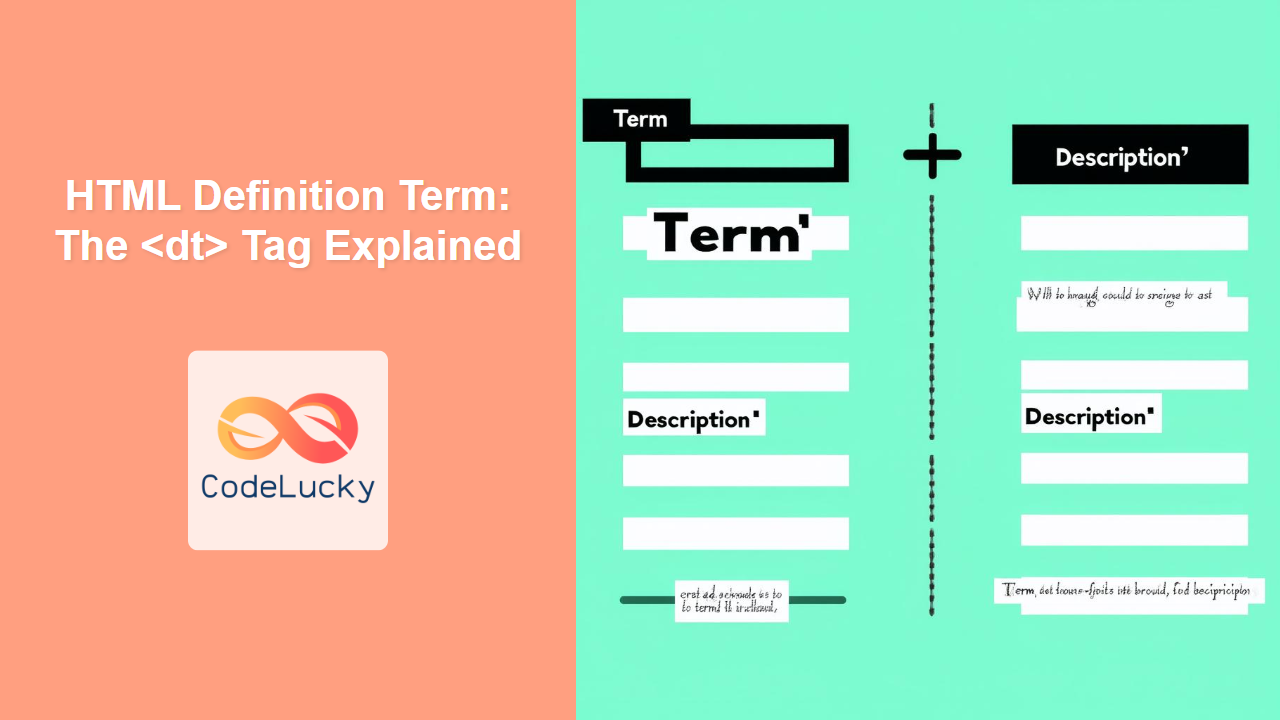
HTML <dt> Tag
The <dt> tag in HTML is used to define a term within a description list. Description lists (created using the <dl> tag) are a specific type of list that allows for a term to be paired with a description. The <dt> tag marks the term, which is then typically followed by one or more <dd> tags that provide the definitions or descriptions of that term. It is an essential element for structuring semantic content, especially when you need to present glossary-like information.

Syntax
<dl>
  <dt>Term</dt>
  <dd>Description</dd>
  <dt>Another Term</dt>
  <dd>Another Description</dd>
</dl>
Attributes
The <dt> tag does not support any specific attributes. It can use global attributes like class, id, style, title, etc. Here's a table showing a couple of commonly used global attributes:
| Attribute | Value | Description |
|---|---|---|
class |
classname | Specifies one or more class names for an element (often used to point to a class in a style sheet). |
id |
idname | Specifies a unique ID for an element. |
Example
<dl>
  <dt>HTML</dt>
  <dd>Hypertext Markup Language</dd>
  <dt>CSS</dt>
  <dd>Cascading Style Sheets</dd>
</dl>
More Examples
Example 1: Multiple descriptions for a single term
<dl>
  <dt>Coffee</dt>
  <dd>A hot beverage made from roasted coffee beans.</dd>
  <dd>A popular morning drink for many.</dd>
  <dt>Tea</dt>
  <dd>Aromatic beverage prepared by pouring hot water over cured leaves.</dd>
</dl>
Example 2: Using Classes for Styling
<dl>
  <dt class="term-heading">JavaScript</dt>
  <dd>A programming language commonly used in web development.</dd>
  <dt class="term-heading">Python</dt>
  <dd>A versatile, high-level programming language.</dd>
</dl>
Example 3: Nested Description Lists for Hierarchy
<dl>
    <dt>Web Development</dt>
        <dd>
            <dl>
                <dt>Frontend</dt>
                    <dd>Focuses on the user interface and experience.</dd>
                <dt>Backend</dt>
                    <dd>Handles the server-side logic, databases and infrastructure.</dd>
            </dl>
        </dd>
    <dt>Mobile App Development</dt>
        <dd>Involves creating software for mobile devices.</dd>
</dl>
Browser Support
The <dt> tag is supported by all modern browsers:
- Chrome
- Edge
- Firefox
- Safari
- Opera
Notes and Tips
- Semantic Meaning: The
<dt>tag is crucial for semantic HTML. It clearly defines the term in a definition list, which aids in accessibility and SEO. - Accessibility: Screen readers can understand the structure provided by
<dl>,<dt>, and<dd>tags, making the content accessible to visually impaired users. - Pairing with <dd>: Always ensure that a
<dt>is followed by at least one<dd>element, to provide the definition/description. - Avoid misuse: Do not use
<dt>outside of a<dl>. This can create invalid or non-semantic HTML. - Styling: You can use CSS to style your definition lists, making them visually appealing.
- Flexibility: You can nest
<dl>tags for hierarchical definitions, and one<dt>can have multiple<dd>elements. - Real-World Applications: Use
<dt>and<dl>for glossaries, FAQs, or displaying product features and details.
Related Posts
HTML Description List Definition: The `<dd>` Tag
HTML <dd> Tag The <dd> tag is used to define the description, definition, or value of a term within a...
HTML Definition Tag: The <dfn> Tag Explained
HTML <dfn> Tag The <dfn> tag in HTML is used to mark a term that is being defined within the...
HTML Description List: The `<dl>` Tag
HTML <dl> Tag The <dl> tag in HTML defines a description list. This type of list is used to present...
HTML Abbreviations: The <abbr> Tag Explained
HTML <abbr> Tag The <abbr> tag is used to define an abbreviation or an acronym. By using the <abbr> tag...
HTML Figure Caption: The <figcaption> Tag Explained
HTML <figcaption> Tag The <figcaption> tag defines a caption or legend for a <figure> element. It's used to provide a...
HTML DOM DL Object: Accessing Description List Elements
HTML DOM DL Object: Accessing and Manipulating Description Lists The HTML DOM DL object provides a powerful interface for accessing...
HTML Code: Displaying Computer Code with the <code> Tag
HTML <code> Tag The <code> tag in HTML is used to define a fragment of computer code. It's an inline...
HTML Article Tag: Semantic Grouping of Content
HTML <article> Tag The <article> tag in HTML is used to define a self-contained composition in a document, page, application,...

HTML DOM DD Object: Accessing Definition Description Elements
HTML DOM DD Object: Accessing Definition Description Elements The HTML DOM DD object represents the <dd> element in HTML, which...

HTML Italics: The <i> Tag for Alternative Voice and Mood
HTML <i> Tag The <i> tag in HTML is used to display text in italics. Traditionally, it has been used...
HTML DOM DT Object: Accessing Definition Term Elements
HTML DOM DT Object: Accessing Definition Term Elements The HTML DOM DT object provides an interface to interact with the...
HTML Plaintext: Displaying Preformatted Text (Deprecated)
HTML <plaintext> Tag The <plaintext> tag was an early HTML element designed to display all content following it as raw,...





