
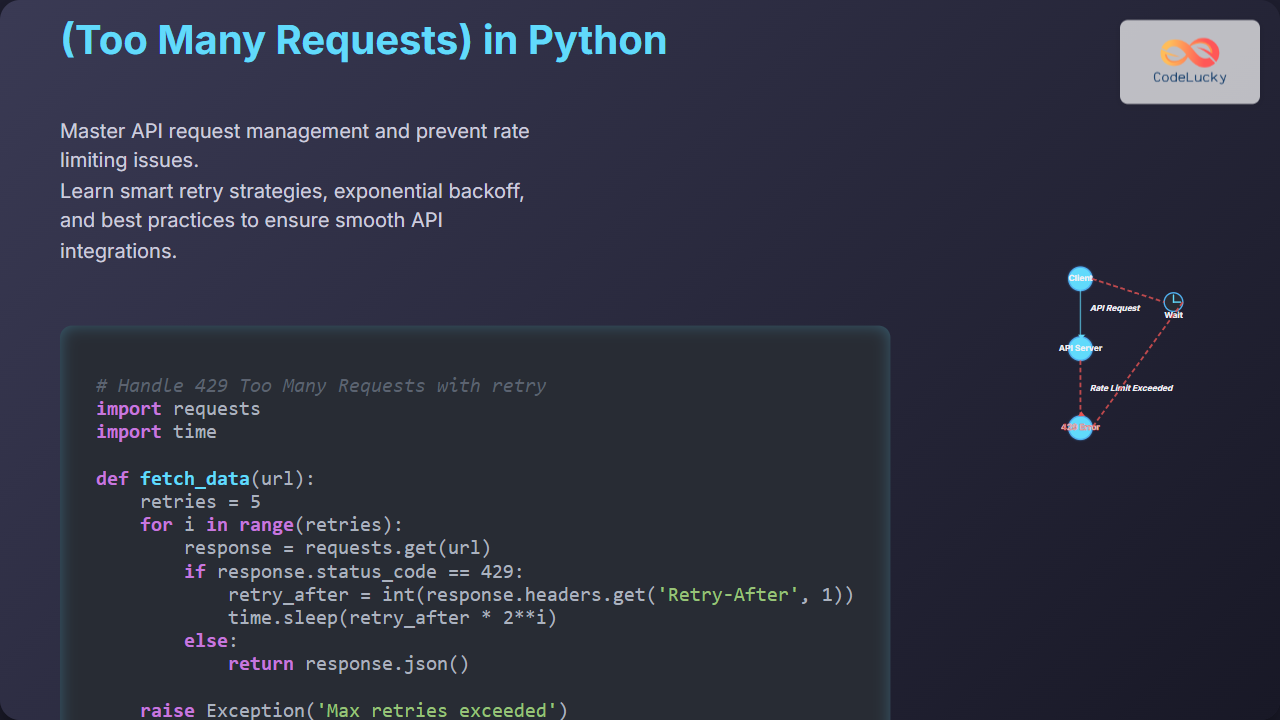
When working with APIs, encountering HTTP error 429 – Too Many Requests – is a common challenge that can disrupt your application’s functionality. This guide explains why this error happens and shows you how to avoid it in your Python applications by implementing best practices and smart request management.
What is HTTP Error 429?
The HTTP status code 429 Too Many Requests indicates that the user has sent too many requests in a given amount of time, exceeding the service’s rate limit. This limit is enforced by API providers to protect their infrastructure from overload and to regulate fair usage.

Why Do APIs Enforce Rate Limits?
- Prevent server overload and maintain performance efficiency.
- Prevent abusive behavior such as denial of service attacks.
- Ensure equitable access among users.
Identifying HTTP 429 in Python
In Python, when you use libraries like requests to call APIs, you receive a response object. The status_code attribute is how you check for a 429 response:
import requests

response = requests.get("https://api.example.com/data")
if response.status_code == 429:
    print("Too many requests - slow down!")
How to Avoid HTTP 429: Best Practices in Python
To avoid hitting the rate limit, consider these strategies:
1. Respect API Rate Limits
Always review the API documentation to understand permitted request thresholds such as requests per second or per minute.
2. Implement Retry With Exponential Backoff
Instead of retrying immediately after a 429 error, wait for increasing intervals before retrying. Many APIs also provide a Retry-After header to wait exactly the required period.
import time
import requests

def make_request(url):
    retries = 5
    for i in range(retries):
        response = requests.get(url)
        if response.status_code == 429:
            retry_after = int(response.headers.get("Retry-After", 1))
            print(f"Rate limited. Sleeping for {retry_after} seconds...")
            time.sleep(retry_after * (2 ** i))  # exponential backoff
        else:
            return response
    raise Exception("Failed after several retries due to rate limits")
3. Use Rate Limiting Libraries
Python libraries like ratelimit or requests-ratelimiter help automate managing request limits.
4. Optimize API Calls
- Cache responses to avoid repeated calls for the same data.
- Batch requests if the API supports it.
- Only request the necessary fields and data.
Example: Handle HTTP 429 with Retry Logic
The example below demonstrates an API call with proper handling of a 429 status, including exponential backoff and respecting the server’s Retry-After hint.
import requests
import time

def fetch_api_data(url):
    max_retries = 5
    for attempt in range(max_retries):
        response = requests.get(url)
        if response.status_code == 429:
            retry_after = response.headers.get("Retry-After")
            wait_time = int(retry_after) if retry_after else (2 ** attempt)
            print(f"Hit rate limit, retrying after {wait_time} seconds...")
            time.sleep(wait_time)
        else:
            if response.ok:
                return response.json()
            else:
                response.raise_for_status()
    raise Exception("Exceeded maximum retry attempts due to rate limits.")

data = fetch_api_data("https://api.example.com/resources")
print(data)
Visualizing a Robust Request Flow

Additional Tips
- Respect Retry-After Header: Always check if the API returns a
Retry-Afterheader and wait accordingly. - Distributed Applications: If you run multiple clients or bots, synchronize requests to avoid flooding the server.
- Authentication: Authenticated requests may have higher limits; use your API keys responsibly.
Summary
HTTP error 429 means your client is sending too many requests too quickly and being throttled by the API provider. To avoid it, use proper rate limiting in your Python applications through respectful request pacing, intelligent retry strategies including exponential backoff, and caching or batching API calls. Understanding and implementing these strategies will lead to more stable API consumption and happier users.





