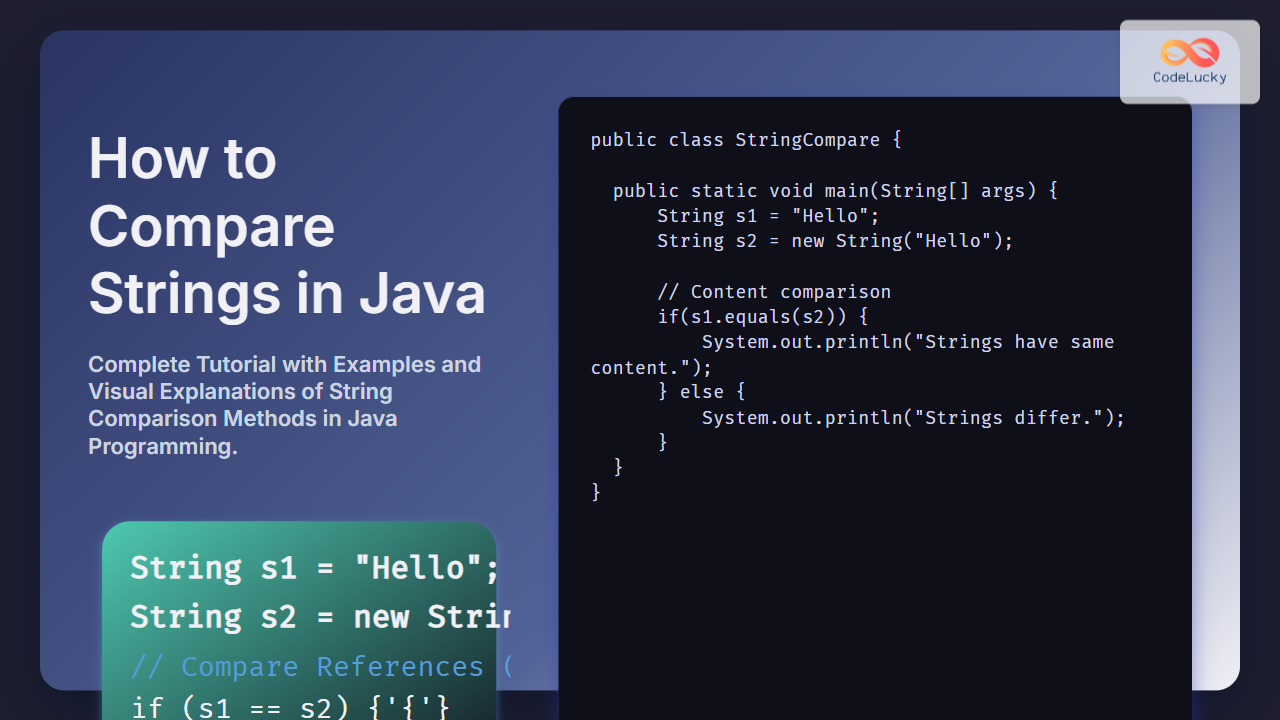
In Java programming, comparing strings is a fundamental task, yet it often causes confusion for beginners and even experienced developers. This comprehensive tutorial explains the various methods to compare strings in Java, highlights their differences, and shows best practices with visual and interactive examples to solidify understanding.
Understanding String Comparison in Java
In Java, strings are objects, and comparing them correctly requires understanding the distinction between == operator and methods like equals(). The == operator compares references (memory addresses), whereas methods such as equals() compare the actual content of the strings.

Using == Operator to Compare Strings
The == operator checks if two string references point to the exact same object in memory. It does not check if the strings have the same characters.
String a = "Hello";
String b = "Hello";
String c = new String("Hello");

System.out.println(a == b);  // true because of string pool
System.out.println(a == c);  // false because different objects
Output:
Hello
Hello
false
Comparing String Content with equals()
The most common and reliable way to compare string contents is using equals() method. It compares characters in the strings.
String a = "Hello";
String b = new String("Hello");

System.out.println(a.equals(b));  // true because content matches
Output:
true
Comparing Strings Ignoring Case with equalsIgnoreCase()
For case-insensitive comparisons, Java provides equalsIgnoreCase().
String a = "Hello";
String b = "hello";

System.out.println(a.equalsIgnoreCase(b));  // true ignoring case
Output:
true
Comparing Strings Lexicographically with compareTo()
The compareTo() method compares two strings lexicographically (dictionary order). It returns:
- Zero if both are equal,
- A negative number if the first string is lexicographically less,
- A positive number if the first string is lexicographically greater.
String a = "apple";
String b = "banana";

int result = a.compareTo(b);
System.out.println(result);  // Negative value because "apple" < "banana"

Important Tips for String Comparison in Java
- Avoid using
==for content comparison unless you specifically want to check if both variables refer to the same object. - Use
equals()for most content equality checks. - Use
equalsIgnoreCase()if case should not matter. - Use
compareTo()orcompareToIgnoreCase()for sorting or lexicographical comparison. - Strings in Java are immutable—methods like
toLowerCase(),trim(), orreplace()return new string instances.
Interactive Example: Try Your Own String Comparison
Here is a simple interactive Java snippet you can run in your local environment or an online Java compiler to test string comparisons:
public class StringCompareDemo {
    public static void main(String[] args) {
        String str1 = "CodeLucky";
        String str2 = new String("CodeLucky");
        String str3 = "codelucky";

        System.out.println("Using == : " + (str1 == str2));                // false
        System.out.println("Using equals() : " + str1.equals(str2));       // true
        System.out.println("Using equalsIgnoreCase() : " + str1.equalsIgnoreCase(str3));  // true
        System.out.println("Using compareTo() : " + str1.compareTo(str3)); // positive or negative depending on case
    }
}
Visual Summary of String Comparison Methods
Additional String Comparison Methods
startsWith(String prefix): Checks if a string begins with the specified prefix.endsWith(String suffix): Checks if a string ends with the specified suffix.contains(CharSequence s): Checks if the string contains the specified sequence.
Common Pitfall
One frequent mistake is using == for content comparison, which can lead to unpredictable bugs especially when strings come from different sources (user input, files, network). Always use equals() for reliable content comparison.
Conclusion
Comparing strings correctly in Java is key to writing bug-free programs. Use == for reference checks, equals() for content equality, and compareTo() for ordering or sorting. Case-insensitive comparisons require equalsIgnoreCase(). This tutorial has provided detailed explanations, visual aids, and practical examples to master string comparison in Java.
Implement these recommendations to make string comparison safe, efficient, and clear in everyday Java programming tasks.