Hash tables are one of the most important data structures in computer science because of their ability to provide O(1) average time complexity for search operations. They are frequently used in compilers, databases, operating systems, and applications where fast lookups are essential.
In this article, we’ll explore how hash table search works, why it’s so efficient, step-by-step examples with Python code, and visual diagrams to enhance understanding.
What is a Hash Table?
A hash table (also called a hash map) is a data structure that stores key-value pairs. It uses a hash function to map keys to indexes in an array. The main advantage is that searching, insertion, and deletion, in the best and average cases, can be done in constant time, i.e., O(1).
How Hash Table Search Works
When you search for a key in a hash table:
- The hash function is applied to the key.
- It returns an index corresponding to an array location.
- If the key is found at that index, the associated value is returned immediately.
- If a collision occurs (multiple keys mapping to the same index), collision resolution techniques like chaining or open addressing are used.
Time Complexity Analysis
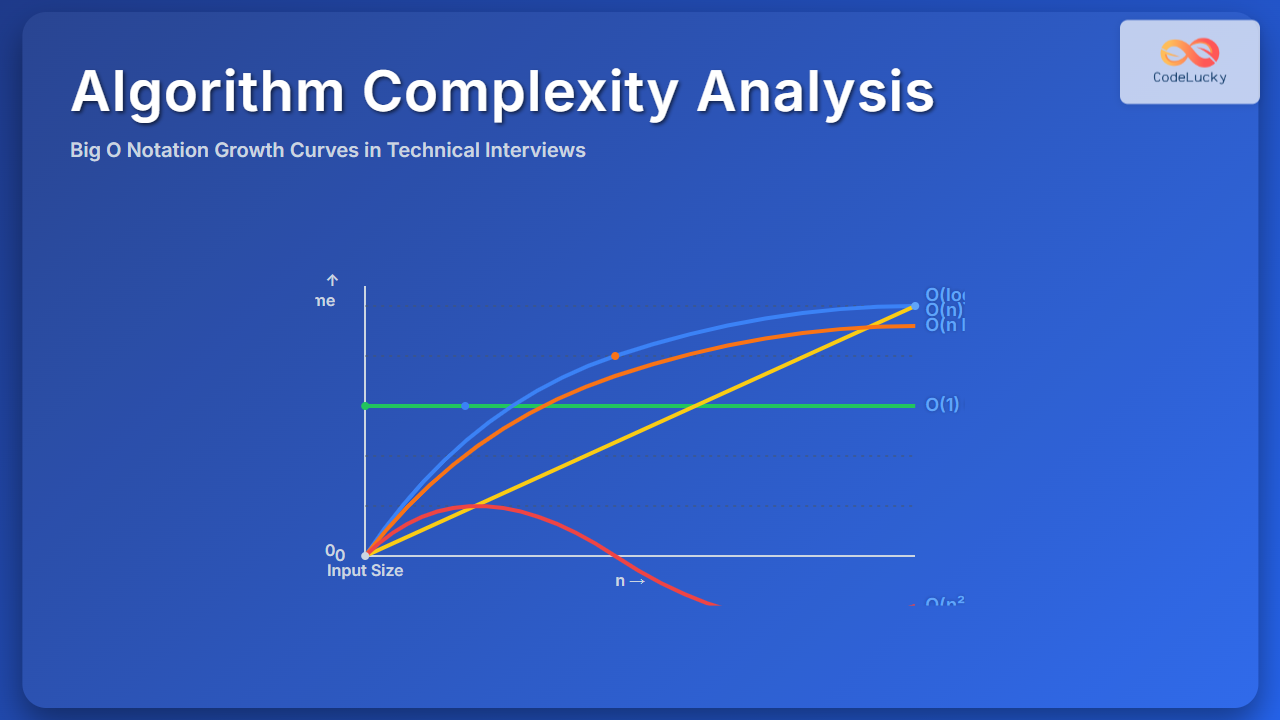
- Best/Average Case: O(1) – If hash function distributes keys uniformly and collisions are minimal.
- Worst Case: O(n) – If all keys collide to the same index.
In practice, with a well-designed hash function and sufficient table size, the average case is extremely close to O(1).
Python Example of Hash Table Search
# Implementing a hash table using Python dictionary
hash_table = {
    "apple": 100,
    "banana": 60,
    "orange": 80
}

# Searching for a key
key = "banana"

if key in hash_table:
    print(f"Found {key}: {hash_table[key]}")
else:
    print("Key not found")
Output:
Found banana: 60
In Python, the built-in dict uses a hash table internally, offering O(1) average time for search.
Custom Hash Table Implementation
class HashTable:
    def __init__(self, size=10):
        self.size = size
        self.table = [[] for _ in range(size)]  # Chaining method

    def _hash(self, key):
        return hash(key) % self.size

    def insert(self, key, value):
        index = self._hash(key)
        for pair in self.table[index]:
            if pair[0] == key:
                pair[1] = value
                return
        self.table[index].append([key, value])

    def search(self, key):
        index = self._hash(key)
        for pair in self.table[index]:
            if pair[0] == key:
                return pair[1]
        return None


# Example usage
ht = HashTable()
ht.insert("apple", 100)
ht.insert("banana", 60)
ht.insert("orange", 80)

print("Searching for 'banana':", ht.search("banana"))
print("Searching for 'grape':", ht.search("grape"))
Output:
Searching for 'banana': 60
Searching for 'grape': None
Collision Handling in Hash Tables
When two different keys hash to the same index, we call it a collision. There are two primary ways to handle collisions:
1. Chaining
Each index of the array stores a linked list (or dynamic array) of key-value pairs that hash to that same index.

2. Open Addressing
If a collision occurs, the algorithm searches for the next empty slot in the hash table using strategies such as linear probing, quadratic probing, or double hashing.
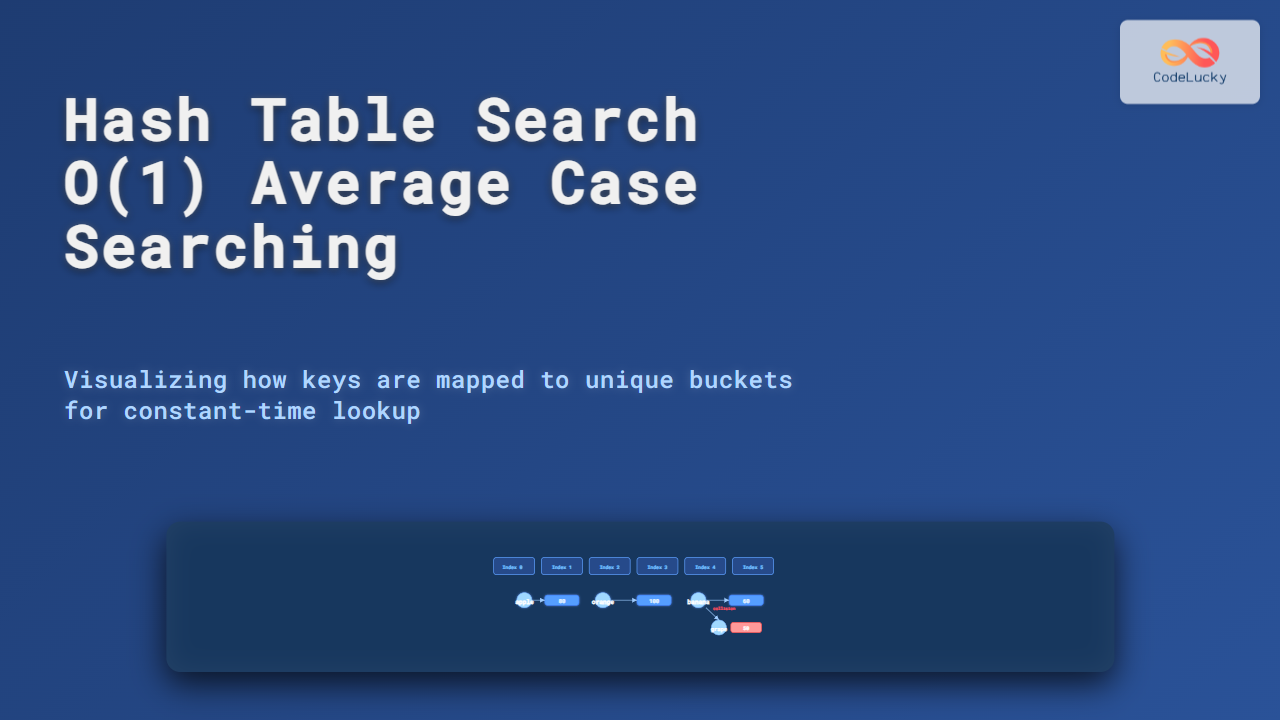
Visual Simulation of Search
Consider inserting keys {apple:100, banana:60, orange:80, grape:50} into a hash table.
Note: Both banana and grape map to the same index 5, causing a collision resolved via chaining.
When to Use Hash Tables?
- Fast search, insert, and delete operations are needed.
- Key-value mappings are frequent (e.g., cache, symbol tables, dictionaries).
- Constant time lookup is critical in performance-intensive applications.
Key Takeaways
- Hash tables provide O(1) average case search using efficient hashing techniques.
- Collisions must be carefully managed via chaining or open addressing.
- Python
dictis a prime example of hash table usage in everyday programming. - Choosing a good hash function and resizing strategy ensures optimal performance.
Hash tables ensure lightning-fast search for large volumes of data. Mastering them is crucial for excelling in competitive programming, software engineering, and system design.