
When working on a Git repository, cleaning up commit history before pushing to a shared branch can make your project more organized and easier to understand. One of the most common tasks is to squash your last N commits, which means combining them into a single commit. This article will guide you through the process step-by-step, including practical examples, clear visualizations, and useful tips.
What Does Squashing Commits Mean?
Squashing commits is the process of merging multiple commits into one. Imagine having several incremental commits made during development, and now you want to tidy up those commits into a meaningful, singular change. This helps maintain a clean git history, which is crucial for readability and ease of collaboration.

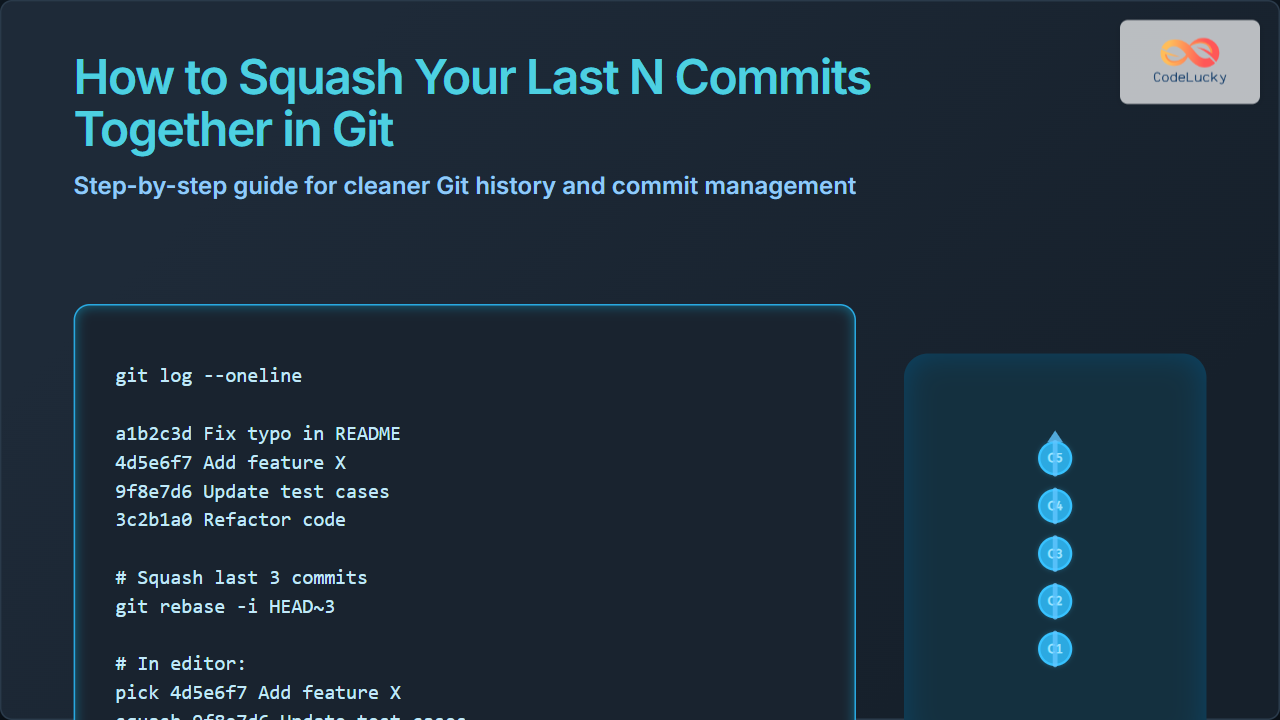
Above is a simple visualization showing 5 commits in a series. Squashing the last 3 would combine Commits 3, 4, and 5 into one.
Why Squash Commits?
- Cleaner history: Your project history becomes easier to follow with fewer, meaningful commits.
- Collaboration ease: Other developers review fewer but clear commits.
- Revertability: One commit can be reverted instead of multiple related commits.
How to Squash Last N Commits: Step-By-Step Guide
The command to squash last N commits generally uses git rebase -i HEAD~N, where N is the number of commits you want to combine.
Step 1: Identify the number of commits to squash
git log --onelineThis will list commit hashes and messages.
Step 2: Run interactive rebase
To squash the last 3 commits, run:
git rebase -i HEAD~3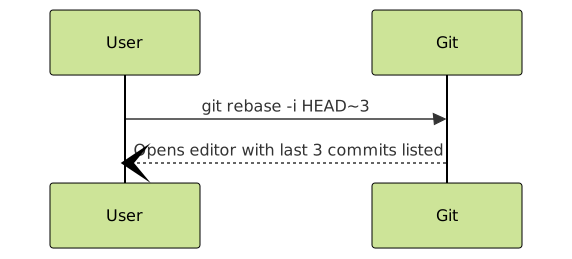
Step 3: Edit the commits in the editor
The editor will open with something like this:
pick 3a5f6b7 Fix typo in README
pick 5f3ef29 Add new feature X
pick 9b7c123 Update test cases for feature X
Change all except the first pick to squash (or simply s):
pick 3a5f6b7 Fix typo in README
squash 5f3ef29 Add new feature X
squash 9b7c123 Update test cases for feature X
This instructs Git to combine commits 2 and 3 into commit 1.
Step 4: Save and close the editor
Git will then open a new editor window to combine commit messages. You can choose to keep all messages or write a new commit message summarizing all changes.
Example Combined Commit Message:
Fix typo in README, Add new feature X and update test cases

- Fixed typo in the project README file
- Added feature X to the application
- Updated and added test cases for feature X
Step 5: Save and close the editor
Git completes the rebase, and your last N commits have been squashed into one.
Example: Squashing Last 4 Commits
Suppose the last 4 commits look like this:
git log --oneline -4
edcba98 Fix navigation bug
cdef123 Improve UI styling
b234567 Refactor header component
a123456 Add header component
To squash the last 4 commits:
git rebase -i HEAD~4
Change the file to:
pick a123456 Add header component
squash b234567 Refactor header component
squash cdef123 Improve UI styling
squash edcba98 Fix navigation bug
Then provide a combined commit message like:
Add and improve header component

- Added header component
- Refactored header for better performance
- Improved UI styling
- Fixed the navigation bug related to header
Important Notes & Tips
- Backup branch: It is safer to create a backup branch before rebasing, especially on shared branches. Use
git branch backup-branch. - Force push: After squashing commits that have been pushed already, use
git push --forceto update remote branch. - Avoid squashing commits others have based work on to prevent complex conflicts.
- Interactive rebase editor options: You can also use
fixupinstead ofsquashto discard commit messages of squashed commits.

Interactive Git Squash Example – Visual Summary
Below is a simplified commit history visualization before and after squashing last 3 commits:

Summary
Squashing commits with Git is a powerful way to keep your repository history clean and meaningful, especially before merging or sharing your work. By using git rebase -i HEAD~N, you can interactively combine your last N commits with ease, offering better traceability and easier collaboration.
Remember to be cautious when squashing commits that have already been pushed to shared branches, and always communicate with your team to avoid any issues.
Mastering commit squashing is a valuable skill for developers of all levels working with Git-based version control.





