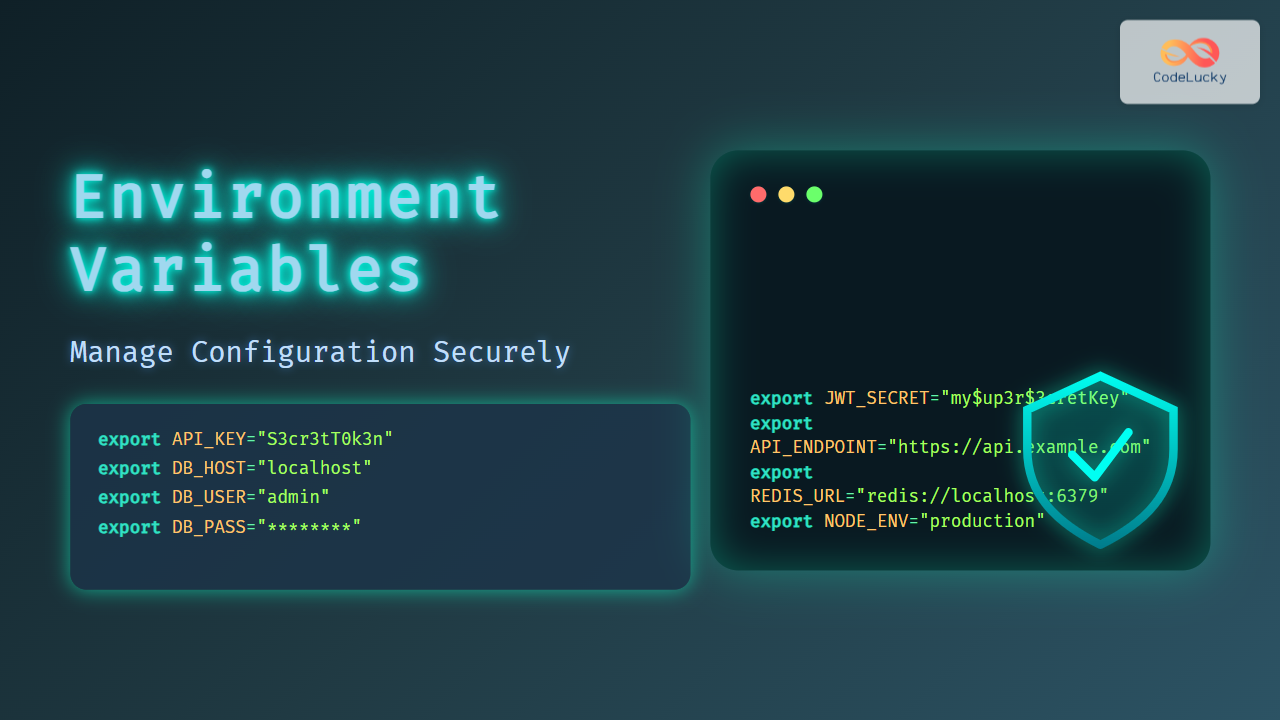
In modern software development, managing configuration securely and efficiently is crucial to building robust applications. Environment Variables provide an elegant, flexible way to store and manage configuration parameters such as API keys, database URLs, and secret credentials outside the application code. This article explores how environment variables help manage configuration securely, complete with practical examples, visual flow diagrams using Mermaid, and interactive demonstrations for better understanding.
What Are Environment Variables?
Environment variables are dynamic values stored outside your application’s codebase, typically at the operating system or runtime environment level. They enable applications to retrieve configuration information without hardcoding it, thus making the software more portable, maintainable, and secure.
Why Use Environment Variables?
- Security: Sensitive data like API keys and passwords remain outside the source code repository.
- Flexibility: Change configurations without modifying or redeploying the code.
- Portability: Easy to adapt applications across multiple environments (development, testing, production).
How Environment Variables Work
Environment variables are key-value pairs managed by the operating system or container environment. Applications access them through system calls or language-specific interfaces.

This diagram illustrates how an application fetches configuration values from environment variables managed by the underlying system and runtime environment across different stages.
Setting Environment Variables
Linux / macOS
export DB_HOST=localhost
export DB_USER=admin
export DB_PASS="supersecret"
Windows (Command Prompt)
set DB_HOST=localhost
set DB_USER=admin
set DB_PASS=supersecret
Using .env Files with Libraries
In local development, .env files simplify environment variable management. Tools like dotenv for Node.js or Python load variables automatically.
# .env
DB_HOST=localhost
DB_USER=admin
DB_PASS=supersecret
Example Node.js usage with dotenv:
require('dotenv').config();

console.log('Database Host:', process.env.DB_HOST);
Accessing Environment Variables in Different Languages
| Language | Sample Code to Access Env Var | Output Example |
|---|---|---|
| Node.js |
|
admin |
| Python |
|
admin |
| Java |
|
admin |
| Go |
|
admin |
Security Best Practices for Environment Variables
- Never commit .env files with secrets to version control systems.
- Use environment management tools (like HashiCorp Vault, AWS Secrets Manager) for production secrets.
- Limit access permissions on machines or CI/CD to environment variables.
- Validate and sanitize environment variable input in your application for safety.
- Rotate secrets regularly to minimize risk of leaks.

Interactive Example: Node.js Environment Variable Usage
This basic example demonstrates reading environment variables in a Node.js app. Run it locally with dotenv installed.
# .env
GREETING=Hello
TARGET=World
require('dotenv').config();

const greeting = process.env.GREETING || "Hi";
const target = process.env.TARGET || "there";

console.log(`${greeting}, ${target}!`);
Expected Output:
Hello, World!Why Environment Variables Improve Deployment Workflow
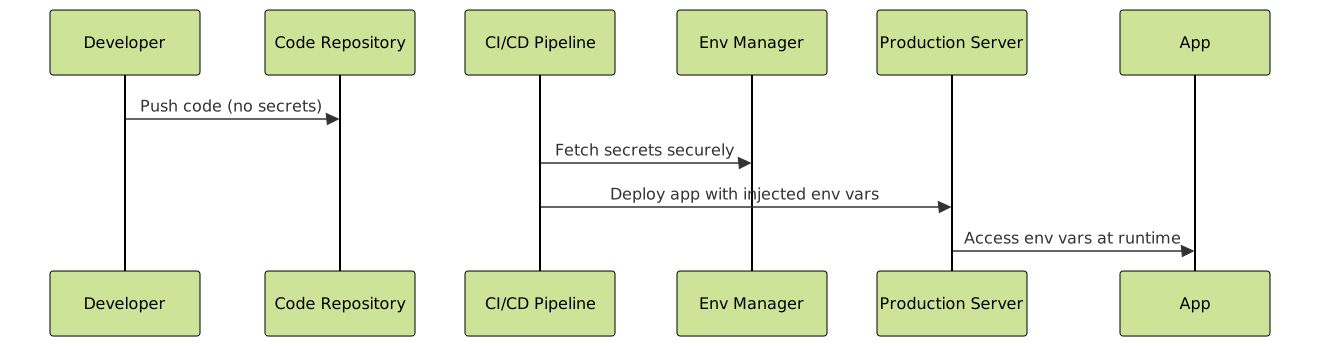
Environment variables enable seamless deployments by decoupling config and code. For example, the same container image runs unchanged in dev, test, and prod environments since configuration is injected externally.
Common Pitfalls to Avoid
- Hardcoding sensitive data in source code or config files.
- Committing secrets publicly (accidentally committing
.envfiles). - Overexposing environment variables with excessive privileges.
- Forgetting to set environment vars in production causing runtime errors.
Summary
Environment variables are a cornerstone of secure, manageable configuration in modern software development. Their use promotes safer secret management, environment flexibility, and more reliable deployment workflows. By following security best practices and leveraging environment variable conventions, developers can safeguard sensitive data while maintaining a seamless development-to-production pipeline.
This article has covered the fundamentals, setting environment variables in popular OSes, language-specific access, security best practices, and useful diagrams to clarify the flow and usage patterns.