
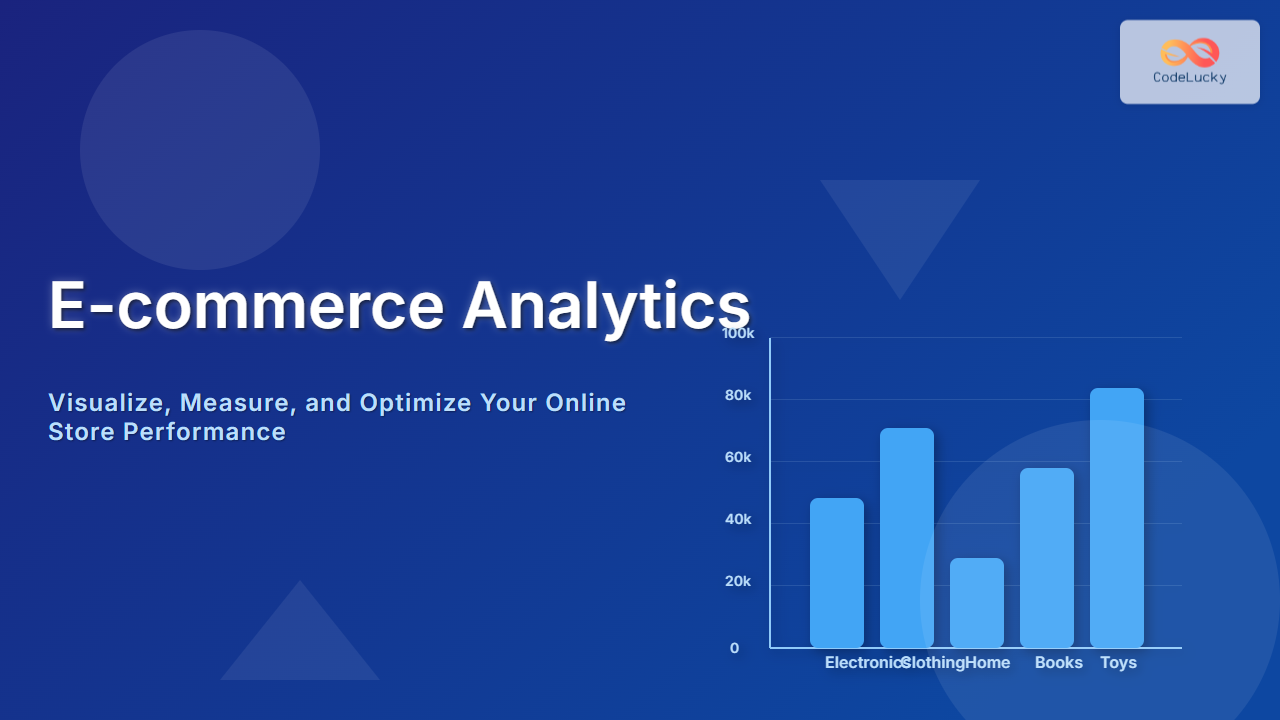
Effective e-commerce analytics is the backbone of a successful online store. To thrive in the competitive digital marketplace, store owners must continuously monitor performance metrics, understand customer behavior, and optimize their sales funnels. This detailed guide walks through the essentials of monitoring online store performance with clear examples, visualizations, and interactive concepts that empower actionable insights.
What is E-commerce Analytics?
E-commerce analytics refers to the process of collecting, analyzing, and interpreting data related to online store operations. This includes traffic sources, customer engagement, conversion rates, sales trends, and product performance. By leveraging analytics, businesses can identify strengths, weaknesses, and opportunities to enhance user experience and maximize revenue.
Key Metrics for Monitoring Online Store Performance
Successful e-commerce management hinges on tracking the right key performance indicators (KPIs). Below are the most critical metrics every online store should monitor:
- Traffic and Sessions: Number of visitors and session counts over defined periods.
- Conversion Rate: Percentage of visitors who complete a desired action like purchasing.
- Average Order Value (AOV): Mean revenue generated per order.
- Cart Abandonment Rate: Percentage of users who add items to cart but leave without completing purchase.
- Customer Lifetime Value (CLV): Projected revenue from a customer over their lifespan.
- Return Rate: Percentage of products returned after purchase.
Data Sources for E-commerce Analytics
Gathering comprehensive data is vital. Common data sources include:
- Website analytics platforms (e.g., Google Analytics) for visitor behavior.
- Sales and transaction databases.
- Customer relationship management (CRM) systems.
- Marketing and advertising campaign data.
- Product and inventory management systems.
Integrating these sources gives a holistic view of store performance.
How to Monitor Your Online Store Performance
Here’s a stepwise approach for monitoring your e-commerce store effectively:
- Setup Tracking Systems: Use tools like Google Analytics, Facebook Pixel, or custom dashboards to track user interactions and transactions.
- Define KPIs and Goals: Customize tracking to align with your business objectives, e.g., increasing conversion by 20% in 6 months.
- Use Visual Dashboards: Display real-time performance metrics with charts and graphs to simplify interpretation.
- Analyze Funnel Behavior: Identify where customers drop off in the purchase process to reduce abandonment.
- Run Periodic Reports: Review trends over time for informed decision-making.
- Optimize Based on Insights: Execute marketing, UX, or product changes validated by data outcomes.

Example: Visualizing Key Metrics on a Dashboard
Imagine a dashboard summarizing your store’s performance for the past month:
- Total Visits: 25,000
- Conversion Rate: 3.5%
- Average Order Value: $75
- Cart Abandonment Rate: 65%
- Revenue Generated: $65,625
A simple bar chart could represent sales by product categories to identify bestsellers:
Interactive Concept: Customer Journey Monitoring
Tracking the customer journey involves following users from first visit to loyalty. Implement event tracking for key actions (e.g., page views, clicks, purchases). By analyzing flow between these points, it’s possible to identify friction or successful touchpoints.

Tools and Technologies for E-commerce Analytics
There are multiple robust tools available to capture and analyze performance data:
- Google Analytics: Free, highly customizable analytics for traffic and conversions.
- Adobe Analytics: Enterprise-grade data insights and segmentation.
- Hotjar: Heatmaps and session recordings for UX monitoring.
- Mixpanel: Advanced event tracking focused on user behavior.
- Tableau or Power BI: Powerful data visualization and dashboarding platforms.
Tips to Enhance Your Analytics Strategy
- Segment Your Audience: Analyze by demographics or behavior for targeted marketing.
- Measure User Engagement: Go beyond sales, track interaction depth.
- Set Realistic Benchmarks: Use historical data and industry standards.
- Automate Reporting: Scheduled data summaries save time and ensure regular reviews.
- Regularly Audit Data Quality: Ensure analytics configurations are accurate and up to date.
Conclusion
E-commerce analytics is a critical capability for any online retailer seeking sustainable growth. By systematically tracking key metrics, visualizing data flows, and interpreting customer interactions, businesses can optimize their stores for better conversion, customer satisfaction, and retention. Leveraging the right tools and strategies ensures that data-driven decisions become the norm, powering incremental improvements and scalable success.





