
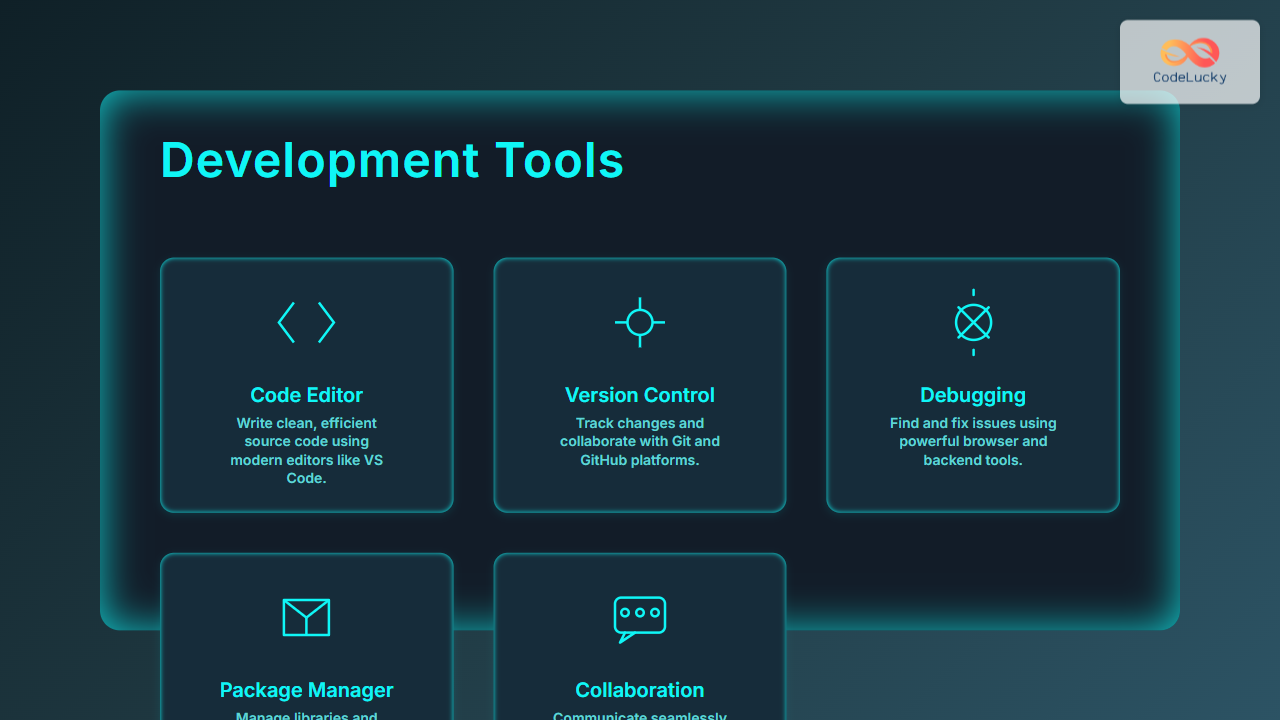
In the fast-paced world of web development, having the right set of development tools is crucial for creating efficient, maintainable, and high-quality websites and web applications. From writing code to debugging and collaborating with teams, essential software applications streamline the entire workflow. This article dives deep into the essential development tools that empower web developers to deliver robust solutions, enriched with practical examples, interactive explanations, and visual diagrams to enhance understanding.
What Are Development Tools?
Development tools are software applications designed to assist developers in the building, testing, debugging, and maintaining of websites or web applications. They cover a broad spectrum including code editors, version control systems, debugging utilities, collaboration platforms, and automation tools. Using the right combination of tools reduces errors, increases productivity, and fosters easier teamwork.
Popular Essential Development Tools for Web Developers
1. Code Editors and Integrated Development Environments (IDEs)
Code editors are the core environment where developers write and edit their source code. IDEs build on editors by integrating additional powerful features like debugging, code completion, and project management.
- Visual Studio Code (VS Code): One of the most popular open-source editors with support for extensions, Git integration, and live preview. It supports JavaScript, Python, HTML, CSS, and more.
- WebStorm: A powerful IDE dedicated to JavaScript-based development offering advanced refactoring, debugging, and testing tools.
- Sublime Text: Known for its speed and simplicity, perfect for quick code edits.
Example: A simple HTML page preview snippet in VS Code with Emmet abbreviations for faster coding:
<!DOCTYPE html>
<html lang="en">
<head>
  <meta charset="UTF-8">
  <meta name="viewport" content="width=device-width, initial-scale=1.0">
  <title>My Web Page</title>
</head>
<body>
  <h1>Hello, world!</h1>
</body>
</html>
2. Version Control Systems (VCS)
Tracking code changes over time, collaborating with others, and managing project versions are key needs addressed by VCS tools.
- Git: The industry standard distributed version control system. It enables branching, merging, and commits to maintain code history.
- GitHub/GitLab/Bitbucket: Online repositories that host Git projects, facilitating collaboration and continuous integration.

3. Debugging Tools
Debugging tools help inspect and troubleshoot issues within code during development and runtime.
- Browser Developer Tools: Built-in in browsers like Chrome and Firefox. They allow inspection of HTML/CSS, JavaScript debugging, and network activity.
- Node.js Debugger: For backend JavaScript debugging, integrated in IDEs like VS Code.
Interactive debugging example: Using Chrome DevTools to set breakpoints and inspect variables in JavaScript, enabling real-time error identification and fix.
4. Package Managers
Package managers simplify the process of installing, updating, and managing code libraries or dependencies.
- npm: Default package manager for Node.js projects; vast ecosystem of packages.
- Yarn: Alternative to npm with faster installs and better dependency resolution.
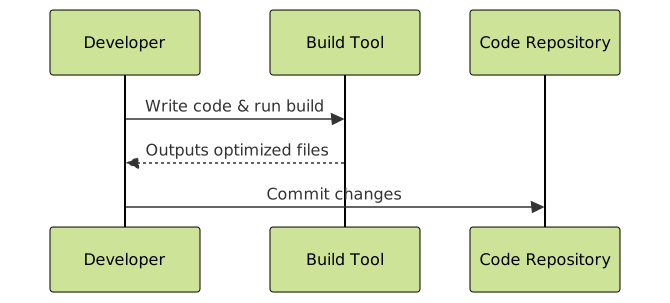
5. Task Runners and Build Tools
These automate repetitive tasks such as minifying code, compiling preprocessors like SASS, or running tests.
- Webpack: Module bundler that compiles JavaScript, CSS, and assets for production.
- Gulp: Streaming build system focused on automation via code over config.
6. Collaboration and Communication Tools
Web developers rarely work alone; communication platforms improve team coordination.
- Slack: Instant messaging with integrations for alerts from GitHub, CI/CD pipelines.
- Jira/Trello: Issue tracking and project management software to organize development tasks.
Choosing the Right Development Tools
Choosing the right development tools depends on project requirements, team size, and individual preference. Here are some tips:
- Prioritize tools that integrate well together to streamline workflow.
- Focus on tools with strong community support and extensibility.
- Experiment with lightweight tools for small projects and full IDEs for complex ones.

Conclusion
Essential development tools are the backbone of any web developer’s productivity and success. Leveraging the right software—from code editors and version control to debugging and collaboration platforms—not only speeds up development but also enhances code quality and team efficiency. Staying updated with evolving toolsets is vital for continuous improvement and mastering modern web development workflows.
This comprehensive understanding of development tools equips developers to choose smartly and build better web experiences.





