
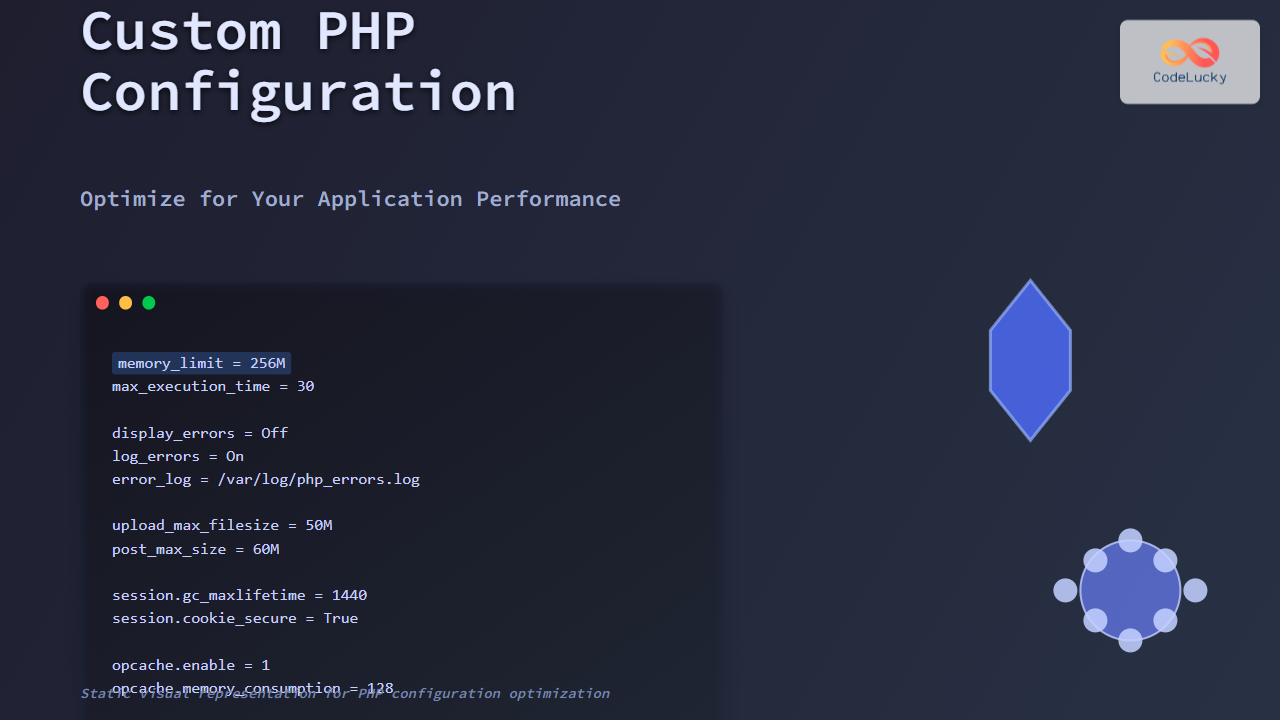
Customizing PHP configuration is essential to maximize your web application’s performance and tailor it to your specific needs. PHP, being a highly versatile server-side language, offers powerful configuration options through the php.ini file, environment overrides, and runtime settings. This detailed guide explores practical ways to adjust PHP configuration for optimal application behavior, resource management, and security.
Why Customize PHP Configuration?
By default, PHP ships with generic configuration settings designed for broad compatibility. However, production applications require fine-tuning to:
- Improve performance by adjusting resource limits and caching.
- Control error handling for better debugging or silent failure in production.
- Strengthen security by disabling risky functions and controlling inputs.
- Adapt to environment such as development, staging, or production.
Key PHP Configuration Areas to Optimize
1. Memory Limits and Execution Time
Adjusting memory_limit and max_execution_time prevents scripts from using excessive resources or running indefinitely.
memory_limit = 256M
max_execution_time = 30
Example: For resource-heavy image processing, increase the memory limit. For API endpoints, lower the execution time to avoid slow responses.
2. Error Reporting and Logging
Developer environments need verbose error reporting, but production must log errors discreetly.
display_errors = Off
log_errors = On
error_log = /var/log/php_errors.log
error_reporting = E_ALL & ~E_DEPRECATED & ~E_STRICT
This setting hides errors from users but logs them for developers. Use ini_set() in code for runtime changes.

3. File Upload Configuration
Control limits for file upload size and maximum POST size to prevent abuse and manage bandwidth.
upload_max_filesize = 50M
post_max_size = 60M
max_file_uploads = 10
These values should be set according to your application’s requirements.
4. Session Handling Configuration
Configure session management for security and performance:
session.gc_maxlifetime = 1440
session.cookie_secure = True
session.cookie_httponly = True
This ensures sessions expire timely and cookies are secure and inaccessible to JavaScript.
5. OPcache Settings for Performance Boost
PHP’s OPcache speeds up execution by caching compiled bytecode. Key settings:
opcache.enable=1
opcache.memory_consumption=128
opcache.max_accelerated_files=10000
opcache.revalidate_freq=2
Enabling OPcache reduces redundant script compilations, dramatically improving response time.

How to Override PHP Configuration Locally
PHP settings can be overridden not only globally but also per-directory or script using:
.htaccess(Apache): usingphp_valueandphp_flagini_set()function inside PHP scripts- Per virtual host or PHP-FPM pool configuration
Example: Enable error reporting only for a test script:
<?php
ini_set('display_errors', 1);
ini_set('error_reporting', E_ALL);
echo 'Testing error display.';
?>
Monitoring and Testing PHP Configuration Changes
Use phpinfo() to check current configurations and confirm changes.
<?php
phpinfo();
?>
Testing ensures your optimizations do not negatively impact functionality or security.
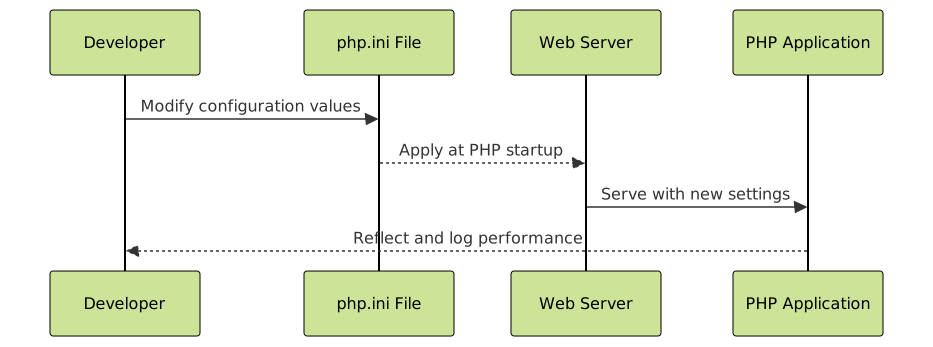
Interactive Example: Runtime Configuration Changes
Below is a simple interactive PHP snippet example to change max execution time dynamically:
<?php
$currentTimeLimit = ini_get('max_execution_time');
echo "Current max execution time: {$currentTimeLimit} seconds<br>";

// Dynamically set to 60 seconds for a specific operation
ini_set('max_execution_time', 60);
echo "Max execution time temporarily set to 60 seconds<br>";
?>
Security Considerations When Customizing PHP
- Disable dangerous functions: like
exec(),shell_exec(), andsystem()if not required. - Limit file uploads: restrict
upload_max_filesizeand file types. - Use safe session settings: secure cookies and session handling.
- Disable remote file inclusion: with
allow_url_fopenandallow_url_include.
Summary
Customizing PHP configuration is a powerful way to optimize application performance, improve security, and control behavior. Important configurations include memory limits, error handling, session management, file uploads, and OPcache. Always test changes in controlled environments using phpinfo() and runtime overrides before deploying. Implementing these tailored changes will enhance stability and responsiveness, ensuring an efficient and secure PHP application tailored to your specific requirements.





