
CSS orphans Property: Controlling孤儿 Lines in Paginated Contexts
The CSS orphans property determines the minimum number of lines in a block container that must be left at the bottom of a page, column, or region. This property primarily applies when printing a document or when content is displayed in a paginated format. It helps improve readability and visual appeal by preventing single lines (orphans) from being left alone at the end of a section.
What is the orphans Property?
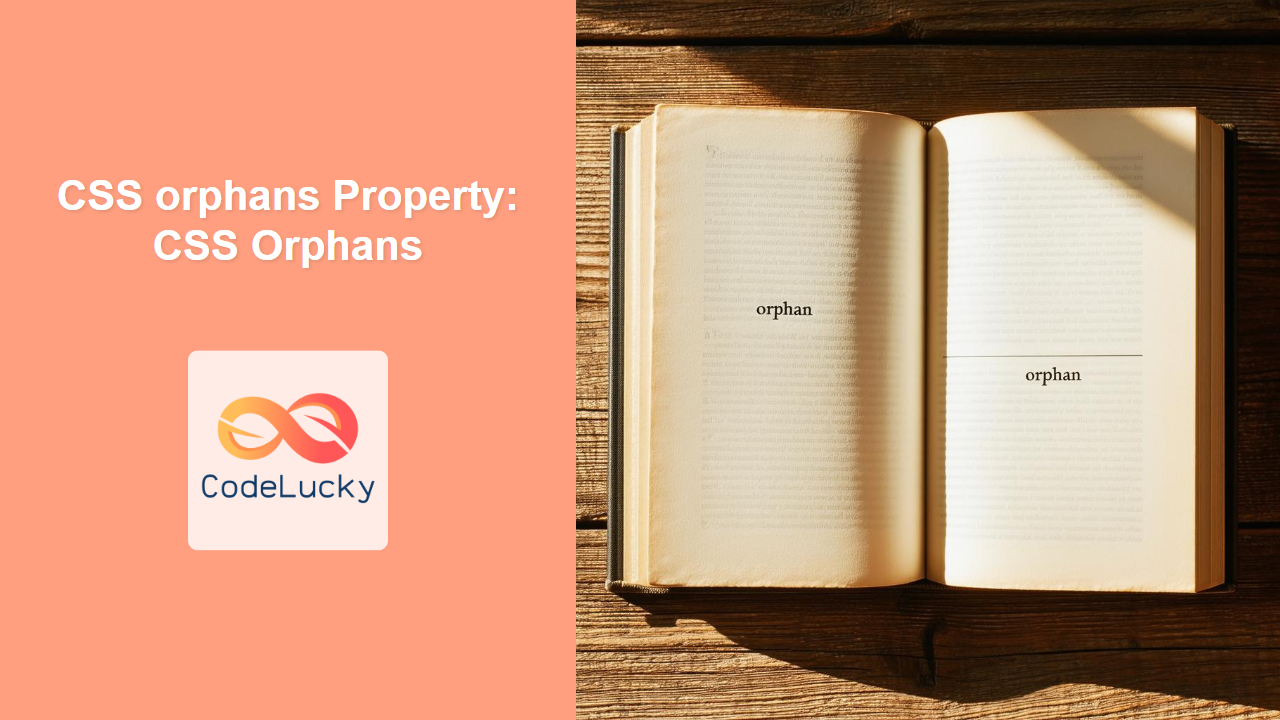
In typography, an “orphan” is a single line of a paragraph that appears by itself at the bottom of a page or column. The orphans property allows you to control this by specifying the minimum number of lines that must be displayed together. If there are fewer lines than the specified value, the entire block will be moved to the next page, column, or region.
Purpose of the orphans Property
The primary purpose of the orphans property is to:
- Enhance the readability of content in paginated contexts (e.g., printed documents, multi-column layouts).
- Prevent孤儿 lines from appearing at the end of a section, which can disrupt the flow of reading.
- Improve the overall visual appeal of documents by ensuring a more balanced distribution of text.
Syntax
The orphans property accepts a single integer value:
div {
  orphans: <integer>;
}
Possible Values
| Value | Description |
|---|---|
| `<integer>` | A positive integer specifying the minimum number of lines that must be left at the bottom of a page, column, or region. The default value is 2. |
Examples
Let’s explore some examples to understand how the orphans property works in practice.
Basic Example: Setting the orphans Property
This example demonstrates how to set the orphans property to ensure at least three lines are left at the bottom of a container.
<!DOCTYPE html>
<html>
  <head>
    <title>CSS orphans Example</title>
    <style>
      .content {
        width: 300px;
        border: 1px solid black;
        margin-bottom: 20px;
        orphans: 3; /* Ensure at least 3 lines are left at the bottom */
      }
    </style>
  </head>
  <body>
    <div class="content">
      <p>
        This is some text within the content div. It demonstrates the use of the
        CSS orphans property. We want to ensure that at least three lines of
        this paragraph are visible at the bottom of the container. This helps
        prevent孤儿 lines, improving readability and visual appeal.
      </p>
    </div>
  </body>
</html>
In this example, if the paragraph would normally break with fewer than three lines at the bottom of the .content div, the entire paragraph will be moved to the next page (or remain entirely within the current page if possible), ensuring that at least three lines are always visible.
Example with Multiple Paragraphs
This example demonstrates how the orphans property affects multiple paragraphs within a container.
<!DOCTYPE html>
<html>
  <head>
    <title>CSS orphans Example with Multiple Paragraphs</title>
    <style>
      .content {
        width: 300px;
        border: 1px solid black;
        margin-bottom: 20px;
        orphans: 2; /* Ensure at least 2 lines are left at the bottom */
      }
    </style>
  </head>
  <body>
    <div class="content">
      <p>
        This is the first paragraph. We want to make sure that at least two
        lines of this paragraph remain at the bottom of the container if it is
        split across pages.
      </p>
      <p>
        This is the second paragraph. Similarly, we want to avoid having just
        one line of this paragraph at the bottom of the container.
      </p>
    </div>
  </body>
</html>
Each paragraph within the .content div will adhere to the orphans: 2 rule. If either paragraph would result in fewer than two lines at the bottom of the container, the entire paragraph will be moved to the next page.
Practical Use Case: Print Styles
The orphans property is particularly useful when defining print styles for a website.
<!DOCTYPE html>
<html>
  <head>
    <title>CSS orphans Print Style Example</title>
    <style>
      @media print {
        .article {
          orphans: 4; /* Ensure at least 4 lines are left at the bottom when printing */
        }
      }
      .article {
        width: 600px;
        border: 1px solid #ccc;
        padding: 10px;
        margin-bottom: 20px;
      }
    </style>
  </head>
  <body>
    <div class="article">
      <h1>Article Title</h1>
      <p>
        This is the main content of the article. The CSS orphans property is
        very useful when printing documents. It ensures that paragraphs are not
        split in a way that leaves only a few lines at the bottom of a page.
        By setting orphans to a higher value, such as 4, we can improve the
        overall readability of the printed document.
      </p>
      <p>
        Additional content goes here. This helps demonstrate how multiple
        paragraphs are handled within the same container. Each paragraph will
        respect the orphans property, ensuring a consistent and visually
        appealing layout when printed.
      </p>
    </div>
  </body>
</html>
In this example, the @media print rule sets the orphans property to 4 for the .article class. When the page is printed, the browser will ensure that at least four lines of each paragraph are left at the bottom of the page, improving the printed output’s readability.
Combining orphans with widows
The orphans property is often used in conjunction with the widows property, which controls the minimum number of lines that must be left at the top of a new page or column.
.content {
  orphans: 3; /* Ensure at least 3 lines are left at the bottom */
  widows: 3; /* Ensure at least 3 lines are left at the top */
}
By setting both orphans and widows to the same value, you can ensure a balanced distribution of text across pages or columns.
Browser Support
The orphans property is well-supported across modern browsers.
- Chrome
- Edge
- Firefox
- Safari
- Opera
Tips and Considerations
- Testing is Key: Always test your layouts in different browsers and printing scenarios to ensure the
orphansproperty behaves as expected. - Context Matters: The
orphansproperty is most effective in paginated contexts, such as printed documents or multi-column layouts. - Combine with
widows: Use thewidowsproperty in conjunction withorphansfor balanced text distribution. - Consider Readability: Choose a value for
orphansthat enhances readability and avoids awkward line breaks.
Conclusion
The CSS orphans property is a valuable tool for enhancing the readability and visual appeal of content in paginated contexts. By controlling the minimum number of lines that must be left at the bottom of a page or column, you can prevent孤儿 lines and ensure a more balanced distribution of text. When used in conjunction with the widows property, it provides even greater control over text layout, resulting in a more polished and professional presentation.
Related Posts

CSS Style widows Property: CSS Widows
CSS widows Property: Controlling Orphaned Lines in CSS The CSS widows property controls the minimum number of lines of a...
CSS Style textIndent Property: CSS Text Indent
CSS text-indent Property: Controlling Text Indentation The CSS text-indent property specifies the indentation of the first line of text in...
CSS Style lineHeight Property: CSS Line Height
Understanding the CSS line-height Property: Your Guide to Perfect Text Spacing The line-height property in CSS is a fundamental tool...
CSS Style textDecorationLine Property: CSS Text Decoration Line
CSS text-decoration-line Property: Styling Text Decorations The text-decoration-line property in CSS is used to specify the kind of text decoration...
CSS clear Property: Mastering CSS Clear for Layout Control
Understanding the CSS clear Property: Mastering Layout Control The clear property in CSS is a powerful tool for controlling the...
CSS Style visibility Property: CSS Visibility
Understanding the CSS visibility Property The visibility property in CSS controls the visibility of an element without affecting the layout...
CSS Line-Height: Complete Guide to Controlling Text Spacing and Readability
The CSS line-height property is one of the most fundamental yet underutilized tools for creating readable, visually appealing typography on...
CSS Style textAlignLast Property: CSS Text Align Last
CSS textAlignLast Property: Controlling the Last Line's Alignment The textAlignLast property in CSS specifies how the last line of a...
CSS Text-Indent: Complete Guide to First Line Paragraph Indentation
The CSS text-indent property is a fundamental typography tool that controls the indentation of the first line in a block...
CSS text-decoration Property: CSS Text Decoration
CSS text-decoration Property: A Comprehensive Guide The CSS text-decoration property is used to add decorative lines to text. You can...
CSS borderBottomStyle Property: Mastering Bottom Border Styles
CSS borderBottomStyle Property: Mastering Bottom Border Styles The borderBottomStyle property in CSS is used to set the style of the...
CSS borderStyle Property: Comprehensive Guide to CSS Border Styles
CSS borderStyle Property: A Comprehensive Guide The borderStyle property in CSS is used to define the appearance of an element's...





