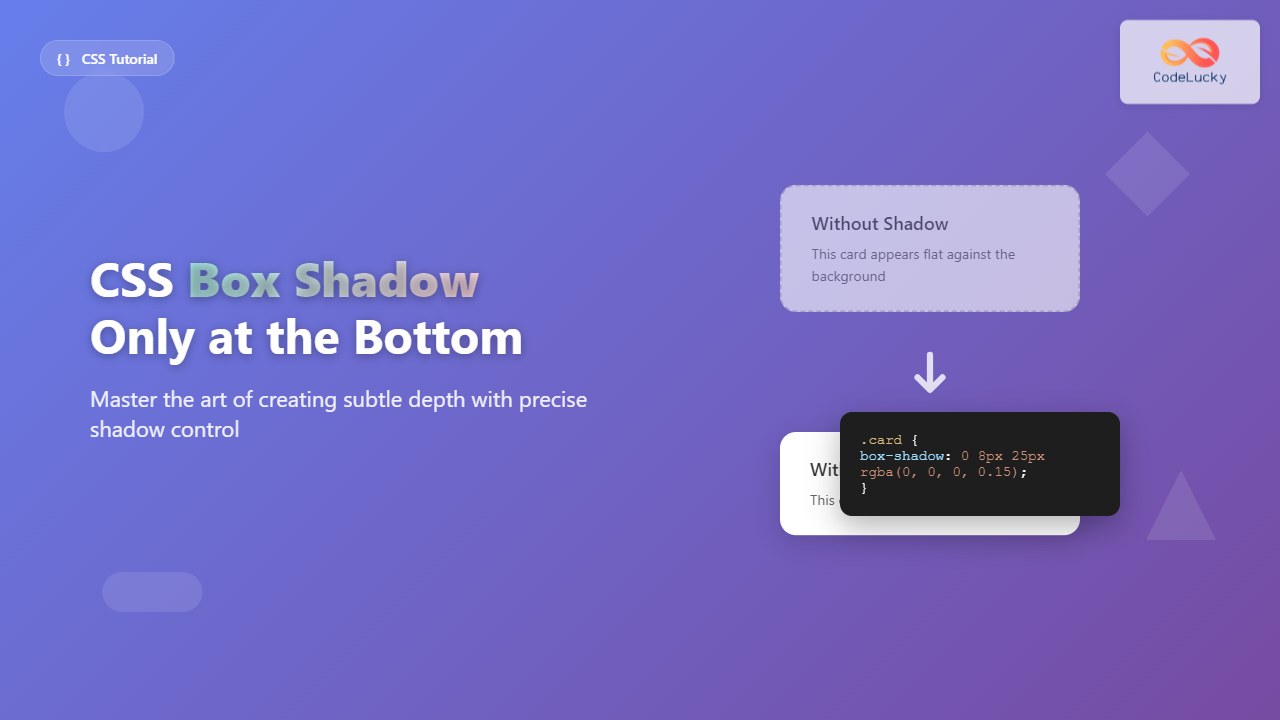
Adding a box shadow only at the bottom of an element is a popular design technique that creates depth and visual hierarchy without overwhelming the interface. This subtle effect is commonly used for cards, navigation bars, and content containers to make them appear elevated above the background.
In this comprehensive guide, you’ll learn multiple methods to achieve bottom-only box shadows, understand the CSS box-shadow property in detail, and explore practical examples with visual outputs.
Understanding CSS Box-Shadow Property
The CSS box-shadow property allows you to add shadow effects around an element’s frame. The basic syntax is:
box-shadow: [inset] [offset-x] [offset-y] [blur-radius] [spread-radius] [color];
Each parameter controls a different aspect of the shadow:
- offset-x: Horizontal distance (positive = right, negative = left)
- offset-y: Vertical distance (positive = down, negative = up)
- blur-radius: How much the shadow is blurred
- spread-radius: How much the shadow expands
- color: The color of the shadow
Method 1: Using Positive Y-Offset
The simplest way to create a bottom-only shadow is by using a positive Y-offset value while keeping the X-offset at zero:
.bottom-shadow {
  box-shadow: 0 4px 6px rgba(0, 0, 0, 0.1);
}
Here’s a practical example:
<style>
.card-basic {
  width: 300px;
  padding: 20px;
  background: white;
  border-radius: 8px;
  box-shadow: 0 4px 6px rgba(0, 0, 0, 0.1);
  margin: 20px;
}
</style>

<div class="card-basic">
  <h3>Basic Bottom Shadow</h3>
  <p>This card has a subtle shadow only at the bottom.</p>
</div>
Method 2: Advanced Bottom Shadow with Spread
For more control over the shadow appearance, you can use the spread radius parameter:
.enhanced-bottom-shadow {
  box-shadow: 0 2px 8px -2px rgba(0, 0, 0, 0.15);
}
The negative spread radius (-2px) makes the shadow smaller than the element, creating a more refined effect:
<style>
.card-enhanced {
  width: 300px;
  padding: 25px;
  background: #ffffff;
  border-radius: 12px;
  box-shadow: 0 2px 8px -2px rgba(0, 0, 0, 0.15);
  margin: 30px;
  border: 1px solid #f0f0f0;
}
</style>

<div class="card-enhanced">
  <h3>Enhanced Bottom Shadow</h3>
  <p>This version uses spread radius for better control.</p>
</div>
Method 3: Multiple Shadow Layers
You can create more sophisticated shadow effects by combining multiple shadows:
.layered-shadow {
  box-shadow:
    0 1px 3px rgba(0, 0, 0, 0.12),
    0 1px 2px rgba(0, 0, 0, 0.24);
}
This technique creates depth by layering different shadow intensities:
<style>
.card-layered {
  width: 300px;
  padding: 25px;
  background: white;
  border-radius: 8px;
  box-shadow:
    0 1px 3px rgba(0, 0, 0, 0.12),
    0 1px 2px rgba(0, 0, 0, 0.24);
  margin: 30px;
  transition: box-shadow 0.3s ease;
}

.card-layered:hover {
  box-shadow:
    0 3px 6px rgba(0, 0, 0, 0.16),
    0 3px 6px rgba(0, 0, 0, 0.23);
}
</style>

<div class="card-layered">
  <h3>Layered Shadow Effect</h3>
  <p>Hover over this card to see the enhanced shadow.</p>
</div>
Method 4: Using CSS Custom Properties
For maintainable code, define shadow values as CSS custom properties:
:root {
  --shadow-light: 0 2px 4px rgba(0, 0, 0, 0.1);
  --shadow-medium: 0 4px 8px rgba(0, 0, 0, 0.12);
  --shadow-heavy: 0 8px 16px rgba(0, 0, 0, 0.15);
}

.shadow-system {
  box-shadow: var(--shadow-medium);
}
Common Use Cases and Examples
Navigation Bar Shadow
.navbar {
  background: #ffffff;
  padding: 15px 30px;
  box-shadow: 0 2px 4px rgba(0, 0, 0, 0.08);
  position: fixed;
  width: 100%;
  top: 0;
  z-index: 1000;
}
Card Component
.product-card {
  background: white;
  border-radius: 12px;
  padding: 20px;
  box-shadow: 0 4px 12px rgba(0, 0, 0, 0.1);
  transition: transform 0.2s, box-shadow 0.2s;
}

.product-card:hover {
  transform: translateY(-2px);
  box-shadow: 0 8px 20px rgba(0, 0, 0, 0.15);
}
Modal Dialog
.modal {
  background: white;
  border-radius: 16px;
  max-width: 500px;
  padding: 30px;
  box-shadow: 0 10px 30px rgba(0, 0, 0, 0.2);
  position: fixed;
  top: 50%;
  left: 50%;
  transform: translate(-50%, -50%);
}
Performance Considerations
Box shadows can impact performance, especially when animated or applied to many elements. Here are optimization tips:

- Use transforms for hover effects rather than changing shadow properties
- Keep blur radius reasonable (2px-20px range) for better performance
- Use
will-change: transformfor elements that will be animated - Consider using pseudo-elements for complex shadow effects
Browser Support and Fallbacks
The box-shadow property has excellent browser support across all modern browsers. For older browsers, you can provide fallbacks:
.fallback-shadow {
  /* Fallback for older browsers */
  border-bottom: 1px solid #e0e0e0;

  /* Modern browsers */
  box-shadow: 0 2px 4px rgba(0, 0, 0, 0.1);
}
Interactive Example
Here’s a complete interactive example that demonstrates different shadow intensities:
<!DOCTYPE html>
<html lang="en">
<head>
    <meta charset="UTF-8">
    <meta name="viewport" content="width=device-width, initial-scale=1.0">
    <title>Bottom Shadow Examples</title>
    <style>
        .container {
            display: flex;
            flex-wrap: wrap;
            gap: 20px;
            padding: 40px;
            background: #f5f5f5;
            min-height: 100vh;
            font-family: 'Segoe UI', Tahoma, Geneva, Verdana, sans-serif;
        }

        .shadow-card {
            width: 280px;
            padding: 25px;
            background: white;
            border-radius: 12px;
            transition: transform 0.3s ease, box-shadow 0.3s ease;
            cursor: pointer;
        }

        .shadow-light {
            box-shadow: 0 2px 4px rgba(0, 0, 0, 0.1);
        }

        .shadow-medium {
            box-shadow: 0 4px 8px rgba(0, 0, 0, 0.12);
        }

        .shadow-heavy {
            box-shadow: 0 8px 16px rgba(0, 0, 0, 0.15);
        }

        .shadow-card:hover {
            transform: translateY(-4px);
        }

        .shadow-light:hover {
            box-shadow: 0 4px 12px rgba(0, 0, 0, 0.15);
        }

        .shadow-medium:hover {
            box-shadow: 0 8px 20px rgba(0, 0, 0, 0.18);
        }

        .shadow-heavy:hover {
            box-shadow: 0 12px 28px rgba(0, 0, 0, 0.22);
        }

        h3 {
            margin-top: 0;
            color: #333;
        }

        .code-snippet {
            background: #f8f9fa;
            padding: 12px;
            border-radius: 6px;
            font-family: 'Courier New', monospace;
            font-size: 12px;
            margin-top: 15px;
            border-left: 3px solid #007acc;
        }
    </style>
</head>
<body>
    <div class="container">
        <div class="shadow-card shadow-light">
            <h3>Light Shadow</h3>
            <p>Subtle elevation perfect for subtle UI elements and cards that need minimal depth.</p>
            <div class="code-snippet">
                box-shadow: 0 2px 4px rgba(0, 0, 0, 0.1);
            </div>
        </div>

        <div class="shadow-card shadow-medium">
            <h3>Medium Shadow</h3>
            <p>Balanced shadow that works well for most card components and content sections.</p>
            <div class="code-snippet">
                box-shadow: 0 4px 8px rgba(0, 0, 0, 0.12);
            </div>
        </div>

        <div class="shadow-card shadow-heavy">
            <h3>Heavy Shadow</h3>
            <p>Strong elevation ideal for modals, floating panels, and prominent interface elements.</p>
            <div class="code-snippet">
                box-shadow: 0 8px 16px rgba(0, 0, 0, 0.15);
            </div>
        </div>
    </div>
</body>
</html>
Best Practices
Follow these guidelines for effective bottom shadow implementation:
- Keep shadows subtle – Overly dramatic shadows can distract from content
- Use consistent shadow system – Define a set of shadow values for your design system
- Consider the context – Navigation bars need different shadows than card components
- Test accessibility – Ensure shadows don’t interfere with text readability
- Optimize for performance – Use efficient shadow values and avoid unnecessary complexity

Troubleshooting Common Issues
Shadow appears clipped: Ensure parent containers have adequate padding or margin to accommodate the shadow.
.container {
  padding: 20px; /* Provides space for shadows */
}
Shadow looks too harsh: Increase the blur radius and reduce the opacity.
/* Too harsh */
box-shadow: 0 4px 0 rgba(0, 0, 0, 0.5);

/* Better */
box-shadow: 0 4px 12px rgba(0, 0, 0, 0.1);
Performance issues: Use transform for animations instead of changing shadow properties.
.optimized-hover {
  box-shadow: 0 4px 8px rgba(0, 0, 0, 0.1);
  transition: transform 0.3s ease;
}

.optimized-hover:hover {
  transform: translateY(-2px);
}
Bottom-only CSS box shadows are a powerful tool for creating depth and visual hierarchy in web interfaces. By understanding the various methods and best practices outlined in this guide, you can implement effective shadow effects that enhance user experience while maintaining optimal performance.