
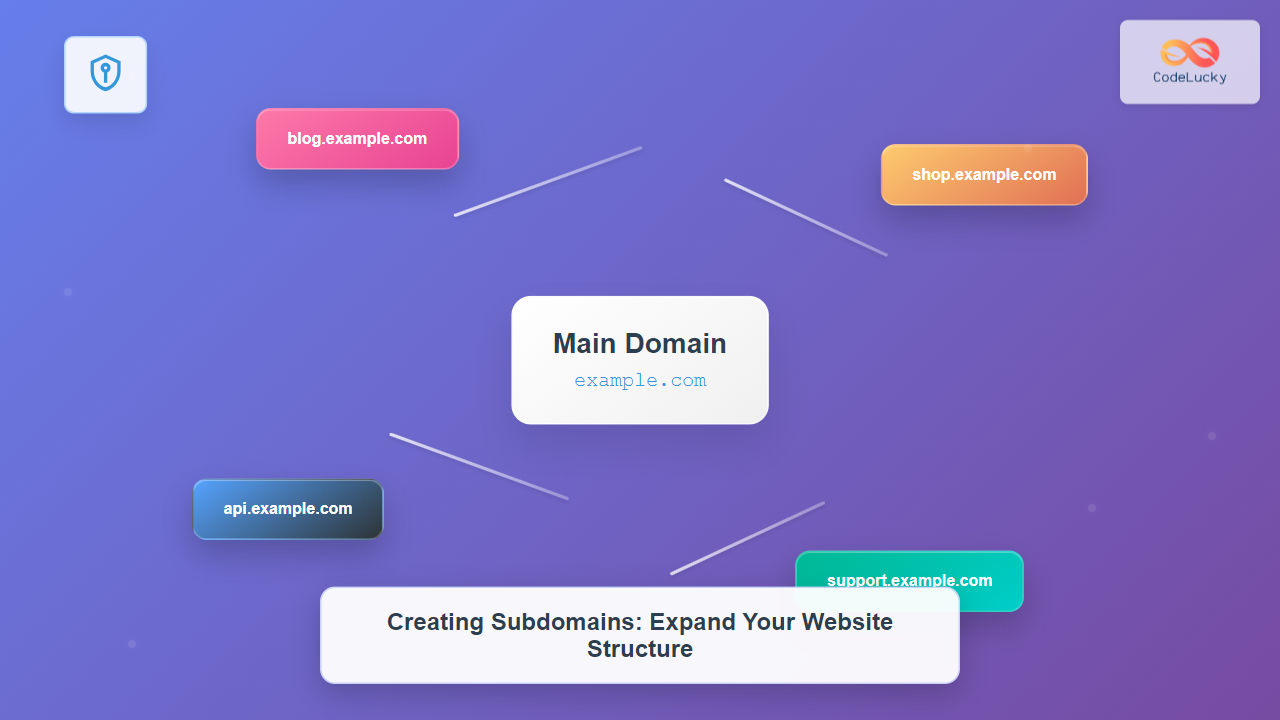
Subdomains are powerful tools that allow you to organize and expand your website structure efficiently. They act as separate sections of your main domain, enabling you to create distinct areas for different purposes while maintaining brand consistency. This comprehensive guide will walk you through everything you need to know about creating and managing subdomains.
What Are Subdomains?
A subdomain is a prefix added to your main domain name, creating a separate web address that functions as an independent section of your website. For example, if your main domain is example.com, you could create subdomains like blog.example.com, shop.example.com, or support.example.com.

Subdomain vs. Subdirectory
Understanding the difference between subdomains and subdirectories is crucial for making the right architectural decision:
| Aspect | Subdomain | Subdirectory |
|---|---|---|
| URL Structure | blog.example.com | example.com/blog |
| DNS Configuration | Requires DNS setup | No DNS changes needed |
| SEO Treatment | Treated as separate site | Part of main domain authority |
| Server Configuration | Can use different servers | Same server as main site |
| SSL Certificate | May need separate certificate | Covered by main domain certificate |
Why Use Subdomains?
Subdomains offer several advantages that make them valuable for website organization and functionality:
Organizational Benefits
- Content Separation: Keep different types of content logically separated
- User Experience: Provide clear navigation paths for different services
- Team Management: Allow different teams to manage separate sections independently
- Branding: Create memorable, purpose-specific URLs
Technical Advantages
- Server Distribution: Host different subdomains on separate servers for better performance
- Application Isolation: Run different applications or technologies independently
- Scalability: Scale individual sections based on traffic and resource needs
- Development: Create staging environments without affecting the main site
Common Subdomain Use Cases
Here are practical examples of how different industries and purposes utilize subdomains:
Business Applications
blog.company.com– Company blog and content marketingshop.company.com– E-commerce storesupport.company.com– Customer support and help deskapi.company.com– API endpoints for developersdocs.company.com– Documentation and knowledge base
Development and Testing
staging.company.com– Pre-production testing environmentdev.company.com– Development environmentbeta.company.com– Beta testing for new features
Geographic and Language Targeting
uk.company.com– UK-specific contentfr.company.com– French language versionmobile.company.com– Mobile-optimized version
How to Create Subdomains
Creating subdomains involves two main steps: DNS configuration and server setup. The exact process varies depending on your hosting provider and domain registrar.

Method 1: Through cPanel (Most Common)
If your hosting provider uses cPanel, follow these steps:
- Login to cPanel: Access your hosting control panel
- Find Subdomains Section: Look for “Subdomains” in the Domains section
- Create Subdomain: Enter your desired subdomain name
- Set Document Root: Specify the folder where subdomain files will be stored
- Create: Click the “Create” button
Example cPanel Configuration:
Subdomain: blog
Domain: example.com
Document Root: /public_html/blog
Full subdomain: blog.example.com
Method 2: DNS Management Interface
For more control, configure subdomains through your DNS provider:
- Access DNS Management: Login to your domain registrar or DNS provider
- Add New Record: Create a new DNS record
- Configure Record: Set up either an A record or CNAME record
A Record Configuration:
Type: A
Name: blog
Value: 192.168.1.100 (your server IP)
TTL: 3600 (1 hour)
CNAME Record Configuration:
Type: CNAME
Name: blog
Value: example.com
TTL: 3600 (1 hour)
Method 3: Command Line (Advanced Users)
For VPS or dedicated servers, you can configure subdomains via command line:
Apache Configuration:
<VirtualHost *:80>
    ServerName blog.example.com
    DocumentRoot /var/www/blog
    ErrorLog ${APACHE_LOG_DIR}/blog_error.log
    CustomLog ${APACHE_LOG_DIR}/blog_access.log combined
</VirtualHost>
Nginx Configuration:
server {
    listen 80;
    server_name blog.example.com;
    root /var/www/blog;
    index index.html index.php;

    location / {
        try_files $uri $uri/ /index.php?$query_string;
    }
}
DNS Records for Subdomains
Understanding DNS records is crucial for proper subdomain configuration. Here are the main types you’ll encounter:

A Record
Points the subdomain directly to an IP address. Use this when:
- The subdomain is hosted on a different server
- You want direct IP resolution
- Setting up load balancing
CNAME Record
Points the subdomain to another domain name. Use this when:
- The subdomain should resolve to the same location as another domain
- Using CDN services
- Creating aliases for existing domains
MX Record
Specifies mail server for the subdomain. Essential for:
- Email functionality on subdomains
- Professional email addresses ([email protected])
Subdomain Configuration Examples
Let’s walk through practical examples of setting up different types of subdomains:
Example 1: Blog Subdomain
Goal: Create blog.example.com for WordPress blog
DNS Configuration:
Type: A
Name: blog
Value: 192.168.1.100
TTL: 3600
Directory Structure:
public_html/
├── index.html (main site)
├── blog/
│   ├── wp-config.php
│   ├── wp-content/
│   └── index.php
└── assets/
Example 2: API Subdomain
Goal: Create api.example.com for REST API
DNS Configuration:
Type: A
Name: api
Value: 192.168.1.101
TTL: 1800
Server Configuration (Node.js):
const express = require('express');
const app = express();

app.get('/users', (req, res) => {
    res.json({ users: [] });
});

app.listen(3000, () => {
    console.log('API server running on api.example.com:3000');
});
Example 3: Subdomain with SSL
Goal: Secure subdomain with SSL certificate
Let’s Encrypt Configuration:
# Generate certificate for subdomain
certbot --nginx -d shop.example.com

# Nginx SSL configuration
server {
    listen 443 ssl;
    server_name shop.example.com;

    ssl_certificate /etc/letsencrypt/live/shop.example.com/fullchain.pem;
    ssl_certificate_key /etc/letsencrypt/live/shop.example.com/privkey.pem;

    root /var/www/shop;
    index index.html;
}
Best Practices for Subdomain Management
Naming Conventions
- Keep it simple: Use clear, descriptive names (blog, shop, api)
- Avoid hyphens: Use single words when possible
- Be consistent: Follow the same naming pattern across all subdomains
- Consider SEO: Use keyword-rich names when appropriate
Security Considerations
- SSL Certificates: Ensure all subdomains have proper SSL encryption
- Access Control: Implement appropriate authentication for sensitive subdomains
- Firewall Rules: Configure firewall settings for each subdomain
- Regular Updates: Keep all subdomain applications updated
Performance Optimization
- CDN Integration: Use CDNs for static content subdomains
- Caching: Implement appropriate caching strategies
- Load Balancing: Distribute traffic across multiple servers
- Monitoring: Set up monitoring for each subdomain
Troubleshooting Common Issues

DNS Propagation Issues
Problem: Subdomain not resolving after DNS configuration
Solution:
- Wait 24-48 hours for full propagation
- Clear DNS cache:
ipconfig /flushdns(Windows) orsudo dscacheutil -flushcache(macOS) - Use online DNS propagation checkers
- Test with different DNS servers (8.8.8.8, 1.1.1.1)
SSL Certificate Errors
Problem: SSL warnings or certificate errors
Solution:
- Ensure certificate covers the subdomain (wildcard or specific certificate)
- Check certificate chain completeness
- Verify certificate installation on the server
- Update certificate if expired
Server Configuration Issues
Problem: Subdomain shows wrong content or 404 errors
Solution:
- Verify virtual host configuration
- Check document root paths
- Ensure proper permissions on directories
- Restart web server after configuration changes
Advanced Subdomain Strategies
Wildcard Subdomains
Wildcard subdomains allow you to handle multiple subdomains with a single configuration:
DNS Configuration:
Type: A
Name: *
Value: 192.168.1.100
TTL: 3600
Apache Configuration:
<VirtualHost *:80>
    ServerName example.com
    ServerAlias *.example.com
    DocumentRoot /var/www/wildcard

    RewriteEngine On
    RewriteCond %{HTTP_HOST} ^([^.]+)\.example\.com$
    RewriteRule ^(.*)$ /subdomains/%1/$1 [L]
</VirtualHost>
Load Balancing with Subdomains
Distribute traffic across multiple servers using subdomains:
# DNS Configuration for load balancing
api1.example.com    A    192.168.1.101
api2.example.com    A    192.168.1.102
api.example.com     A    192.168.1.100 (load balancer)
Microservices Architecture
Use subdomains to organize microservices:
auth.example.com– Authentication servicepayment.example.com– Payment processingnotification.example.com– Notification systemanalytics.example.com– Analytics service
SEO Considerations for Subdomains
Search Engine Treatment
Search engines typically treat subdomains as separate entities from the main domain. Consider these factors:
- Domain Authority: Subdomains don’t inherit the main domain’s authority
- Link Building: Build backlinks specifically for each subdomain
- Content Strategy: Ensure each subdomain has valuable, unique content
- Internal Linking: Create strategic links between main domain and subdomains
When to Use Subdomains vs. Subdirectories for SEO
Use Subdomains When:
- Content is significantly different from main site
- Targeting different geographic regions
- Running different applications or platforms
- Content requires different branding or user experience
Use Subdirectories When:
- Content is closely related to main site
- You want to leverage main domain authority
- Maintaining unified analytics and tracking
- Content is part of the same user journey
Monitoring and Analytics
Setting Up Monitoring
Monitor each subdomain separately to ensure optimal performance:
# Example monitoring script
#!/bin/bash

subdomains=("blog" "shop" "api" "support")
domain="example.com"

for sub in "${subdomains[@]}"; do
    status=$(curl -o /dev/null -s -w "%{http_code}\n" "https://${sub}.${domain}")
    if [ $status -eq 200 ]; then
        echo "${sub}.${domain}: OK"
    else
        echo "${sub}.${domain}: ERROR (${status})"
        # Send alert notification
    fi
done
Analytics Configuration
Set up separate tracking for each subdomain in Google Analytics:
// Subdomain tracking configuration
gtag('config', 'GA_MEASUREMENT_ID', {
    'cookie_domain': '.example.com',  // Track across all subdomains
    'custom_map': {'custom_parameter_1': 'subdomain'}
});

// Track subdomain in custom dimension
gtag('event', 'page_view', {
    'custom_parameter_1': window.location.hostname
});
Conclusion
Subdomains are powerful tools for organizing and scaling your web presence. They offer flexibility in content organization, technical implementation, and user experience design. Whether you’re creating a simple blog subdomain or implementing a complex microservices architecture, understanding the proper configuration and best practices will ensure success.
Remember to plan your subdomain strategy carefully, considering factors like SEO impact, maintenance overhead, and user experience. Start with simple implementations and gradually expand as your needs grow. With proper setup and management, subdomains can significantly enhance your website’s structure and functionality.
The key to successful subdomain implementation lies in understanding your specific requirements, following best practices for DNS and server configuration, and maintaining consistent monitoring and security practices across all your subdomains.





