
Introduction to Line Break Types in Programming
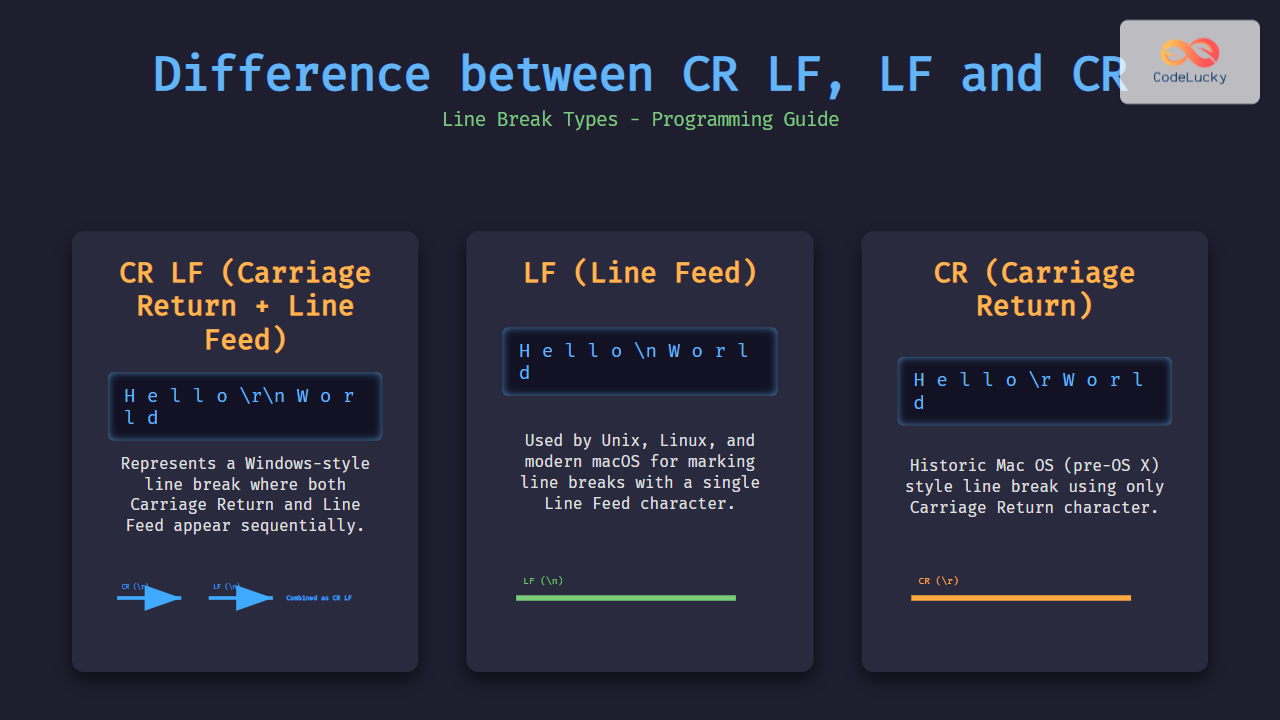
In programming and text processing, how lines end within text files is crucial for compatibility and correct display across different systems. The common line break types are CR LF (Carriage Return + Line Feed), LF (Line Feed), and CR (Carriage Return). Understanding the differences and usages of these line endings helps developers ensure cross-platform consistency, avoid bugs, and properly handle file formats.
What Are CR, LF, and CR LF?
These line break types originate from early typewriter and teletype conventions and were inherited by computer systems as control characters:
- CR (Carriage Return): Moves the cursor to the beginning of the line without advancing to the next line. Represented as
\ror ASCII code0x0D. - LF (Line Feed): Moves the cursor down to the next line without returning to the start. Represented as
\nor ASCII code0x0A. - CR LF: A combination of CR followed by LF (
\r\n), signaling both return to line start and advance to the next line.
Line Break Types by Operating System
Operating systems historically adopted different conventions for line breaks:
| Operating System | Line Break Type | Escape Sequence | Example Visual |
|---|---|---|---|
| Windows | CR LF | \r\n |
Line 1↵ Line 2↵ |
| Unix/Linux/macOS (modern) | LF | \n |
Line 1↵ Line 2↵ |
| Classic Mac OS (pre-OS X) | CR | \r |
Line 1⇤
Line 2⇤
⇤ represents CR |
How These Line Breaks Appear Internally
Here is how text looks byte-wise in each type for “Hello” followed by a line break and then “World”:
- CR LF:
H e l l o \r \n W o r l d - LF:
H e l l o \n W o r l d - CR:
H e l l o \r W o r l d
Programming Language Examples: Handling Line Breaks
Different languages recognize and handle these line breaks when reading or writing files. Here are some examples:
Python Example
text = "Hello\r\nWorld"
print(text.splitlines())  # ['Hello', 'World']

text_unix = "Hello\nWorld"
print(text_unix.splitlines())  # ['Hello', 'World']

text_mac = "Hello\rWorld"
print(text_mac.splitlines())  # ['Hello', 'World']
JavaScript Example
const text = "Hello\r\nWorld";
console.log(text.split(/\r\n|\n|\r/)); // ["Hello", "World"]

const textUnix = "Hello\nWorld";
console.log(textUnix.split(/\r\n|\n|\r/)); // ["Hello", "World"]

const textMac = "Hello\rWorld";
console.log(textMac.split(/\r\n|\n|\r/)); // ["Hello", "World"]
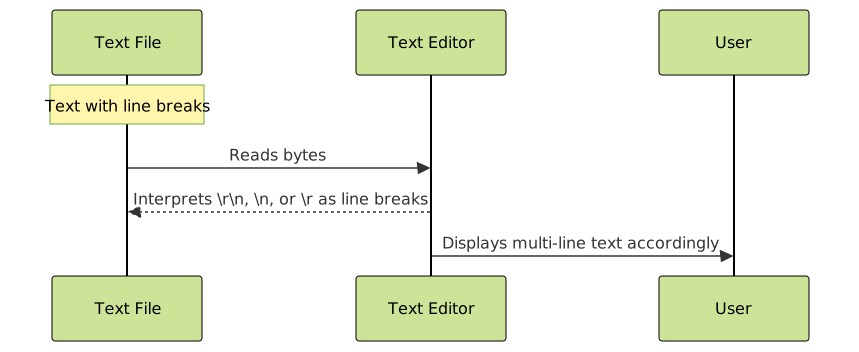
Visualizing Differences with Mermaid Flowchart

Impact of Line Breaks in Development and Collaboration
Line break differences affect:
- Source code sharing: Mismatched line endings between Windows and Unix/Linux can cause version control conflicts or display issues.
- Cross-platform applications: Programs reading or writing files must normalize or handle different line endings properly.
- Text file interoperability: Text editors and IDEs often have settings to convert or display line breaks consistently.
Interactive Example of Line Break Display
Below is an interactive HTML snippet that illustrates how each line break affects text display on web:
<pre style="border:1px solid #ccc; padding:10px;">
Hello\rWorld
Hello\nWorld
Hello\r\nWorld
</pre>
Rendered output in browsers will treat \n as a new line, but literal \r alone may not cause a visible line break depending on the environment.
Summary
Understanding the difference between CR LF, LF, and CR line breaks is fundamental in programming and text processing. They represent how different systems mark the end of a line in text files:
- CR LF is common on Windows systems.
- LF is standard for Unix/Linux/macOS.
- CR was used by older Macintosh systems.
Proper handling of these line breaks ensures smooth cross-platform development, prevents errors, and improves text file compatibility.





