
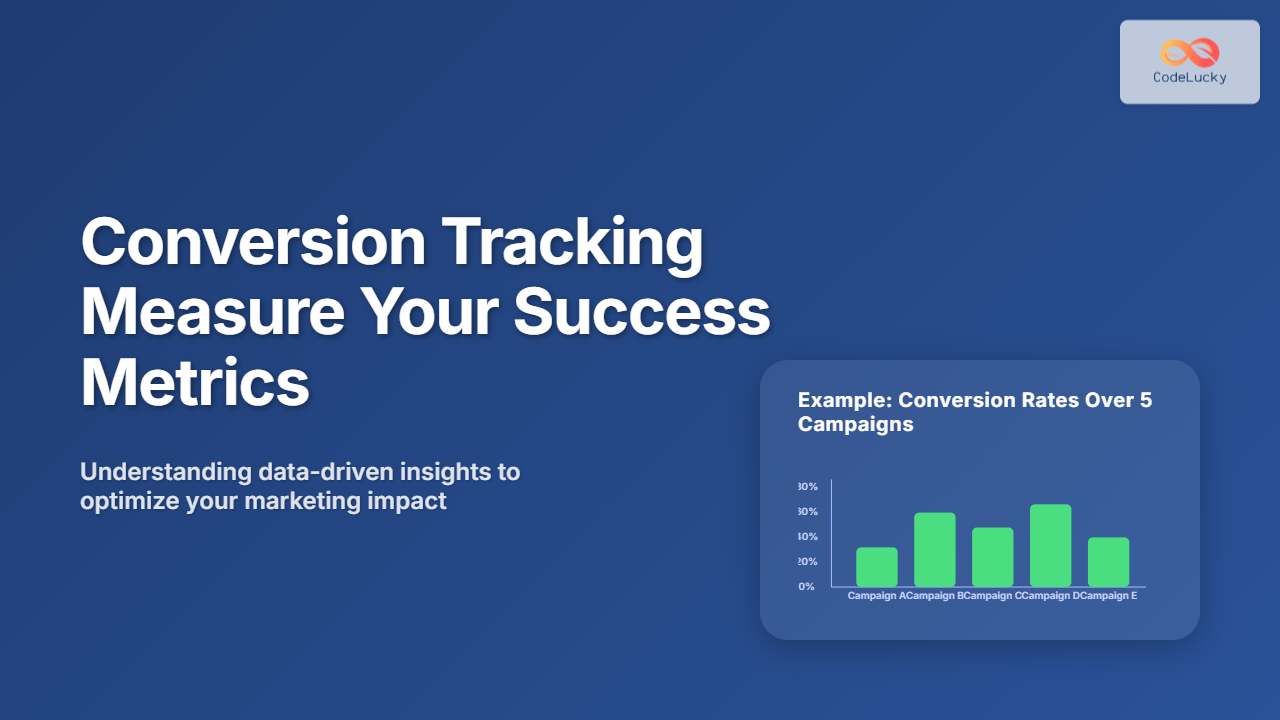
Introduction to Conversion Tracking
Conversion tracking is an essential process for any business or website aiming to measure the success of its marketing campaigns, user engagement, and overall performance. It allows you to capture and analyze the actions visitors take, such as making a purchase, signing up for a newsletter, or filling out a form. By understanding these metrics, organizations can optimize their strategies, improve user experience, and ultimately increase ROI.
What is a Conversion?
A conversion occurs when a user completes a desired action on your platform, like buying a product, downloading a file, or subscribing to a service. The action depends on your business goals and is defined as a conversion event. Conversion tracking captures these events and ties them back to your campaign sources, revealing which marketing efforts drive valuable actions.
Why Conversion Tracking Matters
- Performance Measurement: Determines which campaigns or channels produce the best results.
- Budget Optimization: Allows you to allocate budget efficiently to high-performing strategies.
- User Behavior Insights: Reveals the customer journey and friction points.
- Informed Decision-Making: Data-driven optimization for growth and profitability.
How Does Conversion Tracking Work?
At a high level, conversion tracking works by embedding a small snippet of code (called a tracking pixel, tag, or script) on your website or app. When users complete a conversion event, this code fires and reports back to the analytics platform (Google Analytics, Facebook Pixel, etc.).

Step-by-Step Implementation of Conversion Tracking
1. Define Your Conversion Goals
Before implementation, determine the key actions to track that align with your business objectives. Examples include:
- Product purchase completion
- Signup form submissions
- Download of a whitepaper or app
- Newsletter subscriptions
2. Choose the Right Tool
Popular conversion tracking tools include:
- Google Analytics Goals and Enhanced Ecommerce
- Google Ads Conversion Tracking
- Facebook Pixel
- Third-party tools like Hotjar, Mixpanel
3. Add Tracking Code to Your Website
Insert the provided tracking snippet in the website header or specific pages. For example, Google Analytics tracking code snippet:
<script async src="https://www.googletagmanager.com/gtag/js?id=GA_MEASUREMENT_ID"></script>
<script>
  window.dataLayer = window.dataLayer || [];
  function gtag(){dataLayer.push(arguments);}
  gtag('js', new Date());
  gtag('config', 'GA_MEASUREMENT_ID');
</script>
4. Set Up Conversion Events
Example: To track a form submission as a conversion, add event code on the form’s success page or use event listeners in JavaScript:
<script>
  document.getElementById('signupForm').addEventListener('submit', function() {
    gtag('event', 'conversion', {
      'send_to': 'GA_MEASUREMENT_ID/goal_id',
      'event_category': 'Signup',
      'event_label': 'Newsletter',
    });
  });
</script>
Example: Tracking E-commerce Purchase Conversion
For an online store, a purchase is a critical conversion event. Here’s a simplified example of transaction tracking using Google Analytics:
gtag('event', 'purchase', {
  "transaction_id": "12345",
  "value": 99.99,
  "currency": "USD",
  "items": [{
    "id": "SKU_5678",
    "name": "Running Shoes",
    "category": "Footwear",
    "quantity": 1,
    "price": 99.99
  }]
});
Visualizing Conversion Funnels
A conversion funnel maps the user journey through steps leading to conversion, helping identify where users drop off.

Metrics to Monitor in Conversion Tracking
- Conversion Rate: Percentage of visitors completing the conversion.
- Cost per Conversion: Spending on ads or channels divided by conversions.
- Customer Acquisition Cost (CAC): Total cost to acquire a customer.
- Return on Ad Spend (ROAS): Revenue generated per dollar spent on advertising.
Interactive Example: Simple Conversion Rate Calculator
Try calculating your conversion rate by entering visitors and conversions in this interactive snippet:
Common Challenges and Tips
- Cross-device Tracking: Users switching devices can cause inaccurate counts. Use user ID tracking when possible.
- Attribution Models: Understand how different models attribute conversions to channels (last-click, first-click, linear).
- Privacy Compliance: Follow laws like GDPR and CCPA by obtaining proper consent before tracking.
- Tag Management: Use tools such as Google Tag Manager for easier control and deployment of tracking codes.
Conclusion
Conversion tracking is indispensable for measuring the success of digital efforts and understanding user behavior. By carefully setting goals, implementing the right tools, and analyzing the data, businesses can optimize marketing strategies and drive higher returns. Whether you run an e-commerce store, SaaS platform, or a content website, mastering conversion tracking is key to digital growth.





