
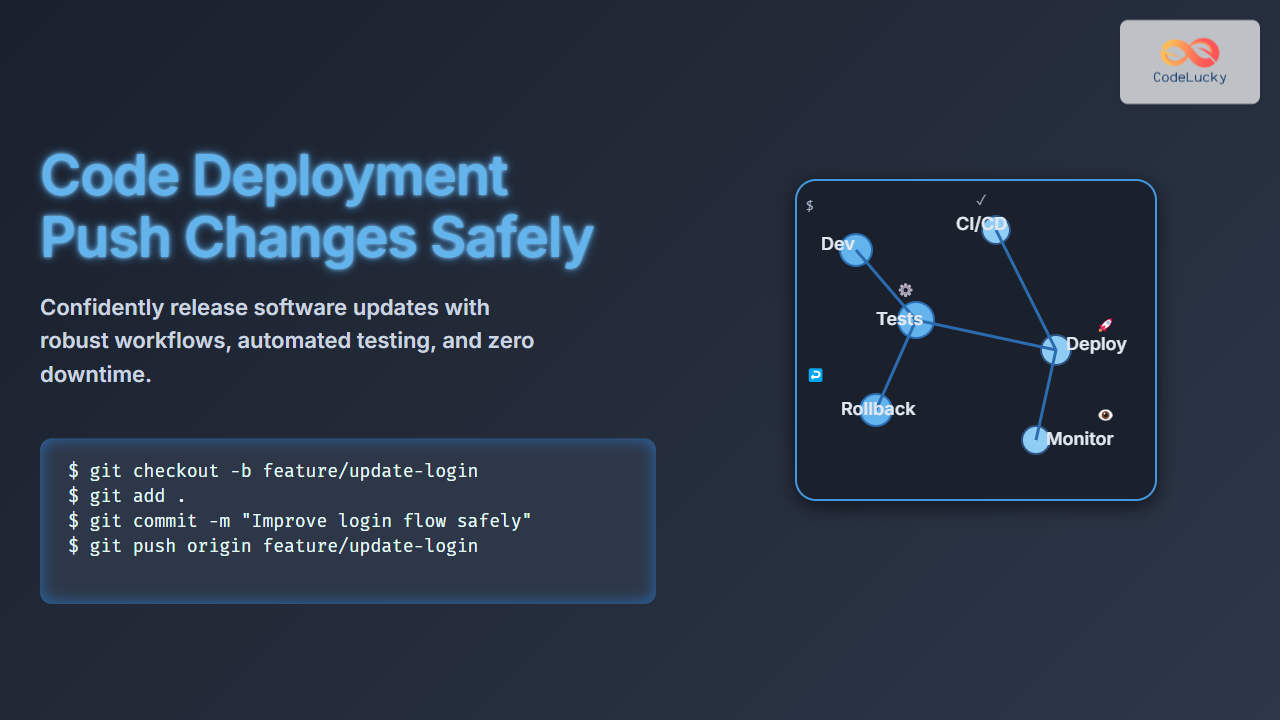
Deploying code changes safely to production is a critical step in the software development lifecycle. Whether you’re a developer, DevOps engineer, or team lead, understanding how to push updates with minimal risk ensures your users enjoy seamless experiences with high availability. This article provides a comprehensive guide on code deployment strategies, best practices, and practical workflows to safely push your changes live.
Understanding Safe Code Deployment
Code deployment is the process of moving code from a development or staging environment to a live production environment where end users access the software. Without a careful deployment process, issues like downtime, data loss, or bugs may affect the user experience and business operations. Safe deployment focuses on reducing risks through:
- Automated and tested release processes
- Rollback mechanisms in case of failure
- Minimal or zero downtime approaches
- Version control and CI/CD integration
Key Principles for Safe Production Deployment
- Version Control Use: Use tools like Git to manage all code changes systematically.
- Branching Strategy: Maintain dedicated branches (e.g., develop, staging, production) to isolate stable releases.
- Automated Testing: Integrate unit, integration, and end-to-end tests that run automatically before deployment.
- Continuous Integration/Deployment (CI/CD): Automate build, test, and deployment pipelines to reduce human error.
- Incremental Releases: Deploy small, incremental updates to identify problems early.
- Monitoring and Rollback: Monitor production after deployment closely and have quick rollback plans.

Common Deployment Strategies
1. Blue-Green Deployment
This strategy creates two identical production environments: Blue (currently live) and Green (new version). The deployment is done on Green, tested there, and then traffic switched to Green. Advantages include near-zero downtime and easy rollback by switching back to Blue.

2. Canary Releases
Incrementally roll out the new version to a small subset of users while the majority remains on the old version. This mitigates risk by testing in production with minimal impact and allows for rollback if issues occur.

3. Rolling Updates
Gradually deploy updates across servers or instances one at a time, avoiding downtime by keeping parts of the system live during the update.
Example: Pushing Safe Deployments with Git and GitHub Actions
Suppose a developer wants to update a web application safely. A classic workflow includes a branch structure and CI/CD automation:
git checkout -b feature/add-login
# Develop and test locally
git add .
git commit -m "Add login feature"
git push origin feature/add-login
Once the feature is ready:
- Create a Pull Request (PR) to the
developbranch - Automated tests run on every PR through GitHub Actions
- After successful tests, code is merged into
developand deployed to a staging environment - Manual/automated acceptance testing on staging
- Merging
developintomaintriggers a production deployment pipeline
Sample GitHub Actions Workflow yaml
name: CI/CD Pipeline
on:
  push:
    branches:
      - develop
      - main
jobs:
  build-and-test:
    runs-on: ubuntu-latest
    steps:
      - uses: actions/checkout@v2
      - name: Run Tests
        run: npm test
  deploy:
    needs: build-and-test
    if: github.ref == 'refs/heads/main'
    runs-on: ubuntu-latest
    steps:
      - name: Deploy to Production
        run: ./deploy.sh
Monitoring and Rollback
After deployment to production, monitoring metrics like error rates, latency, and user feedback is vital. Tools such as Prometheus, Grafana, or commercial services can provide real-time insights. If anomalies arise, promptly rollback to a known stable release to minimize impact.
Interactive Demo Concept: Rollback Visualizer
An interactive tool showing deployment status, user traffic distribution (e.g., canary rollout), and rollback button can greatly aid understanding. This can be implemented with frontend JavaScript and backend APIs to simulate deployment and failures.
Summary Best Practices for Safe Deployment
- Automate everything: Testing, building, and deployment pipelines reduce human errors.
- Deploy incrementally: Use blue-green, canary, or rolling updates strategically.
- Monitor closely: Set alerts on key performance and error metrics post-deployment.
- Rollback plans: Have efficient rollback mechanisms ready for emergencies.
- Documentation and communication: Keep deployment steps clear and notify stakeholders.
Mastering these safe deployment techniques empowers development teams to deliver features rapidly with minimized risks, enhancing user trust and system reliability.





