
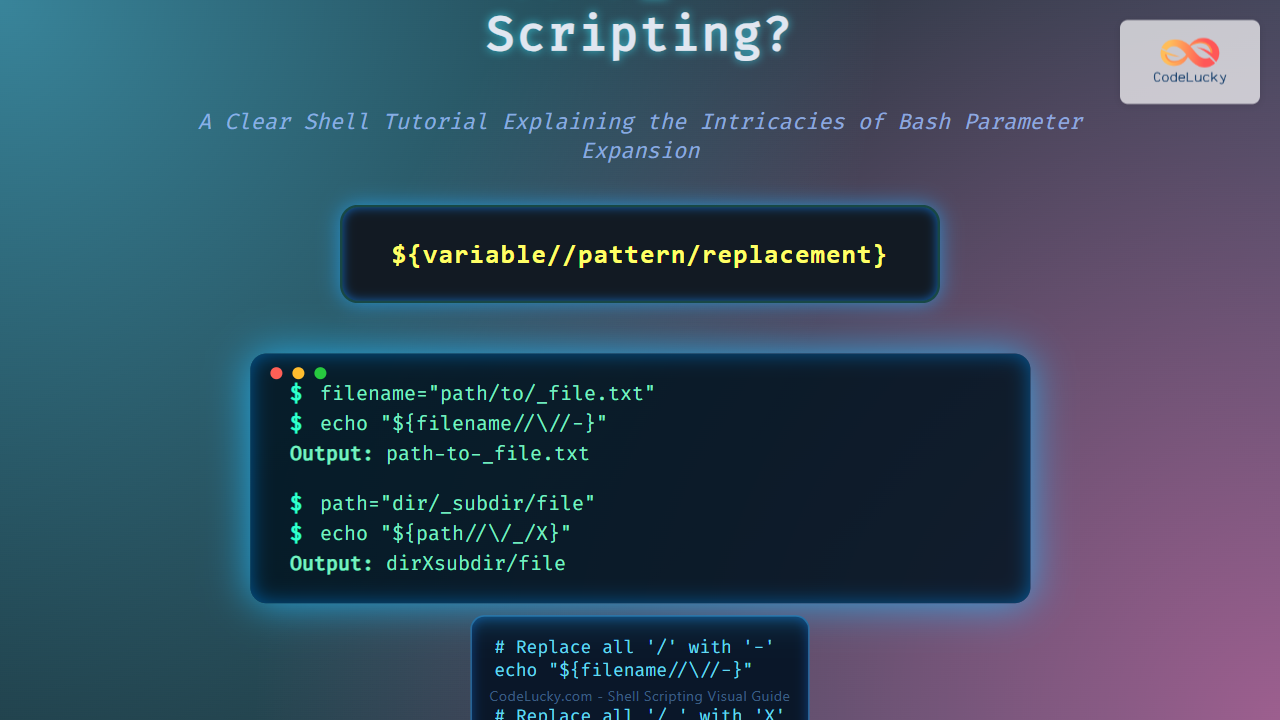
Bash scripting often involves symbols and constructs that can seem cryptic at first. Among these, the curious “// /_” sequence can leave many developers puzzled. This article from CodeLucky.com aims to demystify the meaning and use of // /_ in Bash scripting by providing detailed explanations, practical examples, and visualizations using Mermaid diagrams.
Understanding the Syntax: Breaking Down “// /_”
First, it is essential to clarify that “// /_” is not a single operator or command in Bash but rather a sequence of two parts that often appear in scripting contexts:
//— In string manipulation contexts, this is used as a pattern replacement operator in Bash parameter expansion./_— A path specifying a slash followed by an underscore as part of a string or pathname.
When these parts appear together, they usually represent a pattern and a replacement string in Bash parameter expansion or substitutions. Let’s look at them in detail.
Bash Parameter Expansion and the “//” Operator
In Bash scripting, parameter expansion provides powerful ways of manipulating strings stored in variables. The parameter//pattern/replacement form is used to replace all occurrences of pattern in the value of parameter with replacement.

Example:
filename="path_to_file/_document.txt"
echo "${filename//\//-}"
Output:
path-to-file-_document.txt
Explanation: Here, // instructs Bash to replace all slashes (/) in the string stored in filename with dashes (-).
What About “/_"?
/_ is interpreted literally in many cases. It could be part of a file path or used as a string pattern in substitution:
- In a pathname:
/home/user/_folder/file.txt - As part of a substitution pattern in
${variable//pattern/replacement}, for example:
path="dir/_subdir/file"
echo "${path//\/_/X}"
Output:
dirXsubdir/file
Here, we replaced occurrences of the pattern /_ (slash followed by underscore) with X. Note the backslash escaping the slash.
Common Use Case: Removing or Replacing File Path Components
Bash scripts often need to sanitize or modify paths, such as replacing directory separators or prefixes. The // operator in parameter expansion is ideal for this purpose because it can replace all matched patterns in a variable at once.
filepath="/user/home/_private/docs/file.txt"
# Replace all slashes with colons
echo "${filepath//\//:}"

# Remove all occurrences of "/_"
echo "${filepath//\/_/}"
Output:
:user:home:_private:docs:file.txt
/user/homeprivate/docs/file.txt
Interactive Example: Try It Yourself
Here’s an interactive Bash snippet you can run in your terminal to explore how “// /_” works in substitutions:
read -p "Enter a path: " userpath
echo "Original: $userpath"
echo "Replace all '/' with '-': ${userpath//\//-}"
echo "Remove all '/_': ${userpath//\/_/}"
Visualizing Parameter Expansion with “//” Operator
Summary: What “// /_” Means in Bash
- The
//operator in Bash parameter expansion replaces all occurrences of a specified pattern in a string variable. /_is usually a pattern here, representing a slash followed by an underscore, common in paths or string patterns.- Together,
// /_is often seen as${variable//\/_/replacement}where all/_substrings are replaced invariable. - This syntax is crucial for text manipulation and path sanitization in Bash scripting.
Additional Resources for Bash String Manipulation
To master Bash scripting and parameter expansions, consider exploring topics like:
- Basic Bash parameter expansion syntax
- String pattern matching and substitution
- Manipulating filenames and paths in scripts
- Escaping special characters in Bash
Each of these will equip you to use constructions like “// /_” effectively and fluently.
For CodeLucky.com readers, this tutorial serves a detailed yet approachable explanation to decode the often confusing but powerful string manipulation tools in Bash.





