Why Backup Testing Is Crucial
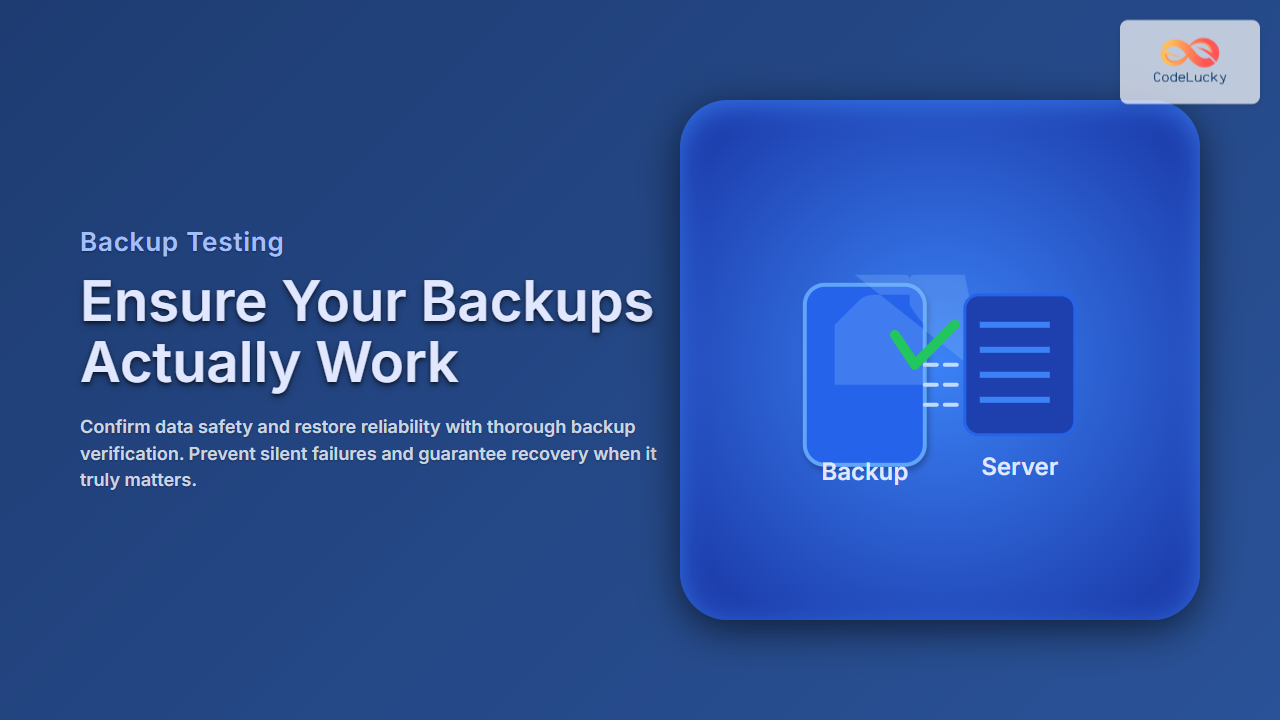
Creating backups is only half the battle in data protection. Without thorough backup testing, it’s impossible to be certain that your backups can be restored successfully in a crisis. Data corruption, incomplete backups, or misconfigurations can silently render backups useless. To mitigate the risk of data loss, testing your backups regularly is essential.
What Is Backup Testing?
Backup testing is the process of verifying that backup copies are complete, intact, and can be restored to the desired system or environment. This includes:
- Validating backup integrity and completeness
- Restoring backups to a test environment
- Ensuring restore procedures are documented and executable
Only rigorous backup testing can guarantee your disaster recovery plan’s effectiveness.

Steps for Effective Backup Testing
- Verify backup completeness: Check logs and metadata for success indicators and file counts.
- Perform checksum or hash validation: Ensure file data integrity by comparing with original data hashes.
- Restore backups to a test environment: Never restore directly to production — validate that restores complete without errors.
- Validate application functionality: Confirm restored data supports running applications or databases as expected.
- Document results and issues: Keep records of tests, spotting trends or recurring failures early.
Example: Testing File Backup with Hash Verification
Suppose you have backed up important project files. Here’s how to test this backup’s integrity using SHA-256 hash verification.
Original files:
- project.docx
- data.csv

Step 1: Generate hashes of original files
$ sha256sum project.docx data.csv
abc123... project.docx
def456... data.csv

Step 2: Perform backup and copy files to backup location

Step 3: Generate hashes of backup files
$ sha256sum /backup/project.docx /backup/data.csv
abc123... project.docx
def456... data.csv

Step 4: Compare both hash sets - if they match, backup integrity is confirmed.
Example: Restoring a Database Backup (MySQL)
Backing up a database alone is insufficient without confirming the restore integrity. Follow this simple example:
# Backup database
$ mysqldump -u user -p database_name > backup.sql

# Restore to test database
$ mysql -u user -p test_database < backup.sql

# Verify restore
$ mysql -u user -p -e "CHECK TABLE test_database.table_name;"
Run queries against test_database to confirm data integrity and application responsiveness.
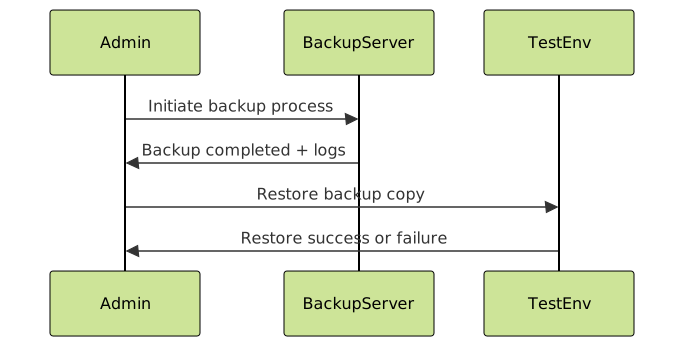
Types of Backup Testing
- Full Restore Tests: Restore entire backup to test environment to verify completeness.
- Partial Restore Tests: Restore specific files or databases to check selective recovery.
- Automated Backup Verification: Use tools/scripts for hash verification and restore simulation.
- Disaster Recovery Drills: Simulate real disaster scenarios to validate recovery time and process.
Automated Backup Verification Workflow

Common Backup Testing Mistakes to Avoid
- Not testing backups regularly or only on paper
- Restoring backups directly to production environment
- Ignoring backup logs and error messages
- Failing to test restore of critical systems specifically
- Lacking documentation of test results and remediation steps
Interactive Example Concept: Simulated Backup Restore
For interactive learning, one could create a sandbox or virtual lab that simulates performing backup and restore commands, showing success/failure statuses live. Although not included here, consider developing such tools to complement your backup testing process.
Conclusion: Backup Testing Is Non-Negotiable
True data protection requires backing up and verifying your ability to restore. Regular, methodical backup testing reduces risk, builds confidence, and ensures rapid recovery from data loss events. Start with basic hash verifications and simple restores, then advance toward full disaster recovery drills. Document every step and fix any gaps discovered.
Remember, an untested backup might be no backup at all. Make backup testing a core component of your data management strategy today.