When it comes to safeguarding valuable data, choosing the right backup storage option is critical. Data backups protect against accidental deletion, hardware failure, cybersecurity threats, and natural disasters. However, the type of storage you select for your backups significantly impacts recovery speed, cost, security, and ease of management.
In this article, we will explore the most common backup storage options available today, highlighting their advantages, disadvantages, and ideal use-cases. The goal is to provide you with clear guidance on where to store your backups based on your unique needs. We will include diagrams for clarity and examples demonstrating how each option fits into a comprehensive backup strategy.
Primary Backup Storage Options
1. Local Backup Storage
Local backup refers to keeping copies of your data on physical storage devices that you control and have immediate access to. This method includes:
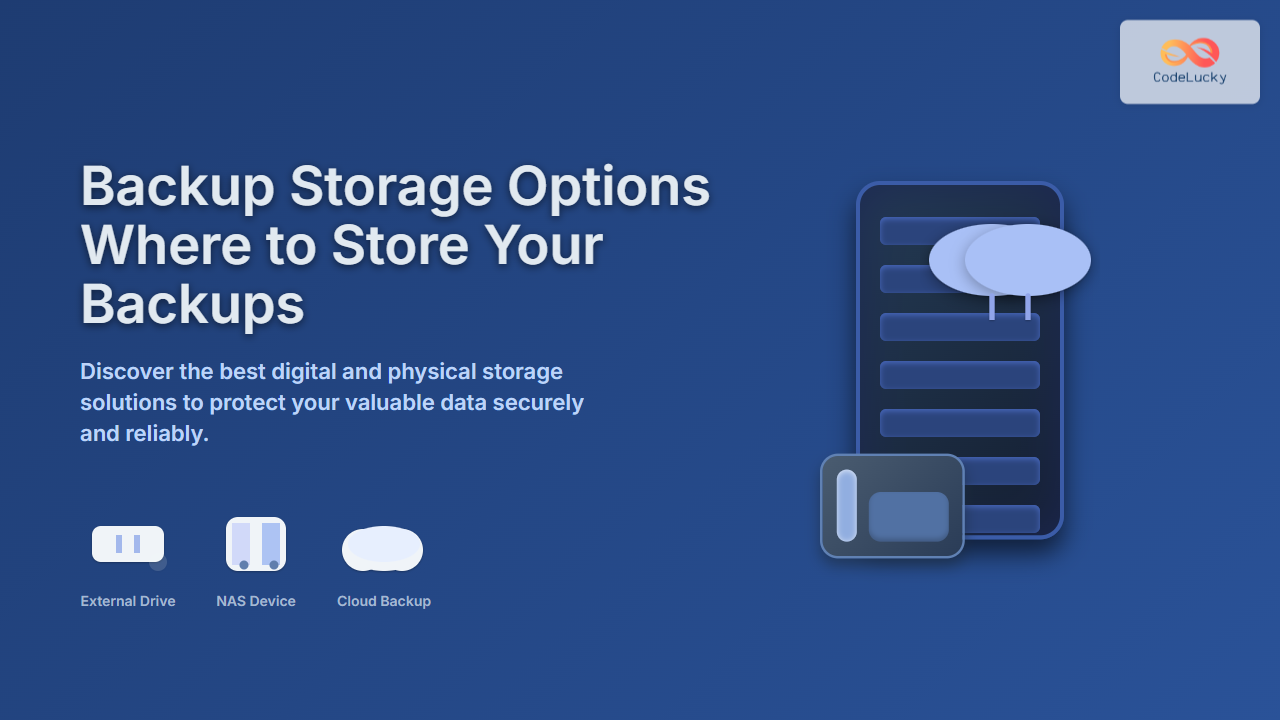
- External Hard Drives & SSDs: Portable, fast, and easy to use. Great for individuals or small businesses wanting quick, offline backups.
- Network Attached Storage (NAS): A dedicated storage device connected to your local network allowing multiple users/devices to store and access backups efficiently.
- Tape Drives: Traditional magnetic tape storage used by enterprises for large-volume and long-term backups due to durability and cost-effectiveness.
Advantages: High-speed backup and recovery, no internet dependency, full control over data.
Disadvantages: Risk of physical damage, theft, or local disasters (fires, floods).

Example: Backing up files using an external HDD
rsync -avh --progress /home/user/documents /media/user/external_drive/backups/
This command securely copies files from the local documents folder to an external hard drive, showing progress and preserving file attributes.
2. Cloud Backup Storage
Cloud-based backup stores your data on servers maintained by a third-party provider over the internet. Popular services include AWS S3, Google Drive, Microsoft OneDrive, Dropbox, and specialized backup solutions like Backblaze and Carbonite.
Advantages: Off-site storage protects from local disasters, scalable storage space, accessible from anywhere, often integrated with automated backup features.
Disadvantages: Dependent on internet speed and availability, ongoing costs, potential privacy/security concerns if not encrypted.

Example: Uploading backups to AWS S3 with AWS CLI
aws s3 sync /home/user/documents s3://my-backup-bucket/documents --storage-class STANDARD_IA
This example synchronizes local files to an Amazon S3 bucket using the Infrequent Access storage class for cost savings while maintaining durability.
3. Hybrid Backup Storage
Hybrid backup combines both local and cloud storage to leverage benefits of quick recovery locally and disaster-proof storage remotely.
- First, backup data to a local device for fast recovery.
- Then replicate the backup to a cloud service for redundancy and off-site protection.
Advantages: Best of both worlds, minimizing downtime and loss risks.
Disadvantages: More complex to manage, potentially higher cost and configuration effort.

Example Scenario
A small business backs up daily to a NAS device within the office and replicates the backups overnight to a cloud provider for added security.
4. Offsite Physical Backup
Often overlooked, this method involves storing physical media like external drives or tapes at a geographically separate location. It can be a safety deposit box, a trusted friend’s home, or a dedicated offsite storage facility.
Advantages: Protects from local site disasters, physical control, no ongoing cloud fees.
Disadvantages: Manual process, slower restore times, risk of damage or loss during transport.
Choosing the Right Backup Storage Option
Your choice depends on factors like data size, budget, security needs, recovery time objectives, and technical expertise. Here is a quick guideline table:
| Storage Type | Speed | Cost | Security | Ease of Use | Disaster Resilience |
|---|---|---|---|---|---|
| External Drive | High | Low | Medium | Easy | Low (local only) |
| NAS | High | Medium | Medium | Medium | Medium |
| Tape Archive | Low | Low (per GB) | High | Complex | High |
| Cloud Backup | Medium | Variable (OPEX) | High | Easy | High |
| Hybrid | High | High | High | Complex | Highest |
Implementing Backup Strategies with Storage Options
The famous 3-2-1 backup rule advises:
- Keep 3 copies of your data.
- Use 2 different storage types to protect against medium failures.
- Have 1 copy offsite for disaster protection.
This approach minimizes data loss risk and improves resilience.
Conclusion
Choosing where to store backups is as crucial as making backups themselves. Local storage offers speed and control, cloud storage offers accessibility and resilience, and hybrid approaches deliver an optimized balance. Evaluate requirements, budget, and risks to build a backup strategy that ensures your data remains safe and recoverable when needed.