MySQL REPLACE Function: Mastering String Substitution
Learn how to use the MySQL REPLACE function for efficient string substitution, case sensitivity handling, and performance considerations.

Learn how to use the MySQL REPLACE function for efficient string substitution, case sensitivity handling, and performance considerations.
Learn how to use regular expressions in MySQL for complex pattern matching. This article covers syntax, common patterns, and performance considerations.
Learn how to optimize your MySQL queries using EXPLAIN, index optimization, and query rewriting techniques for faster database performance.
Learn how to use the MySQL POWER function to perform exponentiation, handle precision, and optimize performance. A fundamental function for mathematical operations in MySQL.
Learn how to effectively use LIKE and REGEXP in MySQL for powerful pattern matching, including optimization tips and practical examples.
Learn how to effectively sort data using MySQL ORDER BY. This guide covers single and multiple column sorting, index usage, performance tips, and common pitfalls.
Learn how to handle NULL values in MySQL effectively, including using IFNULL and COALESCE, and understanding their implications for queries and indexes.
Learn how to use the MySQL NOW() function to get the current date and time, understand its precision, and consider caching implications for optimal performance.
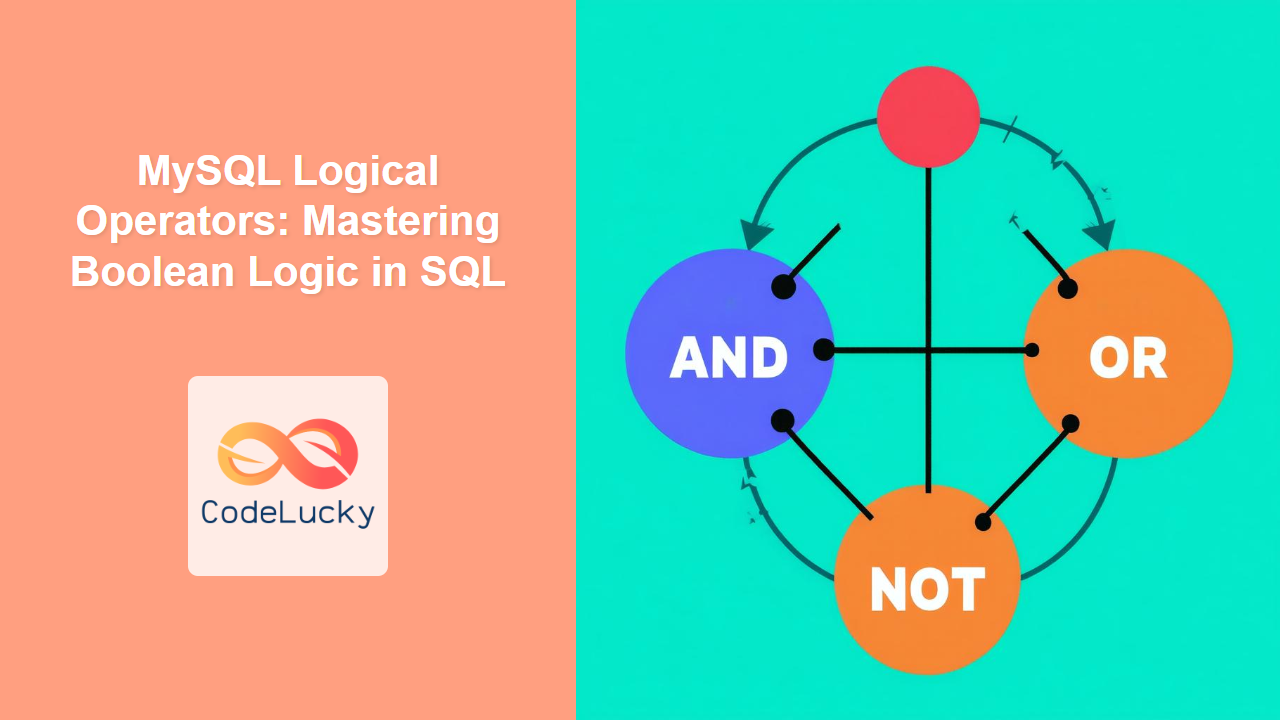
Learn how to use MySQL logical operators to combine conditions, filter data effectively, and understand short-circuit evaluation. Master boolean logic for precise data retrieval.
Explore the power of MySQL LEFT JOIN, understand outer join concepts, NULL handling, and optimization techniques for effective data retrieval.