Excel TYPE Function: Complete Guide to Data Type Detection and Validation
Master Excel's TYPE function to detect and validate data types in your spreadsheets. Learn syntax, examples, and practical applications for better data management.

Master Excel's TYPE function to detect and validate data types in your spreadsheets. Learn syntax, examples, and practical applications for better data management.
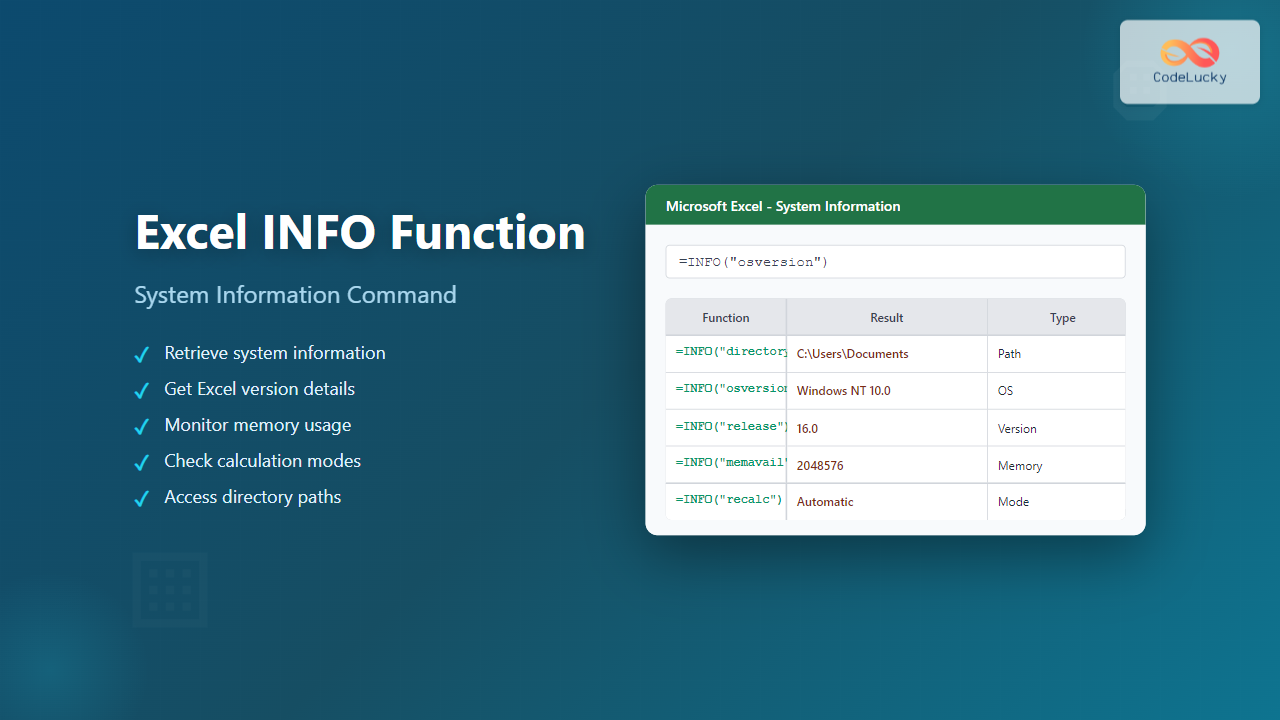
Master Excel's INFO function to retrieve system information, file details, and environment data. Complete guide with syntax, examples, and practical applications.
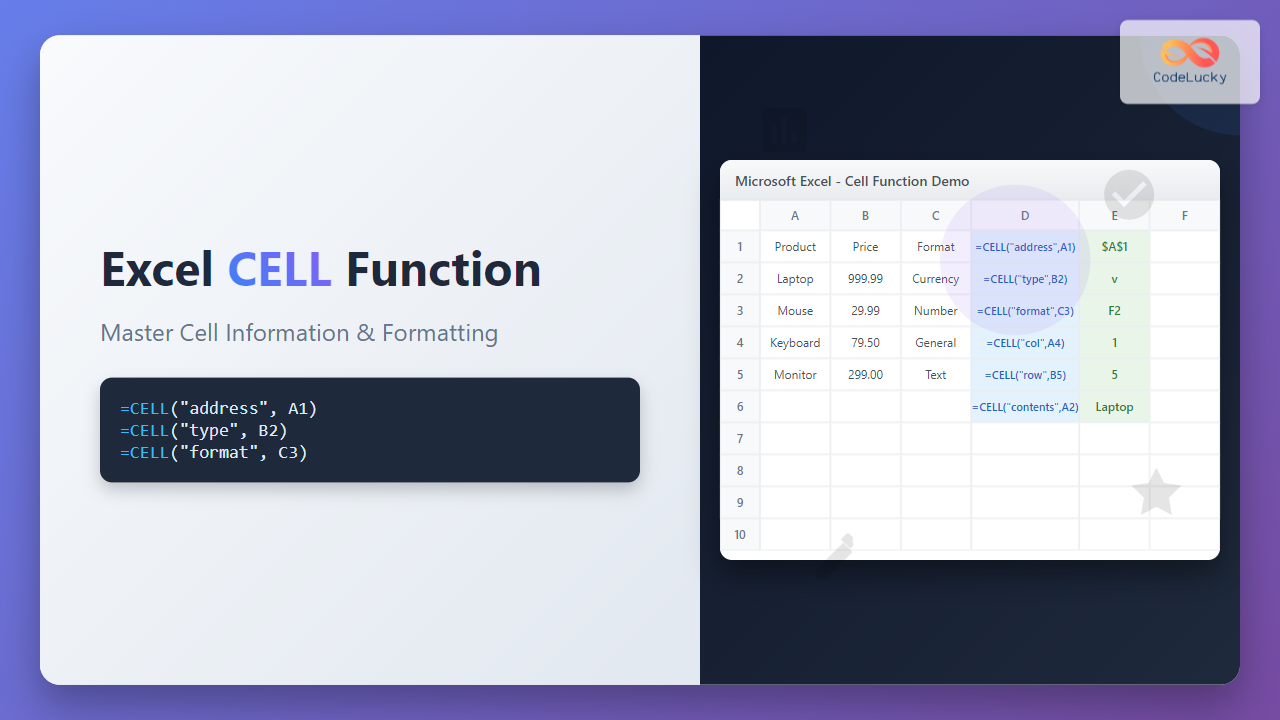
Master Excel's CELL function to retrieve detailed information about cell formatting, contents, and properties. Learn syntax, examples, and practical applications.
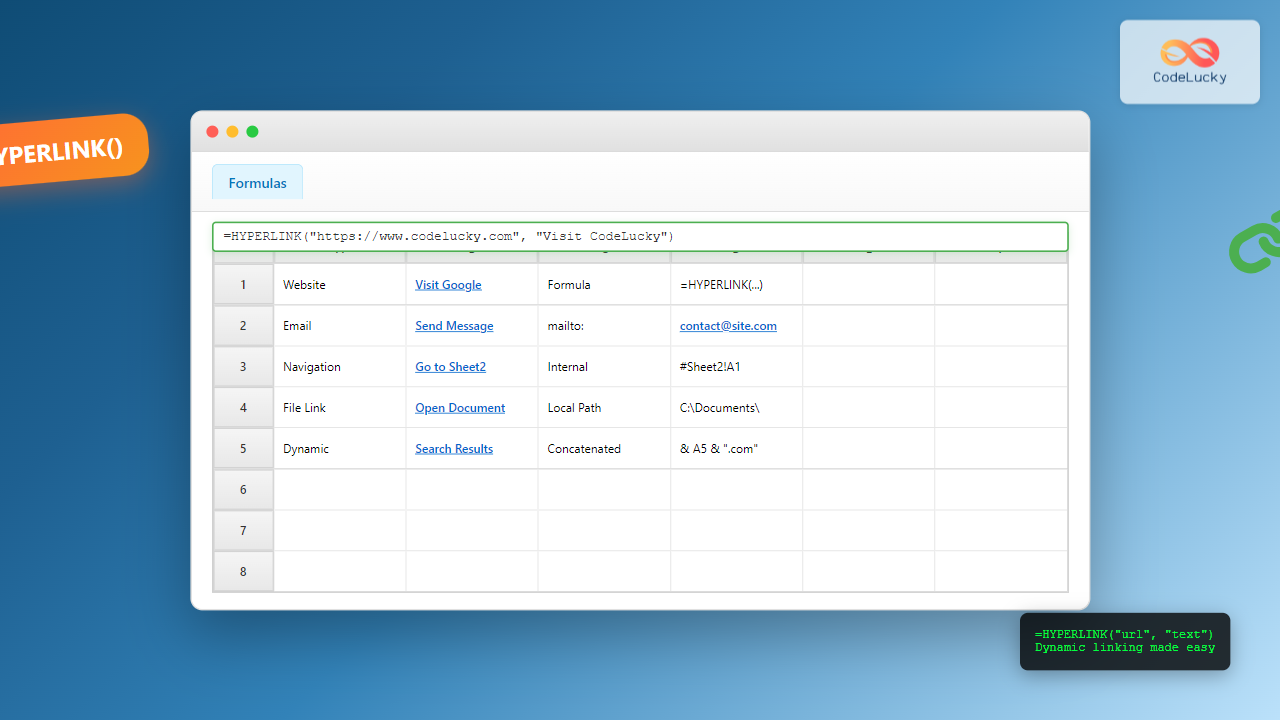
Master Excel's HYPERLINK function with comprehensive syntax, examples, and advanced techniques for creating dynamic links to websites, files, and cells.
Master Excel's AREAS function to count the number of areas in a reference. Learn syntax, examples, and practical applications for efficient spreadsheet management.
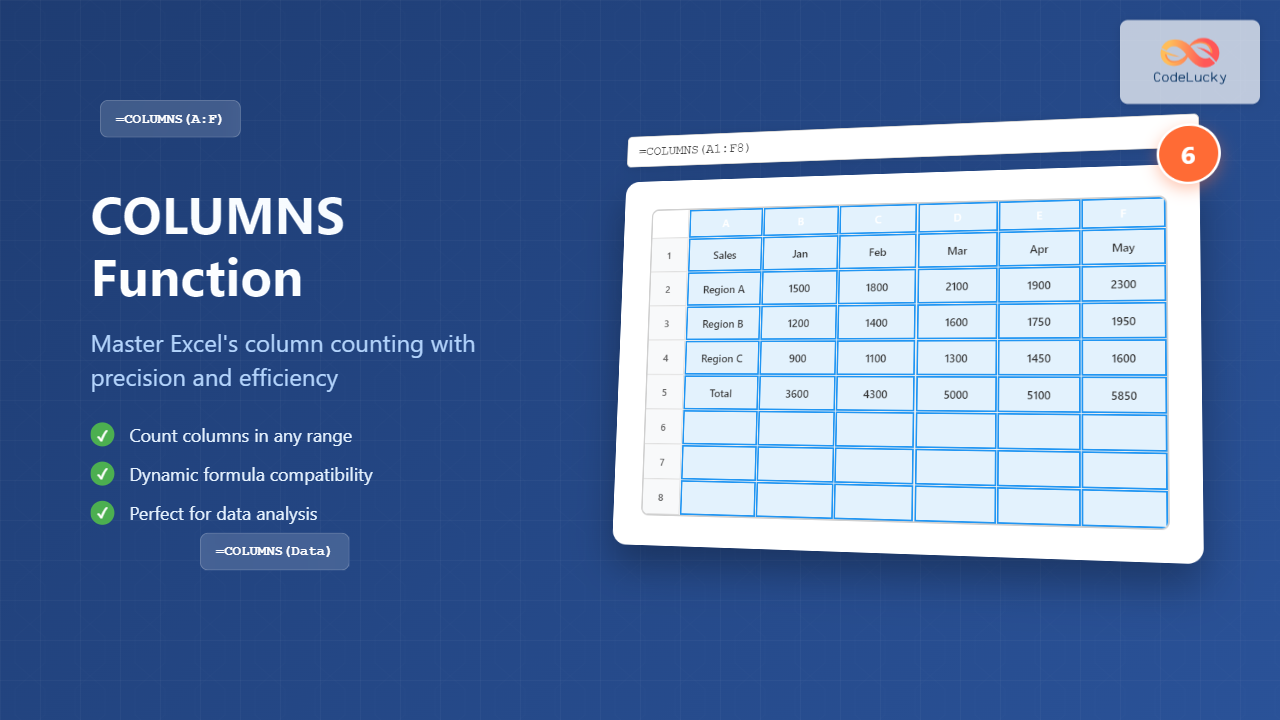
Master Excel's COLUMNS function to efficiently count columns in ranges. Learn syntax, practical examples, and advanced techniques for better spreadsheet management.
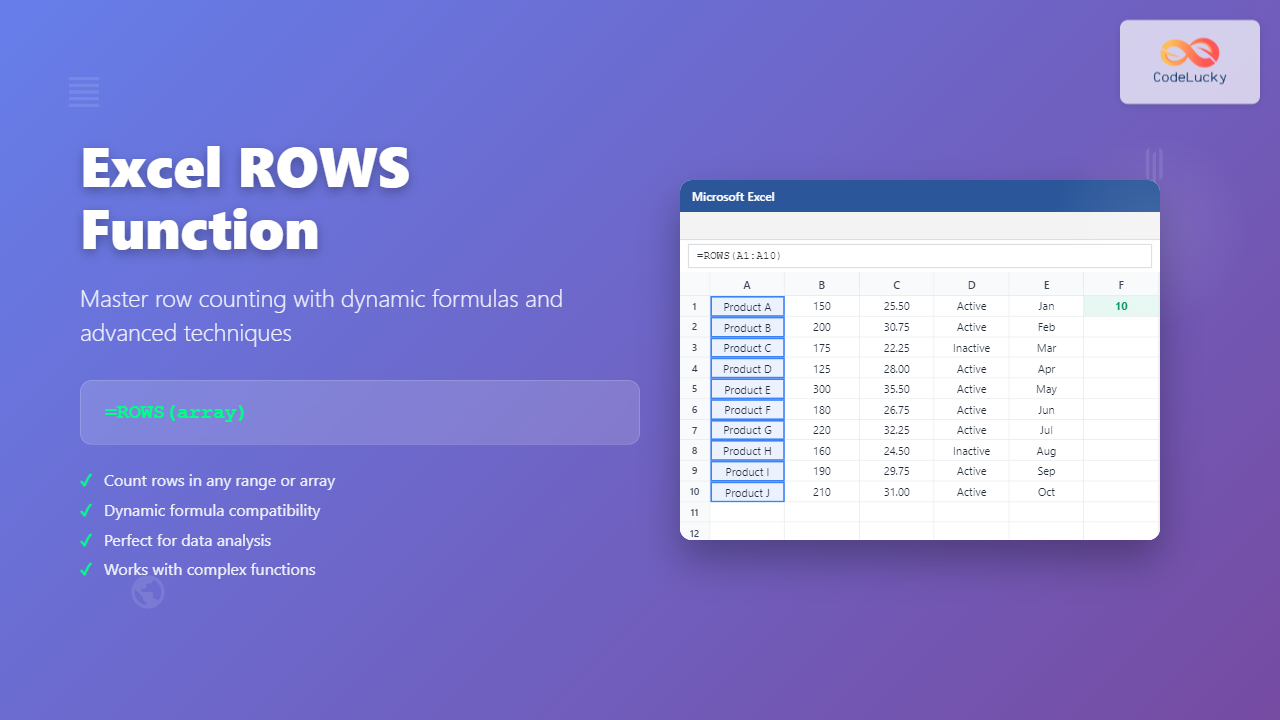
Master Excel's ROWS function with complete syntax guide, practical examples, and advanced techniques for counting rows in ranges, arrays, and complex formulas.
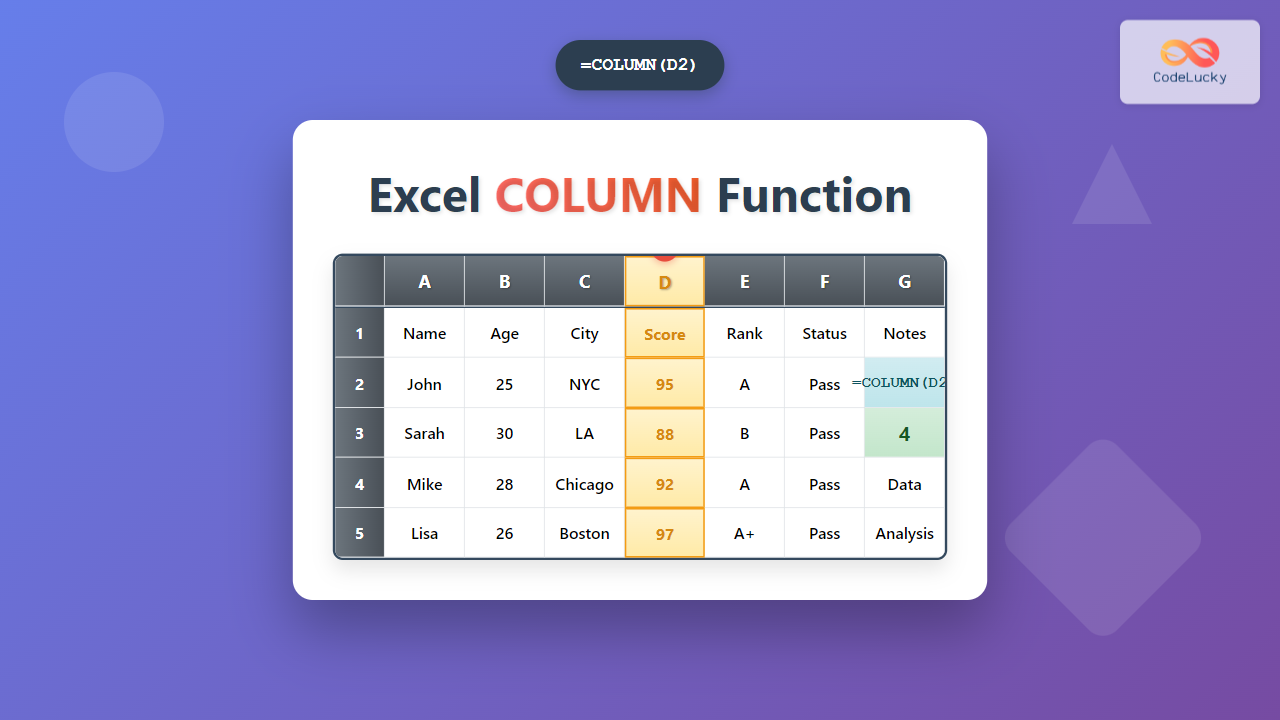
Master the Excel COLUMN function with comprehensive examples, syntax explanations, and practical applications for retrieving column numbers in your spreadsheets.
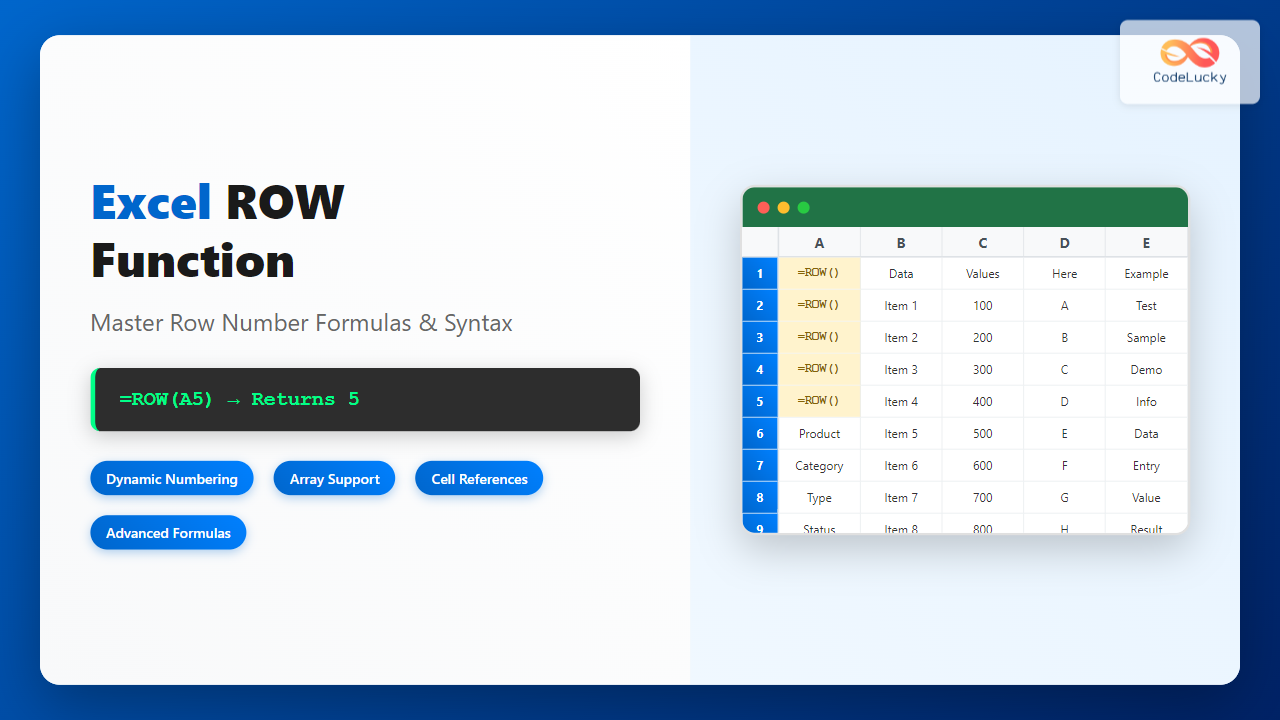
Master Excel's ROW function with our comprehensive guide. Learn syntax, examples, and advanced techniques for dynamic row numbering and data management.
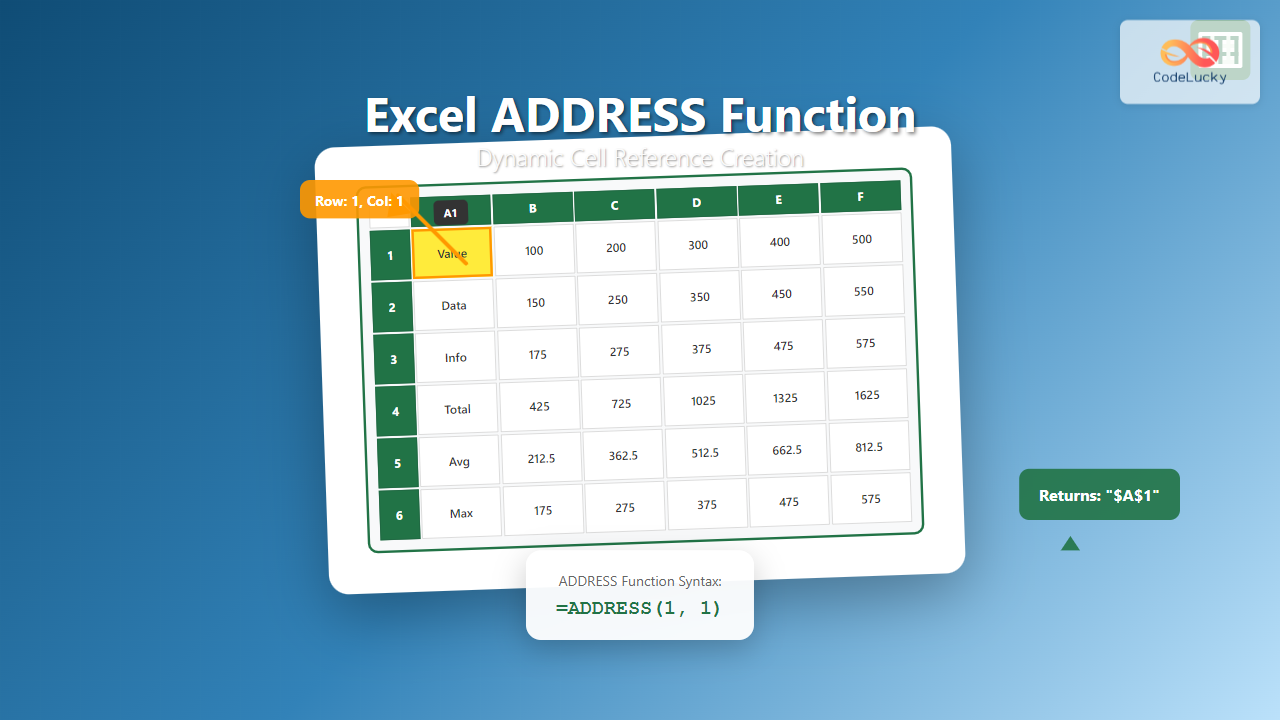
Master Excel's ADDRESS function to create dynamic cell references programmatically. Learn syntax, parameters, and practical examples for efficient spreadsheet automation.