head Command in Linux: Display First Lines of Files Efficiently
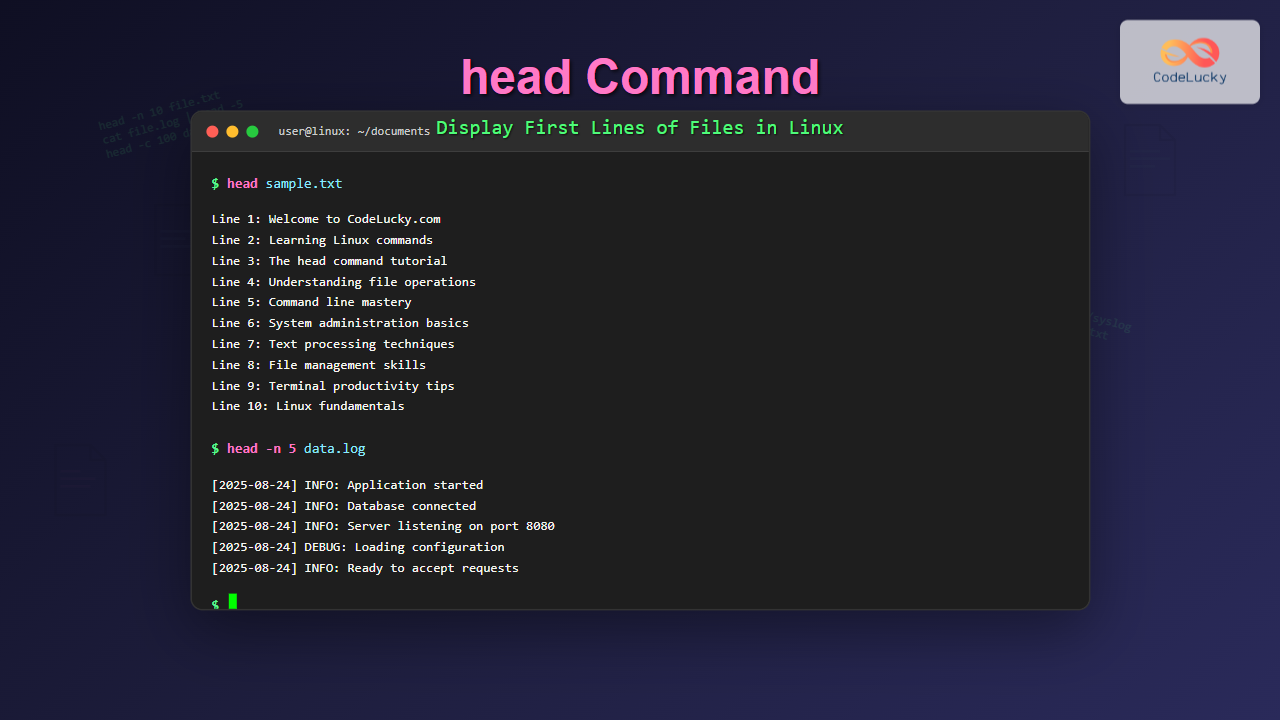
Master the Linux head command to display first lines of files. Learn syntax, options, and practical examples for efficient file viewing and text processing.

Master the Linux head command to display first lines of files. Learn syntax, options, and practical examples for efficient file viewing and text processing.
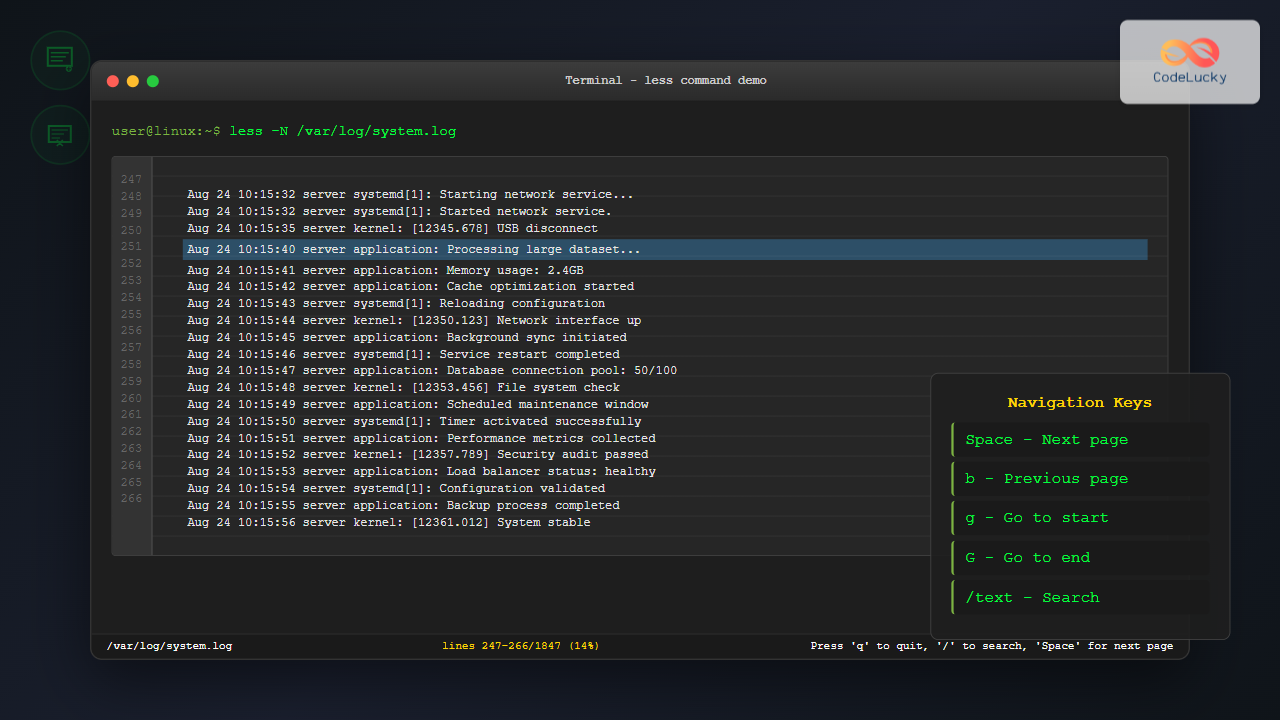
Master the less command in Linux to efficiently view and navigate large files page by page. Learn advanced techniques, shortcuts, and practical examples for better file management.
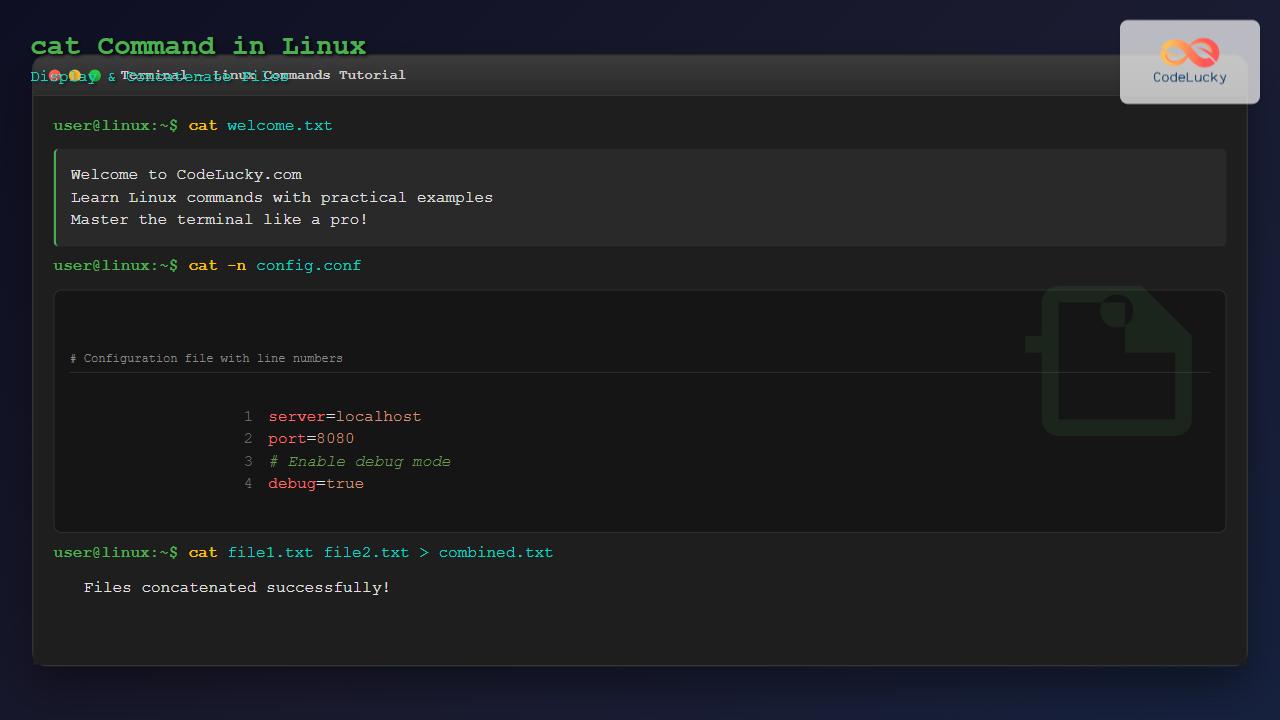
Master the Linux cat command with this comprehensive guide. Learn how to display file contents, concatenate multiple files, and use advanced options with practical examples.
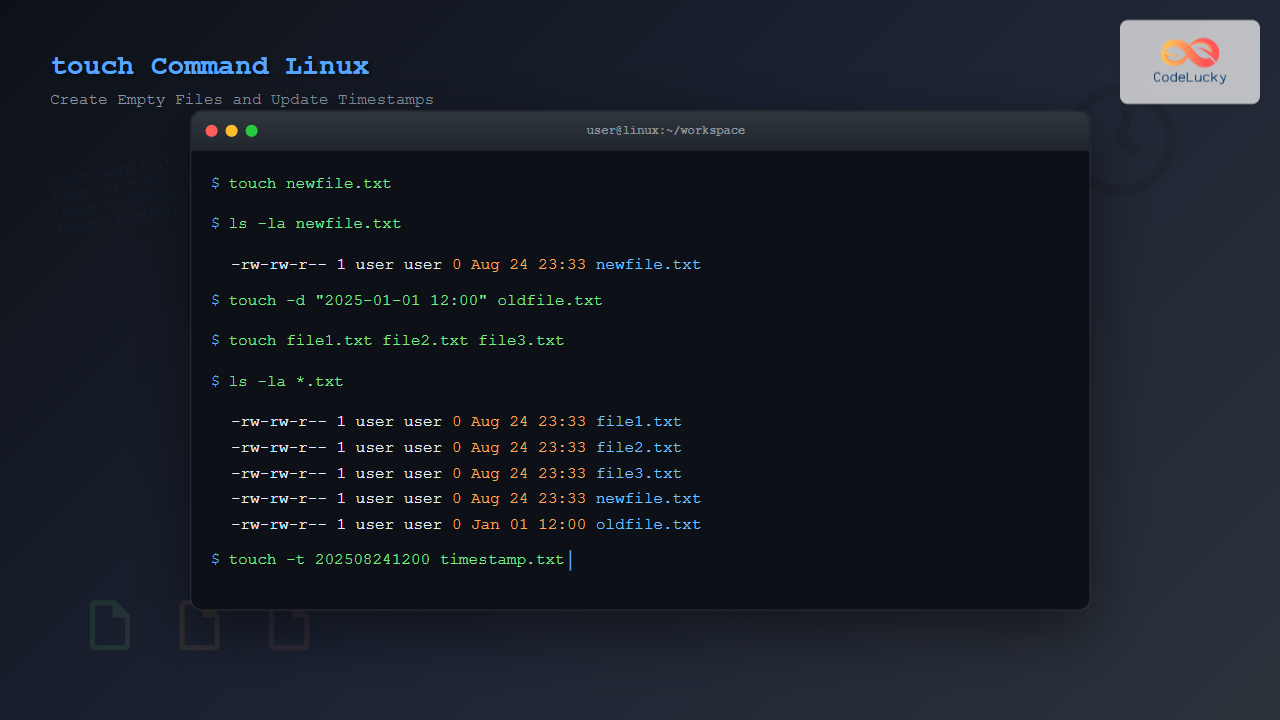
Master the Linux touch command to create empty files, update timestamps, and manage file modification times with practical examples and advanced techniques.
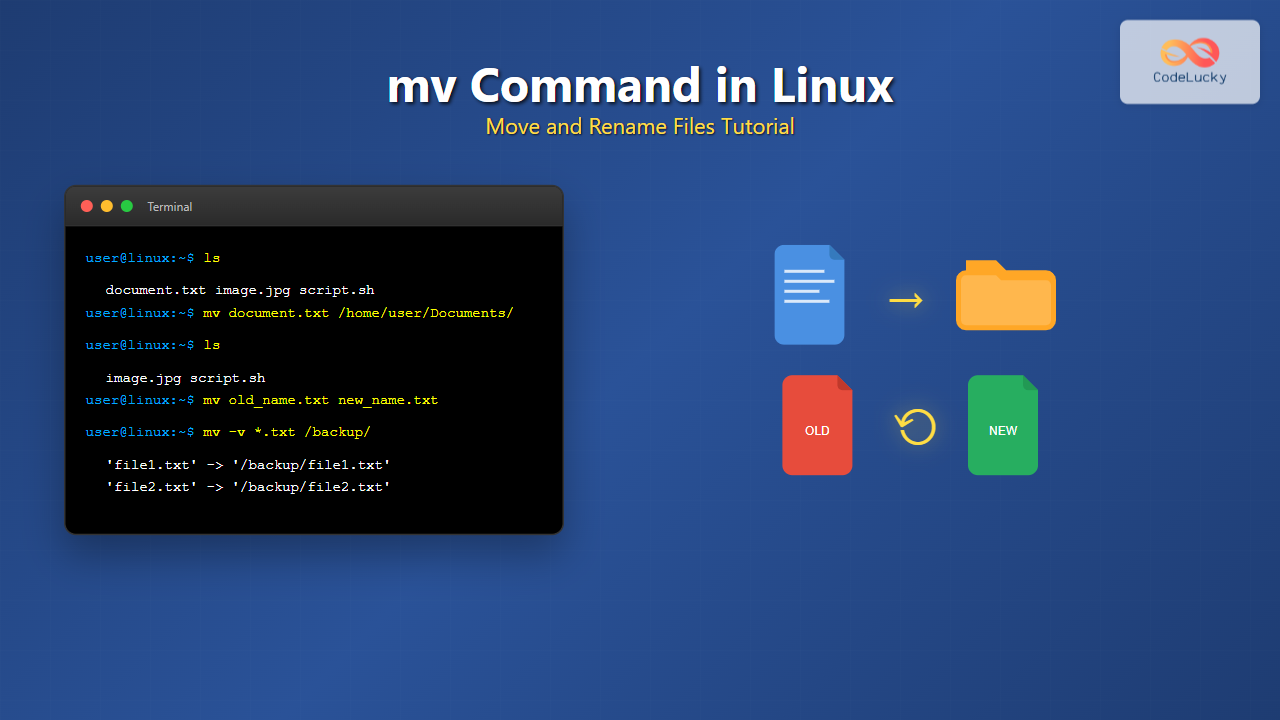
Master the Linux mv command with this comprehensive guide. Learn to move, rename, and manage files efficiently with practical examples and best practices.
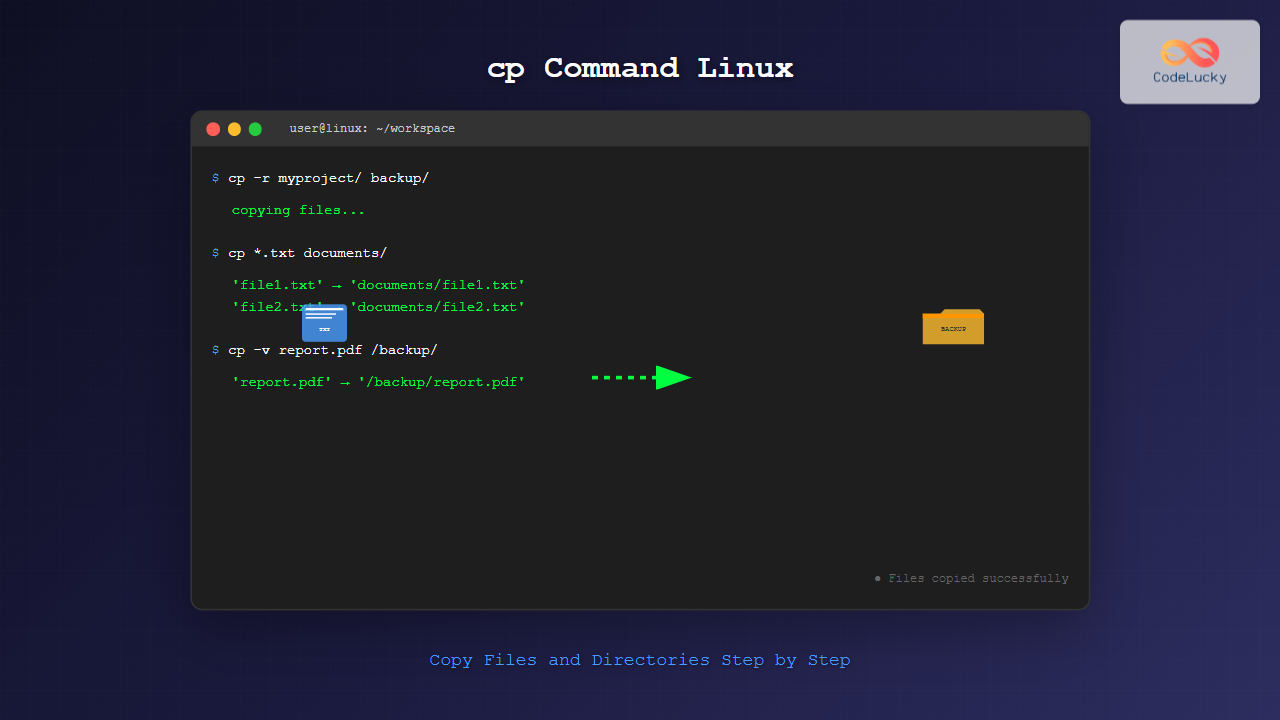
Master the Linux cp command with comprehensive examples, options, and best practices for copying files and directories efficiently in your terminal.
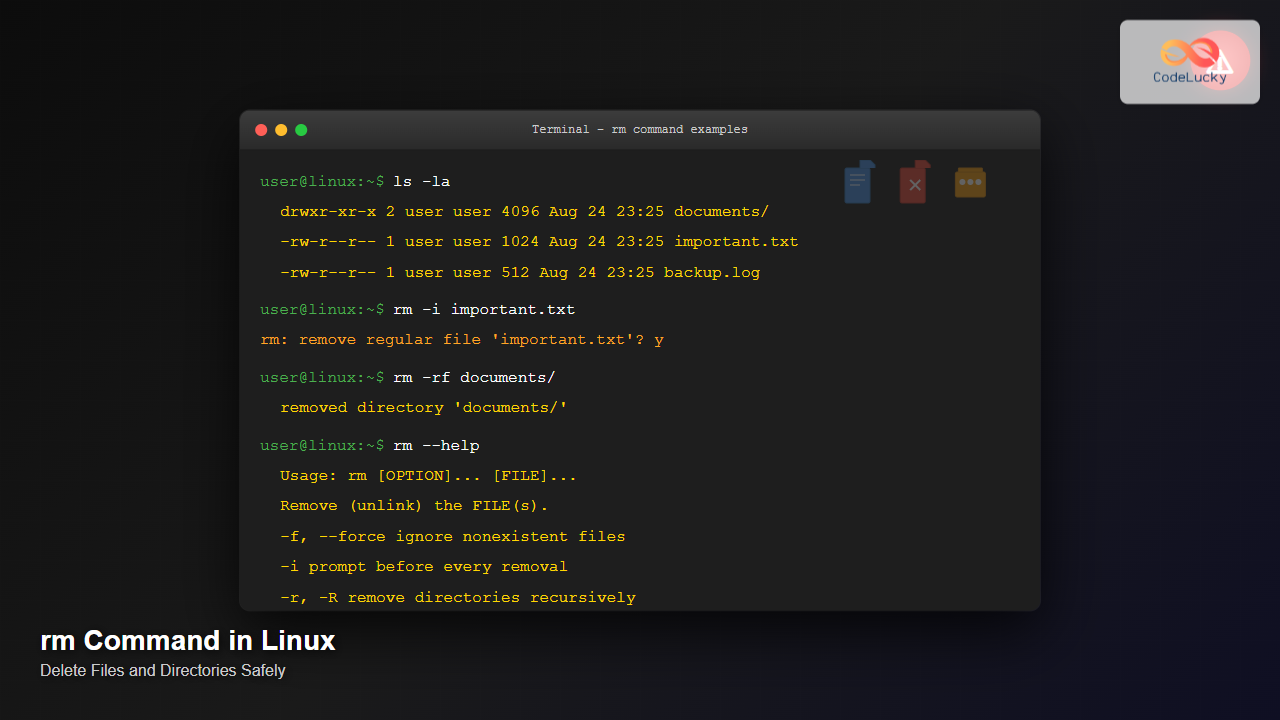
Master the Linux rm command with comprehensive examples, safety tips, and best practices for deleting files and directories efficiently and securely.
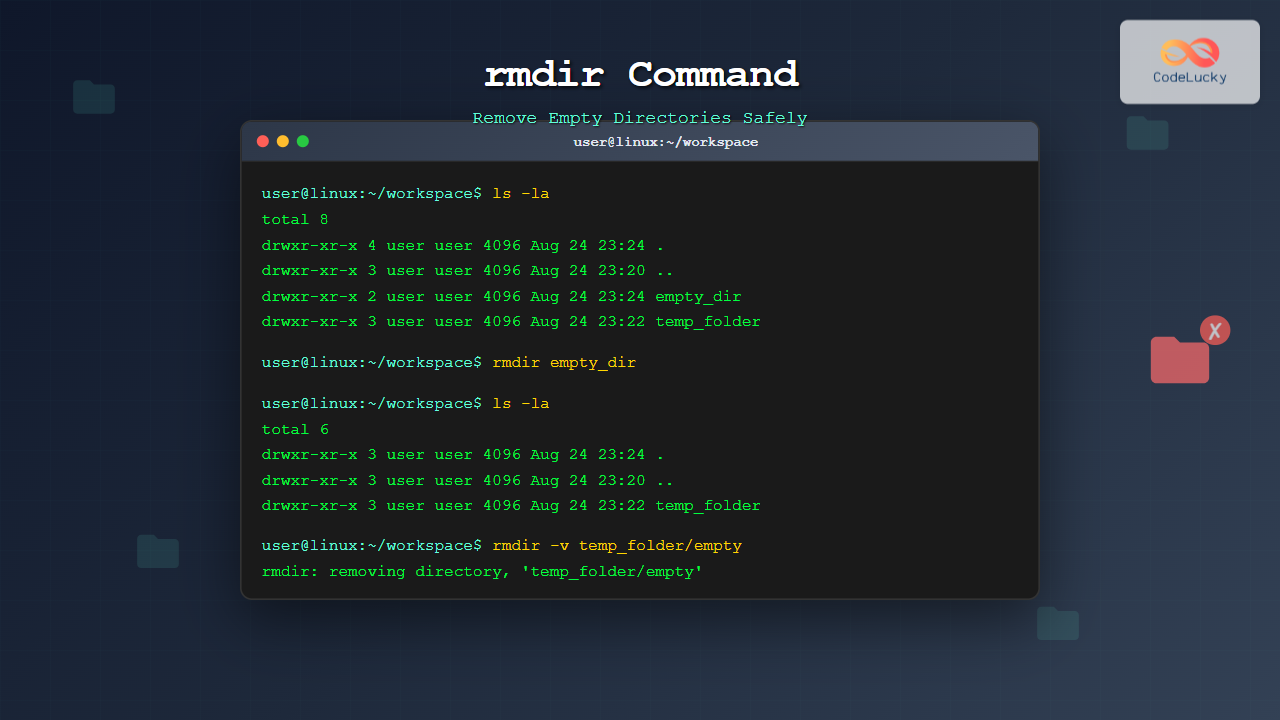
Master the rmdir command in Linux to safely remove empty directories. Learn syntax, options, practical examples, and best practices for efficient directory management.
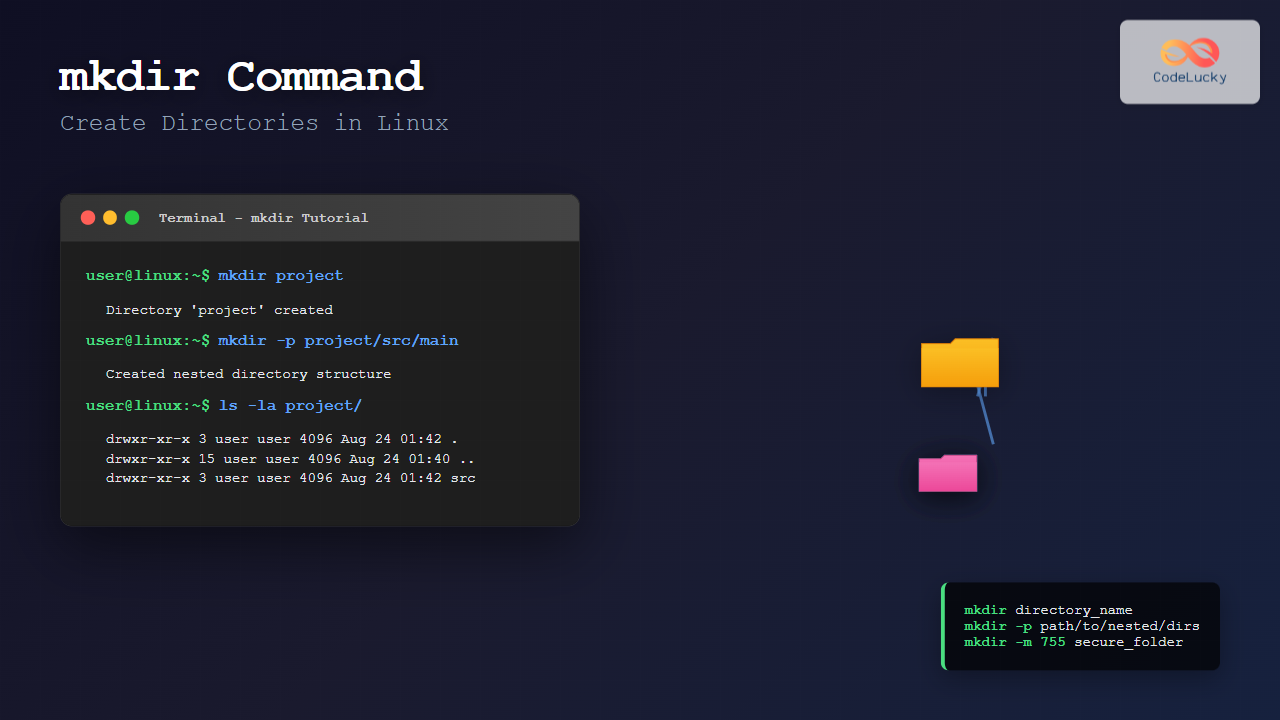
Master the mkdir command in Linux with this comprehensive tutorial. Learn to create directories, subdirectories, set permissions, and use advanced options with practical examples.
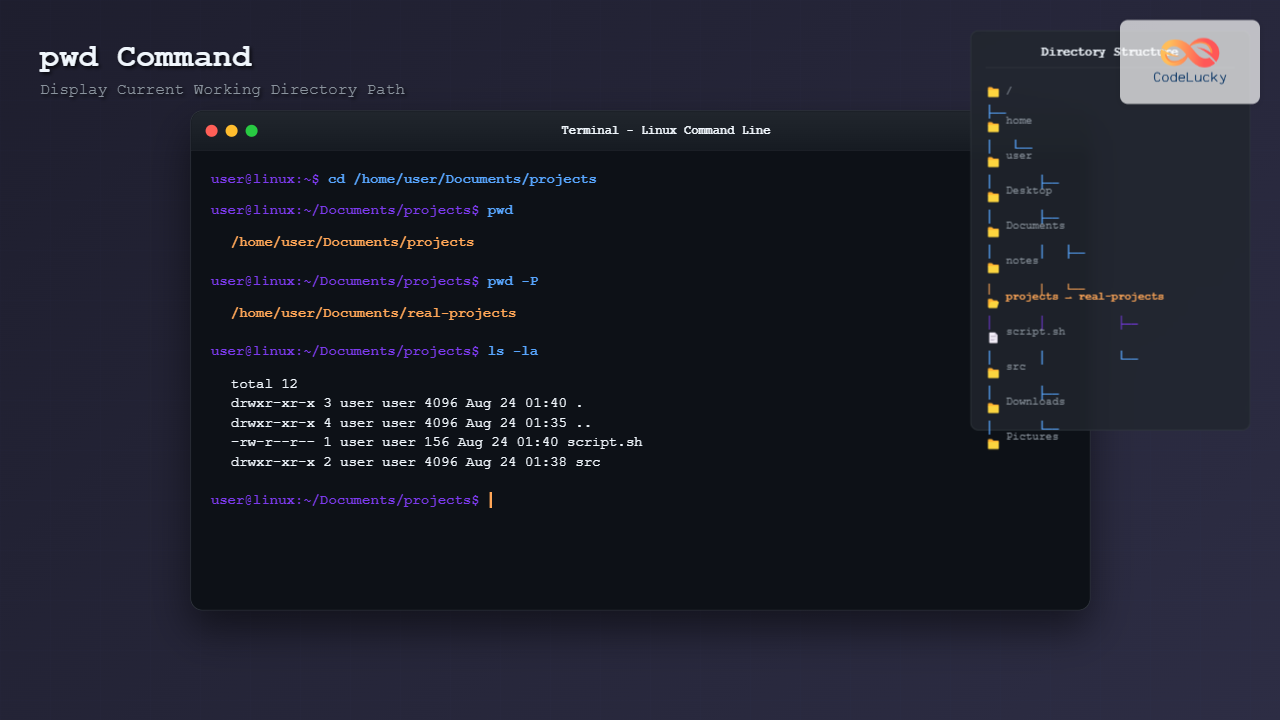
Master the pwd command in Linux with this comprehensive guide. Learn how to display current working directory path, explore all options, and see practical examples with output.