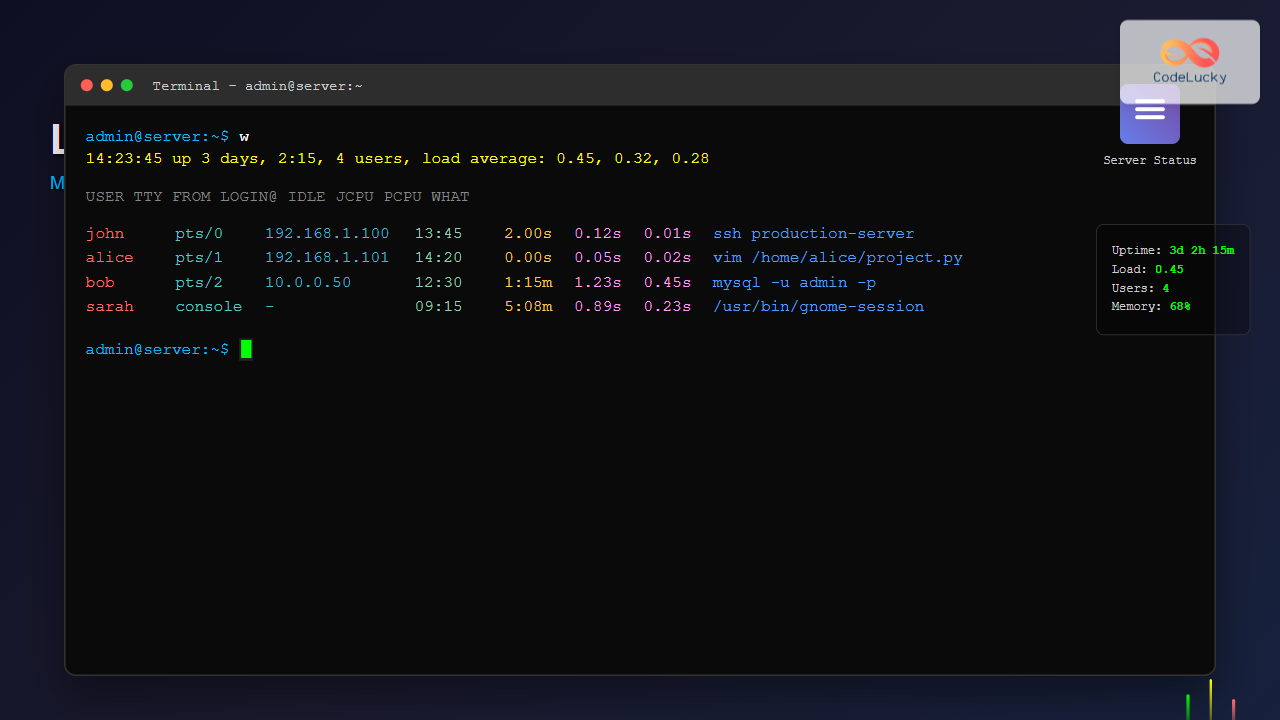
w Command Linux: Complete Guide to Monitor Active Users and System Activity
Master the Linux w command to monitor active users, system load, and user activities in real-time. Complete guide with examples and advanced usage.

Master the Linux w command to monitor active users, system load, and user activities in real-time. Complete guide with examples and advanced usage.
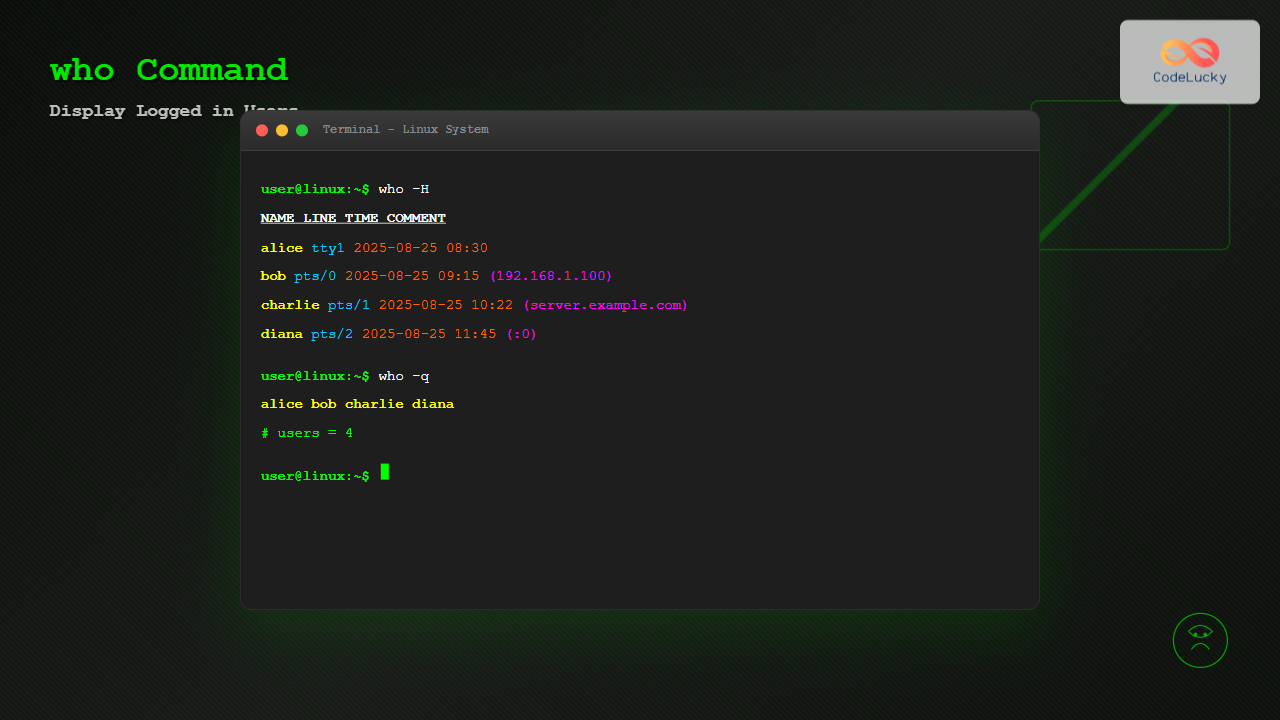
Master the Linux who command to display logged-in users, monitor system activity, and manage user sessions effectively with detailed examples and practical use cases.
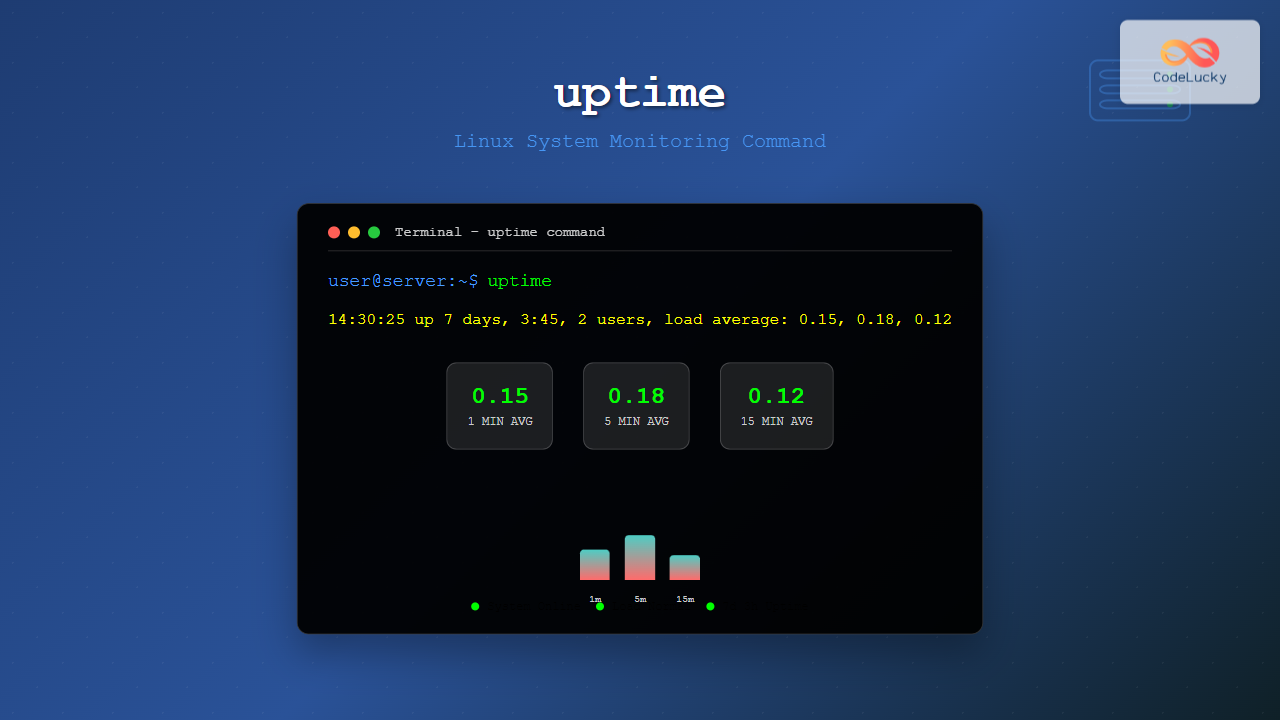
Master the Linux uptime command to monitor system uptime, load averages, and system performance. Complete guide with practical examples and troubleshooting tips.
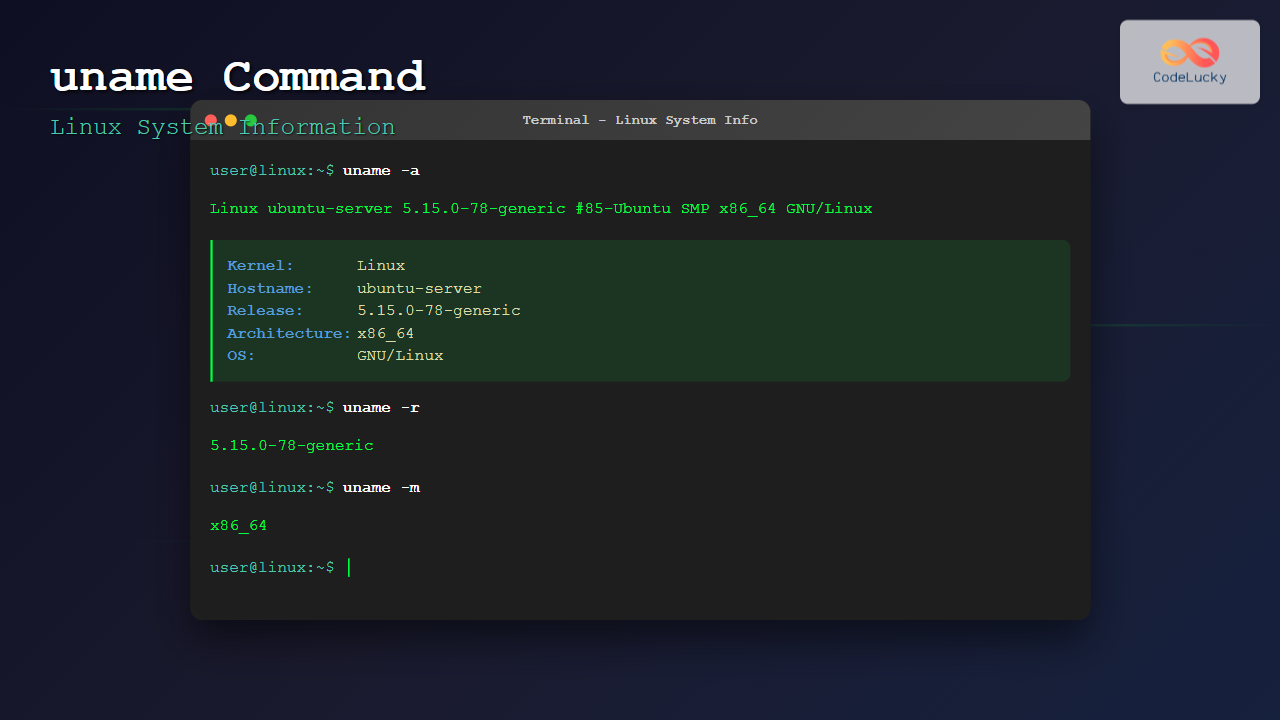
Master the Linux uname command to display detailed system information including kernel version, architecture, hostname, and more with practical examples.
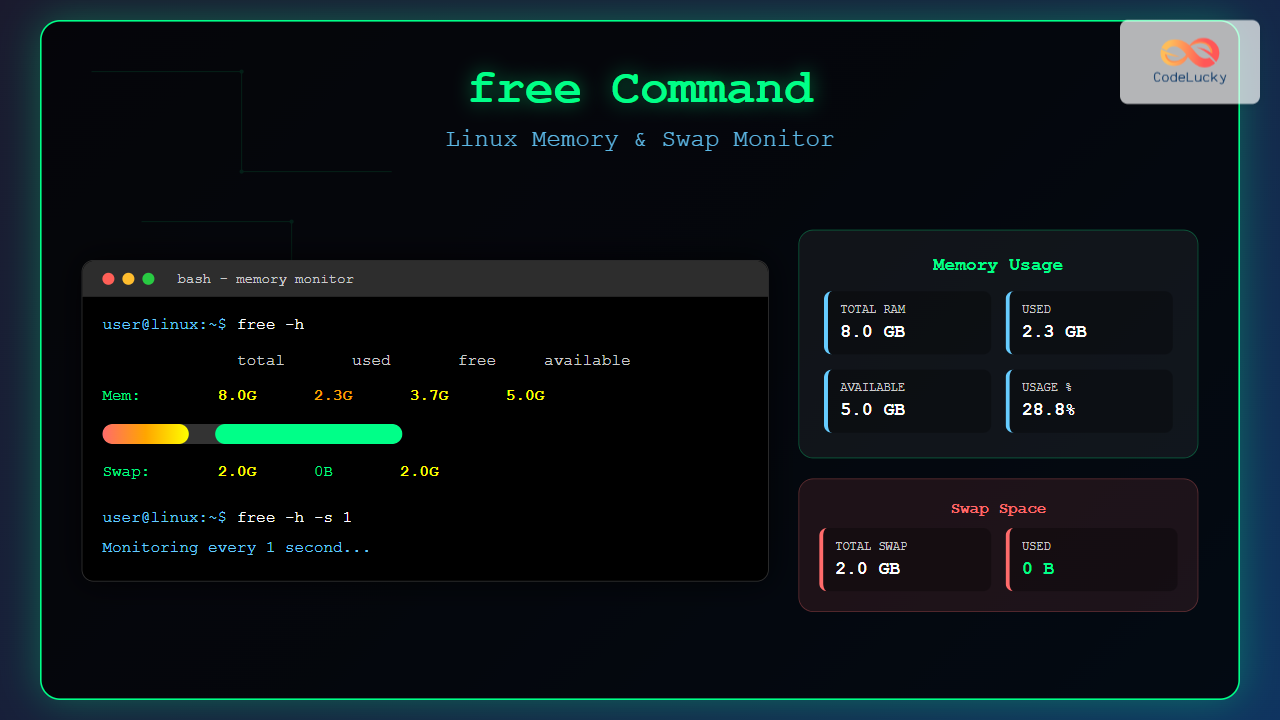
Master the free command in Linux to monitor memory usage, swap space, and system performance. Complete guide with examples, options, and troubleshooting tips.
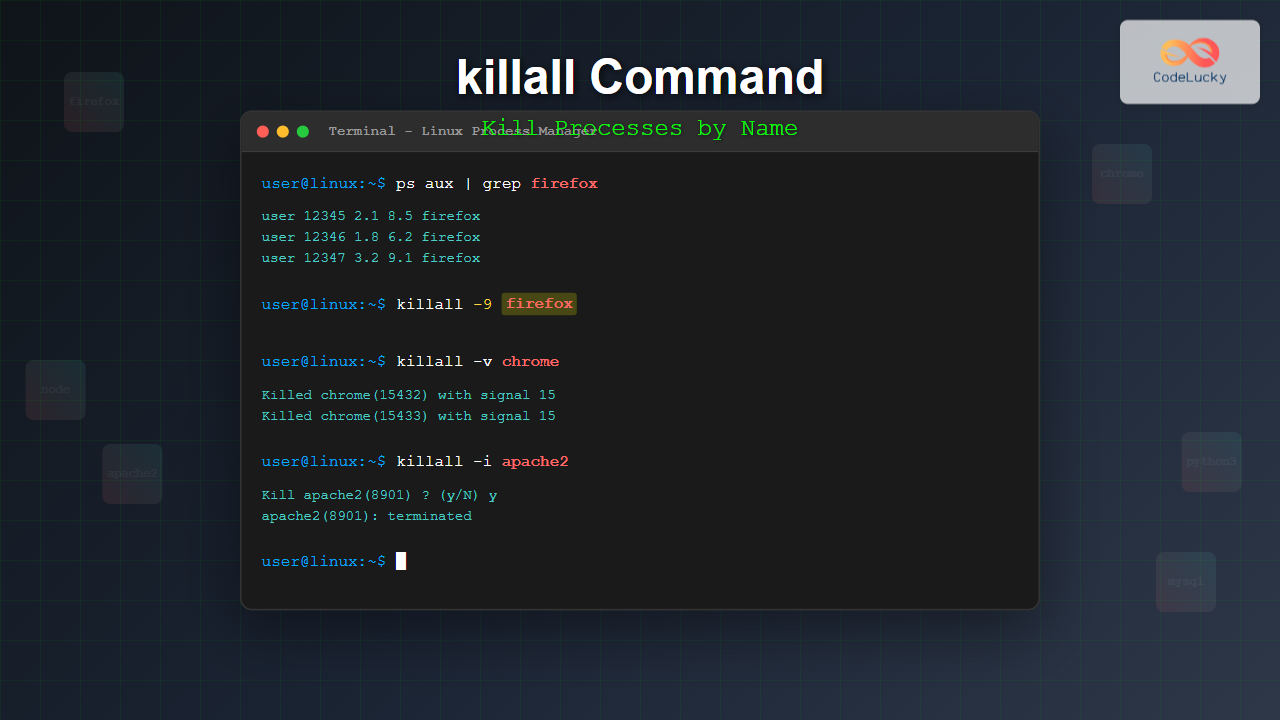
Master the Linux killall command to efficiently terminate processes by name. Learn syntax, options, examples, and best practices for process management.
Master the Linux kill command to terminate processes efficiently. Learn syntax, signals, examples, and best practices for process management in Linux systems.
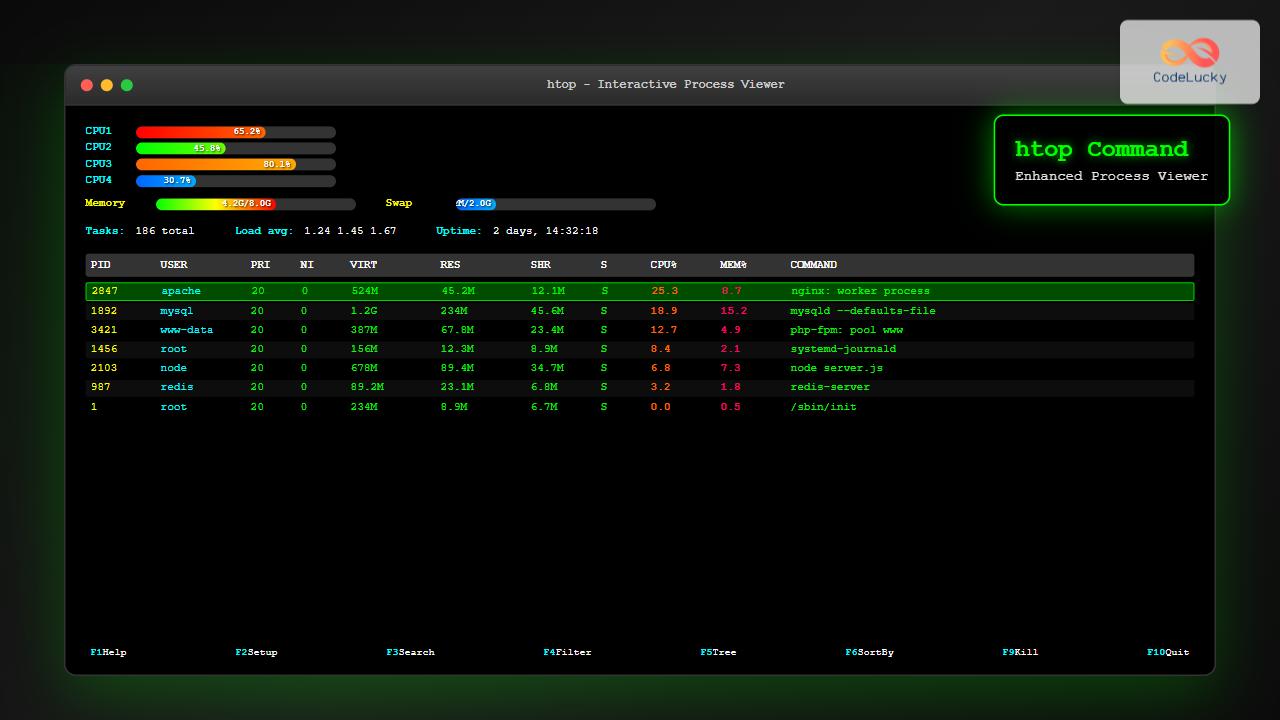
Master the htop command in Linux with this comprehensive tutorial covering installation, usage, customization, and advanced process management techniques for enhanced system monitoring.
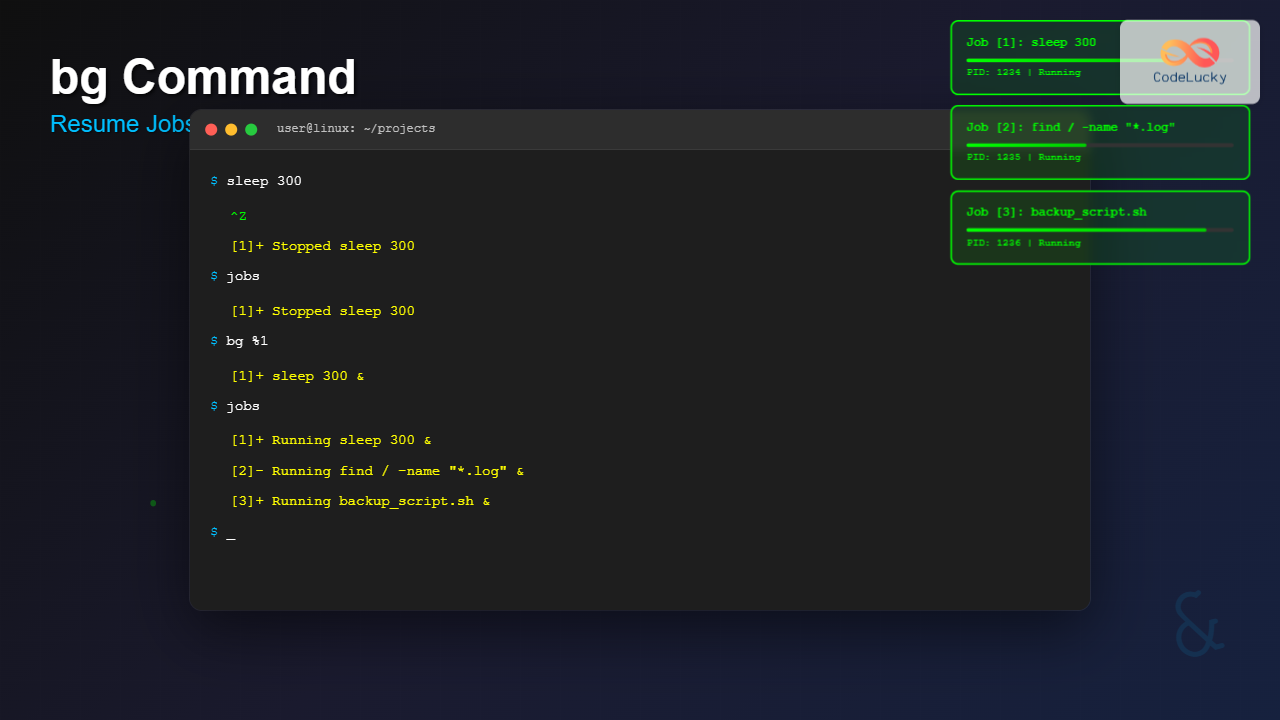
Master the bg command in Linux to resume suspended jobs in the background. Learn job control, process management, and boost your terminal productivity with practical examples.
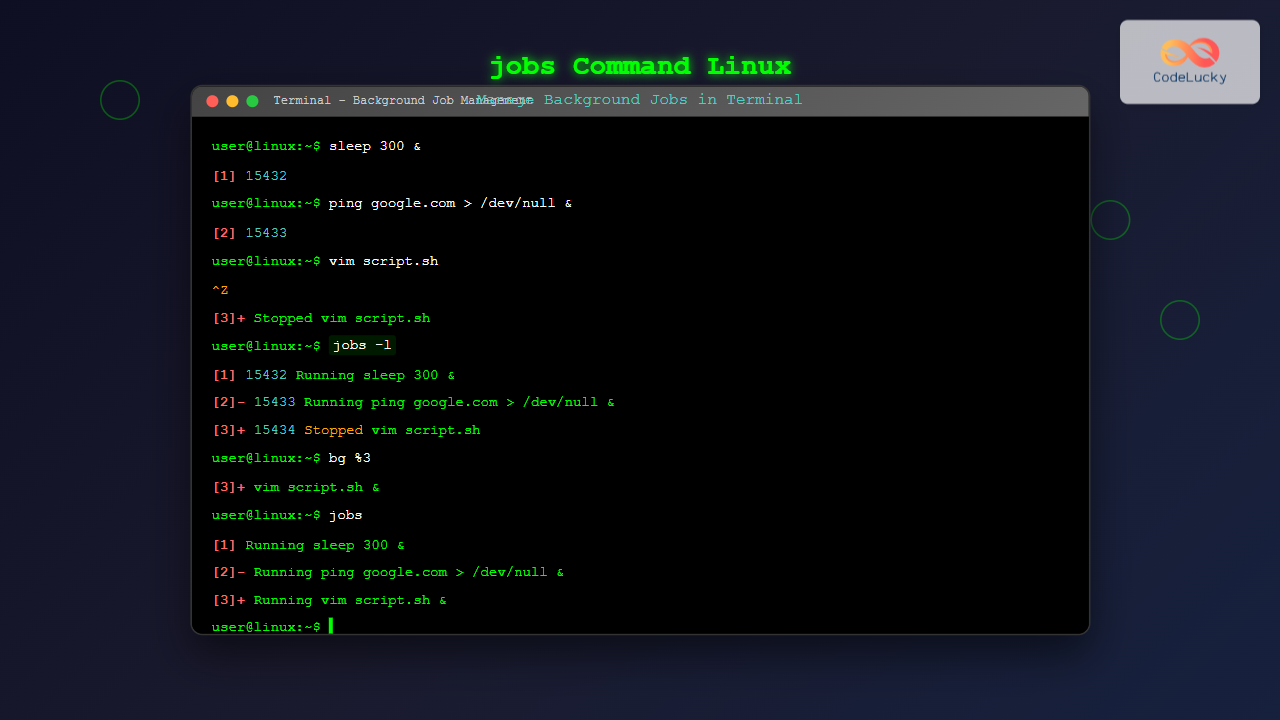
Master the Linux jobs command to efficiently manage background processes. Learn to view, control, and switch between jobs with practical examples and best practices.