getrlimit Command Linux: Complete Guide to System Resource Limits Management
Master the getrlimit command in Linux to monitor and manage system resource limits. Learn implementation, examples, and best practices for optimal system performance.

Master the getrlimit command in Linux to monitor and manage system resource limits. Learn implementation, examples, and best practices for optimal system performance.
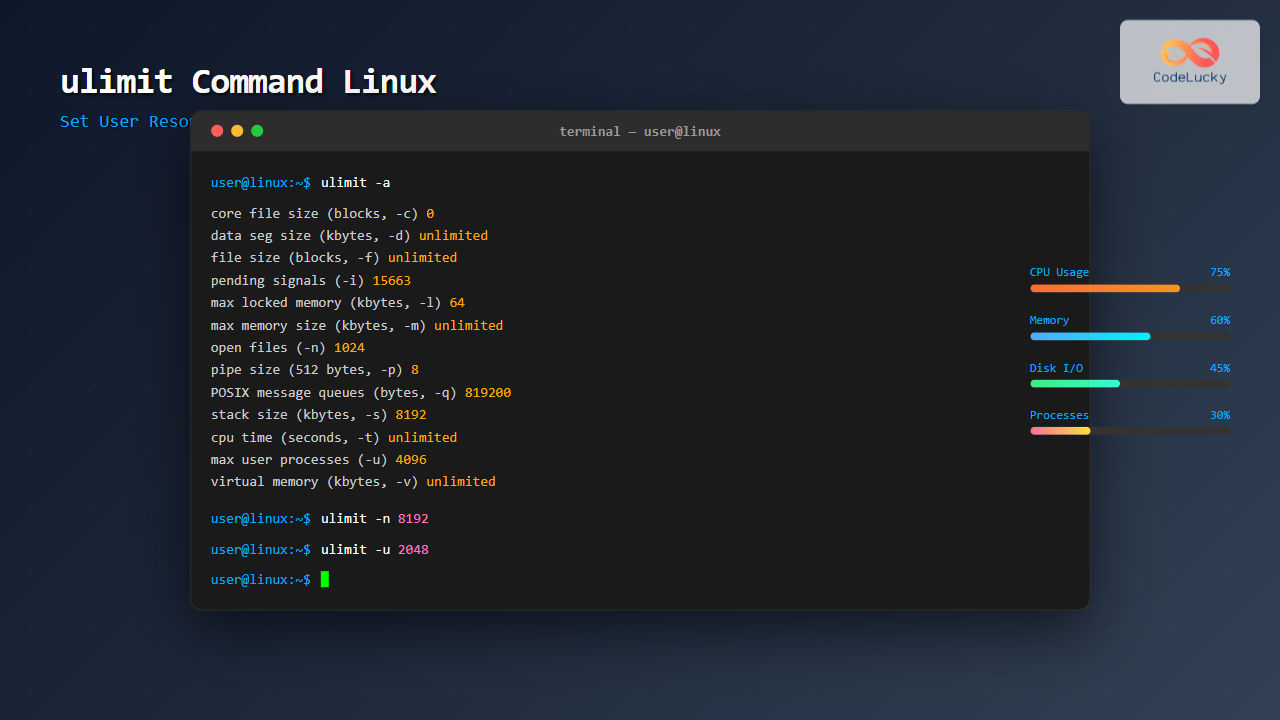
Master the ulimit command in Linux to effectively manage and control system resource limits. Learn syntax, options, examples, and best practices for setting user resource constraints.
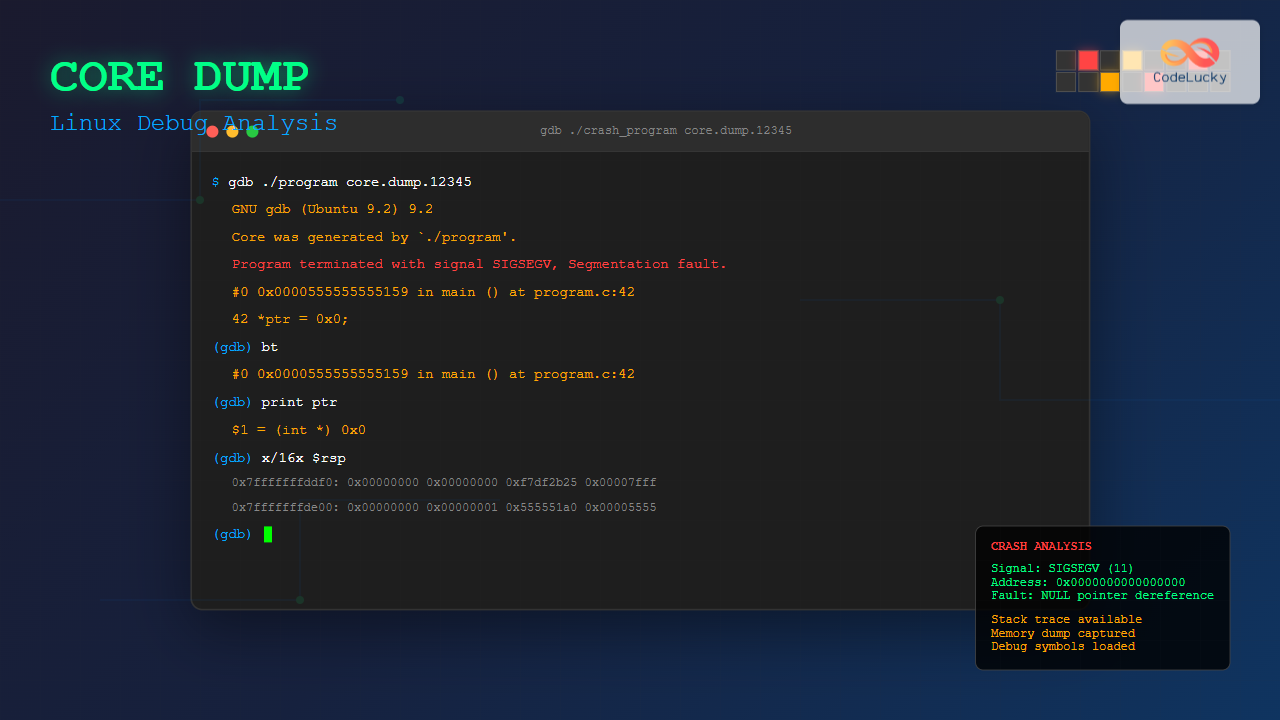
Master Linux core dumps for effective debugging. Learn to generate, analyze, and troubleshoot program crashes with comprehensive examples and best practices.
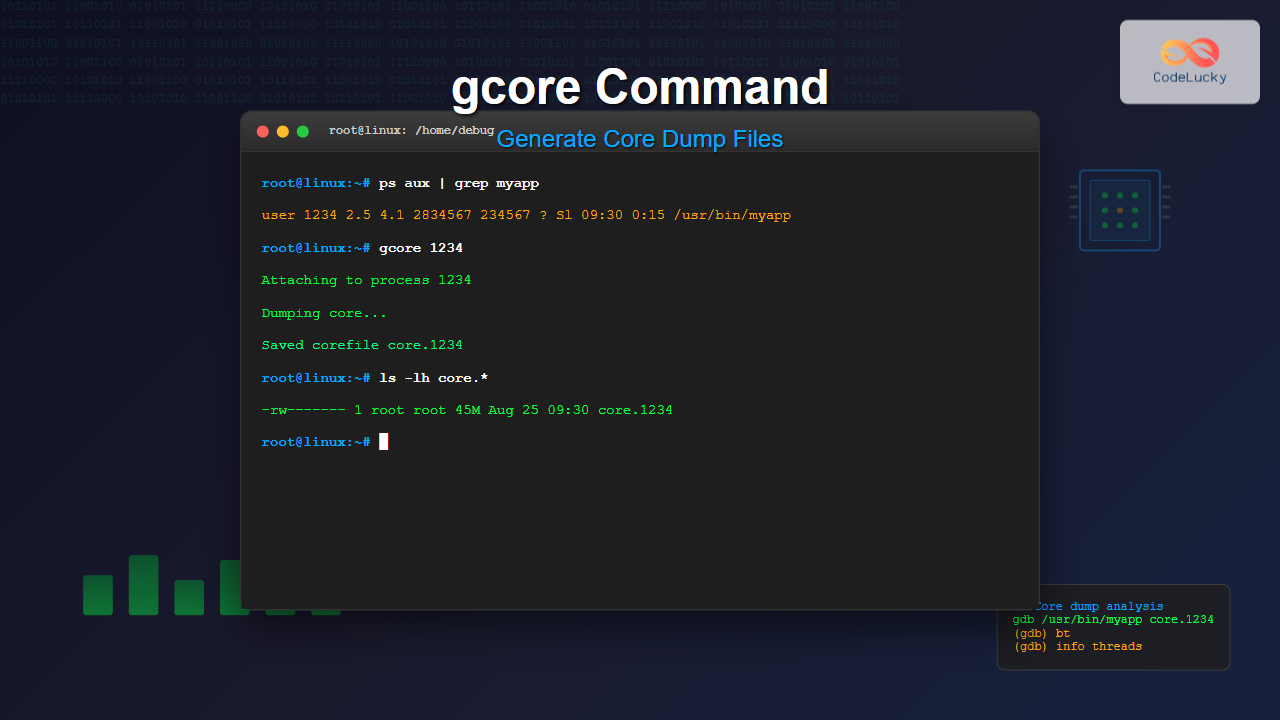
Master the gcore command in Linux to generate core dump files for debugging applications. Learn syntax, options, practical examples, and troubleshooting techniques.
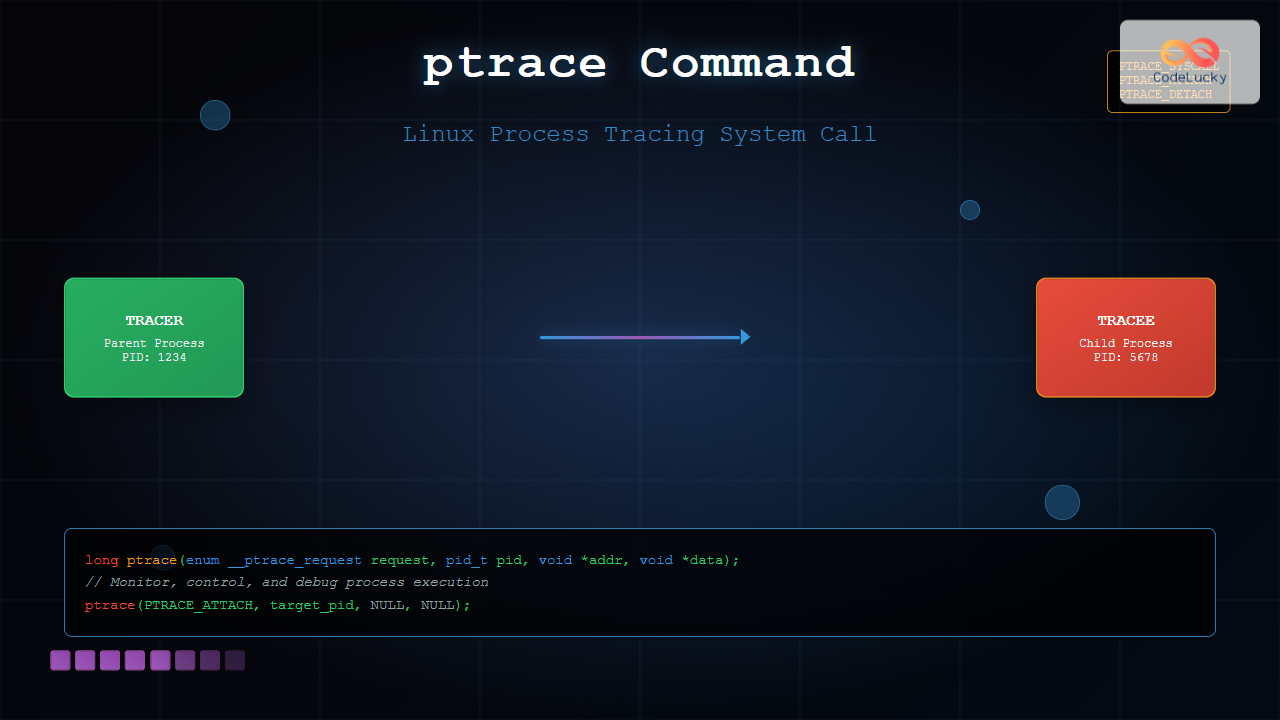
Master the ptrace system call in Linux for process tracing, debugging, and monitoring. Learn syntax, examples, and practical applications with detailed explanations.
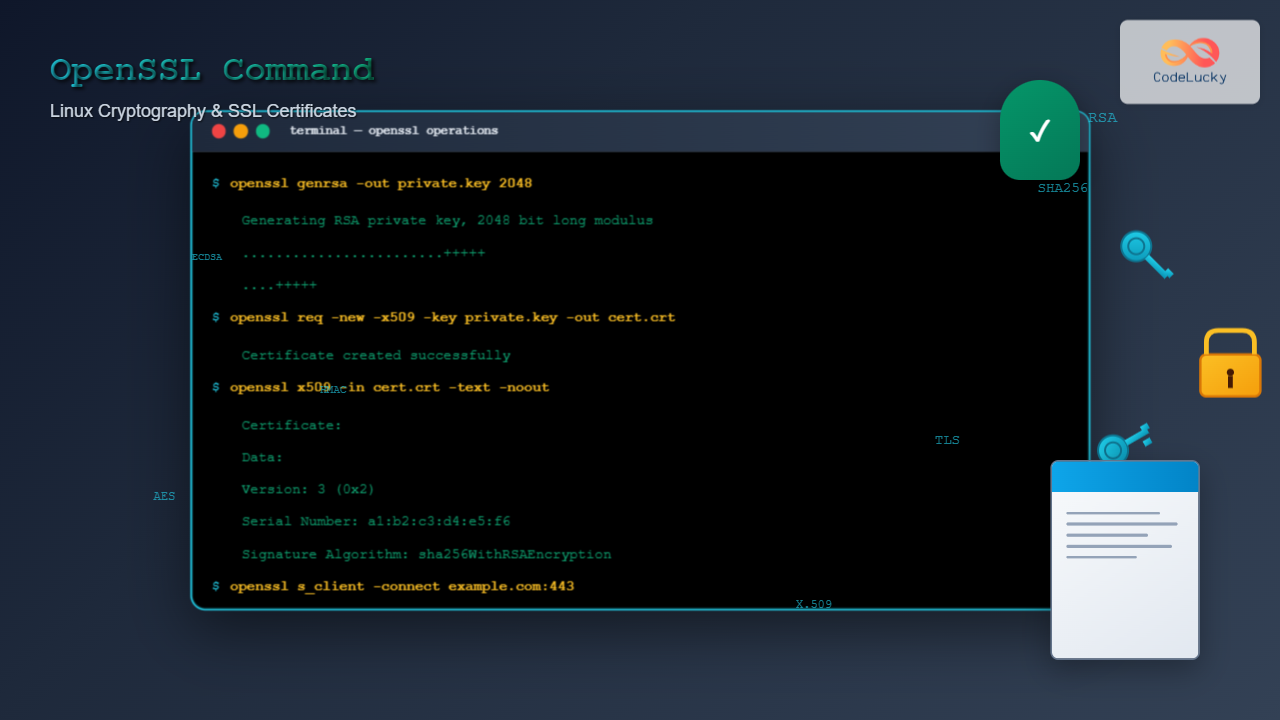
Master the OpenSSL command in Linux for cryptography, SSL certificate management, key generation, encryption, and security operations with practical examples.
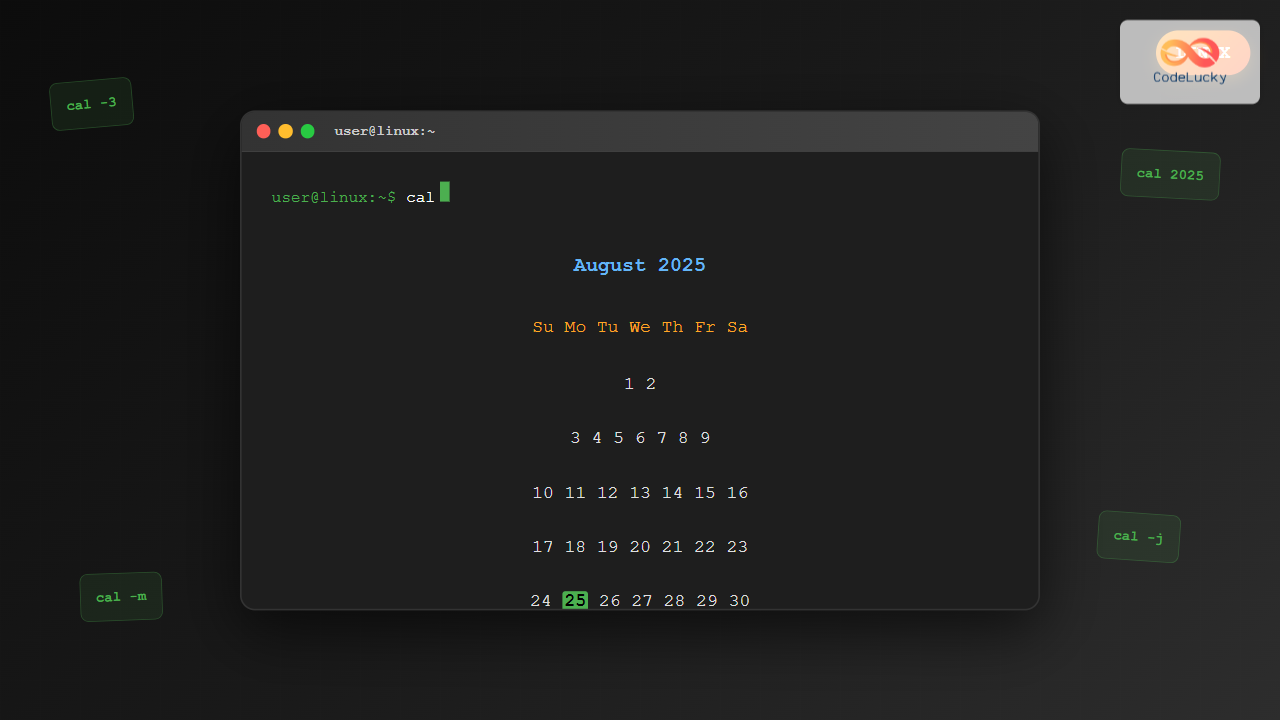
Master the Linux cal command to display calendars, navigate dates, and manage time efficiently in your terminal with practical examples and advanced options.
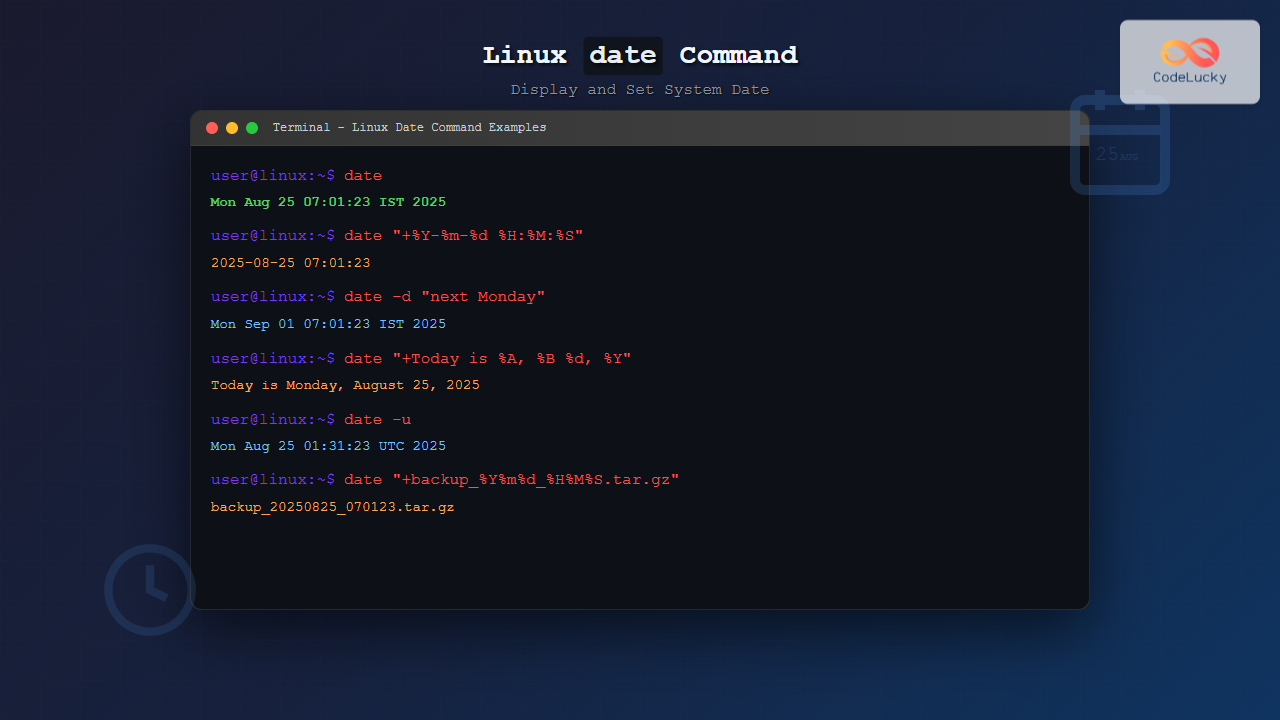
Master the Linux date command with this comprehensive guide. Learn to display, format, and set system dates with practical examples and formatting options.
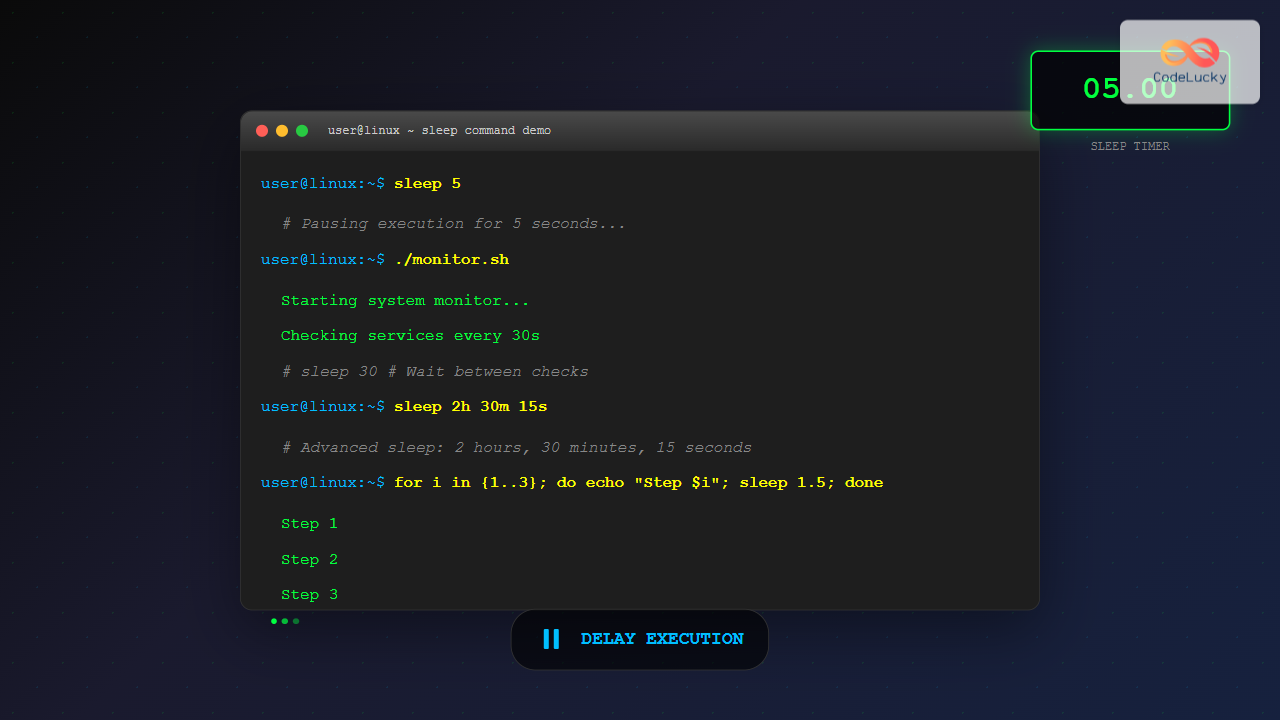
Master the Linux sleep command for precise timing control in scripts and terminal operations. Learn syntax, examples, and advanced techniques for delaying execution.
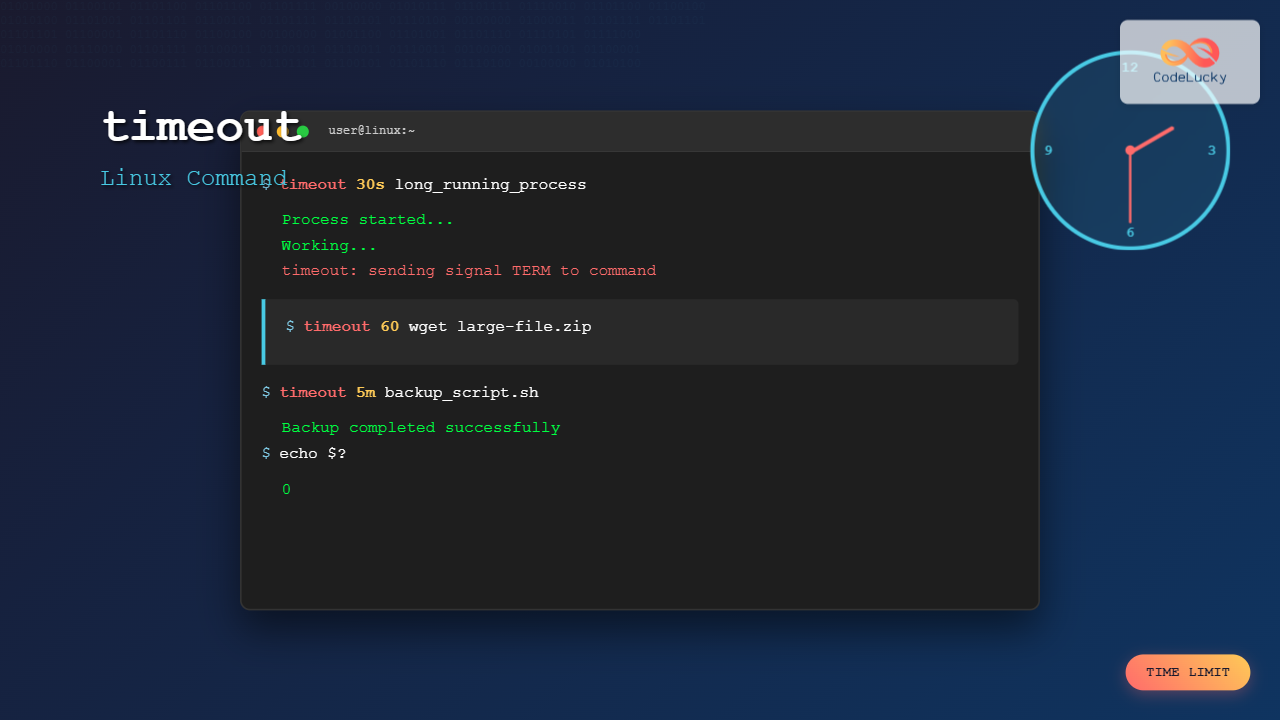
Master the Linux timeout command to run processes with time limits, prevent system hangs, and manage resource-intensive tasks effectively with practical examples.