find Command Advanced Linux: Master Complex Search Patterns and Powerful Operations
Master advanced Linux find command techniques with complex search patterns, logical operators, and powerful file operations. Complete guide with practical examples.

Master advanced Linux find command techniques with complex search patterns, logical operators, and powerful file operations. Complete guide with practical examples.
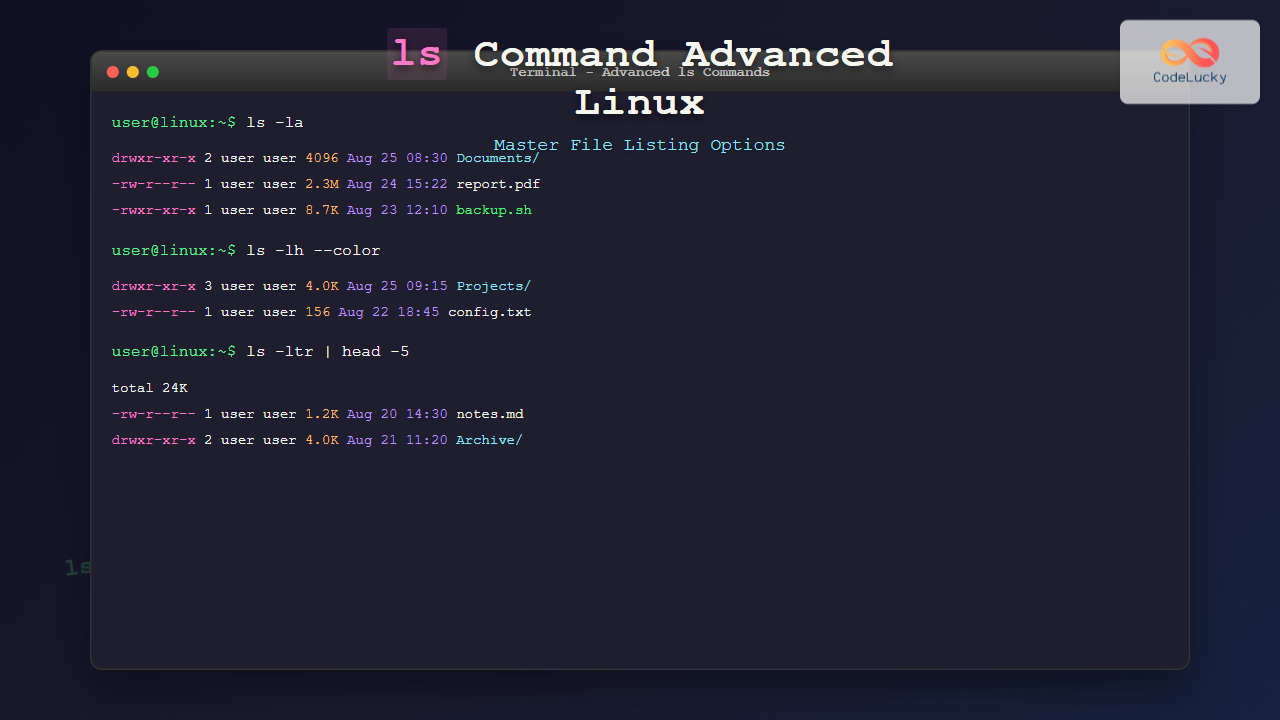
Master the ls command in Linux with advanced options, formatting techniques, and practical examples. Complete guide to efficient file listing and directory navigation.
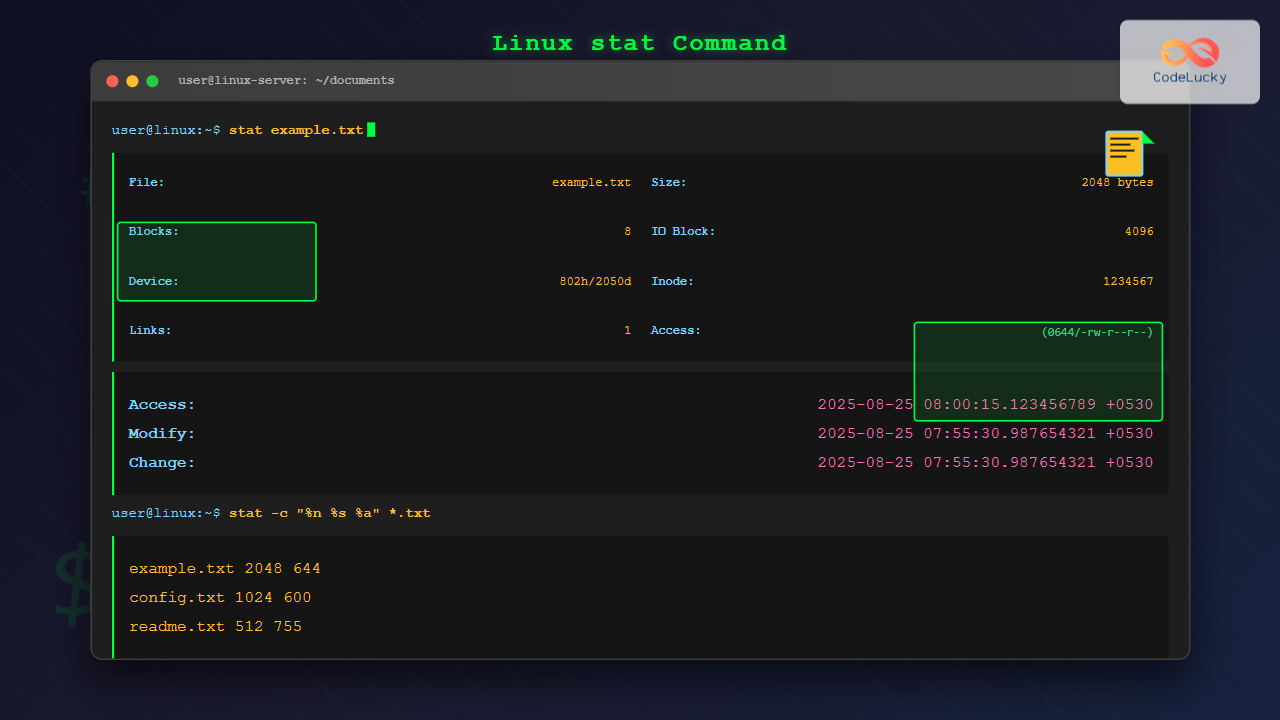
Master the Linux stat command to display detailed file and filesystem status information. Learn syntax, options, and practical examples for system administration.
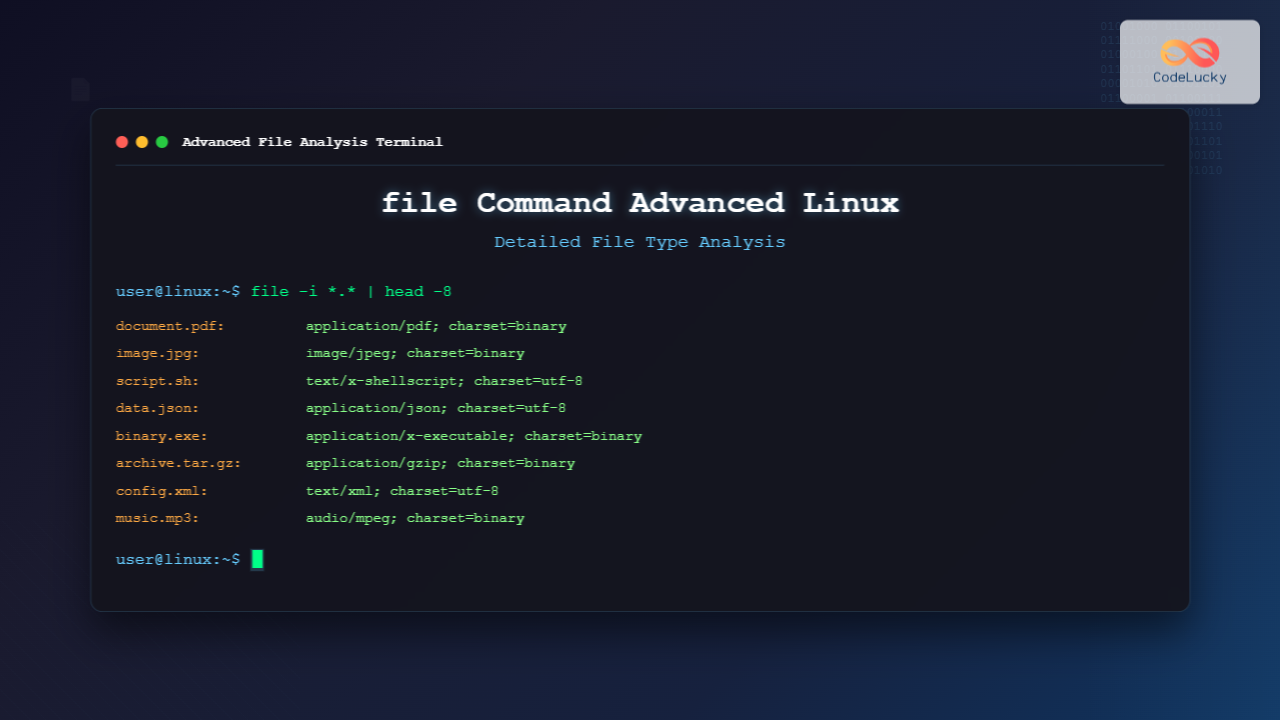
Master the advanced file command in Linux for detailed file type analysis. Learn comprehensive techniques, options, and practical examples for accurate file detection and system administration.
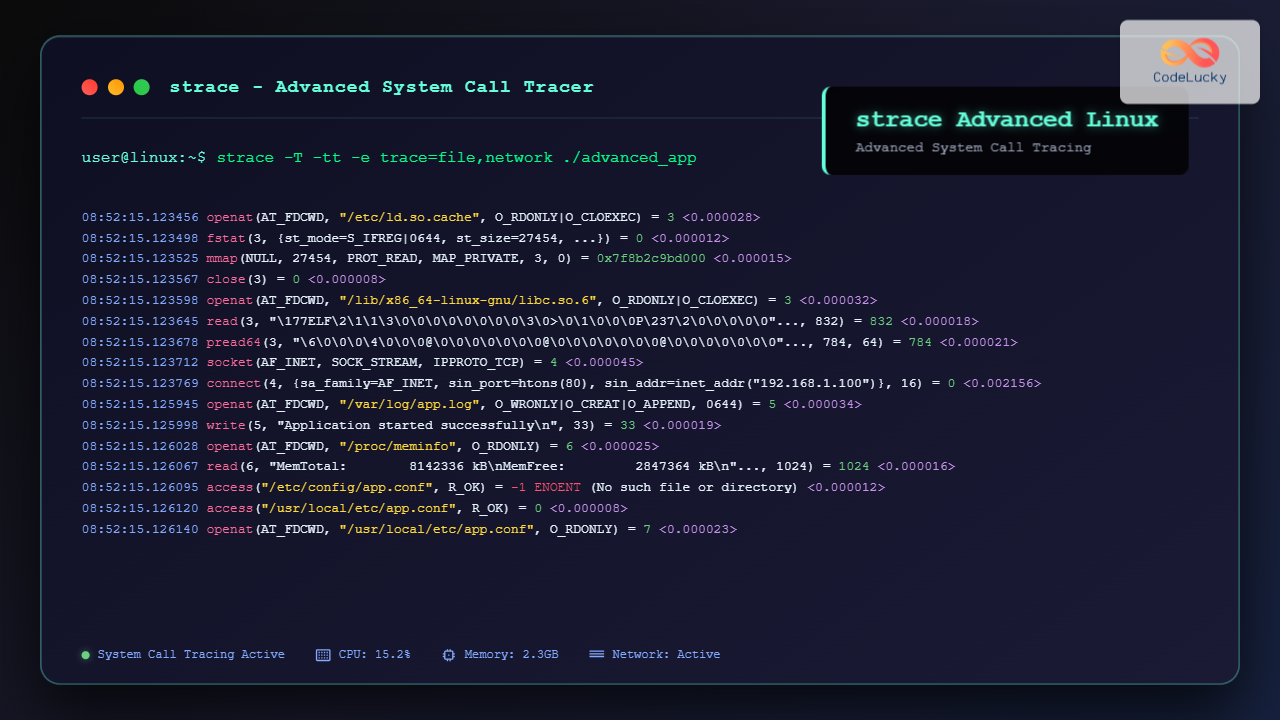
Master advanced strace techniques for Linux system call tracing, debugging applications, and performance analysis with comprehensive examples and real-world scenarios.
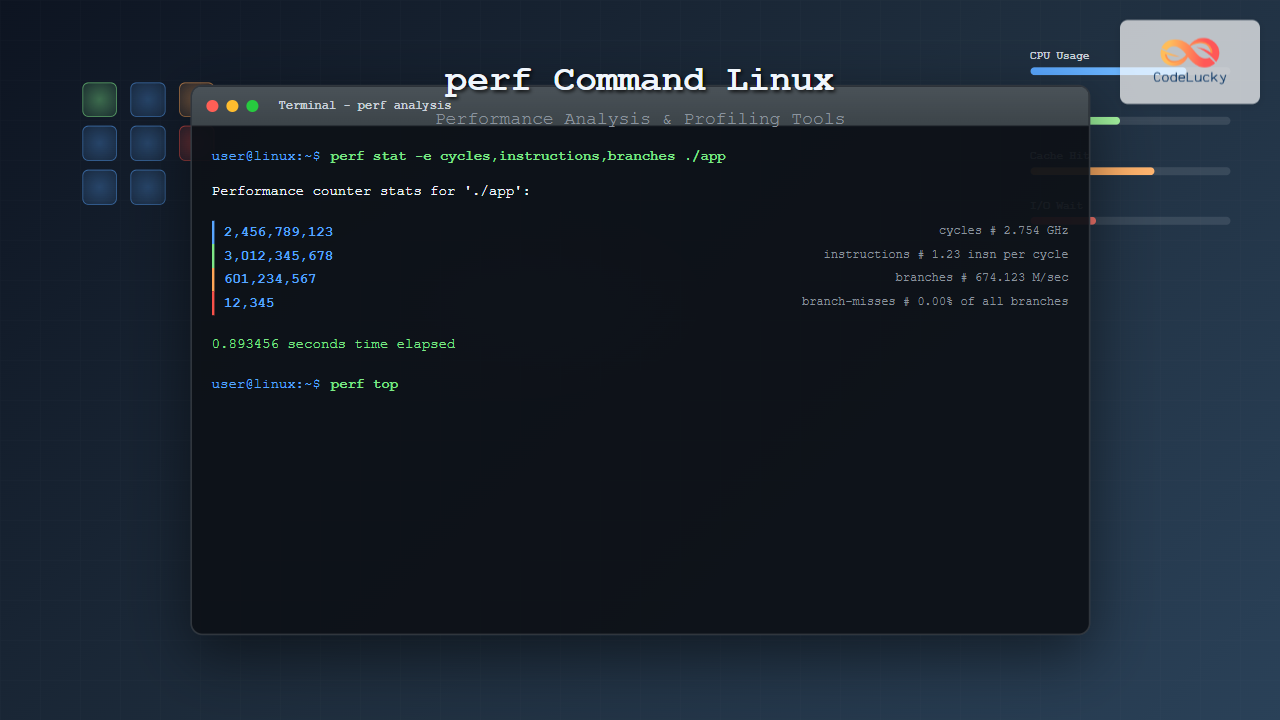
Master the Linux perf command for comprehensive performance analysis, CPU profiling, and system optimization with detailed examples and practical use cases.
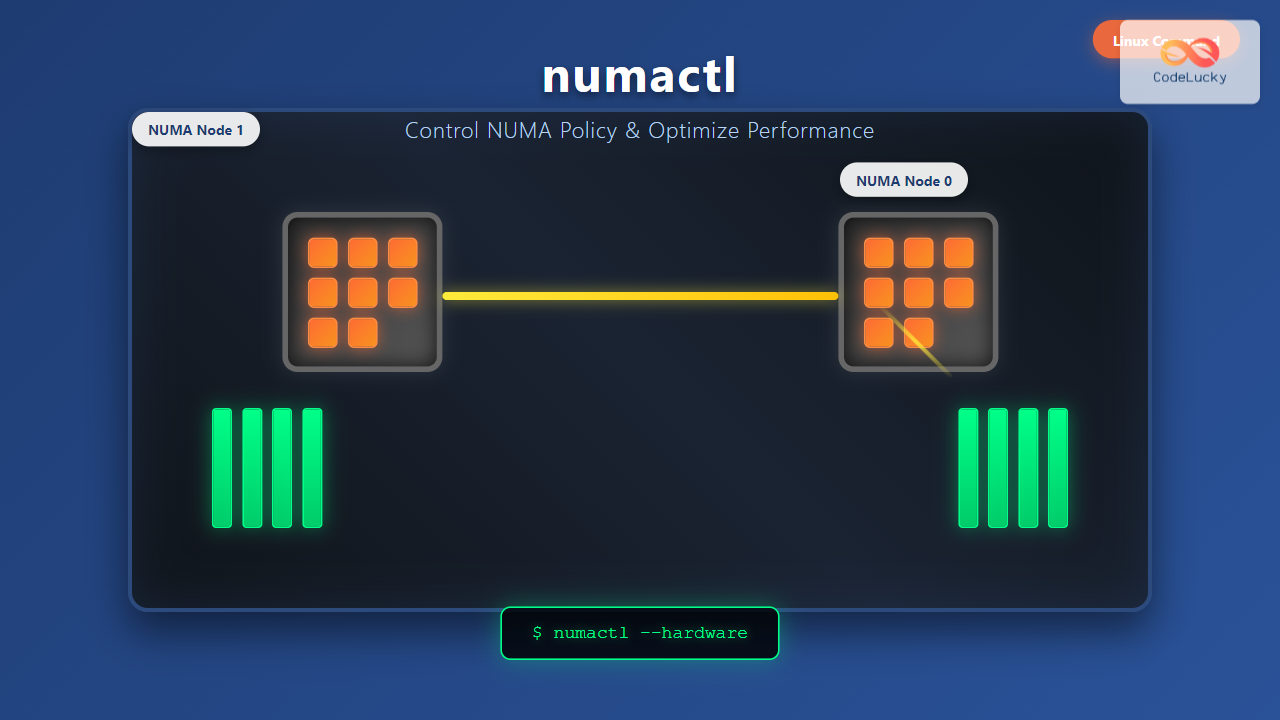
Master the numactl command in Linux to control NUMA policies, optimize memory allocation, and boost system performance with practical examples and advanced techniques.
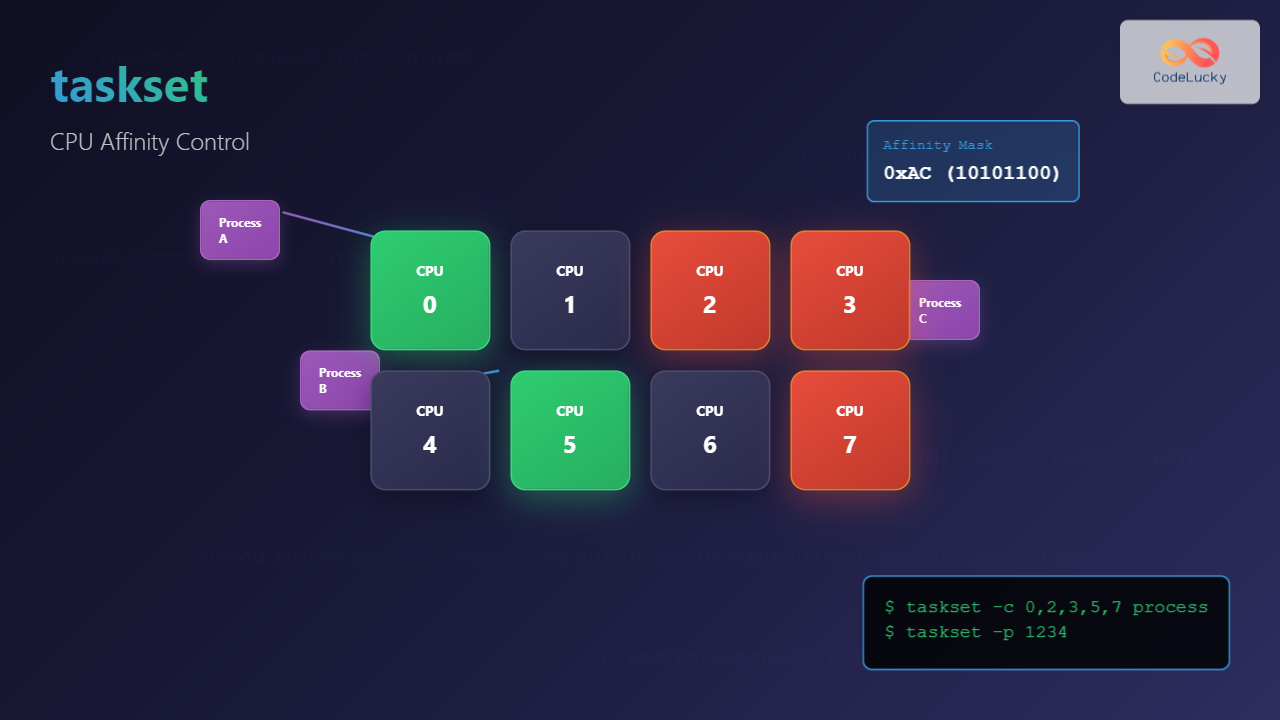
Learn how to use the taskset command in Linux to control CPU affinity for processes, optimize system performance, and manage resource allocation effectively.
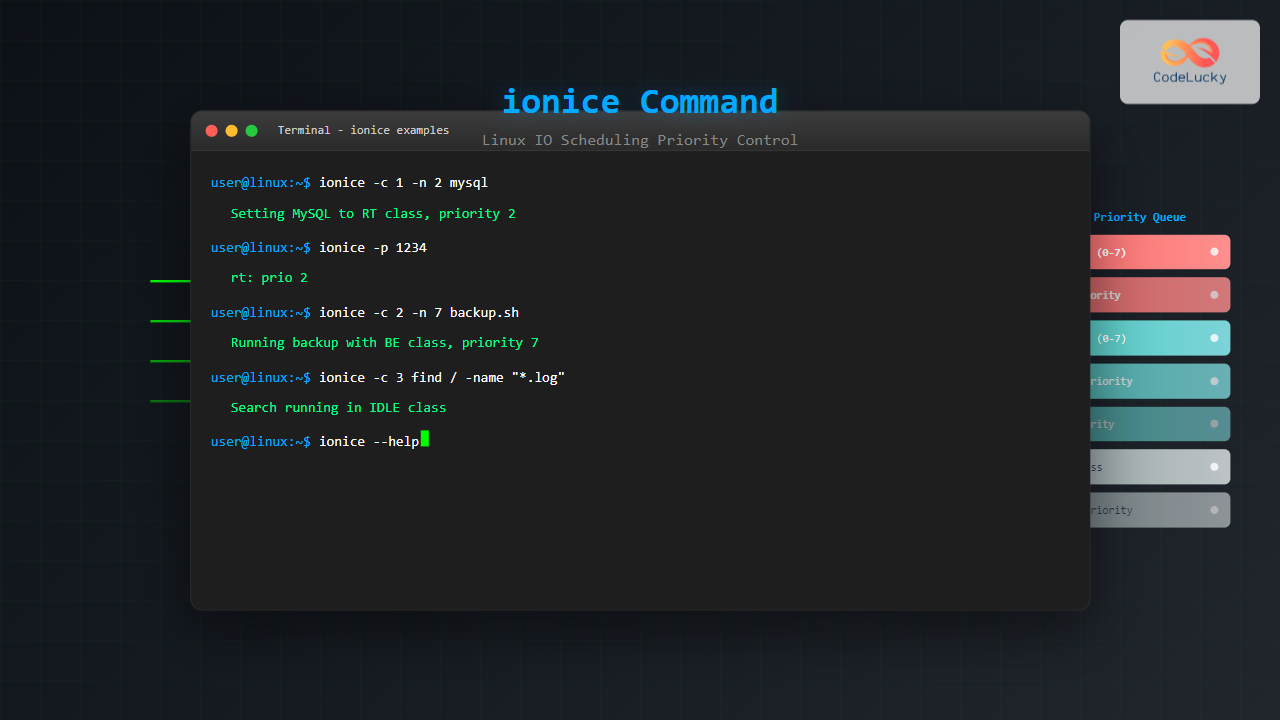
Master the ionice command in Linux to control IO scheduling priority, optimize system performance, and manage disk-intensive processes effectively with practical examples.
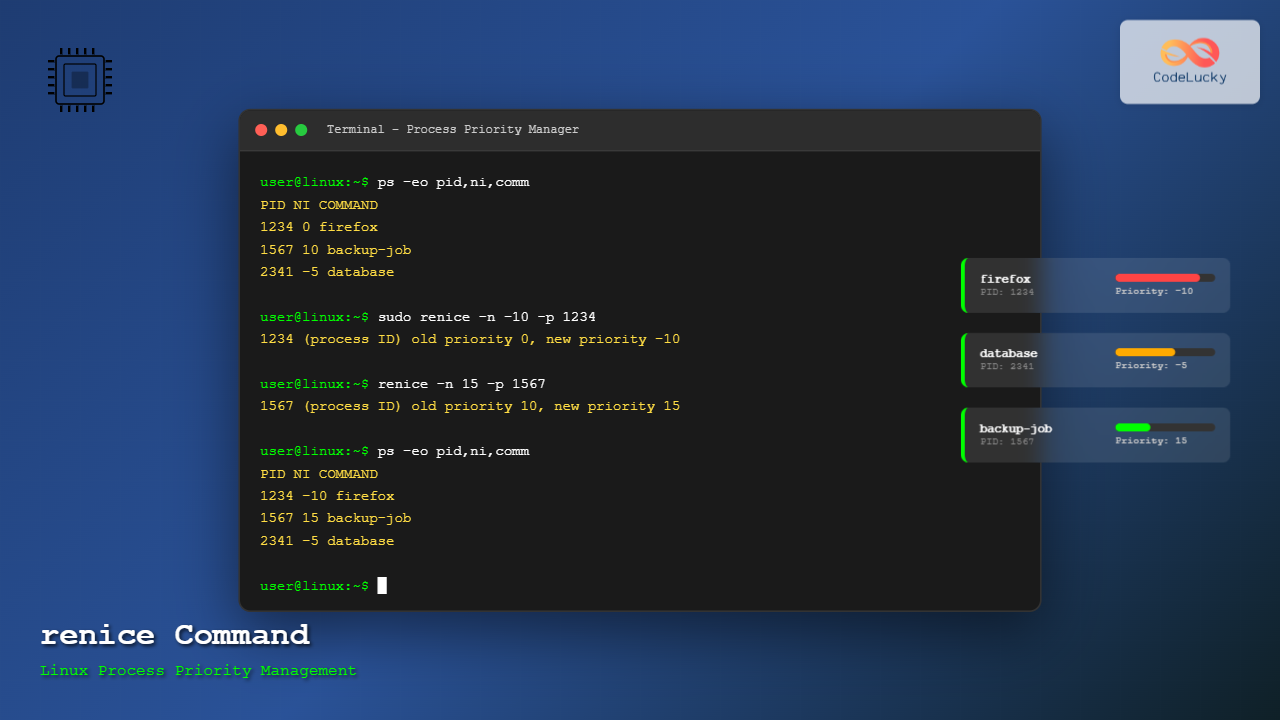
Master the Linux renice command to dynamically adjust running process priorities. Learn syntax, examples, and best practices for optimal system performance.