Two years ago, strapping a $3,499 computer to your face felt like a science experiment you paid to be part of. The first headset was brilliant and exhausting in equal measure. So when the Apple Vision Pro 2 arrives at $2,499 with a lighter build and a faster chip, the only question that matters is whether spatial computing has crossed the line from impressive demo to something you would actually wear after the novelty wears off.
You are not buying a gadget at this price. You are buying a bet that wearing your screens instead of looking at them is the future. This review breaks down what that bet costs you in comfort, software, and money, and where the Vision Pro 2 still asks you to compromise.
What Is the Apple Vision Pro 2?
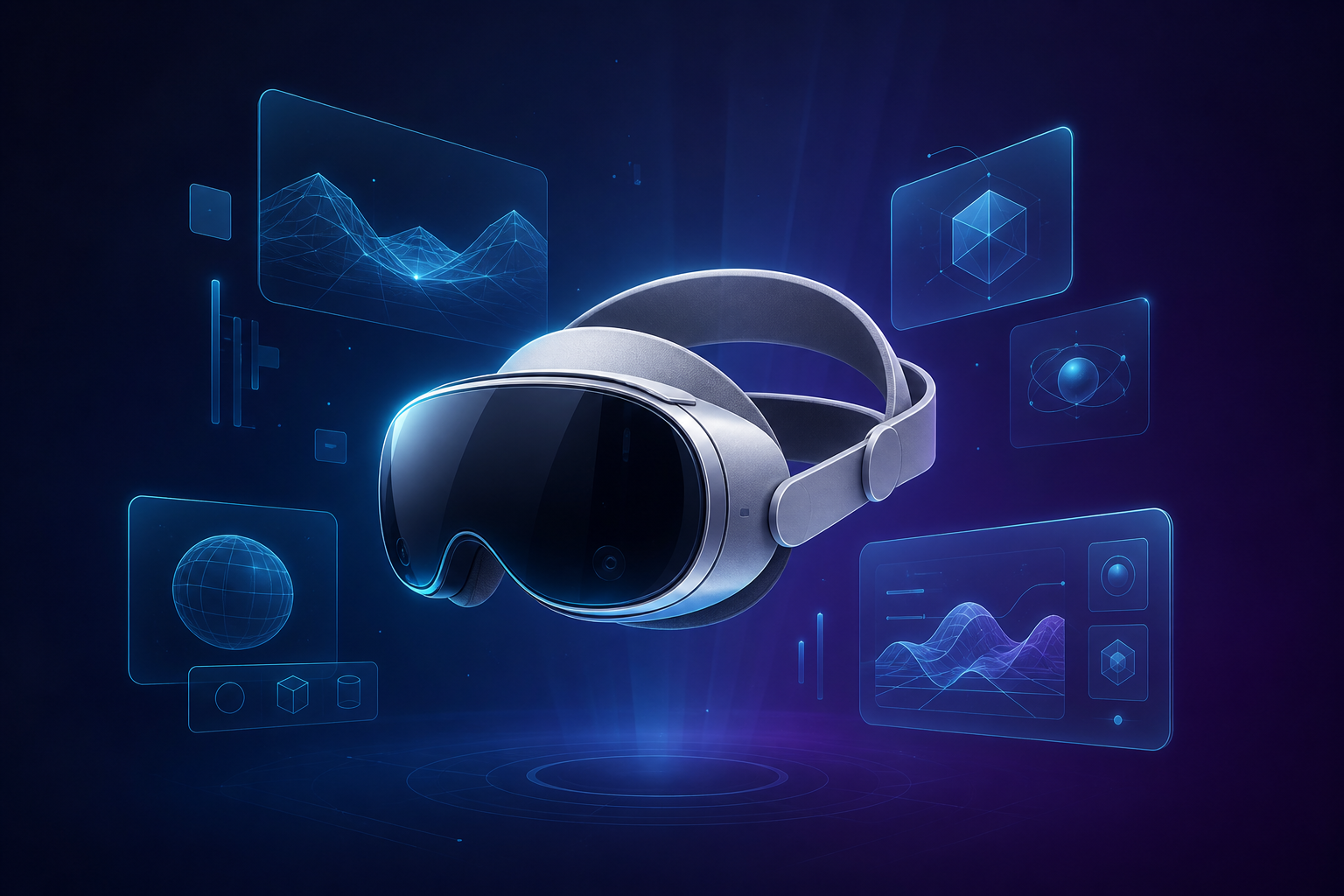
The Apple Vision Pro 2 is a mixed reality headset that overlays digital content onto your real surroundings or replaces them entirely with immersive environments. It runs visionOS, uses your eyes and hands as the primary controls, and is designed to function as a standalone spatial computer rather than an accessory tethered to a phone. In short, it turns the space around you into an adjustable, app-filled display.
That definition matters because Apple deliberately avoids the words “VR” and “headset” in its own marketing. The pitch is spatial computing: your apps live in the room with you, anchored to walls, desks, and floating wherever you place them. The Vision Pro 2 refines that idea rather than reinventing it, which is exactly what a second-generation product should do.
Design and Comfort: The All-Day Wearability Test
The original Vision Pro’s biggest flaw was never its screens. It was the way the front-heavy glass-and-aluminum slab pressed into your cheeks after 40 minutes. Apple clearly heard the complaints.
The Vision Pro 2 trims weight by redistributing it. A revised dual-strap system pushes more of the load onto the crown of your head instead of your face, and the external battery is slightly lighter. The result is a headset you can wear for a couple of hours without the telltale red pressure marks, though “couple of hours” is still the realistic ceiling for most people.
A few practical observations from extended use:
- Fit is personal. The included light seal comes in multiple sizes, and getting the right one is the difference between comfort and a headache. Do not skip the fitting step.
- Glasses wearers still need inserts. Prescription lens inserts remain a separate purchase, and you cannot wear regular glasses inside the device.
- The tethered battery persists. The power pack still lives in your pocket on a cable. It is less elegant than a fully self-contained design, but it keeps weight off your head.
If you wore the first model and gave up after an hour, the Vision Pro 2 buys you meaningfully more comfortable time, but it has not solved the fundamental problem of holding a screen against your face.
Display and the Spatial Computing Experience
This is where the money goes, and it shows. The Vision Pro 2 keeps the dual micro-OLED panels that made the original feel like a window rather than a screen, pushing a combined pixel count well past what your eye can resolve at normal viewing distance. Text is razor sharp, which is the single most important quality for a device meant to replace your monitors.
The upgraded internal cameras drive a noticeably better passthrough experience, the live video feed of the real world that lets you see your coffee cup and your keyboard. Latency and low-light grain are both reduced, so the room around you looks closer to reality and less like a slightly noisy video feed. It is not perfect in dim lighting, but it is the best passthrough on any consumer device.
Spatial computing only clicks once you stop thinking in flat windows. You can pin a browser to the wall above your desk, float a video player to your left, and keep notes hovering to your right, all persisting in those positions when you return. For focused, single-person work, this is genuinely useful in a way screenshots cannot capture.
visionOS and the App Ecosystem in 2026
Hardware was never the question with Apple. Software was. A spatial computer is only as good as the things you can do inside it, and in 2024 the answer was “watch movies and feel slightly lonely.”
By 2026, visionOS has matured. The headset runs the vast majority of iPad apps in flat windows, and the catalog of true spatial apps has grown well beyond the launch demos. More importantly, the productivity story is real:
- Mac Virtual Display now supports a wide, wraparound workspace, effectively giving you an ultra-ultrawide monitor anywhere you sit.
- Collaboration apps let remote participants appear as spatial Personas, and the persona avatars have crossed out of the uncanny valley enough to be usable on calls.
- Media and fitness remain standout categories, with immersive video and guided spatial workouts that no flat screen can match.
The honest gap is the same one every headset faces: there is still no single app that justifies the purchase on its own. The Vision Pro 2 is a collection of “very good” experiences rather than one irreplaceable one. You can read more about the platform’s capabilities on Apple’s official visionOS developer documentation.
Performance and Battery Life
The Vision Pro 2 pairs a current-generation Apple silicon main chip with a dedicated sensor-processing co-processor, the combination that handles eye tracking, hand tracking, and passthrough with almost no perceptible lag. App launches are quick, multiple floating windows stay smooth, and the eye-and-pinch input feels responsive in a way that genuinely surprises first-time users.
Battery life remains the practical handcuff. Expect roughly two to two-and-a-half hours of mixed use from the external pack, a little more for straight video playback. You can plug into wall power for unlimited stationary use, which is how most owners run it at a desk.
Here is the trade-off in plain terms:
| Use Pattern | Realistic Experience |
|---|---|
| Desk work, plugged in | Excellent — effectively unlimited runtime |
| Couch movie watching | Good — one film per charge, comfortable |
| On a flight or commute | Workable — carry a spare battery |
| Wireless all-day wear | Not realistic — the device is not built for it |
Apple Vision Pro 2 vs. the Competition
Price context matters. The Vision Pro 2 does not compete with $300 gaming headsets, and pretending otherwise misleads buyers. It competes with high-end mixed reality and, frankly, with a good multi-monitor desk setup.
| Feature | Vision Pro 2 | Original Vision Pro | Meta Quest 3 |
|---|---|---|---|
| Launch price | $2,499 | $3,499 | ~$499 |
| Display sharpness | Class-leading micro-OLED | Class-leading micro-OLED | Good LCD, visibly lower |
| Passthrough quality | Best available | Very good | Functional, grainier |
| Primary input | Eyes and hands | Eyes and hands | Controllers and hands |
| Best at | Productivity and media | Productivity and media | Gaming and value |
| Comfort for long sessions | Improved, still limited | Fatiguing | Lighter, easier |
The takeaway is simple. If you want games and the lowest price, the Quest line wins easily. If you want the sharpest display and the most polished spatial computing experience for work and media, the Vision Pro 2 has no real rival, and the $1,000 price cut over the original makes that argument far easier to accept.
Who Should Actually Buy the Apple Vision Pro 2?
A clear-eyed list beats a sales pitch. Here is where the Vision Pro 2 earns its price and where it does not.
Strong reasons to buy
- You work alone in a fixed spot and want a private, enormous, sharp workspace.
- You travel often and want a personal cinema in any hotel room or seat.
- You are a developer or designer building for spatial computing and need the leading platform.
- You are already deep in Apple’s ecosystem and value tight Mac and iPhone integration.
Reasons to wait
- You want to wear it for hours at a time without breaks.
- You mainly want gaming, where the controller-driven competition is cheaper and richer.
- You need shared, multi-user experiences in the same room.
- You expect one killer app to transform your daily routine — it is not here yet.
Common Mistakes Buyers Make
Plenty of disappointment with premium headsets comes from buying for the wrong reasons. Avoid these traps before you spend $2,499.
- Treating it as a TV replacement for the whole family. The Vision Pro 2 is a single-user device. Only one person wears it at a time, and sharing requires re-fitting and re-calibration.
- Skipping the fit and lens steps. The wrong light seal or missing prescription inserts will make even the best display uncomfortable and blurry. Budget for the extras.
- Expecting a console-grade game library. Spatial gaming is growing but is not the device’s strength. Buy it for productivity and media first.
- Underestimating the battery limits. If your fantasy is wearing it on an all-day wireless adventure, you will be tethered to a wall sooner than you think.
- Ignoring motion sensitivity. A small share of users feel queasy in fully immersive environments. Try a demo before committing if you are prone to motion sickness.
Frequently Asked Questions
Is the Apple Vision Pro 2 worth $2499?
It is worth it if your main use is solo productivity, immersive media, or spatial development, and you can live with two-hour wireless sessions. For casual gaming or family entertainment, a cheaper headset delivers more value. The Vision Pro 2 rewards a specific buyer, not a general one.
What is the difference between the Vision Pro 2 and the original?
The Vision Pro 2 is lighter, faster, and $1,000 cheaper, with improved passthrough cameras and a more comfortable strap system. The core experience — micro-OLED displays and eye-and-hand control — is similar, so the upgrade is meaningful refinement rather than reinvention.
Can you use the Apple Vision Pro 2 for work?
Yes, and it is arguably the best reason to own one. The Mac Virtual Display gives you a giant wraparound monitor anywhere, and floating apps stay pinned where you place them. Just expect to plug into power for long sessions and to work solo.
How long does the Vision Pro 2 battery last?
Plan on roughly two to two-and-a-half hours of mixed use per charge from the external battery, and a bit more for continuous video. Plugged into wall power, it runs indefinitely, which is how most desk users operate it.
Does the Apple Vision Pro 2 make you feel sick?
Most people are fine, especially in passthrough mode where you still see the real room. Fully immersive environments can trigger mild discomfort in motion-sensitive users. If you are prone to motion sickness, try the in-store demo before buying.
Do you need an iPhone or Mac to use it?
No, the Vision Pro 2 is a standalone spatial computer with its own apps and storage. That said, it is far more useful inside Apple’s ecosystem, where Mac mirroring and iPhone handoff unlock its best features.
Conclusion: Has Spatial Computing Earned Its Price?
The Apple Vision Pro 2 is the clearest answer yet to a question the first model could only gesture at. Spatial computing is no longer a demo you marvel at and put back in the box. It is a real, if narrow, way to work and watch, and the lighter build, sharper passthrough, and $2,499 price make it dramatically easier to recommend than its predecessor.
But “easier to recommend” is not “for everyone.” The Vision Pro 2 still asks you to accept short battery life, solo use, and a device on your face. If you are a focused professional, a frequent traveler, or a builder betting on this platform, it is the best spatial computer you can buy and worth the money. If you want shared, casual, all-day fun, your patience and your wallet are better served waiting one more generation. To follow the platform’s direction, keep an eye on Apple’s official Vision Pro page and the broader evolution of spatial computing as a concept.